
How to Detect Memory Leaks A Practical Guide for Developers

To catch a memory leak, you first have to spot the symptoms. It might be degrading performance, a creeping rise in memory usage, or just a general sluggishness. Once you suspect something’s wrong, you need a memory profiling tool to hunt down the exact objects that aren’t being properly deallocated.
The whole process boils down to establishing a baseline, hitting your application with a realistic load, and then analyzing memory snapshots. You’re looking for objects that are sticking around in memory way longer than they should. For most of us, the real trick is combining realistic traffic simulation with precise analysis.
Why Memory Leaks Are Silent Killers
Before we get into the “how,” let’s talk about the “why.” A memory leak is so much more than a technical bug. These are the silent performance killers that can slowly but surely dismantle your application’s reliability. They just sit there in the background, quietly eating up available memory until your whole system becomes unstable.
This slow, creeping degradation is what makes them so insidious. Your users might first notice the app feels a bit sluggish after they’ve had it open for a while. Over time, these slowdowns get worse, leading to frustration and a terrible user experience. The same application that used to be snappy and reliable now needs a restart every few hours just to stay usable.
The Real-World Impact on Your Application
The fallout from unchecked memory leaks goes far beyond simple performance problems. They often snowball into much more severe issues that can impact your entire infrastructure and even your business.
- Sudden Crashes: As an application keeps consuming memory, it will eventually hit the system’s limit. The result? An
OutOfMemoryErrorand a sudden, unexpected crash. These are especially painful when they happen during peak traffic hours. - Skyrocketing Infrastructure Costs: A leaky app needs more server resources just to stay online. This forces you to scale up your infrastructure—and your budget—not to handle real traffic, but just to compensate for bad memory management.
- Eroding User Confidence: Frequent crashes and slowdowns destroy user trust. In today’s competitive market, getting a reputation for being unreliable can be a death sentence for user retention and your brand.
The Escalating Cost of Doing Nothing
Ignoring a memory leak is just asking for trouble. In any large-scale system, even a tiny, persistent leak can compound over time, leading to major downtime and real financial losses.
The stats back this up. Memory leaks are a huge factor in software maintenance headaches. Roughly 40% of software engineers said they ran into critical memory leaks in production within the last year, leading to significant downtime. Gartner even estimated that these kinds of issues indirectly add up to over $2 billion in annual productivity losses industry-wide. You can dig into more of these industry-wide challenges on snsinsider.com.
The true cost of a memory leak isn’t just the server resources it eats up. It’s the customers you lose, the emergency engineering hours you burn, and the damage to your product’s reputation. Mastering detection isn’t just a good idea—it’s non-negotiable for building resilient software.
Learning to Spot the Early Warning Signs

Before you fire up any fancy profiling tools, you need to develop an instinct for the problem. The best memory leak detection starts with sharp observation, recognizing the subtle clues your application leaves behind long before a catastrophic failure.
These symptoms often masquerade as minor annoyances at first, but they’re the red flags you can’t afford to ignore.
One of the most classic indicators is a steady, creeping increase in memory usage, even when the application is under a consistent load. Picture this: your app normally hums along at 500 MB of RAM. A few hours later, it’s at 700 MB. By the next day, it’s chewing through over a gigabyte—all without any real change in user traffic. That gradual bloat is a hallmark of a memory leak.
Interpreting Application Behavior
Performance degradation over time is another huge tell. Does your application feel snappy right after a restart but become progressively sluggish after a few days? A memory leak is a prime suspect. This happens because the garbage collector has to work harder and harder, sifting through an ever-growing pile of objects that should have been released.
You should also keep a close eye on your logs for unexpected errors. An OutOfMemoryError is the obvious smoking gun, but other issues often hint at memory pressure much earlier:
- Increased Latency: API response times start to climb for no apparent reason.
- Connection Timeouts: The app struggles to connect to databases or other services.
- Frequent GC Pauses: Logs might show the garbage collector running more often and for longer durations.
These signs are critical because they directly impact the user experience. You can find some great advice on what to monitor in our guide on application monitoring best practices.
To help you connect the dots between what you’re seeing and what it might mean, here’s a quick-reference table.
Common Memory Leak Symptoms and Their Indicators
This table provides a simple guide to help you identify potential memory leaks by mapping common application behaviors to specific system metrics you should be monitoring.
| Symptom | Key Metric to Monitor | Typical Observation |
|---|---|---|
| Gradual Performance Slowdown | Application Response Time | Latency steadily increases over hours or days. |
| System Instability | CPU Utilization | Spikes in CPU usage as the Garbage Collector (GC) works overtime. |
| Application Crashes | Application Logs | Frequent OutOfMemoryError exceptions or similar memory-related failures. |
| Increased GC Activity | GC Pause Duration & Frequency | Logs show garbage collection cycles are longer and more frequent. |
| Resource Exhaustion | Available System Memory | The host machine’s free memory consistently decreases over time. |
By keeping an eye on these indicators, you can catch memory issues early, before they escalate into production outages.
Analyzing Memory Usage Graphs
When you graph your application’s memory usage, you’re looking for a very specific pattern. Healthy applications usually show a “sawtooth” pattern. Memory climbs as work is done, then drops sharply when the garbage collector cleans up, returning to a stable baseline.
In a leaky application, you’ll still see that sawtooth shape, but the baseline—the lowest point after each GC run—will consistently creep upwards. This is the visual proof that some objects aren’t being deallocated, causing a net increase in memory with each cycle.
This visual evidence is often the strongest argument you have to justify a deeper investigation with a memory profiler. From a quantitative perspective, this is a core detection method. Running a 24-hour stress test where the heap size steadily grows without returning to its baseline can indicate a memory leak with over 95% confidence, according to some industry studies.
Forming a strong hypothesis based on these early signs makes the actual profiling process far more efficient and targeted.
Choosing Your Memory Profiling Toolkit

So, you’ve spotted the warning signs and have a hunch you’re dealing with a memory leak. Now it’s time to trade suspicion for certainty. To do that, you need the right set of tools to prove a leak exists and then hunt down its source.
The world of memory profiling is massive. Your options range from tools baked right into your programming language to powerful, standalone applications that can hook into just about any running process. The right choice almost always comes down to your tech stack, since different languages and environments have their own specialized toolkits.
Language-Specific vs. Standalone Tools
If you’re working inside a specific ecosystem, the language-native tools are usually the best place to start. They’re tightly integrated, they understand the runtime’s quirks, and they just work.
- Go’s pprof: A fantastic built-in profiler that gives you detailed heap analysis. The real magic is its ability to compare memory snapshots over time, showing you exactly which objects are growing.
- Java’s JProfiler or VisualVM: These tools give you a rich, visual way to explore the Java heap, trace object references, and pinpoint memory hotspots.
- Node.js Heap Snapshots: The V8 engine has robust tooling for capturing and analyzing heap dumps, which is absolutely essential for debugging memory problems in JavaScript applications.
On the other hand, you have standalone workhorses like Valgrind, which are indispensable for C and C++ development. These tools operate at a much lower level, offering an incredibly detailed view of every single memory allocation and deallocation.
Key Takeaway: Start with the tools native to your language. They’re the path of least resistance and often more than enough to find common leaks. Only reach for the heavy-duty, low-level tools when you’re facing a really gnarly, system-level memory issue.
A Quick Look at a Classic: Valgrind
Using dedicated tools to hunt down memory leaks isn’t some new-fangled idea. The practice has evolved quite a bit since the days of manual debugging, with tools like Valgrind completely changing the game back in the early 2000s.
First released in 2002, Valgrind uses dynamic binary instrumentation to meticulously track every memory operation your program makes. It was a massive leap forward, automating the detection process and providing detailed reports. The fact that it’s still widely used today is a testament to its power. You can learn more about how these kinds of tools shaped the industry by exploring leak detection market insights.
Sampling vs. Tracing Profilers
As you dig into different tools, you’ll run into two main profiling strategies: sampling and tracing.
A sampling profiler is like a discreet observer. It periodically takes quick snapshots of your application’s call stack to see what’s going on. This approach is lightweight with very low performance overhead, making it a great choice for running in production to get a high-level view of where your memory is going.
A tracing profiler, however, is a meticulous detective. It records every single allocation and deallocation event. The level of detail is incredible, but it comes at a steep performance cost. Because of this, tracing is best saved for a dedicated development or testing environment where you can afford the overhead to pinpoint the exact line of code causing you grief.
A Hands-On Walkthrough with GoReplay and pprof
Alright, we’ve talked about the symptoms and the tools. Now, let’s get our hands dirty and put it all into practice. Theory is one thing, but squashing a real memory leak is where the rubber meets the road. We’re going to walk through a realistic scenario using a killer combination: GoReplay to capture real production traffic and Go’s built-in pprof profiler to see what our application’s memory is actually doing under that load.
The single biggest headache in reproducing a memory leak is almost always the traffic. You can write scripted load tests all day, but they rarely hit the weird edge cases and complex user journeys that your actual customers do. This is precisely why replaying production traffic is so powerful—it forces your test environment to face the exact same conditions that caused the leak in the first place.
Capturing Reality with GoReplay
First things first, we need to grab that live traffic without slowing down our production servers. GoReplay is perfect for this job. It works by passively listening to network traffic, duplicating it on the fly, and saving everything to a file. The whole process is incredibly lightweight and safe, giving you a perfect recording of real user behavior.
Setting it up is surprisingly simple. You just run GoReplay on your production server with a command telling it which port to watch and where to save the captured requests.
Listen on port 80 and save traffic to requests.gor
./gor —input-raw :80 —output-file requests.gor
Let that run for a bit—maybe a few hours during a typical high-traffic period—until you have a solid chunk of representative data. Once you’re done, you can take that requests.gor file and move it over to your testing environment. Just like that, you have a reliable way to reproduce the exact load that’s been giving you trouble.
For more complex setups, our guide on the ideal GoReplay setup for testing environments has some deeper tips and tricks.
Replaying Traffic and Profiling with pprof
With your captured traffic in hand, it’s time to replay it against a copy of your application running in a safe, isolated environment. This is where pprof enters the picture. Before you kick off the replay, you need to make sure the pprof HTTP server is enabled in your Go app. It’s often just a one-line import in your main function.
import _ “net/http/pprof”
Now you’re ready to unleash the traffic. As GoReplay hammers your test instance with real-world requests, you’ll use pprof to take snapshots of the heap memory. The whole idea is to compare memory usage over time.
- Get a Baseline Snapshot: Right after your app starts up (but before the replay begins), grab your first heap profile. Think of this as your “before” picture.
- Run the Replay: Let GoReplay do its thing for a while, simulating sustained user activity.
- Take Another Snapshot: After a good number of requests have been processed, take a second heap profile. This is your “after” picture.
This simple workflow helps you visualize which objects are sticking around when they shouldn’t be, trace where they’re being created, and ultimately figure out why they aren’t being cleaned up.
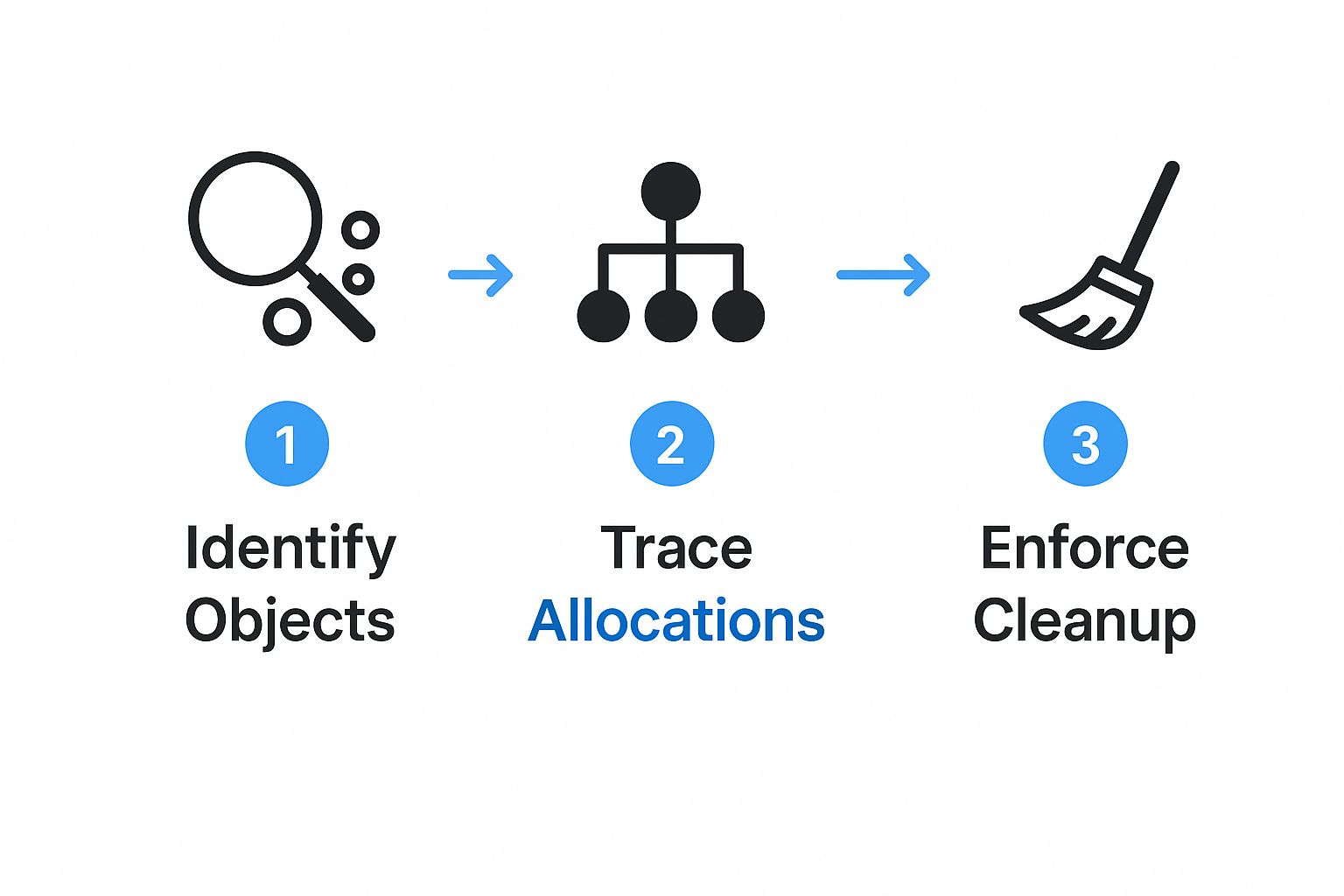
This process turns a complicated hunt into a clear, step-by-step investigation, taking you from a vague symptom all the way to the problematic code.
GoReplay vs. Manual Load Testing for Leak Detection
Using real, captured traffic is a fundamentally different approach than writing traditional load testing scripts. Here’s a quick breakdown of why that matters so much when you’re hunting for memory leaks.
| Aspect | GoReplay (Production Traffic) | Manual Load Testing |
|---|---|---|
| Realism | 100% authentic user behavior, including edge cases and unpredictable patterns. | Based on assumptions of user behavior; often misses subtle, real-world interactions. |
| Effort | Low effort to capture. Just “record and replay.” | High effort. Requires writing and maintaining complex scripts for every scenario. |
| Coverage | Naturally covers all API endpoints and features that users actually interact with. | Limited to the specific endpoints and scenarios you explicitly script. |
| Reproducibility | Perfectly reproducible. The exact same traffic can be replayed repeatedly. | Can be difficult to reproduce the exact conditions that trigger a leak. |
| Leak Detection | Excellent at uncovering leaks caused by complex, long-running user sessions or rare request sequences. | May only find obvious leaks triggered by simple, high-volume requests. |
While scripted tests have their place for raw performance benchmarking, they often fall short for uncovering the trickiest memory leaks. GoReplay’s approach ensures you’re testing against reality, not just a simulation of it.
Pinpointing the Leak
The magic really happens when you compare the two snapshots you took. The go tool pprof command has a brilliant diffing feature that highlights exactly which objects have grown in memory between your “before” and “after” profiles.
Compare two heap profiles to see what grew
go tool pprof -http=:8081 -diff_base http://localhost:6060/debug/pprof/heap_before http://localhost:6060/debug/pprof/heap_after
This command fires up a web interface with a flame graph, which is a visual map of your application’s memory allocations. The widest blocks at the top of the graph point directly to the functions responsible for the most memory growth. From there, you can click through the graph to trace the allocations right back to the specific lines of code that are creating objects but failing to let the garbage collector clean them up.
By combining GoReplay’s realistic traffic simulation with pprof’s deep heap analysis, you create an incredibly effective and repeatable method for not just confirming a memory leak, but for finding the exact code responsible. This turns a vague performance issue into a concrete, actionable bug fix.
Building a Proactive Prevention Strategy
Hunting down memory leaks is a vital skill, but let’s be honest, the real win is preventing them in the first place. When an engineering team starts shifting from a reactive “find and fix” mode to a proactive mindset, that’s a sign of maturity. It’s all about writing memory-efficient code from day one and building guardrails into your development process to catch problems before they ever ship.
The entire foundation of prevention comes down to one thing: a deep understanding of object lifecycles in whatever language or framework you’re using. Every single object you create has a life—it’s born, it does its job, and then it’s supposed to gracefully exit the stage. A leak is what happens when that lifecycle gets messed up, usually because a stray reference keeps the garbage collector from doing its cleanup duty.
Cultivating Memory-Aware Coding Habits
Your best line of defense will always be good coding practices. Simple, consistent habits can wipe out entire categories of common memory leaks before a single line of code even gets merged.
You need to be especially suspicious of any data structures that hang around for the entire runtime of your application.
- Global Variables: Anything stored in a global variable or static field is never going to be garbage collected. If you absolutely must use them, be deliberate and have a clear plan for managing their size.
- Caches: In-memory caches are a classic source of leaks. An infinitely growing cache isn’t a bug; it’s a memory leak by design. If you’re building a cache, it must have an eviction policy, like LRU (Least Recently Used), to kick out old entries.
- Listeners and Callbacks: This one is subtle but catches so many people. When an object registers a listener with another, longer-lived object, it creates a reference. If you don’t explicitly unregister that listener when it’s no longer needed, the first object is stuck in memory forever.
Treat memory like any other critical resource. You wouldn’t leave a database connection or a file handle open indefinitely, right? You have to be just as conscious about managing object references and their lifecycles.
Integrating Prevention into Your Workflow
Beyond just individual coding habits, you can weave memory leak prevention right into your team’s development pipeline. This creates a powerful safety net that helps automate detection and reinforces these best practices across the board.
One of the most effective things you can do is bring memory profiling into your Continuous Integration (CI) process. It’s not as hard as it sounds. Set up an automated test suite that puts your application under a reasonable, sustained load while a profiler keeps an eye on its heap usage. You can then configure the CI job to fail if memory consumption grows past a certain threshold over the duration of the test.
Finally, make resource management a core part of your code reviews. This simple cultural shift can make a huge difference. Encourage reviewers to ask the right questions:
- What’s the expected lifecycle of this new object?
- Are we leaving any resources like streams or connections open here?
- Could this new cache grow without bounds?
By making these questions a standard part of the review process, you help spread knowledge and build a shared sense of ownership for the application’s stability and performance.
Frequently Asked Questions About Memory Leaks

Even when you’re armed with the right tools, a few common questions always seem to pop up when developers first start digging into memory leaks. Getting these cleared up makes the whole process of finding and fixing them much less painful.
Let’s tackle some of the most practical concerns and sticking points that we see developers run into out in the wild.
Can Memory Leaks Happen in Garbage-Collected Languages Like Java or Go?
Yes, absolutely. This is probably one of the biggest misconceptions out there. While a garbage collector (GC) is a lifesaver for automatically cleaning up memory, it can’t prevent what we call logical memory leaks.
Think about it this way: if your application no longer needs an object but you still have a reference to it somewhere—say, in a static collection or a long-lived cache—the GC has no idea it’s “garbage.” It sees an active reference and dutifully keeps the object in memory. This is exactly why tools like pprof and heap dump analyzers are still critical, even in languages with automatic memory management.
The garbage collector isn’t a mind reader. It can only reclaim memory that is truly unreachable. Your code is still responsible for clearing references to objects that are no longer logically needed.
What Is the Difference Between a Heap Dump and a Memory Profile?
These two are often mentioned in the same breath, but they serve very different purposes in an investigation. Knowing which one to use when will make your life a whole lot easier.
- A heap dump is a complete snapshot. It’s a picture of every single object living in your application’s memory at one specific moment in time. It’s perfect for deep, offline analysis to see what’s holding onto what.
- A memory profile, on the other hand, is more like a video. It tracks memory allocations over a period, showing you which parts of your code are creating the most objects. This is how you spot trends and hotspots.
The typical workflow is to use a profiler to notice that memory is climbing unexpectedly, and then take a few targeted heap dumps to diagnose the specific root cause of the leak.
How Can I Automate Memory Leak Detection in My CI/CD Pipeline?
This is where you can get really proactive. Automating memory leak detection in your CI/CD pipeline is one of the best ways to catch problems before they ever see the light of day.
A solid approach is to build a dedicated performance testing stage right into your pipeline.
Here, you can spin up your application and hit it with a predefined set of load tests, all while a memory profiler is attached. You can then script your pipeline to fail the build if memory usage grows past a certain threshold during the test run. This creates a safety net, ensuring memory regressions don’t sneak into production and cause headaches for your users down the line.
Ready to stop chasing memory leaks and start preventing them? With GoReplay, you can use real production traffic to reliably reproduce and fix issues in your test environment. Explore how GoReplay can stabilize your applications today.