
What Is Blue Green Deployment for Zero Downtime?
At its core, blue-green deployment is a release strategy that gets rid of downtime by running two identical production environments at the same time. One environment (which we’ll call Blue) serves all your live user traffic, while the other (Green) gets the new update. Once the Green environment is tested and ready, you just flip a switch, and all traffic seamlessly goes to the new version. Zero interruption for your users.
The Core Concept of Blue-Green Deployment

Let’s break this down with a simple analogy. Think of a theater with two identical, perfectly built stage sets.
The “Blue” set is live, with the play going on for the audience. But backstage, the crew isn’t frantically changing props. Instead, they’re getting a completely new “Green” set ready. When it’s time for a scene change, the entire stage rotates, revealing the pristine Green set. The show continues without a single hiccup.
That’s exactly what happens in a blue-green deployment. It’s a clever trick that transforms risky, stressful releases into controlled, calm transitions.
How It Works in Practice
The magic lies in having one environment active while the other is idle. This lets you deploy a new version of your application and test it thoroughly in the idle environment without any risk to your live users.
To get a clearer picture of how this works, it helps to understand the main moving parts and what they do.
Blue-Green Deployment Core Concepts at a Glance
This table breaks down the simple but powerful components that make this strategy work.
| Component | Role and Purpose |
|---|---|
| Blue Environment | This is your current, stable production version. It’s handling 100% of live user traffic and is considered the “old” version. |
| Green Environment | An identical copy of the Blue environment. This is where you deploy and test the “new” version of your software, completely isolated from users. |
| Router/Load Balancer | This is the traffic controller. It’s responsible for directing all incoming user requests to either the Blue or the Green environment. It’s the key to the switch. |
Essentially, you have a full-blown safety net. The new version in the Green environment is fully tested and verified before it ever sees a single real user.
Once you’re confident it’s stable, you just configure the router to send traffic to Green instead of Blue. And if anything goes wrong? No problem. You just flip the router back to the old Blue environment. This instant rollback capability dramatically cuts down on deployment risk. You can explore a deeper technical overview of this process from industry experts who have been doing this for years.
Key Takeaway: The whole point of blue-green deployment is to make releases a complete non-event for your users. You have a fully functional, tested, and ready-to-go new version waiting in the wings before it ever receives a single click of live traffic.
How the Deployment Process Works Step by Step
Let’s walk through a real-world blue-green deployment cycle. You’ll see exactly how a brand-new version of an application goes live without your users ever noticing a thing. Understanding this flow is key to grasping the power of this strategy.
It all starts with your current, stable application running in what we call the Blue environment. This is your live production server, handling 100% of your user traffic. It’s the proven, reliable version that your customers are using right now.
Meanwhile, your development team gets the new code ready—packed with new features and bug fixes. They deploy this new version to a second, identical environment called Green. Think of Green as your private, full-scale production replica. It’s a perfect sandbox for testing, completely cut off from your customers.
The Testing and Validation Phase
This isolation is where the magic happens. In the Green environment, your team can throw everything they have at the new version. They can run a full suite of automated tests, from unit and integration tests to complex end-to-end simulations of a user’s journey.
It’s also the perfect time for manual QA checks and heavy-duty performance testing, making sure the new version can handle the heat before it ever sees real traffic.
By testing in an environment that’s a mirror image of production, you completely sidestep the classic “it worked on my machine” problem. If something is going to break in production, it’s going to break here first—where you can fix it without any customer impact.
Once the new version in the Green environment passes every test and the team gives the thumbs-up, it’s time for the most critical step: the switch. Your router or load balancer is updated to redirect all incoming user traffic from the Blue environment over to the Green one.
The Seamless Switch and Rollback Safety
In one clean, instantaneous action, the Green environment becomes the new live production environment.
And what about the Blue environment? The one that was live just moments ago? It’s now idle, but it’s kept on standby, fully intact. This creates an immediate and incredibly simple rollback path. If any unexpected bugs or performance issues pop up after the launch, you just flip the switch back. Traffic instantly flows back to the old, stable Blue version, and you can investigate the problem without the pressure of a live outage.
This whole process really showcases the core benefits of the strategy: zero downtime, instant rollbacks, and a huge boost in reliability.
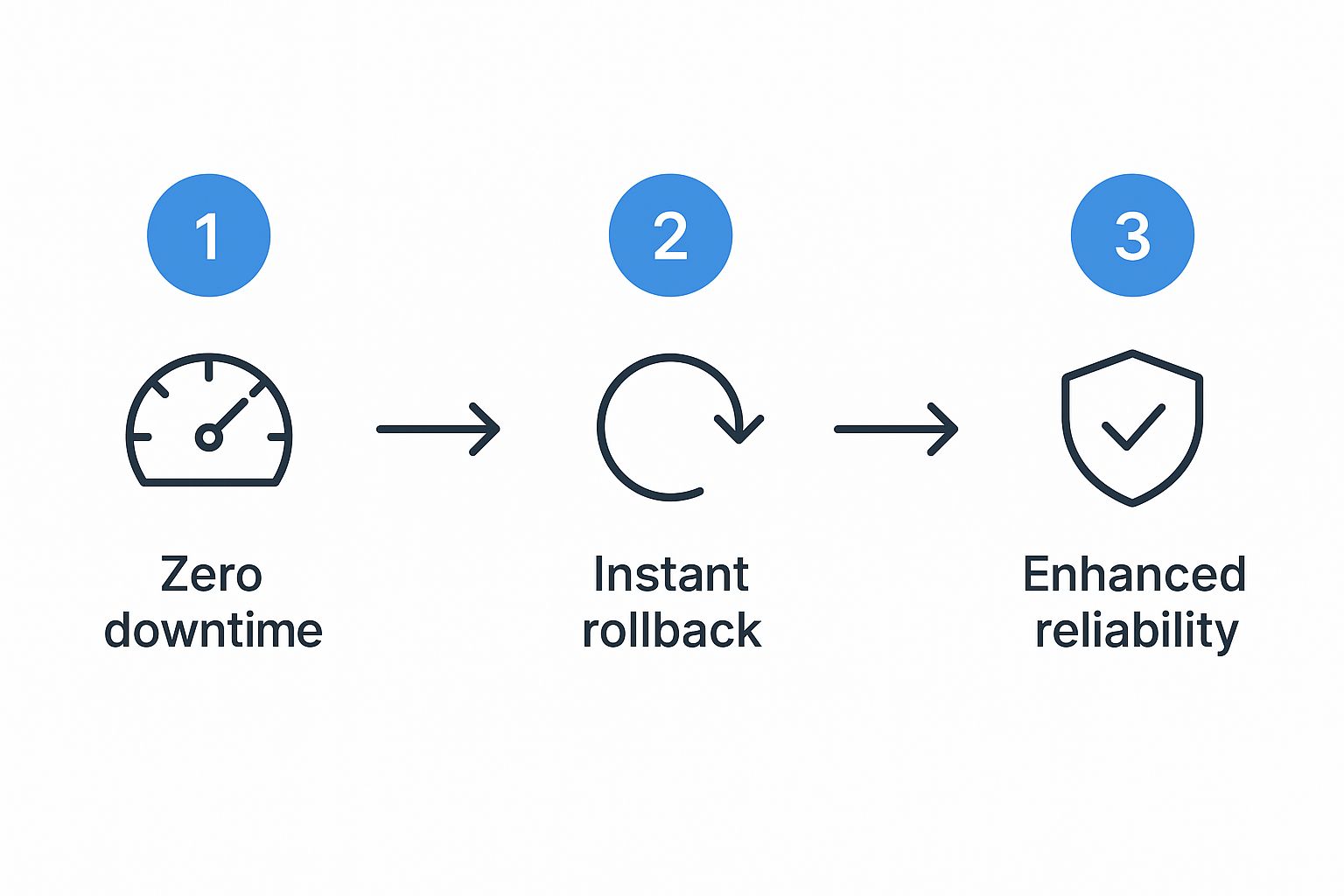
As the infographic shows, these pieces all fit together, creating a deployment cycle that you can actually have confidence in.
The True Benefits of Blue-Green Deployment

While “zero downtime” is the benefit everyone talks about, the real power of a blue-green strategy runs much deeper. It fundamentally transforms how teams feel about shipping code, swapping out the usual fear and anxiety for a sense of confidence and control. The most immediate win is the near-instant rollback.
If something goes wrong after a release, there’s no frantic, all-hands-on-deck scramble to patch the live environment. You just flip a switch and route traffic back to the old, stable version. This simple action slashes your Mean Time to Recovery (MTTR) from potentially hours down to mere seconds.
Beyond Just Preventing Downtime
This safety net has a massive psychological impact. It frees teams from deployment anxiety, encouraging them to release smaller, more frequent updates—a cornerstone of modern, iterative software development.
But the advantages don’t stop there.
- Disaster Recovery: That idle environment isn’t just sitting around waiting for the next deployment. It’s a fully functional hot standby. If your live environment goes down for reasons totally unrelated to a release, you can redirect traffic there immediately, giving you a powerful layer of resilience.
- Comprehensive Testing: The isolated green environment is the perfect sandbox. It lets you throw everything you have at the new version without affecting a single user. To really see what it can handle, you can learn more from our guide on what load testing software is and find out how to simulate real-world traffic before you go live.
Business Advantage: This isn’t just a technical victory. The confidence to deploy frequently and recover instantly translates directly to faster innovation, better product quality, and a massive boost in customer trust.
Historically, this strategy grew up alongside DevOps and cloud computing. As businesses moved to the cloud, they quickly realized that blue-green deployments practically eliminated the downtime risk that plagued traditional, outage-heavy release windows. Today, it’s a standard part of automated delivery pipelines that allow teams to push out dozens of updates a day.
Of course, no strategy is a silver bullet. Before you jump headfirst into blue-green deployment, it’s important to understand the trade-offs. While the upside is huge, getting there comes with some real-world challenges that need careful planning and investment.
Navigating the Common Challenges and Costs
Let’s start with the most obvious one: infrastructure cost. The core idea of this strategy is running two identical, parallel production environments, even if just for a short while. This literally doubles your resource footprint and the operational work that comes with it.
Maintaining two identical production environments means you’re doubling your infrastructure costs and operational overhead. To keep things manageable, teams often invest heavily in automation and robust monitoring to handle the complexity of switching environments and keeping data in sync.
Sure, cloud platforms and tools like Terraform can help automate spinning these environments up and tearing them down to keep costs in check. But at the end of the day, that extra expense is a very real factor you need to budget for.
Handling Stateful Applications
Things get even trickier when you’re dealing with stateful applications, especially anything tied to a database. What happens when your shiny new “green” version needs a database schema change, but the old “blue” version is still live and needs the old schema to work?
This is where you need a much more sophisticated game plan. Some common solutions include:
- Decoupling Migrations: Don’t tie your database changes to your application releases. Make sure any schema updates you push are both backward and forward compatible, so both the old and new app versions can use the database without breaking.
- Phased Rollouts: Introduce changes in small, manageable steps. For instance, you could first add new columns (which the old application will simply ignore), and then deploy the new code that actually uses them in a later release.
Honestly, managing these database complexities is often the hardest part of pulling off a true blue-green deployment. It’s also a smart move to verify your new environment can handle real-world stress before you flip the switch. You can learn more about boosting application performance with load testing to make sure your transition is a smooth one.
Choosing the Right Deployment Strategy

While blue-green deployment is an incredibly powerful tool for killing downtime, it’s not the only strategy in the DevOps toolbox. Knowing where it fits—and where it doesn’t—is the key to making the right call for your team and your application. To get a clear picture, let’s put it side-by-side with two other popular methods: Canary Releases and Rolling Updates.
Think of a Canary Release like dipping a toe in the water before jumping in. Instead of a hard switch, you expose the new version to a tiny, controlled slice of your users—maybe just 5%. You watch its performance and error rates like a hawk. If everything looks solid, you gradually open the floodgates until 100% of users are on the new version. It’s a fantastic way to get real-world feedback with minimal risk.
A Rolling Update, on the other hand, is more like a gradual wave washing over your servers. You update your infrastructure one instance at a time or in small batches. For a brief period, you’ll have a mix of old and new versions running together until the entire fleet is updated.
Key Trade-Offs to Consider
Naturally, each strategy comes with its own set of trade-offs around risk, cost, and complexity. Blue-green deployment gives you the fastest, cleanest rollback, but it comes at the highest infrastructure cost. Canary releases offer the gold standard for real-world testing but introduce more complexity into your monitoring and traffic management.
The decision ultimately comes down to what you can’t live without. If your absolute top priority is zero-downtime releases with an instant, dead-simple rollback plan, blue-green deployment is almost always the answer.
So, how do you choose? The table below breaks down these critical differences to help you align a strategy with your application’s needs, your team’s stomach for risk, and your business goals.
Comparison of Deployment Strategies
| Strategy | Risk Level | Infrastructure Cost | Rollback Complexity | Best For |
|---|---|---|---|---|
| Blue-Green | Low | High | Very Low | Mission-critical apps where downtime is unacceptable and instant rollback is a must. |
| Canary | Very Low | Medium | Medium | Large-scale apps where you need to test new features with real user traffic before a full release. |
| Rolling Update | Medium | Low | High | Applications where temporary version mismatches are acceptable and infrastructure costs need to be minimized. |
Ultimately, there’s no single “best” strategy—only the one that best fits the specific problem you’re trying to solve. By understanding the pros and cons of each, you can make an informed choice that keeps your application stable and your users happy.
Got Questions About Blue-Green Deployment?
Even when the concept makes perfect sense, putting it into practice brings up a whole new set of questions. Let’s walk through some of the most common hurdles teams run into when they first adopt blue-green deployments.
How Do You Handle Database Changes?
This is the classic, million-dollar question. The trick is to stop thinking about application and database changes as a single event. You have to decouple them.
The key is making your database schema changes both backward-compatible (the new app can read the old schema) and forward-compatible (the old app can work with the new schema). For instance, you could first roll out a change that just adds a new column to a table. The old “blue” application version won’t even know it’s there and will function perfectly. Then, in a later release, you deploy the “green” application code that starts writing to and reading from that new column.
The golden rule for databases in a blue-green world is this: The schema must support both the old and new application versions at the same time. Any change that breaks the old version will torpedo your deployment.
Is Blue-Green Deployment Expensive?
It certainly can be. You’re essentially running two identical production environments, which can double your infrastructure costs for the duration of the deployment.
That cost is a serious factor. You have to weigh it against the business cost of a botched release—think downtime, frantic rollbacks, and the customer trust you lose. For applications where every second of uptime is critical, the price is often a smart investment in rock-solid reliability. Using cloud services with auto-scaling can help soften the blow by letting you scale down the inactive environment, but you’ll never eliminate the overhead completely.
When Should I Not Use This Strategy?
Blue-green deployment isn’t a silver bullet. It’s often overkill for simple, non-critical apps where a few minutes of downtime in a planned maintenance window is no big deal.
It gets especially tough with:
- Legacy Systems: Old, monolithic apps that weren’t designed to be easily duplicated.
- Massive Datasets: Applications with enormous databases that are just too slow or costly to copy for a second environment.
- Complex State: Stateful applications that have really tangled database migrations and can’t be easily separated from their data.
For these kinds of scenarios, a simpler approach like a rolling update is usually a more practical and cost-effective choice.
Ready to make your deployments safer and more reliable? With GoReplay, you can capture and replay real production traffic in your green environment, ensuring your new release is truly ready for prime time. Test with confidence by visiting https://goreplay.org to see how it works.