
Why Real Traffic Transforms Your Testing Reality
Let’s be honest: your meticulously planned test cases likely don’t reflect the chaotic reality of user behavior. I’ve seen firsthand how real traffic can expose hidden vulnerabilities in seemingly robust applications. While you’re busy testing the “happy path,” users are out there doing things you’d never imagine, pushing your application to its limits in unexpected ways.
This gap between testing and reality is why traditional synthetic testing often falls short. You might think your application is bulletproof, only to discover critical bugs in production the moment real users start interacting with it. It’s like building a bridge that can withstand a hurricane, but crumbles under the weight of a flock of pigeons – you tested for the expected, not the unpredictable.
GoReplay offers a powerful solution by capturing and replaying real user interactions. This gives you a glimpse into actual usage patterns, uncovering those tricky edge cases that synthetic tests often miss. For instance, I once worked with a team that discovered a major bug in their checkout flow only after replaying traffic. They found users were rapidly switching between payment methods, creating a race condition that led to lost orders. Traditional testing never picked this up.
Automating regression testing is key to catching these issues. The increasing complexity of software, combined with the pressure for faster releases, has made automated testing essential. The market for automated testing, including regression testing, is expected to hit $20.60 billion by 2025, growing at a rate of 17.3% annually until 2032. This growth highlights the critical need for efficient bug detection and resolution in today’s fast-paced development environment. Discover more insights on automation testing market growth.
Shifting to a production-like testing environment with real traffic replay isn’t just a trend; it’s a necessity. It helps you anticipate the unexpected, create a more robust application, and ultimately, provide a better user experience. By understanding the limitations of traditional testing and embracing the power of real traffic, you’re not just testing your software – you’re preparing it for the wild west of real-world usage.
Getting GoReplay Running Without The Usual Headaches
Setting up a new tool can be tricky. But with GoReplay, automating your regression tests and creating realistic scenarios using real traffic doesn’t have to be a nightmare. From my experience working with teams of all sizes, I’ve found a few key configurations up front can save you hours of debugging down the line.
We’ll cover the essential setup tweaks, create monitoring that alerts you to actual problems (not just noise), and help you figure out the resources you need based on your specific traffic. No generic advice here – we’re diving into the practical stuff, like SSL termination, managing memory during traffic spikes, and setting up smart log rotation.
Preparing Your Test Environment
Think of your test environment as a staging area – a dress rehearsal before going live. It needs to handle the replayed traffic without triggering false alarms, accidentally emailing real customers, or interfering with other services. This usually means setting up stub services or tweaking monitoring thresholds. A crucial tip: keep your test and production environments completely separate. Even small overlaps can create big problems.
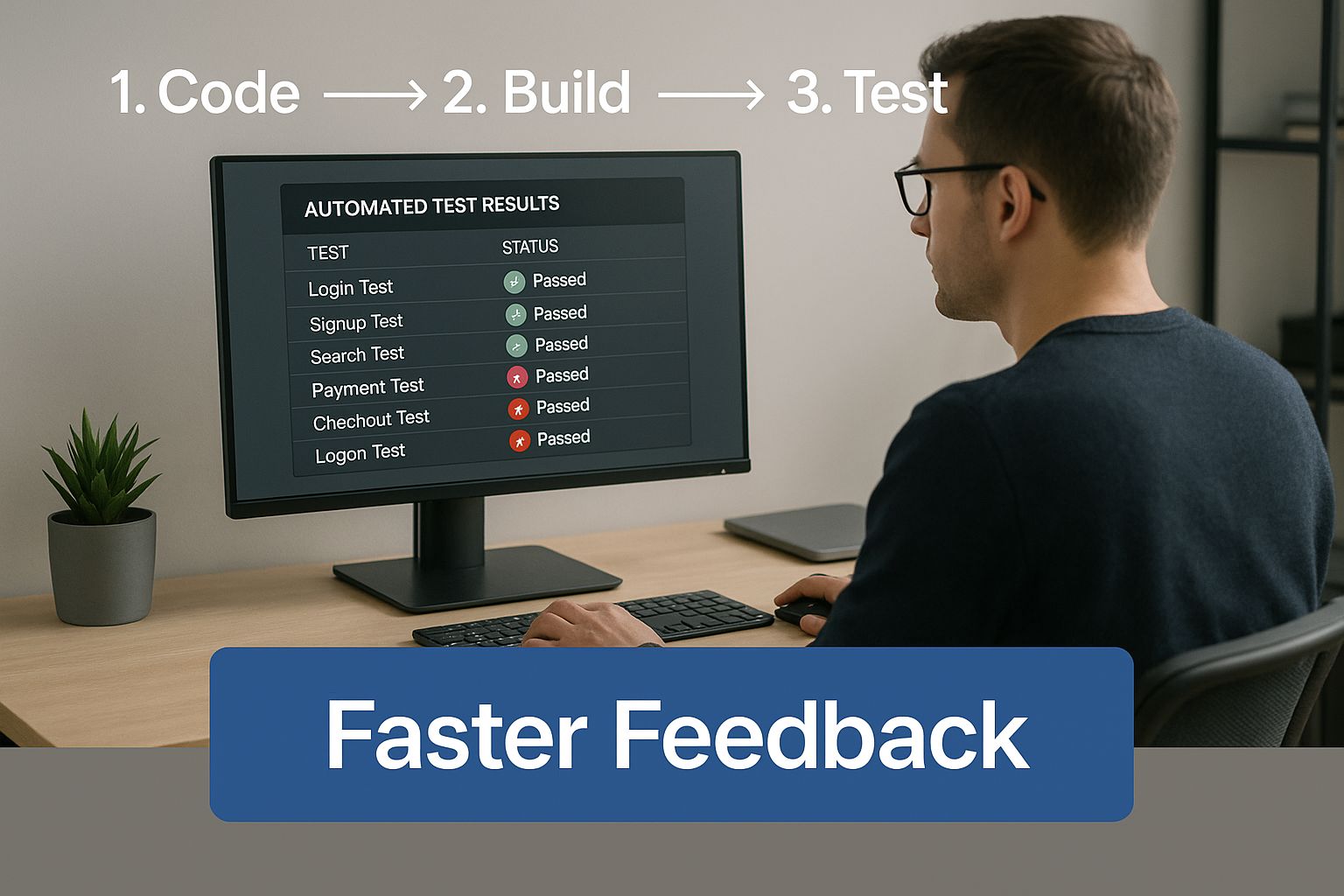
The infographic above shows a developer checking automated test results, highlighting “Faster Feedback”. This illustrates how streamlined regression testing automation, particularly with GoReplay, speeds up development by quickly identifying and fixing regressions. This faster feedback loop means quicker iterations and more frequent releases.
Mastering GoReplay’s Configuration
GoReplay’s flexibility is its strength, but it also means there are many ways to misconfigure it. One common pitfall is not setting the --input-raw flags correctly for your network. Another is overlooking the --http-allow-header option, which can result in missing critical headers during replay. Don’t forget the --output-http-stats flag for valuable insights into replay performance.
Before we go further, let’s look at a helpful table summarizing some key GoReplay configurations:
To help you navigate these options, I’ve put together a comparison table highlighting some essential configurations and their impact:
GoReplay Configuration Options Comparison Essential configuration parameters and their impact on performance and accuracy
| Configuration Option | Default Setting | Recommended Setting | Performance Impact |
|---|---|---|---|
--input-raw | Depends on network interface | Specific interface and port (e.g., eth0:80) | Incorrect setting can lead to capturing the wrong traffic or no traffic at all. |
--http-allow-header | None | Specify allowed headers (e.g., X-Custom-Header) | Prevents crucial headers from being stripped during replay, ensuring accurate testing. |
--output-http-stats | Disabled | Enabled | Provides valuable metrics on replay performance, allowing for optimization. |
--middleware | None | Path to custom middleware | Allows for extending GoReplay’s functionality for specific needs like session management or data masking. |
This table provides a starting point for tuning your GoReplay configuration. Remember to experiment and find what works best for your specific setup and traffic patterns.
Managing Resources and Monitoring
A critical part of successful regression testing automation is resource management. GoReplay can use significant resources, especially when replaying high-traffic scenarios. Start by analyzing your production traffic. Estimate the bandwidth and CPU needed and make sure your test environment can handle the load.
Monitoring is just as important. Set up alerts focused on key metrics like request latency and error rates. This allows you to spot real regressions quickly without getting lost in a sea of irrelevant alerts. Remember, the goal isn’t just to replay traffic – it’s to get actionable insights from that replay. These insights drive code improvements and make your application more robust.
Capturing The Traffic That Actually Matters

I’ve seen many teams make the mistake of recording every single bit of production traffic for their automated regression tests. Trust me, this creates a massive data headache – storage costs skyrocket, and your test scenarios become diluted and less effective. Instead of this “capture everything” approach, zero in on the traffic that truly drives your application.
This means understanding your app’s core functions and the typical user journeys that exercise them.
Identifying Key Traffic Patterns
Let’s say you’re running an e-commerce site. The crucial user flows might be things like browsing products, adding them to the cart, and going through checkout. Focus on capturing these interactions. Don’t get bogged down with less frequent actions like changing account settings or reading blog posts. This targeted approach keeps your storage needs manageable and makes your regression tests laser-focused.
Filtering out noise is just as important. Think about all those health checks, bot traffic, and automated monitoring requests. They clog up your data but don’t add much value to regression testing. Configuring GoReplay to ignore these can significantly slim down your captured data without impacting test coverage.
Handling Sensitive Data and Overhead
Another key aspect is handling sensitive data. Think about things like credit card numbers and addresses. You need to sanitize this Personally Identifiable Information (PII) before you store or replay anything. Data masking and tokenization are your friends here. They protect user privacy without sacrificing the realistic behavior patterns you need to capture.
Capturing traffic inevitably adds some overhead to your production systems. To minimize this, consider strategies like sampling. You don’t need to capture every request. A representative subset is often enough, especially for applications with predictable traffic patterns. Even a small sample can give you great insights for regression testing automation. This balances data collection with keeping your production environment performing smoothly.
Finally, make sure you’re capturing a diverse range of traffic. You want your replayed scenarios to reflect the full spectrum of user behavior, including not just the happy paths, but also error conditions, unusual inputs, and unexpected navigation. These edge cases are often where the nastiest bugs lurk.
Building Replay Scenarios That Catch Real Issues
So, you’re capturing traffic with GoReplay? Excellent first step. But just replaying everything isn’t the ticket to effective regression testing automation. It’s like having a pantry full of amazing ingredients and just dumping them into a pot – you might get something, but likely not a masterpiece. The real secret sauce is crafting targeted replay scenarios that mimic real user behavior and put pressure on those critical business functions.
Crafting Targeted Replay Scenarios
Think about the core user flows in your application. What do users do most often? What are the absolutely mission-critical transactions that simply cannot fail? That’s where you need to focus. For example, on an e-commerce site, your crucial scenarios might look like this:
- Adding items to a shopping cart
- Going through the checkout process
- Looking through product catalogs
- Searching for specific products
For more information on this, you might find this helpful: accurate sessions and performance testing with GoReplay.
By organizing your captured traffic into these focused scenarios, you create replay sequences that test the most important parts of your application. This not only makes your testing more efficient, it also helps you spot those regressions that could have a real impact on your users.
Handling Complexities
Let’s be honest, traffic-based testing isn’t always a walk in the park. Even seasoned teams can trip up on certain complexities. How do you handle things like authentication flows, session state, and those pesky external service dependencies that might change between capture and replay? These are the real-world headaches that require real-world solutions.
One common issue is dealing with dynamic timestamps in replayed requests. You’ll need to figure out how to replace those timestamps with static values or adjust them relative to the replay time. Another challenge is managing external service dependencies. What if a third-party service you depend on goes down during replay? Consider strategies like mocking or stubbing these services to keep your tests reliable. Interestingly, AI is starting to play a bigger role in test automation. Adoption was around 7% in 2023, but jumped to 16% by 2025. Clearly, there’s growing interest in using AI-driven automation to improve defect detection. Find out more about AI in testing.
Maintaining Replay Effectiveness
Remember, your application is a living, breathing thing. New features get added, code gets refactored, dependencies change. This means your replay scenarios need to keep up. Regularly review and update your captured traffic to make sure it’s still reflecting actual user behavior.
As your application grows, don’t just let your regression test suite bloat – make it smarter. Focus on refining your scenarios to pinpoint the most critical parts of your application. And consider bringing in fresh traffic captures to represent new user patterns. This way, your regression testing automation stays sharp and keeps catching real issues before they reach your users.
Making CI/CD Actually Work With Traffic Testing
Integrating realistic traffic-based regression testing automation into your CI/CD pipeline is where the real magic happens. I’ve seen firsthand, working with companies of all sizes, that this is what separates teams that consistently ship high-quality software from those that constantly fight fires. The trick is finding that sweet spot between thorough testing and keeping your build speeds fast enough that developers aren’t pulling their hair out.
Integrating GoReplay Smoothly
So, how do you weave in GoReplay without creating a bottleneck? It’s easy to fall into the trap of wanting to replay every traffic scenario on every single commit. Trust me, that gets old fast. A tiered approach is much more effective.
- Fast Feedback Loop: For smaller, incremental commits, concentrate on replaying traffic against your most crucial user flows. This quick sanity check ensures the core functionality is still working as expected without slowing down those urgent bug fixes.
- Deeper Dives: Save the more extensive regression runs for off-peak hours or your nightly builds. This lets you cover more edge cases and replay larger traffic captures without impacting development velocity. Think of it as your deep cleaning – essential, but not something you do every day.
Managing Data and Environments
Test data management in a constantly changing CI/CD environment is another hurdle. With continuous resets and redeployments, you need a solid strategy for managing and accessing your traffic captures. A central repository or using a version control system to track changes can be lifesavers here.
Speaking of GoReplay, check out their GitHub page below. It showcases the active community and open-source nature of the project – a treasure trove of resources and insights from other users.

And don’t forget about your test environments! Can your infrastructure handle the load of realistic traffic replay? You might need to beef up your resources or look into strategies like load balancing to keep those tests running smoothly.
Building Actionable Feedback Loops
Finally, let’s talk about feedback. Nobody wants to decipher cryptic error messages. You need feedback loops that provide clear, actionable insights. This means integrating GoReplay with your existing monitoring and reporting tools. Configure alerts for real issues (not just noise) and create dashboards that visualize test results in a way that actually makes sense. This way, you can quickly pinpoint and fix regressions before they affect your users.
To help you choose the right integration strategy, I’ve put together a quick comparison table outlining a few different approaches:
CI/CD Integration Approaches: Different strategies for integrating traffic replay testing into continuous delivery pipelines
| Integration Method | Setup Complexity | Feedback Speed | Best Use Case |
|---|---|---|---|
| On Every Commit (Partial Replay) | Low | Fast | Quick checks on critical paths. |
| Nightly Builds (Full Replay) | Medium | Slower | Comprehensive regression testing. |
| Scheduled Runs (Targeted Replay) | High | Variable | Focused testing on specific features. |
This table summarizes the trade-offs between setup effort, how quickly you get feedback, and the ideal scenarios for each approach. Picking the right one will depend heavily on your specific needs and project context.
By thoughtfully integrating GoReplay into your CI/CD pipeline, you’re not just using a cool tool – you’re building a powerful engine for continuous quality improvement. You’ll gain confidence in your releases, catch regressions early, and ultimately, deliver a better experience for your users.
Solving The Problems Everyone Runs Into
Let’s be honest, regression testing automation, especially with real traffic like you get with GoReplay, can be tricky. Even with the best-laid plans, certain things just seem to crop up. I’ve seen it firsthand across all sorts of companies, from small startups to massive enterprises. So, let me share some common roadblocks and how I’ve navigated them over the years.
Handling Dynamic Data
Dynamic data, like timestamps and session tokens, is a constant headache. Imagine replaying traffic and your tests fail because the timestamps don’t match. One effective strategy I’ve used is replacing those dynamic timestamps with static values during replay. This keeps everything consistent. For those pesky session tokens, GoReplay’s middleware functionality is a lifesaver. You can actually rewrite or refresh tokens on the fly. Think of it as issuing new “passports” for your replayed traffic to enter the test environment.
Taming Time-Dependent Operations
Ever dealt with operations that are really sensitive to timing? Say you’re replaying an order processing flow that relies on real-time inventory. Even slight timing differences can throw everything off. What I’ve found helpful is adjusting the replay speed or adding small, artificial delays. This helps match the original timing without your tests becoming overly sensitive to tiny variations.
Managing External Dependencies
External services… everyone’s favorite, right? They often behave differently across environments. Let’s say your replayed traffic hits a payment gateway, but your test environment uses a stub. Your results won’t be realistic. Mocking or stubbing these services offers a controlled environment but introduces artificiality. It’s all about finding a balance: isolate your application while still simulating realistic conditions.
Interpreting Unexpected Results
Sometimes, you get weird results, even with perfect setup. That’s when debugging skills become crucial. I always start by comparing the replayed requests and responses to the originals. Look for anything off: headers, parameters, timing, anything! Then, check for any differences between your production and test environments. Maybe a missing config or different database version? Finally, remember user behavior changes. A replay from months ago might not reflect how people use your application today. Keep your captured traffic fresh!
Tuning for Performance and Resources
Replaying real traffic can really stress your test environment. Running out of resources, like memory or CPU, is a common problem. This means constantly tuning and managing resources. Good monitoring tools are your best friend here. They help identify bottlenecks. Load balancing can distribute traffic across multiple servers. Remember, you’re aiming for a test environment that reflects production performance, not necessarily production scale.
Refining Monitoring and Alerting
Finally, let’s talk about monitoring and alerts. Too many alerts, and you’ll miss the important ones. Focus on key performance indicators, like request latency and error rates. This way, you can pinpoint actual regressions and ignore the noise. Think of it like fine-tuning your smoke detector – you want it to go off for a real fire, not burnt toast.
Proving Your Testing Investment Actually Works
Beyond the warm fuzzy feeling of squashing bugs before they impact users, how can you prove the value of your traffic-based regression testing with GoReplay? It’s not just about feeling good—it’s about showcasing real, tangible benefits to stakeholders.
So, let’s talk about how to demonstrate the return on your testing investment.
Measuring What Matters
Forget simple pass/fail. Think about the user experience. Are your critical user flows running smoothly? Is your application more responsive? Are you seeing fewer support tickets related to core functionality? These quality indicators speak volumes, from the dev team all the way up to the C-suite.
Let’s say you’re testing an e-commerce checkout. Don’t just check if the transaction completes. Measure things like:
- Average transaction time
- Number of abandoned carts
- Error rates during payment processing
These metrics tell a more compelling story about the impact of your automated regression testing. They tie directly to business outcomes like conversion rates and revenue, making it much easier to justify your testing efforts.
Tracking Deployment Confidence and Release Velocity
Another way to highlight the value of regression testing is by tracking your deployment confidence and release velocity. Are deployments smoother and quicker now? Can you ship features more frequently without worrying about regressions? These are concrete wins everyone understands. If you’re curious about different automation strategies and tools, check out our guide on automating API tests for success.
Improved confidence translates directly into faster release cycles and a more agile development process. This is a key advantage in today’s competitive market.
Evolving Your Testing Strategy
Your application evolves, and so should your testing. Regularly review the quality and relevance of your captured traffic. Does it still reflect real user behavior? Are your test scenarios covering the most important parts of your application?
Finding the sweet spot between comprehensive coverage and manageable execution time is a continuous process. As your application grows, you’ll need to refine your test scenarios and optimize your GoReplay configuration. It’s all about maximizing the value you get from testing.
I’ve seen firsthand how teams who’ve successfully implemented long-term regression testing programs understand the importance of adapting to changing user behavior. They’re constantly evolving their testing strategies and demonstrating the value of their investment. This long-term perspective builds a culture of quality and keeps testing efforts effective for years to come.
Ready to harness the power of real user traffic for truly effective testing? Check out GoReplay and see how it can transform your testing reality.