
A Guide to Flawless Mobile App Automated Testing
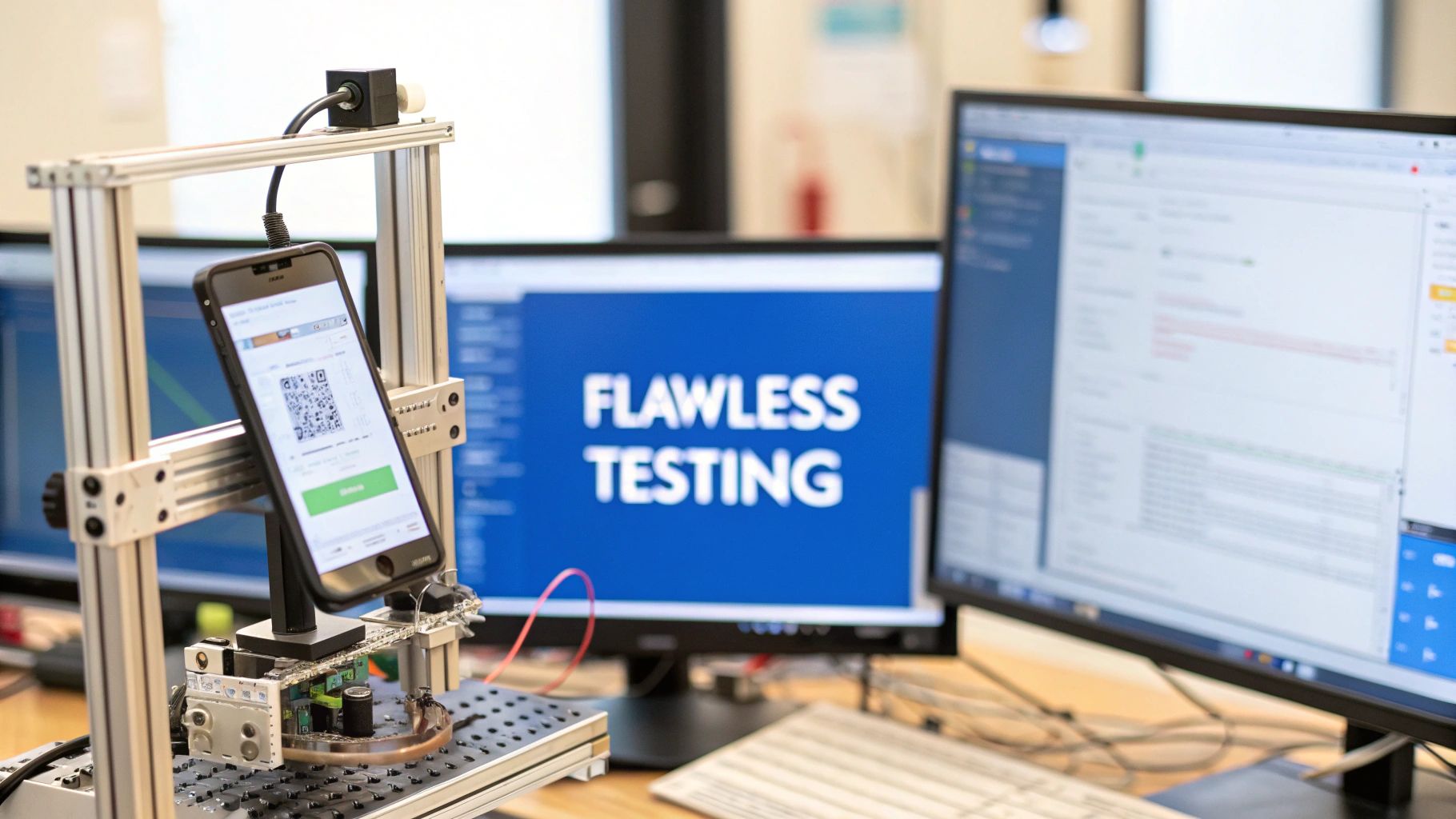
Mobile app automated testing is really just about using smart software scripts to check your app for you. Instead of a person tapping through every screen, a script does the heavy lifting, verifying that everything works—from functionality and performance to basic usability—without anyone needing to intervene manually. It’s the go-to strategy for any team that wants to ship high-quality apps faster and with a whole lot more confidence.
Why Manual App Testing Can No Longer Keep Up
In the world of mobile apps, speed and reliability are king. Sticking to only manual testing is like asking a master chef to taste-test every single grain of salt before adding it to a dish. Sure, it’s meticulous, but it’s painfully slow, expensive, and just doesn’t scale for modern release cycles. As apps get more complicated, manual testing quickly becomes a massive bottleneck, holding up updates and leaving the door wide open for human error.
This is exactly where mobile app automated testing becomes non-negotiable. It takes over the repetitive, soul-crushing tasks that bog down QA teams. This frees them up to focus on the creative and tricky stuff, like exploratory testing and figuring out if the user experience actually feels right.
The Shift from Reactive to Proactive Quality Assurance
Think about it: traditional manual testing usually finds bugs after a feature is already built, which means expensive and frustrating rework. Automated testing flips this entire model on its head by plugging directly into the development pipeline.
This proactive approach brings some huge wins:
- Accelerated Feedback Loops: Developers get feedback on their code almost instantly. This means they can fix bugs in minutes, not days or weeks later when the context is lost.
- Increased Test Coverage: Automation can run thousands of test cases across hundreds of different device and OS combinations—something that’s physically impossible for a manual team. This is a game-changer for tackling the many mobile app testing challenges that come with device fragmentation.
- Enhanced Reliability: By running the exact same tests, in the exact same way, every single time, automation gets rid of the inconsistencies and missed steps that can happen with manual processes.
The goal of automation isn’t to replace human testers; it’s to empower them. It handles the monotonous regression checks so QA engineers can use their critical thinking where it matters most—in areas where human intuition is priceless.
Setting the Stage for Modern Development
At the end of the day, adopting mobile app automated testing is about more than just squashing bugs. It’s a fundamental change in how your team thinks about quality. By building a solid automation framework, you’re creating a safety net that lets you innovate faster and release more often without ever compromising the user experience.
For a deeper dive, check out our guide on the strategic differences between automated vs. manual testing. This guide will lay out a practical roadmap, starting with the basics and moving all the way to advanced techniques, making sure your team can deliver amazing apps at the speed your users demand.
Building a Strong Foundation with the Testing Pyramid
Jumping into mobile app testing without a solid plan is like building a house without a blueprint. Sure, you might get something standing, but it’ll be unstable, a nightmare to maintain, and will probably crumble under the slightest pressure. The Testing Pyramid is that proven blueprint—it’s the architectural plan for a balanced, efficient, and truly reliable testing strategy.
The whole idea is beautifully simple: your testing efforts should have a wide base of fast, cheap, and isolated tests. As you move up the pyramid, the number of tests gets smaller, but they become more complex, slower, and more integrated. This structure forces you to catch the vast majority of bugs early on, when they’re easiest and cheapest to fix, leaving the heavy end-to-end tests to validate the final user experience.
This shift from manual clicking to a structured, automated approach isn’t just a trend; it’s what the market demands. The old way of doing things just can’t keep up.
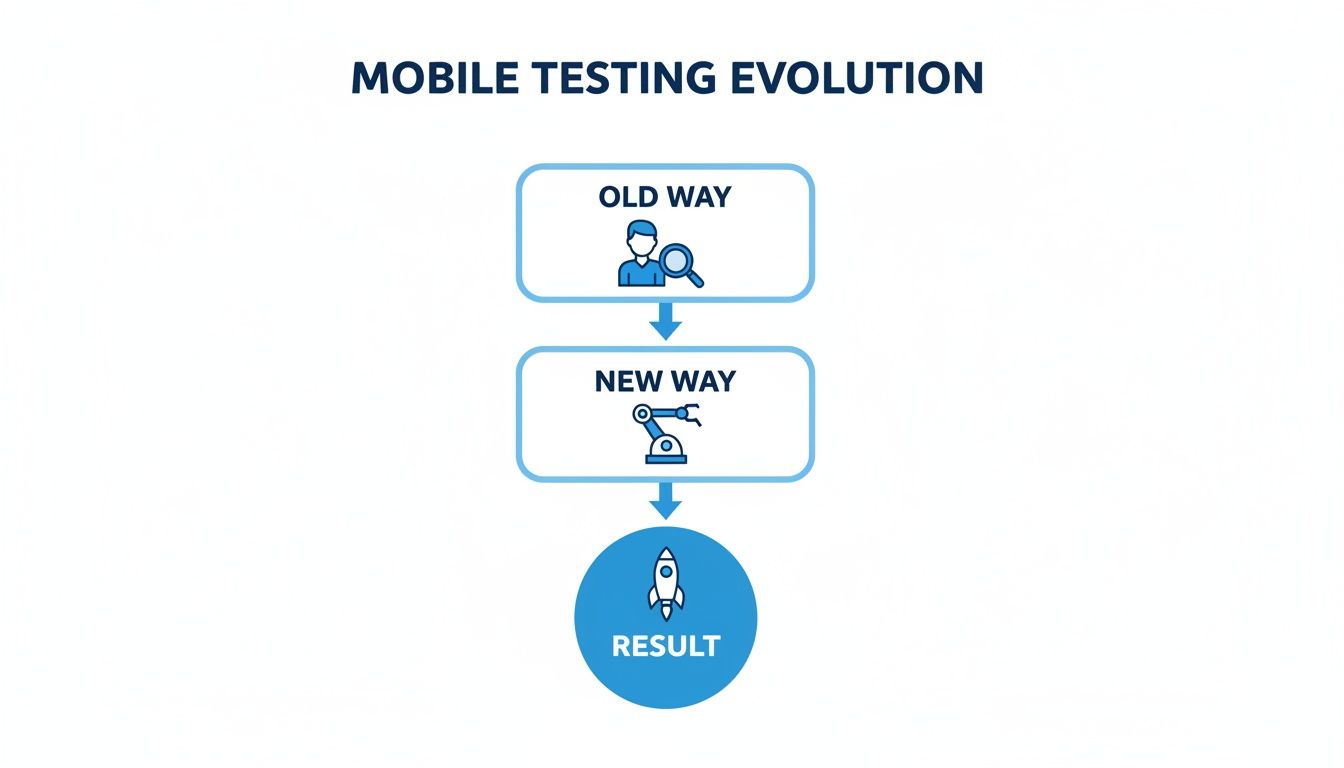
This evolution is all about transforming a slow, labor-intensive process into a streamlined engine that delivers results you can trust, much faster.
The Base Layer: Unit Tests
At the wide, sturdy base of the pyramid live unit tests. Think of your app’s code as a pile of individual Lego bricks. A unit test is designed to check a single one of those bricks—one function, one method, one class—to make sure it works perfectly on its own, without being connected to anything else.
These tests are the absolute workhorses of your entire strategy. They’re lightning-fast to run, straightforward to write, and give developers instant feedback right when they’re coding.
- Scope: The smallest testable piece of an application.
- Speed: Executes in milliseconds.
- Goal: Verify that each individual code component does exactly what it’s supposed to.
With a massive foundation of unit tests, you create a powerful safety net that catches regressions at the most granular level, long before they can break other parts of your app.
The Middle Layer: Integration Tests
Moving one level up, we find integration tests. Now that we’re confident our individual Lego bricks are solid, it’s time to see if they snap together correctly. Integration tests check the interactions between different parts of your app, like how your code talks to a database or a third-party API.
For example, an integration test could verify that when a user updates their profile, the changes are correctly saved to the backend. These are naturally more complex than unit tests because they require multiple components to work in harmony.
Integration tests are where you find the really sneaky bugs—the ones that only appear at the seams of your application. These are the faults in data flow, API contracts, or service communication that individual unit tests would never see.
This layer is smaller than the unit test base for a simple reason: these tests take more time to set up and run. But they are absolutely essential for ensuring your app’s architecture is sound.
The Peak: UI and End-to-End Tests
At the very peak of the pyramid are User Interface (UI) or End-to-End (E2E) tests. These tests are all about simulating a real user’s journey through your app from start to finish. Back to our analogy, this is where you inspect the fully assembled Lego castle to make sure it looks right and all its moving parts, like the drawbridge, work as designed.
An E2E test might automate the entire flow of a user logging in, adding an item to their cart, and successfully checking out. These are your most valuable tests for confirming that critical business workflows are solid, but they come with a price. They are by far the slowest, most fragile, and most expensive tests to maintain. A tiny UI tweak can easily break them.
That’s why this top layer should be very small, focusing only on the most critical user paths. The massive growth of the mobile app automated testing market confirms just how committed the industry is to these layered strategies. In fact, the global app test automation market is projected to surge from USD 19.23 billion in 2025 to an incredible USD 59.55 billion by 2031. This explosive growth is all driven by the need for faster, more reliable release cycles. You can dig into more of these trends in this detailed report on the app test automation industry.
Choosing the Right Mobile Automation Framework
Picking a mobile automation framework is a lot like choosing the engine for a race car. It’s a decision that will dictate your testing speed, reliability, and how much time you’ll spend on maintenance. This isn’t about finding the single “best” tool on the market; it’s about finding the best fit for your app, your team’s skills, and your entire development philosophy.
Get this choice wrong, and you’ll feel it everywhere. A framework that clashes with your app’s architecture—whether it’s native, hybrid, or React Native—will create constant friction. And asking your team to learn a completely new programming language just for testing is a surefire way to slow everything down.

Let’s break down the main players, focusing on what really matters when you’re in the trenches.
The Universal Translator: Appium
If your world involves testing across both iOS and Android, Appium is almost certainly on your radar. It cleverly acts like a universal translator, using the standard WebDriver API to send commands to the native testing tools on each platform. Its biggest selling point is the “write once, run anywhere” dream.
- Platform Support: Cross-platform (iOS, Android).
- Test Language: Works with just about anything—Java, Python, JavaScript, C#, Ruby.
- Best For: Teams that need to unify testing for both iOS and Android apps without writing two separate sets of tests.
But this convenience has a price. Because Appium adds an extra layer of communication, tests can sometimes run a bit slower and be more prone to flakiness than their native counterparts.
The Native Champions: Espresso and XCUITest
When raw performance and rock-solid stability on a single platform are non-negotiable, you go native. Espresso (for Android) and XCUITest (for iOS) are the official, first-party frameworks from Google and Apple. They are baked right into the development toolkits.
Think of native frameworks as having a direct, private line to the app’s user interface. This tight integration results in exceptionally fast and reliable tests because there are no external layers to go through. The tests run inside the same process as the app itself.
This direct access makes tests incredibly fast and far less flaky. The trade-off is obvious: you’re now maintaining two entirely separate test suites, one in Kotlin/Java for Android and another in Swift/Objective-C for iOS.
The React Native Specialist: Detox
Building with React Native? Put Detox at the very top of your list. It was created specifically to solve the unique headaches that come with testing React Native apps. Unlike other tools that guess when an app is ready, Detox tests from the “inside out,” actually monitoring the app’s internal state.
- Platform Support: Cross-platform (React Native on iOS and Android).
- Test Language: JavaScript.
- Best For: React Native teams who need fast, stable, and deeply integrated gray-box testing.
Detox’s killer feature is its automatic synchronization. It instinctively waits for animations or network requests to finish before moving on, which stomps out the timing-related flakiness that plagues so many test suites.
Mobile Automation Framework Comparison
Deciding on a framework means balancing your immediate needs against your long-term goals. To make that choice a little easier, here’s a head-to-head comparison of the leading frameworks.
| Framework | Platform Support | Test Language | Best For | Key Limitation |
|---|---|---|---|---|
| Appium | Cross-Platform | Java, JS, Python, etc. | Unifying iOS & Android tests | Can be slower and more flaky |
| Espresso | Android Only | Kotlin / Java | High-performance native Android | No iOS support |
| XCUITest | iOS Only | Swift / Objective-C | High-performance native iOS | No Android support |
| Detox | React Native | JavaScript | Reliable React Native apps | Limited to React Native ecosystem |
Ultimately, the best choice hinges on what you value most. If sharing test code across platforms is the top priority, Appium is a powerful ally. If you demand maximum speed and reliability for a native app, stick with Espresso or XCUITest. And for React Native, Detox delivers an experience that’s tough to beat.
Embedding Automated Tests into Your CI/CD Pipeline
Having a solid suite of automated tests is a fantastic start, but its real magic is unlocked when it runs on its own, continuously, without anyone needing to push a button. This is where integrating mobile app automated testing into a Continuous Integration/Continuous Deployment (CI/CD) pipeline really shines. It stops being just a tool and becomes the engine driving your app’s quality.
The goal here is simple: make testing an invisible, automatic part of every single code change.
Think of your CI/CD pipeline as an automated assembly line for your app. A developer pushes a change, and the pipeline immediately snags it, builds the app, and then runs it through a series of quality checkpoints. Your automated tests are those checkpoints. This setup guarantees that every new feature or bug fix gets validated automatically before it has any chance of breaking the main application.
The biggest win? Developers get immediate, actionable feedback. Instead of waiting days for a manual QA cycle, they know within minutes if their change broke something, letting them fix it while the code is still fresh in their mind.
How CI/CD Orchestrates Mobile Testing
CI/CD platforms like Jenkins, GitLab CI, or GitHub Actions are the brains of this whole operation. You configure them to listen for specific triggers—like a git push—and then execute a predefined sequence of steps. For mobile apps, this workflow is strategically layered to balance speed with thoroughness.
This isn’t just a niche practice anymore; it’s rapidly becoming the industry standard. In a modern pipeline, automation kicks off on every single commit.
- Unit tests give feedback almost instantly.
- API and smoke tests run within 5-10 minutes.
- Full end-to-end suites complete in under an hour.
This tiered strategy is a direct reflection of the 99% automated testing prevalence we’re seeing across the industry, a clear signal that teams are moving toward faster, more efficient validation cycles. You can see more on how these hierarchies are evolving in this QA trends report for 2026.
A Step-by-Step Pipeline Example
A typical mobile testing pipeline follows a logical flow, with each stage building more confidence in the new code.
- Commit and Trigger: A developer pushes code to the repository. This action automatically kicks off the CI/CD pipeline.
- Build and Unit Test: The server grabs the new code, compiles the app binary (an .apk for Android or .ipa for iOS), and runs all the lightning-fast unit tests. If anything fails, the pipeline stops dead and notifies the developer.
- Deploy to Test Environment: If the unit tests pass, the new build is automatically deployed to a fresh environment—this could be emulators, simulators, or a real device cloud.
- Run Integration and UI Tests: Now the pipeline executes the slower, more comprehensive integration and UI tests against the newly deployed app. This is where you verify critical user journeys and check that backend connections are solid.
- Report and Release: With all tests passed, the pipeline generates a report and flags the build as a stable release candidate. You can even configure it to automatically submit the app to the App Store or Google Play.
By embedding testing directly into the deployment process, you shift from a model of “testing as a phase” to “quality as a constant.” It’s no longer a bottleneck at the end of the line; it’s a continuous guardrail that ensures stability from the very first line of code.
This orchestrated approach helps teams catch bugs way earlier, slashes manual effort, and lets you ship new features to users with far more speed and confidence.
Testing with Real User Traffic Using GoReplay
Your standard automated tests are great for checking predictable user flows. Does the login button work? Can a user add an item to their cart? But what happens when your backend gets hit with the chaotic, unpredictable storm of real user behavior?
No matter how well-written, synthetic tests just can’t replicate the messy, concurrent, and often illogical patterns of production traffic. Think of it like a controlled fire drill—it’s useful practice, but it won’t prepare you for the heat of a real fire.
This is where a more powerful technique comes in: traffic replay. Instead of guessing how users will behave, you capture their actual requests from your live environment and replay them against a staging server. It’s the highest-fidelity load testing you can get, uncovering backend vulnerabilities that scripted scenarios would never find.
Bridging the Gap Between Staging and Production
The biggest challenge in backend testing is faking reality. A single automated script logging in might work perfectly, but your app could easily crumble when thousands of users are browsing, searching, and abandoning carts all at once. This creates a complex web of API calls that’s nearly impossible to simulate from scratch.
Traffic replay closes this gap. A tool like GoReplay, an open-source solution built for this exact purpose, acts like a digital tape recorder for your production environment. It lets you “play back” real user sessions against your test infrastructure.
By replaying actual production traffic, you stop simulating and start emulating. This lets you validate API changes against real-world usage, stress-test your infrastructure with authentic load, and find breaking points before your customers do.
This approach is becoming essential. The mobile app automated testing market is projected to hit USD 29.29 billion in 2025, a big jump from USD 25.4 billion in 2024. Why? Because automation is proven to replace 50% or more of manual testing for 46% of companies. GoReplay fits right in, helping prevent the expensive post-launch fixes that plague 53% of mobile teams as they try to scale their testing efforts.
How GoReplay Captures and Replays Traffic
The workflow is surprisingly straightforward and designed to be non-intrusive. It gives QA and DevOps engineers a way to test with unmatched accuracy. If you want to dive deeper, check out this GoReplay setup guide for testing environments.
Here’s how it works in practice:
- Capture Live Traffic: A GoReplay agent sits on your production server, passively listening to network traffic. It grabs all incoming HTTP requests hitting your backend APIs without adding a single millisecond of latency.
- Sanitize Sensitive Data: Real traffic is full of private information—passwords, API keys, you name it. GoReplay’s middleware lets you rewrite or mask this sensitive data on the fly, so your tests are both realistic and secure.
- Forward or Save Traffic: You have two options here. You can forward the sanitized traffic in real-time to a staging server, or you can save it to a file. Saving traffic is great for building a library of test scenarios, like a Black Friday rush or a typical Tuesday morning.
- Replay Against Staging: A second GoReplay agent on your staging server takes the traffic and unleashes it on your test build. You can even control the speed—mirror the original timing or crank it up to simulate a massive, sudden spike and find your system’s breaking point.
This gives you a repeatable, reliable way to hammer your backend services and APIs with real-world load, making sure your infrastructure is truly ready for anything.
Building a Test Suite You Can Actually Trust
Let’s be honest: an automated test suite is completely worthless if the team doesn’t trust its results. When tests fail one minute and pass the next for no good reason, developers start tuning them out. That’s a huge problem. This inconsistency, what we call flakiness, completely defeats the purpose of automation and buries real bugs under a pile of false alarms.
These flaky tests aren’t just random bad luck. They’re symptoms of deeper issues in your test design. The usual suspects? Timing problems where the test script outpaces the app’s UI, or a messy dependency on unstable test data. If you want to build a suite that commands respect, you have to tackle these problems head-on.
Crafting Stable and Reliable Tests
To stamp out flakiness, your tests need to be both patient and independent. Forget about hard-coding fixed delays—that’s a recipe for brittle tests that break with the slightest change. A much better approach is using explicit waits. This just means telling the test script to wait for a specific condition—like a button becoming clickable—before it moves on. It makes your tests infinitely more resilient to network lag or slow animations.
Designing independent test cases is the other half of the battle. Every single test should be responsible for setting up its own state and cleaning up after itself. No test should ever depend on the outcome of a previous one. This isolation is crucial. It stops one failure from triggering a domino effect of unrelated errors, making it way easier to find the real source of a bug.
Here are a few actionable strategies to get you there:
- Use Stable Selectors: Don’t rely on dynamic element attributes that can change. Stick to unique, static identifiers like accessibility IDs or dedicated test IDs.
- Isolate Test Data: Each test should create or mock the exact data it needs to run. This guarantees predictable and repeatable results every time.
- Implement Retry Logic: For any tests that talk to external services, a smart retry mechanism can handle temporary network hiccups without immediately flagging the test as a failure.
Monitoring the Health of Your Automation Suite
Trust is built on transparency and results you can measure. To prove the value of your mobile app automated testing and keep getting better, you need to track key health metrics for your entire suite. These numbers give you a clear, honest picture of your automation’s effectiveness and shine a light on where you need to improve.
A healthy test suite isn’t one that never fails; it’s one that fails for the right reasons. Your goal is to eliminate noise so that every red flag points to a genuine bug, not a flaw in the test itself.
When you consistently watch these metrics, your test suite evolves from a simple bug-finding tool into a strategic asset for quality assurance.
- Pass Rate: This is the percentage of tests that pass in a given run. A consistently high pass rate (think >95%) is a strong signal of a stable and reliable suite.
- Execution Duration: Keeping an eye on how long your suite takes to run helps you spot performance bottlenecks, either in your tests or in the application itself.
- Mean Time To Detection (MTTD): This metric tells you the average time it takes to find a bug after it’s been introduced. A low MTTD means your tests are giving you fast, actionable feedback.
Common Questions About Mobile Test Automation
Diving into mobile app automation always kicks up a few important questions. Getting solid, straightforward answers is the first step to building a strategy that actually works and gives your team the confidence to move forward. Let’s tackle some of the most common ones we hear from teams.
What Is the Biggest Difference Between Mobile and Web Automated Testing
In a word: complexity. With web testing, you’re mostly dealing with a handful of browsers. Mobile testing, on the other hand, throws you into a wild ecosystem of devices, operating systems (iOS and Android, plus all their versions), screen sizes, and totally unpredictable network conditions.
It doesn’t stop there. Mobile app automation has to account for native hardware features like GPS, cameras, and push notifications—things that simply don’t exist in web testing. This forces you to use specialized tools like device clouds and build strategies to handle unique app lifecycle events, like what happens when a phone call interrupts your test or a low battery warning pops up.
How Much of My Mobile Testing Should Be Automated
There’s no magic number, but the best strategies all follow the classic testing pyramid. You want a massive base of unit tests (70-80%), a much smaller layer for integration and API tests (15-20%), and a tiny, highly-focused set of UI tests at the very top (5-10%).
Repetitive, soul-crushing tasks like regression testing are prime candidates for automation. But things like exploratory testing, usability reviews, and the first look at a brand-new feature? That’s where you need a human. Manual testers provide subjective feedback that automation just can’t replicate.
A classic mistake is trying to automate everything. The smart move is to automate the right things. Focus on high-risk, repeatable workflows to get the best ROI and free up your manual testers for more creative, high-impact work.
Can I Accurately Test My Backend Without Real User Traffic
You can try, but synthetic data will almost always let you down. It just can’t replicate the chaos of real users who create weird concurrent requests, enter edge-case inputs, and generate complex session patterns you could never script by hand.
This is exactly where traffic replay tools like GoReplay are a game-changer. By capturing and replaying a sanitized copy of your production traffic, you can run load tests and API validations that perfectly mirror real-world conditions. This is how you uncover nasty performance bottlenecks and subtle bugs that synthetic tests would have missed, making sure your backend is truly ready for production.
Ready to test your backend with the unmatched accuracy of real production traffic? GoReplay is an open-source tool that captures and replays live HTTP traffic into your testing environments, allowing you to find critical issues before your users do. Start building a more resilient backend today at https://goreplay.org.