
10 Load Testing Tools for Desktop Application: 2026 Guide
Your finance team logs into a thick client at the start of the working day. The backend looks healthy, every API check passes, and the application still freezes when users open their reporting workspace. Another HTTP test won’t explain whether the delay comes from session contention, local rendering, profile loading, or a blocked UI thread.
Choosing load testing tools for desktop application performance starts with separating workloads that often get lumped together. A tool that sends requests to a service doesn’t necessarily launch a Windows application. A tool that operates a remote desktop doesn’t necessarily generate backend traffic efficiently.
The SUSA desktop performance-testing guide makes the important distinction between client resource behavior and shared-service load. For a native application, increasing file size or background activity can be more revealing than adding simulated users.
Use these categories to interpret the tools below:
- Screen and session load: CitraTest VU, LoadGen, Login Enterprise, and AppLoader exercise application workflows through desktop sessions.
- Enterprise protocol load: LoadRunner, NeoLoad, Eggplant Performance, and Silk Performer cover supported enterprise technologies, with different combinations of protocol and client-driven execution.
- Backend requests and replay: JMeter generates supported protocol traffic. GoReplay captures and replays HTTP traffic.
Some platforms span categories, but the execution method still matters. Choose the tool that reproduces the suspected failure, then validate what its timing includes.
1. OpenText LoadRunner
Best fit: enterprise environments with several desktop-related protocols. OpenText LoadRunner is a candidate when your application estate includes Citrix, Microsoft RDP, SAP GUI, or terminal emulation alongside service-based workloads.
Its main attraction is protocol coverage and centralized orchestration. You can build virtual-user workloads around supported technologies rather than treating every application as HTTP. However, LoadRunner is a product family, so a capability associated with the family shouldn’t be assumed to exist in every edition.
Validate the execution model first
Ask the vendor to demonstrate your actual workflow, including authentication, application launch, transaction execution, and cleanup. A successful connection isn’t proof that the tool can reliably measure a completed business action.
- Strength: Supported protocol-level users can generate demand without requiring an equivalent fleet of fully operated desktops.
- Trade-off: Protocol selection, licensing, correlation, and environment setup can require specialist knowledge.
- Commitment check: Confirm the product edition, protocol entitlement, load-generator requirements, and supported client versions in writing.
For a finance application, distinguish the time needed to retrieve account data from the time needed to display the completed account screen. Those are different measurements, even when they belong to the same user action.
I’d shortlist LoadRunner for a mixed enterprise estate. For a standalone application whose main problem is local memory growth, I’d first establish a client-side harness and resource telemetry rather than buy broad protocol coverage.
2. Tricentis NeoLoad
A Citrix application, an SAP GUI transaction, and a web service don’t impose the same requirements on a load generator. Tricentis NeoLoad supports these kinds of workloads, but you need to size and validate each execution approach separately.
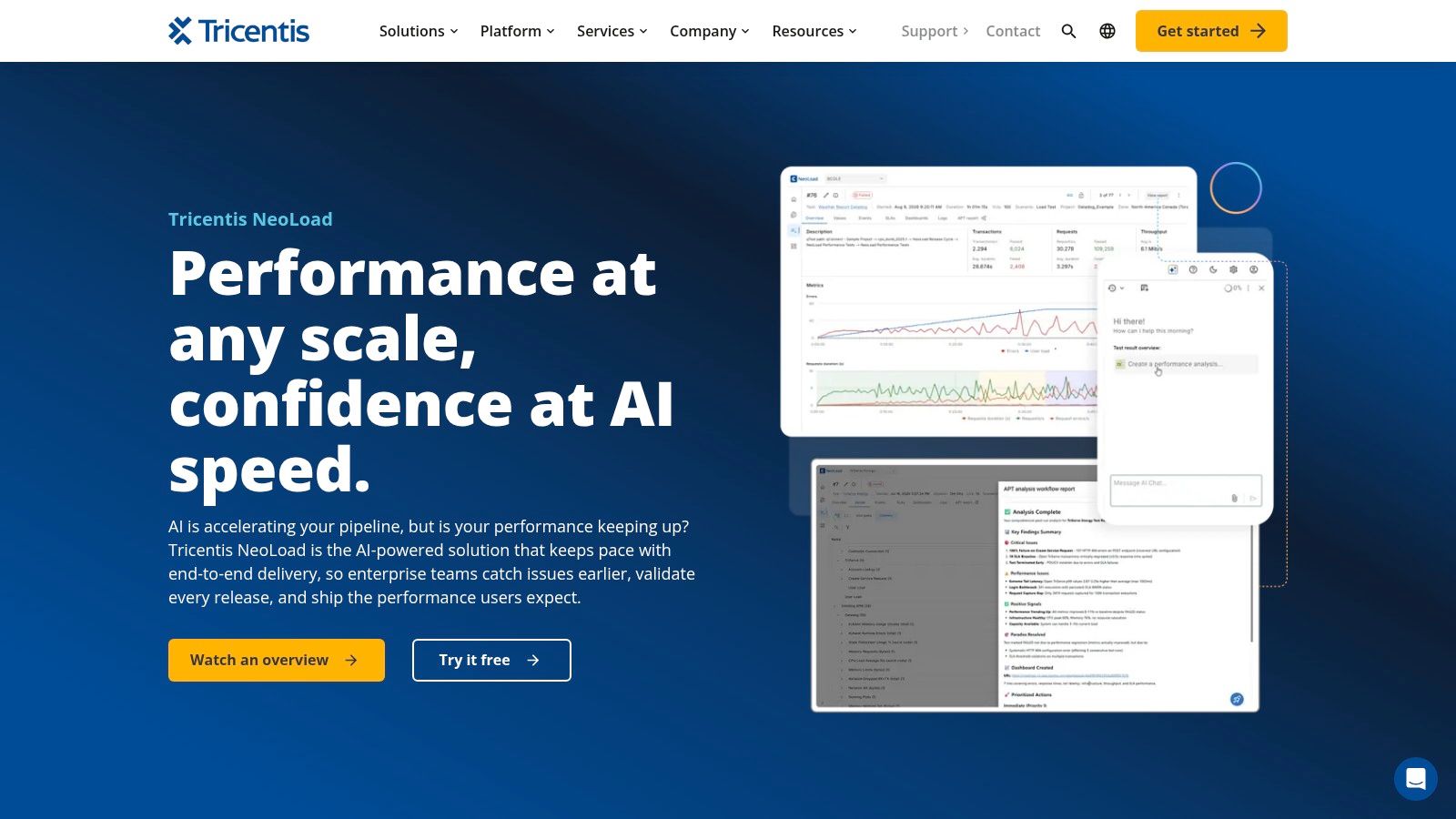
NeoLoad offers Citrix client/UI-driven testing, SAP GUI options, Remote Terminal Emulator testing, and web/API testing. That makes it useful when a business workflow crosses modern services and older enterprise systems.
Don’t transfer HTTP capacity assumptions to client-driven tests. Compatible clients and Windows load generators introduce dependencies that a basic request script doesn’t have. They also require more generator resources.
A load generator that’s struggling to operate its own clients can make the application under test look slower than it is.
Build the trial around a complete workflow, not a recorded login. Include a search, a data-changing transaction, a result validation, and a clean logout.
- Works well when: Your team wants graphical scenario design and coordinated enterprise and API workloads.
- Breaks down when: A required client configuration or SAP Business Client scenario isn’t supported.
- Validate before buying: Client compatibility, generator resource consumption, licensing, and recovery after a failed session.
Keep load-generator CPU and memory visible alongside application metrics. Otherwise, you can’t confidently separate infrastructure capacity from test-harness saturation.
3. Tevron CitraTest VU
CitraTest VU loads what users can see and operate. Tevron’s CitraTest VU focuses on Citrix, Microsoft RDS, and cloud-hosted virtual desktops through image-recognition-based interaction.
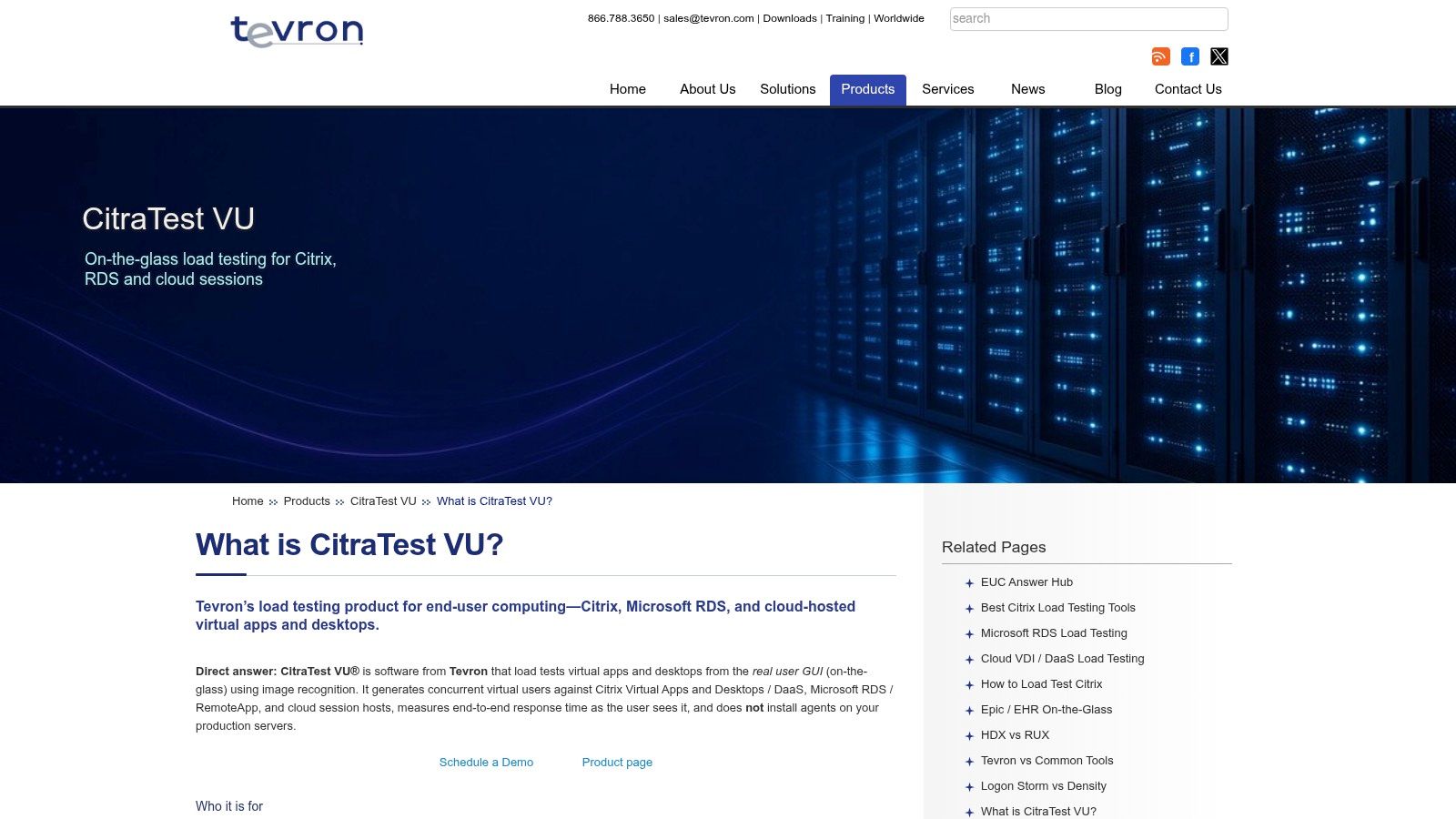
That approach matters when the test system receives a rendered desktop rather than accessible application controls. It can exercise login, application launch, navigation, and visible workflow completion without depending on a convenient backend API.
Measure completed screen states
Say users open a portfolio, apply a filter, and export a report. The useful timing ends when the expected result appears, not when the automation sends the final click.
Build explicit visual checkpoints into that journey. Distinguish an application timeout from a script that couldn’t recognize the expected screen.
The trade-off is maintenance. Display scaling, themes, dialog changes, and altered workflows can affect image-based automation. Standardize the desktop configuration and test whether scripts survive realistic variations before expanding concurrency.
CitraTest VU is particularly relevant for end-user-computing capacity tests where session behavior is the question. It isn’t a substitute for a protocol generator when you primarily need inexpensive, scalable service demand.
During evaluation, request a demonstration of failed-session cleanup, screenshot evidence, and recovery after unexpected dialogs. Confirm commercial terms directly, and budget for the machines needed to generate and measure session activity.
4. LoadGen
Use LoadGen when the infrastructure question is concrete: can your Citrix, Azure Virtual Desktop, Omnissa Horizon, RDS, or Windows fat-client environment sustain the intended application workload?
Its scenario-based testing and session measurements target desktop delivery rather than only web endpoints. That makes it relevant for evaluating a host configuration, image change, or application rollout under concurrent activity.
A useful scenario should resemble work, not merely an occupied session. Include document opening, searches, application switching, background operations, and deliberate pauses that reflect how users interact.
- Strength: Desktop-delivery support aligns the workload with session-host and client behavior.
- Operational cost: Dedicated agents or Windows guests may be necessary for particular workflows.
- Procurement check: Confirm virtual-user licensing, test duration terms, supported platform versions, and agent requirements.
Separate login pressure from steady work
A concentrated login test and a sustained application test answer different questions. Run them separately before combining them, so profile initialization doesn’t obscure the cost of ordinary application activity.
Also monitor the generation infrastructure. If scenario execution slows because an agent machine is overloaded, the resulting session timings won’t describe the target environment cleanly.
LoadGen is a sensible shortlist candidate for desktop-platform engineering teams. For an isolated workstation application, verify that its Windows fat-client execution model matches your installation, permissions, and automation needs before treating VDI support as sufficient evidence of fit.
5. Login Enterprise by Login VSI
A desktop image can pass functional checks yet become unpleasant to use as session density rises. Login Enterprise by Login VSI addresses that problem by repeating application workflows in Windows sessions and measuring application launch and action timings.
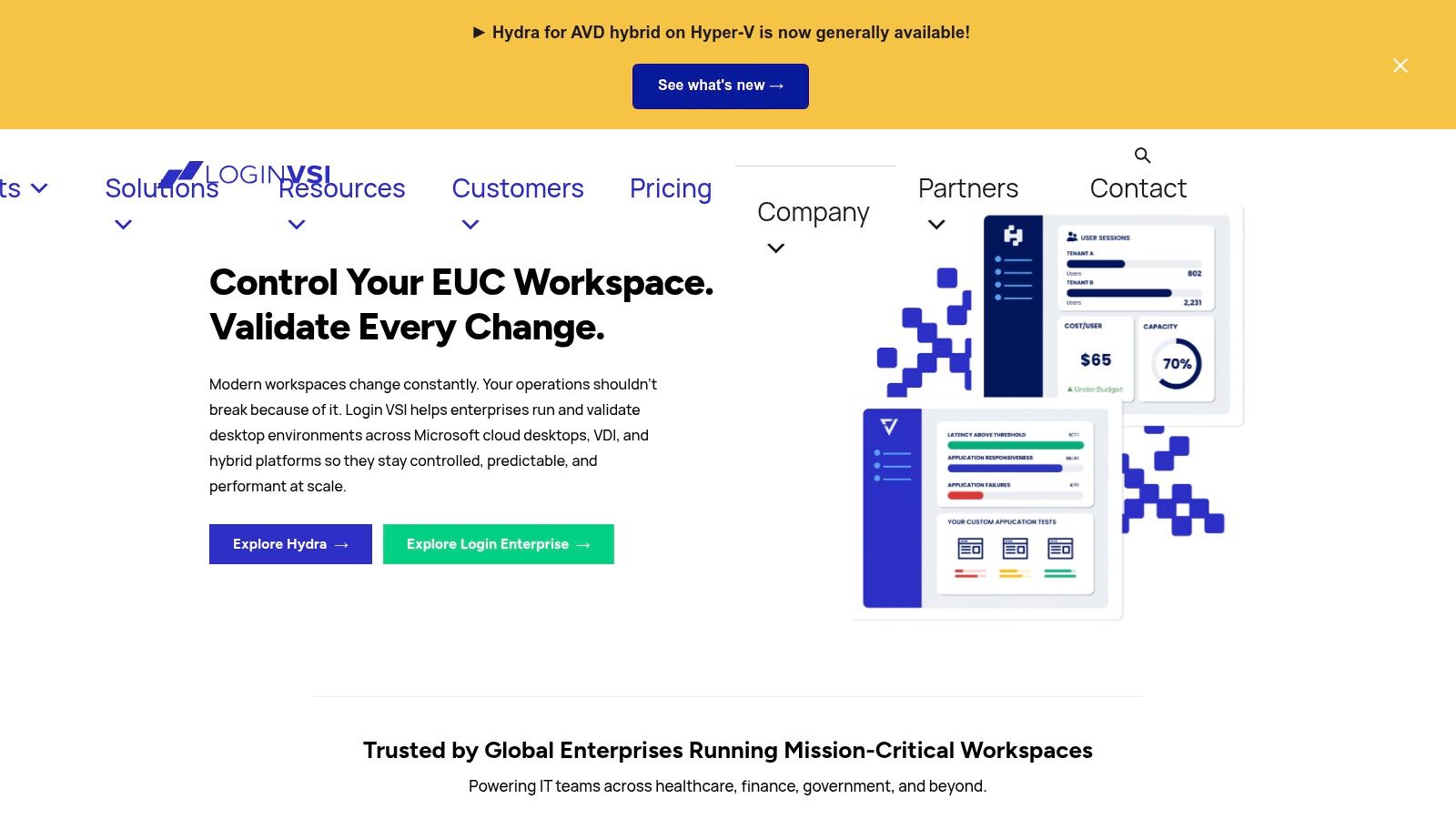
Its strongest fit is managed Windows and virtual-desktop environments. The relevant result isn’t how many sessions remain connected. It’s whether users can still open applications and complete important tasks as load increases.
For an accounting desktop, script the actions that users complain about: launching the client, opening a ledger, changing periods, and producing a report. Keep application versions, datasets, and desktop policies consistent between comparison runs.
Capacity rule: A connected session isn’t evidence of an acceptable working session. Measure useful actions inside it.
The benefit is repeatability across desktop configurations and increasing session load. The limitation is scope: a platform designed around managed Windows sessions won’t automatically suit every independently installed thick client.
Before committing, verify the required connectors, application deployment model, and test-account permissions. Ask how the platform distinguishes slow completion from unsuccessful completion and how it exposes individual action timings.
I’d favor Login Enterprise when the buying decision concerns desktop density or a Windows image change. I’d pair it with backend testing if those sessions depend on shared services whose capacity must be isolated.
6. Keysight Eggplant Performance
Backend scale and visible usability sometimes require different execution methods in the same test. Keysight Eggplant Performance is worth evaluating when you need enterprise protocol load alongside selected user-facing checks.
Its scope includes technologies such as Citrix, SAP, virtualized desktops, mainframes, and APIs. The practical attraction is the possibility of applying load at an efficient layer while checking that important application journeys still complete at the interface.
Prove the combined workflow
For example, generate demand against a shared transaction system while an observed desktop client opens and updates a record. Compare the service transaction timing with the visible completion time.
That arrangement can help separate service degradation from client or session delays. It doesn’t eliminate the need to confirm exactly which components, integrations, and licenses your proposed configuration requires.
- Strength: Coverage for enterprise workloads that a basic HTTP generator can’t reproduce.
- Trade-off: Script design, protocol setup, and correlation can require experienced performance engineers.
- Proof-of-concept target: Your actual protocol, authentication flow, application version, and visible completion condition.
Don’t accept a generic demonstration against an unrelated application as compatibility evidence. Include the awkward parts of your workflow, such as a proprietary dialog, delayed response, or session reconnect.
Eggplant Performance makes most sense when the environment warrants enterprise tooling and the team can maintain the test architecture. A simpler service test is easier to operate when the desktop interface isn’t part of the failure being investigated.
7. Platform Lab AppLoader
When protocol scripting is difficult, operating the application itself can be the more direct route. Platform Lab AppLoader uses Windows objects and screen recognition to automate end-user interactions and measure transactions.
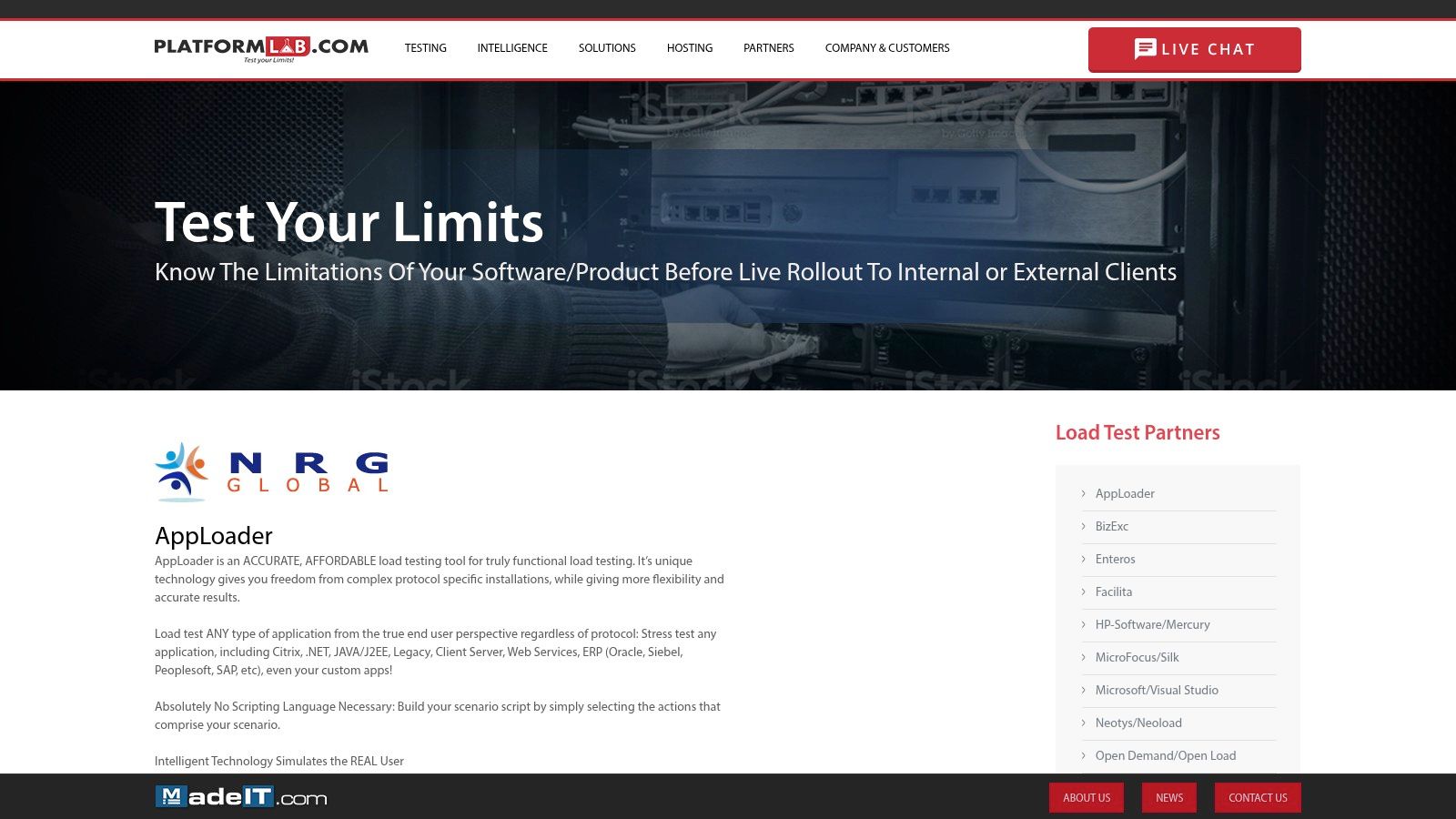
Its stated use cases include Citrix, .NET, Java, client-server, ERP, and custom applications. That breadth is useful for shortlisting, but application-specific recognition still needs a trial.
The key distinction is recognition versus reliable execution. Finding a button in an idle application doesn’t establish that the automation will wait correctly when the application is busy or recover when a modal dialog appears.
Test these behaviors deliberately:
- Object recognition: Confirm that important controls remain identifiable across supported application builds.
- Visual synchronization: Wait for the completed result rather than relying on fixed sleeps.
- Failure handling: Capture evidence and restore a known state after unexpected screens.
UI-driven load also consumes test-machine resources. Monitor those machines and establish their operating limits before interpreting a larger run as an application capacity result.
AppLoader may suit proprietary interfaces where request-level modeling would take substantial effort. It won’t isolate backend throughput as cleanly as a protocol test, because its timings include the desktop execution path.
Confirm current product maintenance, operating-system compatibility, deployment requirements, and support arrangements. For this category, maintainable automation is as important as the ability to record the initial workflow.
8. OpenText Silk Performer
Existing tooling and team expertise can matter more than a longer feature list. OpenText Silk Performer is a commercial option for supported enterprise technologies, including Citrix and SAP-related workloads.
It may fit an organization that already maintains Silk Performer scripts, analysis practices, and performance-testing infrastructure. Reusing a working test estate can be sensible, provided the current release supports the application and protocol versions you run.
Treat compatibility as a release-specific question
Ask for confirmation against your target environment rather than relying on the product name. Protocol support, client dependencies, licensing, and support status should all be checked before you invest in new scripts.
Graphical authoring doesn’t remove protocol complexity. Authentication state, dynamic identifiers, transaction boundaries, and test-data isolation still need deliberate design.
For an SAP-related workflow, verify that the script performs the intended business operation and validates its outcome. A technically successful exchange can still represent an unsuccessful user transaction.
The attraction is a commercial performance platform with enterprise workload coverage and analysis capabilities. The drawback is the need to validate current compatibility and commercial terms rather than assume continuity from an older deployment.
I’d retain Silk Performer on a shortlist where the team already has relevant expertise or a proven protocol implementation. For a new environment, compare the effort required to maintain the complete workflow, not just the time needed to produce a first recording.
9. Apache JMeter
JMeter loads supported services, not desktop screens. Apache JMeter is a free, open-source choice for HTTP, database, TCP, and other supported protocol workloads behind a desktop application.
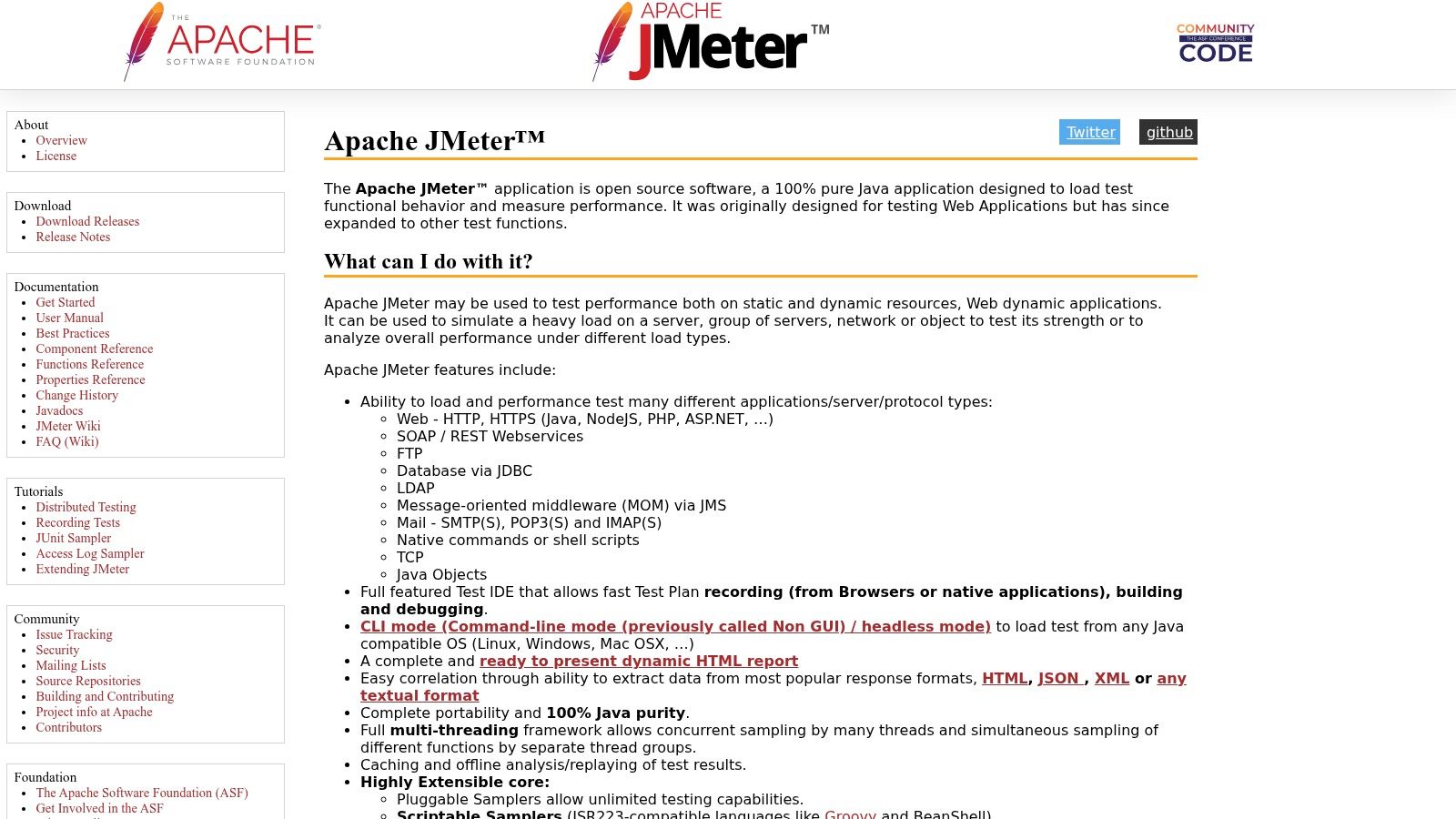
Its graphical interface helps author and debug test plans, while load execution belongs in non-GUI mode. Distributed execution is available when the workload requires additional generators.
A native application can sometimes send traffic through a recording arrangement, but that doesn’t mean JMeter can record every proprietary protocol. Captured requests don’t reproduce local rendering, UI-thread contention, or workstation memory pressure.
- Use it for: Service capacity, database interactions, and supported client-server exchanges.
- Don’t infer: A responsive desktop merely because server response times remain acceptable.
- Validate first: Authentication, dynamic-value correlation, pacing, response assertions, and generator headroom.
The JMeter performance-testing guide provides a starting point for building the service-side test. Keep that test paired with an observed desktop workflow when user experience is part of the acceptance decision.
JMeter’s flexibility comes with test-plan maintenance. Plugins and scripting can extend a scenario, but they also add dependencies and troubleshooting work.
For a thick client backed by HTTP services, it’s a practical way to isolate backend behavior. For an offline desktop application doing local computation, it isn’t the relevant load generator.
10. GoReplay
Start with recorded service demand when your scripted workload doesn’t reflect how desktop clients use the backend. GoReplay captures and replays HTTP traffic, allowing you to exercise a testing environment with observed request patterns.
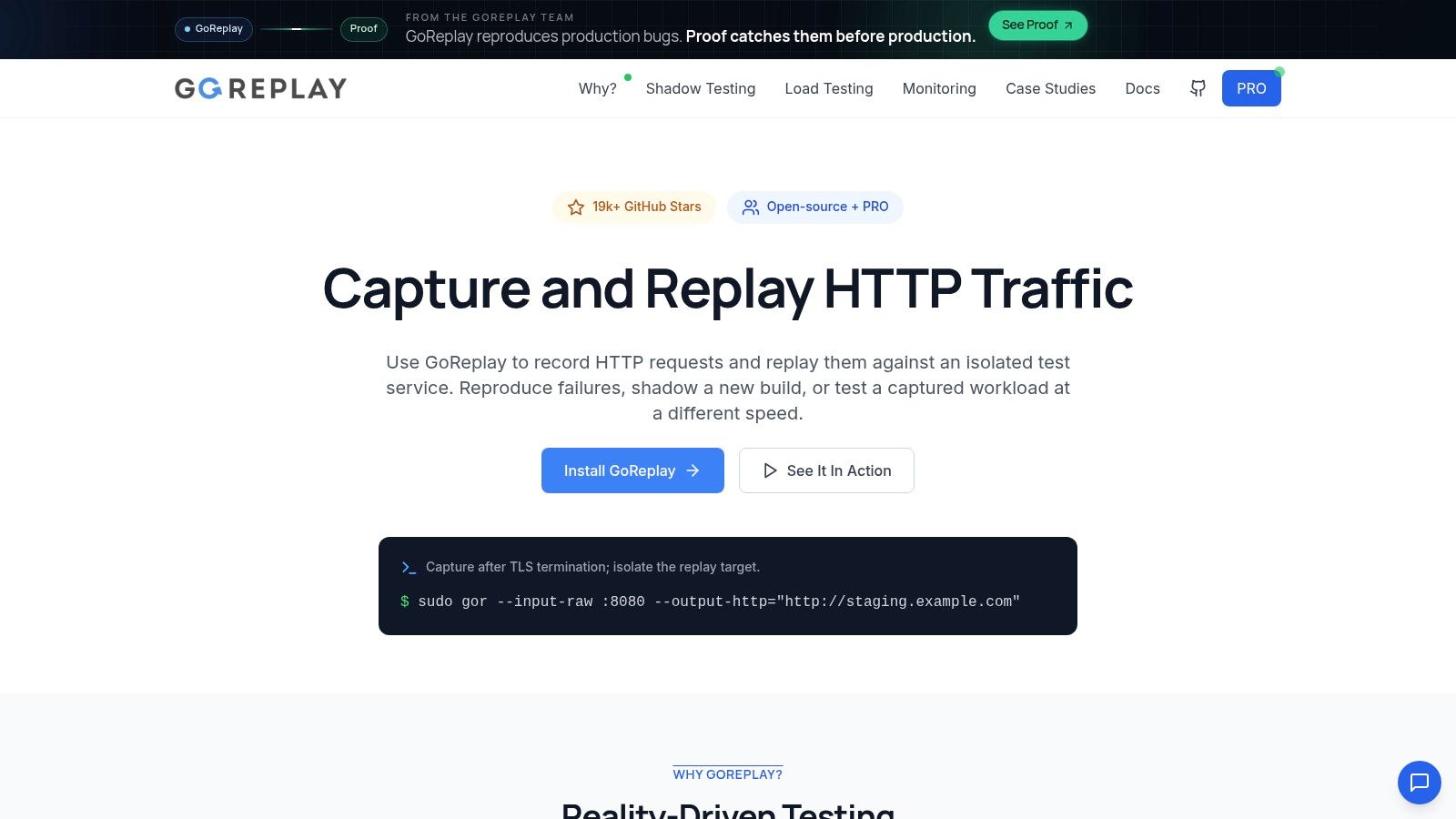
Its capabilities include replay-speed control, request filtering or modification, and distributed replay options. An open-source edition is available.
The boundary is explicit: HTTP replay doesn’t operate the desktop. It can stress the services behind a thick client, but it won’t tell you whether the client freezes while processing a response.
Make captured traffic safe and meaningful
Authentication, expired tokens, environment-specific identifiers, and data dependencies need attention before replay. Requests that create payments, send messages, or delete records must be blocked, redirected, or otherwise made safe in the target environment.
Replay preserves observed requests, not automatically the validity of every business transaction in a different environment.
For encrypted traffic, choose a capture point that exposes readable HTTP, such as after TLS termination. Follow the GoReplay testing-environment setup guide to establish the capture and replay path before increasing demand.
Then run a representative desktop workflow alongside replay and align the timestamps. If the desktop slows while service latency remains stable, investigate the client and session path. If both degrade, use backend telemetry to narrow the cause.
How each desktop load testing tool generates load, what it covers, and who it suits
These ten tools split into three groups based on what they put under load. CitraTest VU, LoadGen, Login Enterprise, and AppLoader drive real user sessions that render the interface, so they exercise session hosts the way a logged-in person would. LoadRunner, NeoLoad, Eggplant Performance, and Silk Performer generate protocol-level traffic against Citrix, SAP, and similar backends, stressing infrastructure without drawing a screen. JMeter and GoReplay operate on server and HTTP traffic only, which isolates the services behind a client without touching the desktop itself.
| Item | Load model | Desktop coverage | Best for |
|---|---|---|---|
| OpenText LoadRunner | Protocol-based virtual users | Citrix, RDP, SAP GUI, terminal emulation; edition-dependent | Complex enterprise protocol testing |
| Tricentis NeoLoad | Client-driven and web/API load | Citrix, SAP GUI, terminal emulators | Teams testing legacy and modern systems |
| Tevron CitraTest VU | Image-recognition UI sessions | Citrix, RDS, cloud virtual desktops | VDI session and capacity testing |
| LoadGen | Scenario-based virtual users | Citrix, AVD, Horizon, RDS, Windows apps | Desktop-delivery infrastructure testing |
| Login Enterprise by Login VSI | Repeated application workflows across sessions | Managed Windows and VDI environments | Measuring VDI application experience and session density |
| Keysight Eggplant Performance | Protocol load with selected UI journeys | Citrix, SAP, virtual desktops, mainframes | Complex enterprise workloads with user-facing checks |
| Platform Lab AppLoader | UI-driven Windows application interactions | Citrix, .NET, Java, ERP, and custom apps | Load testing desktop apps with varied interfaces |
| OpenText Silk Performer | Protocol and enterprise application testing | Citrix and SAP-related workloads | Enterprise teams using supported OpenText protocols |
| Apache JMeter | Server- and protocol-level load | Can record native apps; not desktop UI simulation | API and backend workload testing |
| GoReplay (recommended) | Captures and replays HTTP traffic | Backend traffic only; no desktop UI simulation | Replaying observed traffic to test desktop-app backends |
The load model column is the one to check first. A session tool finds logon storms and host saturation. A protocol tool finds service limits under concurrency. A replay tool finds backend bottlenecks under realistic request shapes. Pick the wrong category and the test answers a question nobody asked.
Matching the Load Test to the Failure You Need to Find
Start with the question your team can’t yet answer: does the session layer break under concurrency, does the protocol stall, or does the backend fail under replayed production traffic? Those questions require different workloads, even when users describe every failure as a frozen application.
For session-density problems, evaluate CitraTest VU, LoadGen, or Login Enterprise against the desktop platform you operate. For proprietary UI workflows, AppLoader may be worth a trial. For supported enterprise protocols, compare LoadRunner, NeoLoad, Eggplant Performance, and Silk Performer using your actual transaction rather than a generic demonstration.
For backend isolation, choose between deliberately modeled requests in JMeter and observed HTTP patterns replayed through GoReplay. Neither establishes the quality of the desktop experience without client-side measurement.
Run a representative proof of concept
Use a representative desktop build and realistic dataset before committing to licensing. Include authentication, meaningful application work, a visible completion check, and cleanup so repeated runs start from a known state.
The NIST Software Performance Measurement project emphasizes quantified operating characteristics and warns that flawed instruments, small samples, and unrepresentative models can produce misleading measurements. In practice, keep the workload, environment, dataset, and measurement procedure consistent before comparing results.
- Define completion: Separate request completion, application processing, and visible UI readiness.
- Observe both ends: Collect desktop CPU, memory, disk activity, and responsiveness alongside service latency and errors.
- Test the harness: Monitor generators and verify that automation failures aren’t being counted as application capacity failures.
- Set acceptance criteria: Agree on interaction latency, resource-growth behavior, and successful transaction completion before running the comparison.
A short successful trial proves that the tool can execute the workflow. It doesn’t establish long-session stability, so extend testing when memory growth, background synchronization, or repeated imports are suspected.
Combine tools without confusing their results
Pair a session tool with GoReplay-driven backend replay when both desktop capacity and shared-service behavior matter. Keep the measurements distinct, then correlate them by workflow and timestamp.
Build the resulting scenarios into release testing rather than leaving them as occasional manual exercises. The 2025 State of Testing report found that only 25% of teams measured test effectiveness, a useful reminder to track whether your tests catch meaningful failures.
Choose the smallest maintainable combination that answers your unresolved performance questions. A trustworthy measurement of the right workload is more useful than a large virtual-user count at the wrong layer.
GoReplay captures and replays live HTTP traffic so you can test the backend serving your desktop application with observed request patterns. Visit GoReplay to set up replay in an isolated testing environment, then pair it with a measured desktop workflow to validate service capacity and client responsiveness together.