
continuous integration tests: Boost Quality and Speed
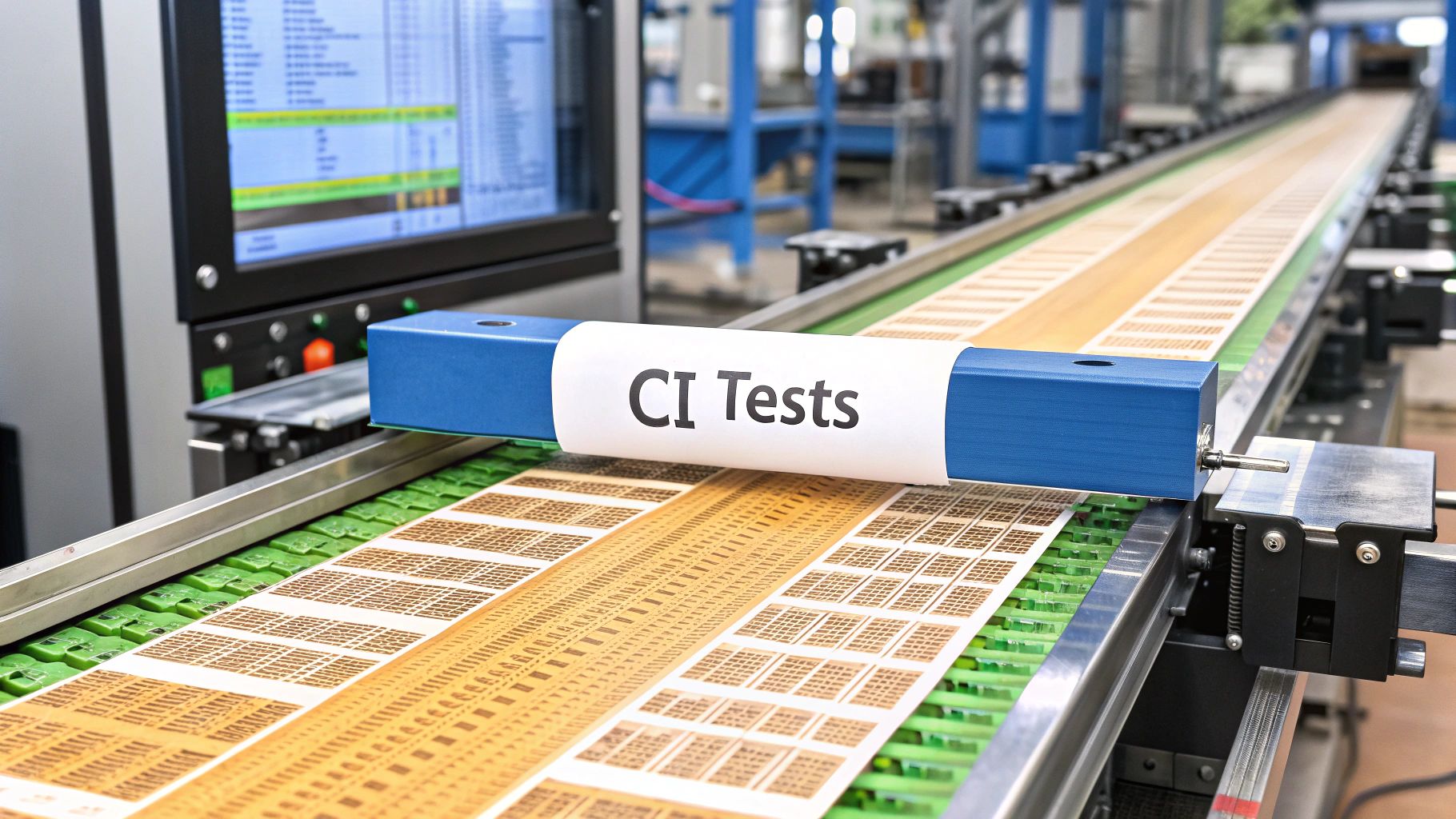
Continuous integration tests are the automated checks that run every single time a developer merges new code into a shared repository. Think of it as an instant quality check. This practice ensures new changes integrate smoothly with the existing codebase, catching bugs immediately rather than weeks down the line.
Why CI Tests Are Your First Line of Defense
In software development, speed is everything. But speed without quality is just a fast track to disaster—it leads to broken features, angry users, and burned-out engineering teams. This is where continuous integration tests step in, acting as the essential safety net for modern software delivery.
Imagine an automated quality control line in a high-tech factory. Each component is meticulously checked hundreds of times by precision robots before it moves to the next station. If a tiny defect is found, the line stops, the component is flagged, and the problem is fixed right there on the spot. This prevents a small flaw from causing a massive, expensive recall later on.
This is exactly the role continuous integration (CI) tests play in software development. They are the automated guardians of your codebase.
Shifting from Manual Checks to Automated Confidence
Not too long ago, testing was a separate, often manual, phase that happened late in the game. This created a huge bottleneck. A developer could merge a change that unknowingly broke another part of the application, and the team might not find out for days or even weeks. Tracking down the root cause often felt like a painful exercise in digital archaeology.
CI tests completely flip this script. By running a suite of automated checks on every code commit, they provide immediate feedback.
- Instant Defect Detection: Bugs are spotted within minutes of being introduced. The context is still fresh in the developer’s mind, making them exponentially cheaper and faster to fix.
- Improved Collaboration: Developers can merge their work frequently without the constant fear of breaking the main branch—a problem most of us know as “merge hell.”
- Accelerated Delivery: With an automated quality gate in place, teams can release new features and updates faster and with far more confidence.
This isn’t just a trend; it’s a fundamental shift in how high-performing teams build software. The global market for Continuous Integration solutions shows just how much teams rely on this automation. Projections show the market growing from roughly USD 1.43 billion in 2025 to an expected USD 8.06 billion by 2033, all driven by the wide adoption of DevOps practices. You can explore more data on the continuous integration solutions industry to see the full scope of this growth.
CI isn’t just about automation; it’s about building a culture of quality. It establishes a baseline of stability that empowers developers to innovate without constantly worrying about what might break next.
Ultimately, continuous integration tests are no longer a “nice-to-have.” They are a competitive necessity. They form the foundation of a reliable and efficient development lifecycle, making sure your application stays stable, scalable, and ready to ship at all times. This automated first line of defense is what allows teams to move fast and maintain high quality.
How Continuous Integration Tests Actually Work
So, how does this all work in practice? To really get a feel for continuous integration, let’s follow a single chunk of code on its journey from a developer’s machine to being ready for deployment. The whole thing is a series of automated checkpoints, and if the code fails at any point, it gets sent right back for a fix.
It all kicks off the moment a developer commits their code—maybe a bug fix or a new feature—to a shared repository like Git. That commit is the starting pistol. The CI server, which is the brains of the operation, sees this new change and springs into action.
This is where the real work begins. The server grabs the latest version of the codebase, including the new commit, and spins up a clean, isolated test environment. Think of it as a perfect, untouched copy of your production setup, which means all tests run under the same predictable conditions every single time.
The Automated Quality Gauntlet
With the stage set, the CI pipeline unleashes a sequence of tests, each one building on the last. Every stage is a gatekeeper; the code has to pass one before it can move on to the next.
- Unit Tests: This is your first line of defense. They’re super fast and check the smallest bits of code in isolation—like a single function or method—to make sure they do what they’re supposed to. It’s like checking each individual LEGO brick before you start building.
- Integration Tests: Once we know the individual pieces are solid, integration tests check how they play together. Do different components talk to each other correctly? Does the new feature mess with any existing parts of the app? This is like making sure the wheels on your LEGO car actually fit the axle.
- End-to-End (E2E) Tests: The final step simulates a real user’s entire journey. An automated script might pretend to be a customer logging in, adding something to their cart, and checking out. These tests confirm the whole application works as one cohesive unit from a user’s point of view.
If the code passes every single test, the CI server creates a build artifact—a neat, packaged version of the application that’s ready to go. This artifact is now officially stable and can be handed off for manual QA or even deployed automatically.
The real magic here is the ultra-fast feedback loop. A developer knows if their code passed or failed within minutes, not days. That immediacy makes fixing things a thousand times easier because the code is still fresh in their mind.
This visual gives you a simple look at the flow, from the developer’s commit all the way through the automated testing process.
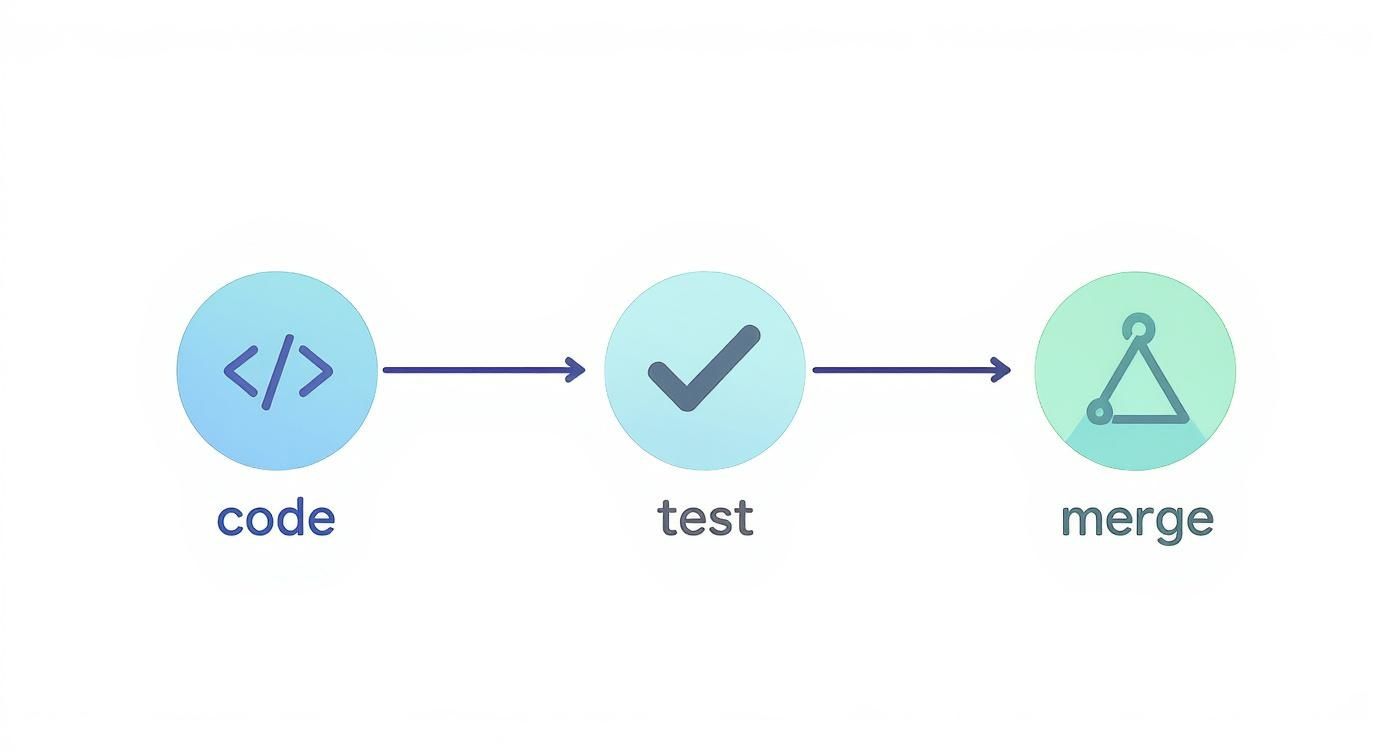
As the infographic shows, CI testing isn’t just one step. It’s a whole process designed to automatically prove your code is solid before it ever gets merged into the main branch.
What Happens When a Test Fails
But what if a test fails? If anything goes wrong at any stage, the entire process slams on the brakes. The build is immediately marked as “broken.”
The CI server fires off an alert to the developer and the team—usually through Slack, email, or right in the repository platform. This alert isn’t vague; it includes detailed logs showing exactly which test failed and why. Crucially, the broken code is blocked from being merged, protecting the main codebase from bad changes.
From there, the developer can dig into the logs, find the problem, push a fix, and the whole cycle kicks off again. It’s a simple, powerful system that ensures only high-quality, fully-tested code makes it through the gate.
Here’s the rewritten section, designed to sound like an experienced human expert and match the provided examples.
So, What Do You Actually Get Out of CI Tests?
Adopting continuous integration tests isn’t just a technical box to check; it’s a fundamental shift in how you build software. The real win isn’t just cleaner code—it’s the ripple effect of benefits that touch everyone, from developers deep in the trenches to the leadership team looking at the bottom line.
At its heart, CI testing is about front-loading your quality control. Finding a bug minutes after it’s written is trivial. Finding that same bug weeks later, buried under a mountain of new code? That’s a nightmare. It’s the difference between fixing a typo in a draft and recalling a million printed books to fix a single error.
This simple change of timing completely dismantles some of the biggest headaches in software development, starting with the infamous “merge hell.”
Say Goodbye to Merge Hell and Actually Collaborate
We’ve all been there. Developers hole up in their own branches for days or weeks, dreading the moment they have to merge back into the main codebase. That merge day turns into a chaotic, multi-day scramble to untangle conflicting code and hunt down bizarre new bugs. It’s a productivity killer and a morale crusher.
CI testing flips the script by making small, frequent merges the norm. As soon as a developer commits a change, they get feedback. Instantly.
- Tiny, Painless Changes: Devs push their work daily, sometimes multiple times a day.
- Instant Conflict Resolution: If a conflict pops up, it’s between a few lines of code, not a few thousand. It’s a quick fix, not a crisis.
- A Single Source of Truth: The whole team works from a stable, constantly-tested main branch. It builds a sense of shared ownership and transparency.
Your workflow transforms from a series of high-stakes, stressful merge events into a smooth, continuous river of validated code.
Build the Confidence to Ship Faster
One of the biggest payoffs of a solid CI pipeline is the sheer confidence it gives your team. When every single change has run a gauntlet of automated tests and passed, the fear around deployments just melts away. And that confidence is the secret ingredient to moving faster.
Instead of asking, “Is this going to break everything?” your team starts asking, “What value can we ship next?” That mental shift is what separates good teams from great ones.
This isn’t just a nice idea; it’s where the entire industry is heading. By 2025, it’s expected that test automation will take over at least half of the manual testing work for nearly 50% of all development teams. The trend is already well underway—right now, 46% of teams have automated 50% or more of their manual testing. The value is just too obvious to ignore. You can see more test automation statistics to get a sense of how quickly this is becoming standard practice.
Ultimately, CI tests create a virtuous cycle. Faster feedback leads to better code. Better code builds confidence. And that confidence lets you get value into the hands of your users more often, creating a product that can actually keep up with the market.
Laying the Groundwork: CI Best Practices That Actually Work
Having the right CI/CD tools is only half the battle. The real magic happens when your team builds the right habits around them. That’s what separates a CI pipeline that constantly breaks and frustrates everyone from one that genuinely supercharges your development speed.
Think of these as the core rules for building a CI system that developers actually trust. Getting them right turns your continuous integration tests from a chore into a powerful safety net that gives everyone the confidence to move faster.

Keep Your Test Suite Lean and Fast
If there’s one golden rule in CI, it’s this: speed is everything. A test suite that drags on for an hour is a productivity killer. Developers will find ways to skip it, defeating the whole purpose. The goal should always be to get feedback to your team in minutes, not hours.
A slow feedback loop is toxic. If a developer has to wait 45 minutes to see if their change broke the build, they’ve already mentally moved on. Context switching is expensive, and it makes fixing that original bug ten times harder.
To keep things snappy, stick to these guidelines:
- Focus on Unit Tests: These are the backbone of a fast pipeline. They’re lightning-quick and should run on every single commit, no exceptions.
- Be Smart About E2E Tests: End-to-end tests are valuable but notoriously slow and fragile. Use them sparingly for your most critical user journeys. Consider running them on a separate, less frequent schedule, like a nightly build.
- Hunt Down Slow Tests: Make it a habit to profile your test suite. Find the slowpokes and optimize them. You’d be surprised how often a small refactor can shave precious minutes off the total runtime.
Run Tests in Parallel to Crush Wait Times
Once you’ve trimmed the fat from individual tests, the next big win is running them all at the same time. Parallelization is simply about splitting your test suite into smaller chunks and running them across multiple machines or processes simultaneously. It’s one of the most effective ways to slash your build time.
Think about it: a test suite that normally takes 20 minutes could be done in just 5 minutes if you run it across four parallel jobs. That brings the feedback loop right back into that sweet spot where a developer can wait for the green check before moving on.
The goal is to make the CI process feel almost invisible. When it’s fast and reliable, it stops being a hurdle and becomes a seamless, trusted part of the daily workflow.
Write Self-Contained, Dependable Tests
Every single test should be an island. It needs to set up its own data, do its job, and clean up after itself without ever relying on another test. This concept, known as test isolation, is non-negotiable for a stable CI pipeline.
When tests depend on each other, you create a house of cards. One failure can trigger a cascade of others, making it a nightmare to figure out what actually went wrong. It’s a massive time sink and a huge source of frustration.
Keep these principles in mind:
- No Shared State: Tests should never share a database or touch global variables. This is especially critical when running tests in parallel, as you’ll get unpredictable results.
- Own Your Test Data: Each test should create the exact data it needs to run. Don’t rely on a “golden” database that can get corrupted over time.
- Eliminate Flaky Tests: A “flaky” test is one that passes sometimes and fails others without any code changes. These are poison. They destroy your team’s trust in the CI system. Fix them or delete them on sight.
Mastering these foundational habits is a game-changer. For a more in-depth look, you can explore other continuous integration best practices to make your pipeline even more robust.
Navigating Common CI Testing Roadblocks
Let’s be honest: the path to a great continuous integration setup isn’t always a straight line. While the payoff is huge, most teams run into the same predictable bumps along the way. Seeing these challenges isn’t a sign you’re doing something wrong—it’s a sign you’re growing.
Think of them as growing pains. By knowing what to expect and tackling these issues head-on, you can turn a potential roadblock into a chance to build a stronger, more resilient development culture. Let’s dig into the most common problems and how to get past them.
Conquering the Flaky Test Nightmare
There’s nothing more frustrating than a flaky test. You know the one—it passes one minute and fails the next, even when absolutely nothing in the code has changed. Flaky tests are poison for a CI pipeline because they destroy the one thing you can’t afford to lose: trust.
Once developers stop trusting the test results, they start ignoring them. A “red” build stops being an urgent warning and just becomes background noise. That completely defeats the purpose of having continuous integration tests in the first place.
Where do these flaky tests come from? Usually, they’re rooted in a few common culprits:
- Race Conditions: Your test depends on the timing of asynchronous operations, which can be unpredictable.
- External Dependencies: You’re relying on a third-party API or a shared database that isn’t always stable.
- Poorly Managed Test Data: Tests don’t clean up after themselves, leaving the system in a weird state for the next test run.
The only way to fix this is with a zero-tolerance policy. When you find a flaky test, treat it with the same urgency as a production bug. Isolate it, fix the instability, or pull it from the suite until it can be made reliable.
Escaping the Slow Feedback Loop Trap
The slow feedback loop is another silent killer of productivity. If your developers have to wait 30 minutes or more to find out if their change broke the build, they’ve already moved on. That constant context switching is mentally exhausting and a massive waste of time.
Worse, long wait times encourage developers to batch their changes, pushing bigger and riskier commits just to avoid the pipeline delay. This is the exact opposite of what CI is all about, which thrives on small, frequent integrations.
The core value of CI is immediate feedback. When that feedback is delayed, the value drops exponentially. Your goal should be to deliver a pass or fail signal in under 10 minutes for the primary test suite.
You have to get ruthless about speed. That means optimizing slow tests, running jobs in parallel, and being smart about how you structure your test suite. Run the fastest, most critical tests on every single commit, and save the slower, end-to-end suites for nightly builds or right before deployment.
Managing Test Suite Maintenance and Dependencies
As your project gets bigger, so does your test suite. Without some discipline, it can morph into a tangled, complex beast that no one wants to touch. Tests become outdated, slow, and hard to understand—just another piece of technical debt.
At the same time, managing external dependencies like databases, message queues, and other services is a constant headache. If your tests rely on live external systems, they become brittle, slow, and unreliable.
Here are a few strategies to keep your test suite lean and manageable:
- Mock Your Dependencies: For unit tests and even some integration tests, use mocks and stubs to simulate external services. This makes tests blazing fast and completely independent of outside factors.
- Use Containers for Services: For tests that absolutely need a real dependency (like a database), spin one up in an isolated container for the test run. This gives you a clean, predictable environment every single time.
- Refactor Your Tests Regularly: Treat your test code like you treat your application code. Keep it clean, refactor it when needed, and have the courage to delete tests that are no longer providing real value.
So, How Can We Make CI Tests Even Better?
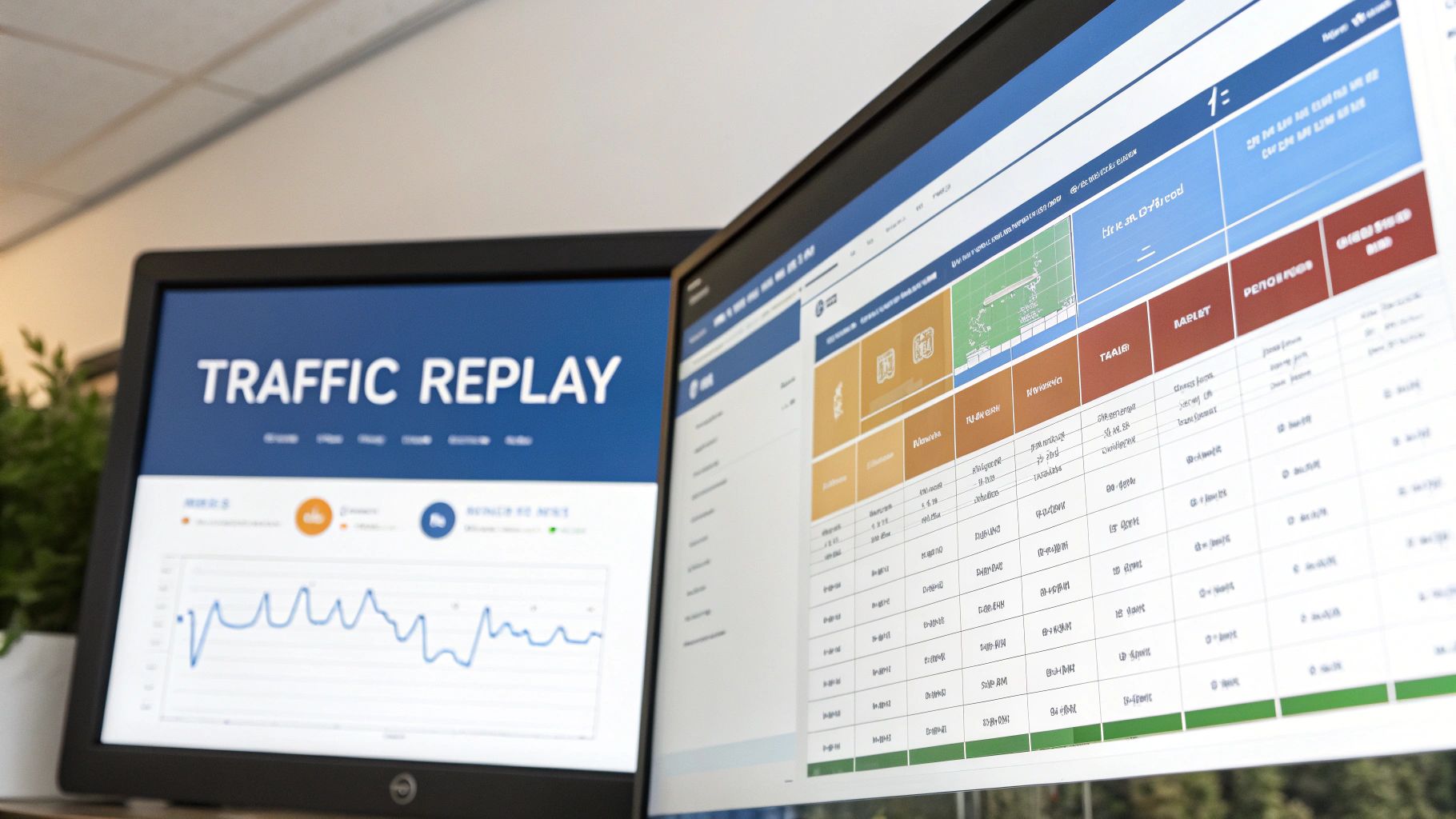
Standard continuous integration tests are great at catching logic errors in your code, but they have a blind spot: they can’t predict the beautiful chaos of real user behavior. What if you could test your changes against the real thing before you deploy? This is where a powerful technique called traffic replay comes in.
The idea is to capture live traffic from your production environment and then “replay” it against your new code in a safe, isolated test environment. It’s like having a ghost of your entire user base test every single feature before it goes live. This method is brilliant at finding those subtle bugs and performance issues that your carefully scripted tests would almost certainly miss.
Enter GoReplay: Your Production Traffic’s Stunt Double
One of the most popular open-source tools for this is GoReplay. Think of it as a middleware that silently listens to your production traffic, records it, and gives you the power to redirect it to a staging or testing environment whenever you want.
It slots right into a CI/CD pipeline, adding a whole new layer of validation. Picture this workflow:
- A developer pushes a code change.
- The CI pipeline automatically builds the new version and deploys it to a temporary “shadow” environment.
- GoReplay then forwards a live copy of your production traffic to this new environment.
- Finally, the pipeline compares the responses between the old production version and the new shadow version, instantly flagging any differences in behavior, data, or performance.
This gives you a level of confidence that scripted tests just can’t match. You’re no longer just testing your code in a vacuum; you’re testing your entire system’s response to real-world conditions. You can learn more about replaying production traffic and how it provides a far more realistic form of load testing.
It’s Time to Move Beyond Mock Data
The real magic of traffic replay is its ability to test for the “unknown unknowns.” Scripted tests are limited by a developer’s imagination, but real users are infinitely more creative. They click buttons in weird sequences, submit strange data, and generate traffic patterns you would never dream of.
By replaying actual user sessions, you can validate your system against the complex, messy reality of production. It’s the closest you can get to a crystal ball for predicting how a new deployment will perform under pressure.
This approach is part of a much larger trend in software delivery. The market for continuous delivery technology, which goes hand-in-hand with CI, was valued at USD 3.67 billion in 2023 and is only expected to climb. This growth shows a huge industry push for more reliable and automated ways to ship code, with North America leading the charge thanks to heavy cloud adoption.
By bringing traffic replay into your CI testing, you’re not just following a trend—you’re adopting a forward-thinking practice that proves your application is truly ready for the real world.
Got Questions About CI Testing?
Even with a solid grasp of the workflow, a few common questions always seem to surface when teams first dive into continuous integration. Let’s tackle some of the most frequent ones so you can move forward with confidence.
What’s the Real Difference Between CI and CD?
It’s easy to get continuous integration (CI) and continuous delivery (CD) mixed up—they’re two sides of the same automation coin. The main difference is simply where the automation stops.
Continuous Integration (CI) is all about the first half of the journey. It’s the practice of merging code changes into a central repository constantly and automatically running tests to catch problems right away. Think of CI as the tireless quality guard that inspects every new piece of code.
Continuous Delivery (CD) just takes it one step further. It automatically prepares every single validated code change for release to production. Once CI tests pass, CD packages up the code and gets it ready to be deployed with a single click.
The easiest way to remember it? CI builds and tests the code. CD gets that tested code ready for production, but waits for a human to push the final button. (Its cousin, continuous deployment, removes that last manual step and pushes every passing build live automatically.)
How Many Tests Are Too Many in a CI Pipeline?
There’s no magic number here. The only metric that truly matters is feedback time.
If your main CI pipeline takes an hour to run, it’s not a tool anymore—it’s a bottleneck. Developers will start to work around it, and that defeats the whole purpose. The sweet spot for a primary test suite is almost always under 10 minutes.
The goal is to run just enough tests to feel confident in a change, without grinding the development cycle to a halt. A great strategy is to layer your tests:
- Run on Every Single Commit: Keep this layer fast. Unit tests and static analysis are perfect here.
- Run on Merge or Nightly: Save the slower, more comprehensive tests (like full end-to-end suites) for less frequent events, like merging to the main branch or as part of an overnight build.
Can I Set Up CI Tests Without a Big DevOps Team?
Absolutely. You don’t need a dedicated DevOps team to get started, not by a long shot.
Modern CI/CD platforms like GitHub Actions, GitLab CI/CD, and Jenkins are built for developers to use directly. Often, all it takes is a simple configuration file living right inside your project’s repository.
The trick is to start small and build momentum. Just begin by automating your build process and adding the unit tests you already have. As you get comfortable and see the benefits, you can start layering in more complex testing stages. Start with a winnable scope, and then build on that success.
Ready to enhance your continuous integration tests with the power of real production traffic? GoReplay lets you capture and replay live user interactions in your testing environments, giving you unparalleled confidence in every deployment. Start for free on goreplay.org and see what your scripted tests are missing.