
Understanding Modern Continuous Integration

Modern Continuous Integration (CI) is fundamentally about teamwork and quick feedback. Teams use CI to find bugs faster, ship better code, and work together more effectively. The real value comes from creating processes that work well as your team and codebase grow.
Key Principles of Modern CI
The most successful CI implementations follow a few core principles. Small, frequent code changes make it easier to spot and fix problems quickly. When developers push code in smaller chunks, the team can integrate and test changes more efficiently.
Automated testing is essential - it catches bugs immediately and maintains code quality. The best CI setups run comprehensive test suites automatically whenever code changes. Teams also benefit from clear communication channels that share build status and test results in real-time, helping everyone stay informed and solve problems together.
CI Adoption and Usage
Recent data shows varying CI adoption rates across different company sizes. As of Q3 2021, 60% of enterprise developers use CI/CD pipelines regularly. The numbers drop to 48% for small companies and 42% for contractors. Across all organization types, 32% of developers now include CI in their daily workflow. Learn more about CI best practices in this detailed guide.
Addressing Challenges in CI Adoption
Setting up CI takes effort, especially at first. Teams often struggle with the initial configuration - connecting various tools and setting up build processes. But investing this time upfront pays off through smoother development later.
Finding the right balance between thorough testing and quick builds is another common challenge. Nobody wants slow builds, but skipping important tests isn’t the answer. Smart teams use parallel testing and carefully chosen test suites to keep things moving quickly while catching real issues.
The Future of Continuous Integration
CI keeps evolving to meet modern development needs. Key trends include cloud-native CI systems that scale automatically with your needs, AI-assisted testing to spot issues more efficiently, and serverless computing that removes infrastructure headaches. For example, cloud-native CI lets teams instantly scale up testing resources when needed, then scale back down to save costs.
Building Your CI Infrastructure Foundation

A strong Continuous Integration (CI) infrastructure forms the core of modern software development. Setting up this foundation requires careful thought about how different tools and systems will work together. The right infrastructure choices today will support your team’s growth and efficiency tomorrow.
Key Components of CI Infrastructure
Every effective CI system needs three main building blocks working together:
-
Version Control System (VCS): Your code’s central source of truth. While Git, Mercurial, and SVN are popular choices, what matters most is having clear branch management rules and commit guidelines that help teams work together smoothly.
-
Build Server: This automated engine compiles code, runs tests, and prepares software for deployment. Popular options like Jenkins, GitLab CI, and CircleCI each offer different advantages - choose based on your specific needs for language support and tool integration.
-
Testing Framework: Early bug detection depends on solid testing tools. Frameworks like JUnit, pytest, and Mocha help organize different test types and make results easy to track.
Designing a Scalable CI Infrastructure
Plan for growth from day one. Pick tools that can handle more complex code and bigger teams over time. Cloud-based CI tools are especially good at this since they can automatically adjust resources based on what you need.
Think about how you’ll manage increasing amounts of data and dependencies too. Smart caching of build files and dependencies can make a big difference in speed. When builds run faster, developers stay productive and happy.
Common Infrastructure Pitfalls and Solutions
Many teams fall into the trap of creating overly complex setups that are hard to maintain. Keep things simple and automate wherever possible. Using Infrastructure as Code (IaC) helps make your CI setup consistent and easy to reproduce.
Poor monitoring is another common issue. Without good insight into your build process, problems become hard to spot and fix. Add proper monitoring tools from the start to track important metrics and catch issues early.
Structuring CI Environments for Security and Compliance
Security isn’t optional - it needs to be built into your CI system from the ground up. Use strong access controls to protect sensitive code and data. Regular security audits help catch vulnerabilities before they become problems. Simple steps like requiring two-factor authentication make a big difference.
Add security scanning to your build pipeline to automatically check for issues in code and dependencies. This proactive approach helps prevent security problems rather than fixing them later. When security is part of your foundation, you build trust in your development process and delivered software.
Mastering Automated Testing in CI Workflows
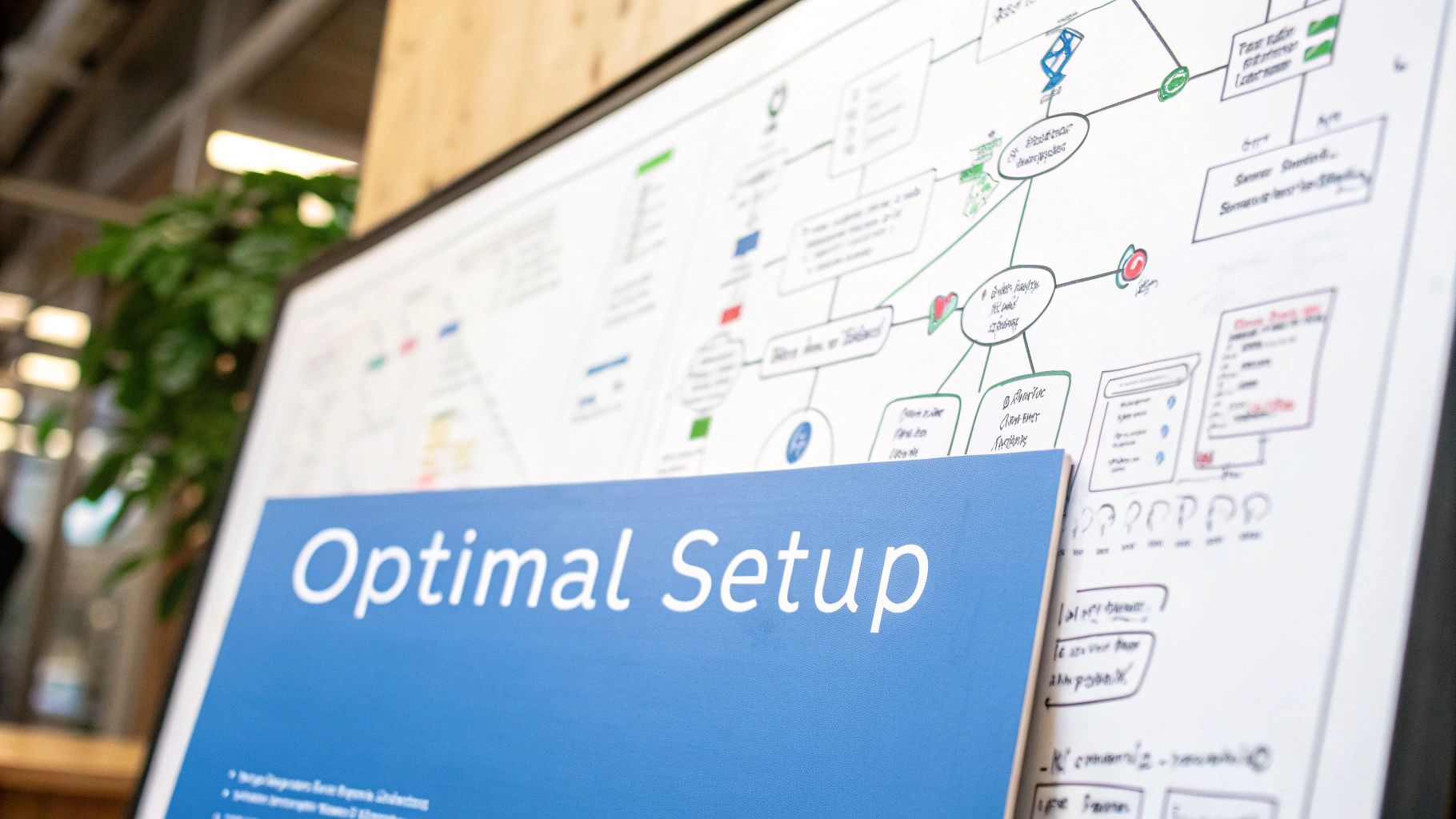
Automated testing forms the foundation of reliable Continuous Integration (CI) pipelines. When done right, it helps teams catch bugs early and ship high-quality software. But there’s more to it than just running tests automatically - you need a thoughtful approach that balances coverage, speed, and long-term maintenance.
Building a Comprehensive Testing Strategy
A solid testing plan needs multiple layers working together. Here are the key components:
-
Unit Tests: These check individual functions and methods in isolation. They should make up most of your test suite since they’re quick to run and maintain.
-
Integration Tests: These verify that different parts of your code work together correctly when combined.
-
End-to-End (E2E) Tests: These run through complete user workflows, including database operations and external service calls.
-
Acceptance Tests: These confirm that the software meets business needs and user requirements, often through manual testing or UAT.
Balancing Test Coverage and Execution Speed
While thorough testing matters, slow test suites can hold up your CI pipeline. Finding the right balance takes planning.
Focus on unit tests for broad coverage - they’re fast and simple to maintain. Add integration tests strategically to check key component interactions. Keep E2E tests focused on the most important user paths without duplicating lower-level tests. This creates an efficient testing pyramid that delivers results quickly.
Maintaining Test Quality at Scale
As your codebase grows, keeping tests clean and reliable becomes harder. Here’s how to stay on track:
-
Keep Tests Well-Organized: Group tests logically by module or feature. This makes it easier to find and fix issues.
-
Fix Flaky Tests Quickly: Tests that fail randomly undermine confidence. Debug and repair them right away.
-
Run Tests in Parallel: Split test execution across multiple processes to save time, especially in larger projects.
Testing Complex Applications
Applications with many dependencies need special testing approaches:
-
Use Mocks and Stubs: Create test doubles to simulate external systems, making tests more reliable and independent.
-
Try Service Virtualization: Replicate hard-to-access services to test various scenarios without the real system.
Check out our guide on automating API tests, tools, and strategies for success. For API testing, GoReplay helps capture and replay real HTTP traffic in test environments, creating realistic test scenarios. Good CI practices help maintain stable, reliable APIs over time.
By carefully structuring tests, using different test types effectively, and quickly fixing unstable tests, teams can achieve high test coverage while keeping things fast. This leads to quicker feedback, faster releases, and more confidence in your software.
Crafting High-Performance CI Pipelines
A well-designed Continuous Integration (CI) system needs more than just automated tests. The key is building fast, reliable pipelines that give quick feedback while maintaining quality. Let’s explore how to optimize each step of your CI process, from code builds to deployment prep.
Structuring Your Pipelines for Success
Every project needs the right pipeline setup. A basic web app might work fine with a simple flow: build code, run tests, deploy to staging. But for microservices, you’ll want multiple stages where each service has its own build and test process. This helps catch issues early and makes debugging easier. Your branching strategy matters too - feature branches let teams work independently and merge changes when they’re truly ready.
Implementing Intelligent Caching Strategies
Smart caching is like having a head start on your builds. Instead of rebuilding everything from scratch, you save and reuse what you can. When using tools like npm or Maven, cache your dependencies to avoid downloading them repeatedly. For bigger projects, this can save 10-15 minutes per build. You can also cache compiled code to skip unnecessary rebuild steps.
Making the Most of Parallel Processing
Think of parallel processing like cooking multiple dishes at once - it’s much faster than doing everything in sequence. Modern CI tools let you run tests and builds simultaneously across different machines. For example, splitting up your test suite to run on multiple agents can cut testing time by 50-75%. Just make sure your parallel jobs don’t conflict or compete for the same resources.
Managing Complex Dependencies and Environments
As projects grow, keeping track of dependencies and environments becomes challenging. Using dependency management tools helps ensure everyone’s working with the right versions. Docker containers make builds consistent across all environments - what works in development will work in testing and production. This approach lets developers focus on writing code rather than wrestling with environment issues.
Implementing Strategic Quality Gates

Good CI practices need more than just automated builds and tests. Quality gates act as checkpoints in your CI pipeline, checking different aspects of your code before it moves forward. These gates help catch issues early, saving both time and effort.
Establishing Meaningful Quality Thresholds
Every project needs its own quality standards. Set clear, measurable rules that match what “quality” means for your team. Your quality gates might check:
- Code style consistency
- Code complexity levels
- Test coverage metrics
- Security vulnerability scans
Pick threshold levels carefully - too strict and you’ll slow development, too loose and problems slip through.
Automating Code Analysis and Reviews
Make code reviews systematic with automation. Tools can spot potential bugs, style issues, and security risks automatically, giving developers quick feedback. Using code formatters helps keep style consistent across your project, making reviews smoother. SonarQube is great for this - it analyzes code thoroughly and fits right into CI pipelines.
Integrating Security Scanning Seamlessly
Build security checks directly into your CI process. Add scanning tools that can:
- Check dependencies for known vulnerabilities
- Run static security tests (SAST)
- Perform dynamic security tests (DAST)
This layered approach helps prevent security issues before they become problems.
Real-World Quality Gate Configurations
Here’s a practical example: A team sets their code coverage gate to 80%. If coverage drops below this, the build stops. Another team might block merges if their security scan finds critical vulnerabilities. Learn more in our guide about how to master quality assurance process improvement.
Adding quality gates helps teams build better software faster. They catch problems early and improve teamwork. Visit our Quality Assurance process improvement guide for more tips. Remember to adjust your quality gates as your project grows and changes.
Measuring and Optimizing CI Performance
Setting up your CI pipeline is just the beginning. Success requires ongoing monitoring and fine-tuning to maintain high performance standards. By tracking essential metrics, you can drive meaningful improvements in speed, stability, and efficiency.
Key Performance Indicators (KPIs) for CI
Track these vital metrics to keep your CI pipeline running smoothly:
- Build Time: Measure how long your builds take from start to finish. Trimming just 15% from build times can help your team ship code faster.
- Test Pass Rate: Monitor what portion of your tests consistently pass. A healthy pass rate shows good test stability, but watch out - an unusually high rate might mean you’re not testing thoroughly enough.
- Build Frequency: Track how many times code gets integrated each day. More frequent integrations help catch bugs early. Try to integrate multiple times per day for each developer.
- Mean Time to Resolution (MTTR): Measure how quickly your team fixes failed builds. Faster resolution means less disruption to development work.
- Code Coverage: Calculate what percentage of code your tests examine. While higher coverage helps prevent bugs, pursuing 100% coverage often provides diminishing returns.
Troubleshooting Common CI Issues
When problems arise, here’s how to get your pipeline back on track:
- Slow Builds: Check each build step to find bottlenecks. Speed things up by caching dependencies, running tasks in parallel, and optimizing your resources.
- Flaky Tests: Inconsistent test results damage confidence in your pipeline. Quickly identify and fix unstable tests. GoReplay can help by replaying real traffic to expose environment-related test issues.
- Frequent Build Failures: Regular failures often point to deeper problems in code, tests, or settings. Study error logs and test results to fix core issues.
Strategies for Continuous Improvement
Keep your CI pipeline getting better with these practical steps:
- Review Performance Regularly: Watch your KPIs and look for trends. For example, steadily increasing build times might reveal growing technical debt.
- Add More Automation: Cut down on manual work to reduce errors and speed up processes. This includes automated testing, deployments, and infrastructure tasks.
- Create Strong Feedback Loops: Keep development, testing, and operations teams talking. Quick communication helps solve problems faster.
- Test New Approaches: Every team’s needs are different. Try various tools and methods to find what fits your workflow best.
Making your CI pipeline better takes ongoing effort. By tracking key metrics, solving problems quickly, and always looking for ways to improve, you’ll build a reliable system that helps your team work more effectively.
Want to catch those tricky test failures? GoReplay helps improve your testing by mirroring real user traffic. Try GoReplay today and see the difference.