
Level Up Your API Testing Game
APIs are critical to modern software, so ensuring their quality through thorough testing is essential. Faulty APIs can lead to broken applications and frustrated users. This list of top 10 API testing tools for 2025 will help you choose the right tool to prevent those problems. Discover key features and functionalities of leading tools, including GoReplay, Postman, Insomnia, SoapUI, REST Assured, Katalon Studio, Thunder Client, Paw, Bruno, and JMeter, and streamline your API testing process. We’ll help you find the perfect API testing tool to match your specific needs.
1. GoReplay
GoReplay is a powerful open-source API testing tool that distinguishes itself by leveraging real production traffic for incredibly realistic testing scenarios. This approach goes beyond simulated tests, allowing developers, QA engineers, and IT teams to understand precisely how their applications will perform under real-world conditions. By capturing and replaying actual HTTP traffic, GoReplay helps identify and address performance bottlenecks, security vulnerabilities, and other issues before they impact live users. This makes it an invaluable asset in any organization’s API testing toolkit and a top contender among other API testing tools. It’s particularly well-suited for load testing, capacity planning, and ensuring application stability under stress, making it a critical component in maintaining high availability and optimal user experience.
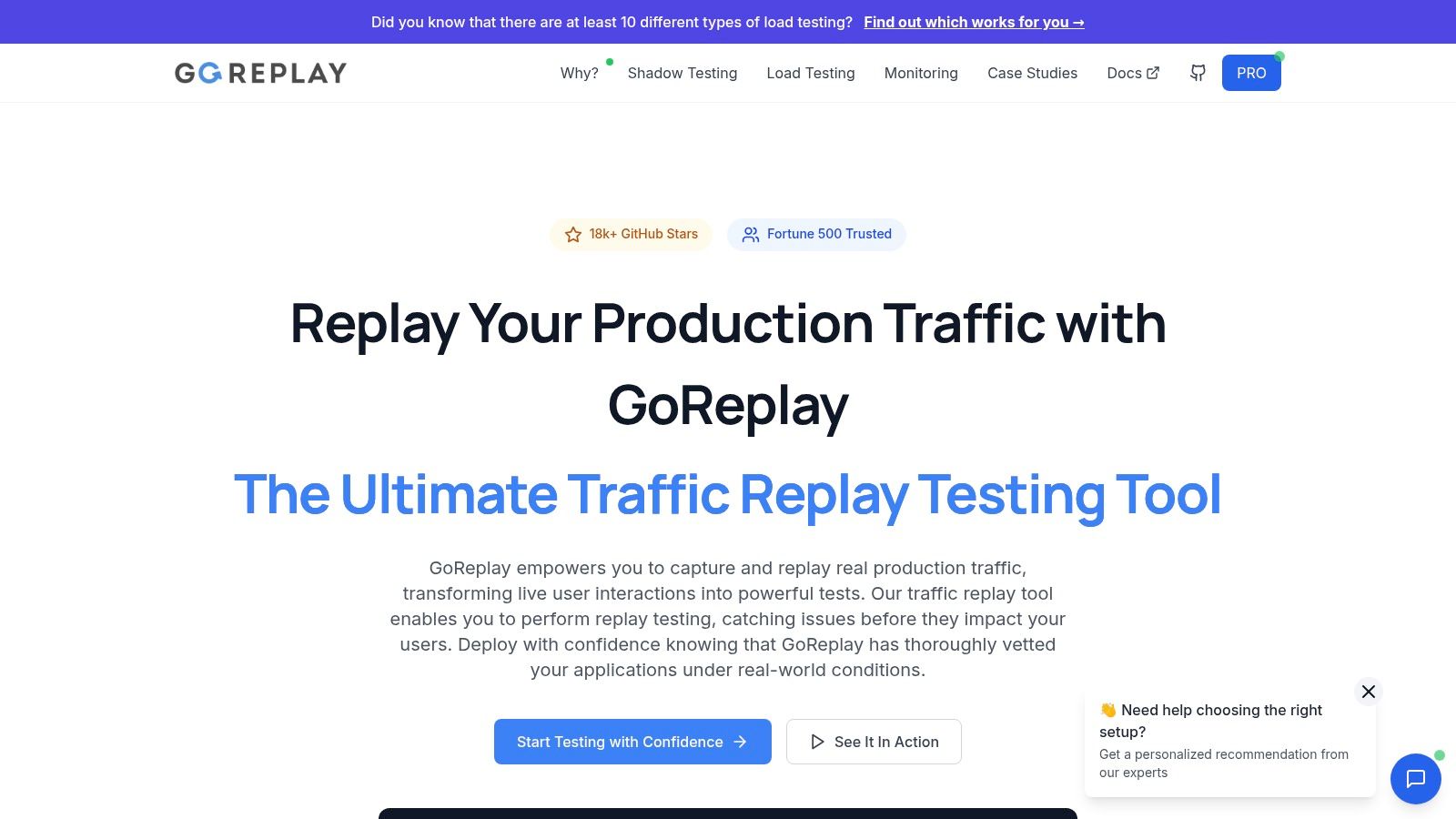
One of GoReplay’s key strengths lies in its session-aware replay capabilities. Unlike simpler API testing tools that just replay individual requests, GoReplay maintains the context of user sessions. This is crucial for testing applications where user state is maintained across multiple requests, such as e-commerce platforms, online banking applications, or any system that utilizes sessions or cookies. Its optimized TLS handling further enhances the realism of the tests, accurately replicating the secure communication flow between clients and servers.
GoReplay excels in load testing. By utilizing real user traffic patterns captured from production, it allows teams to accurately assess their application’s capacity and scalability. This data-driven approach provides a far more precise understanding of system limits than synthetic load tests, ensuring you’re prepared for real-world traffic spikes and preventing potential outages. The ability to replay traffic at different scales enables you to pinpoint breaking points and optimize your infrastructure accordingly. This is particularly relevant for businesses undergoing rapid growth or experiencing seasonal traffic fluctuations. If you’re looking for API testing tools specifically for robust load testing, GoReplay is a strong choice.
Beyond simply replaying traffic, GoReplay provides a comprehensive monitoring and analytics dashboard. This provides real-time insights into application performance during testing, enabling teams to quickly identify bottlenecks and potential issues. The dashboard offers pattern detection and proactive alerts, allowing for a proactive approach to problem-solving. This real-time visibility is a significant advantage over API testing tools that only provide post-test reports. It allows for faster iteration and more efficient debugging. Essentially, GoReplay lets you see your application through your users’ eyes, providing valuable insight into the real-world user experience.
GoReplay is open-source, meaning the standard version is free to use. This makes it an accessible option for individual developers and smaller teams. For larger enterprises with more demanding requirements, GoReplay offers a Pro version. This paid subscription unlocks advanced features such as advanced traffic storage capabilities, allowing you to retain and analyze historical traffic data, and essential data masking functionalities for complying with privacy regulations. The Pro version also includes priority support, providing dedicated assistance for critical issues. While pricing details aren’t publicly available on the website, interested organizations can contact GoReplay for a tailored quote based on their specific needs.
GoReplay primarily operates through a command-line interface (CLI). While this provides flexibility and powerful scripting capabilities, it might present a slight learning curve for users unfamiliar with CLI tools. However, the comprehensive documentation available on the GoReplay website offers a wealth of resources to help users get up and running quickly. Furthermore, the core functionality is surprisingly easy to grasp even for CLI novices.
Implementation Tips:
- Start Small: Begin by capturing and replaying traffic on a staging environment to familiarize yourself with GoReplay’s capabilities before applying it to production traffic.
- Filter Traffic: Use GoReplay’s filtering options to target specific API endpoints or user segments for more focused testing.
- Data Masking: If replaying sensitive production data, utilize data masking features in the Pro version to protect user privacy.
Compared to other API testing tools, GoReplay offers a unique blend of real-world traffic replay, load testing, and monitoring capabilities. While its CLI-centric nature might require some initial learning, its power, flexibility, and open-source foundation make it an excellent choice for developers and enterprise teams looking to elevate their API testing strategy. Visit the official GoReplay website (https://goreplay.org) for detailed documentation, downloads, and further information.
2. Postman
Postman has earned its reputation as the world’s most popular API testing platform, simplifying the entire API lifecycle and facilitating seamless collaboration. Whether you’re designing, testing, documenting, or monitoring APIs, Postman offers a robust suite of tools accessible through both desktop and web-based interfaces. This makes it a versatile choice for diverse teams and projects, from individual developers to large enterprise IT departments. Its user-friendly nature, combined with powerful features, caters to both beginners and seasoned API professionals.
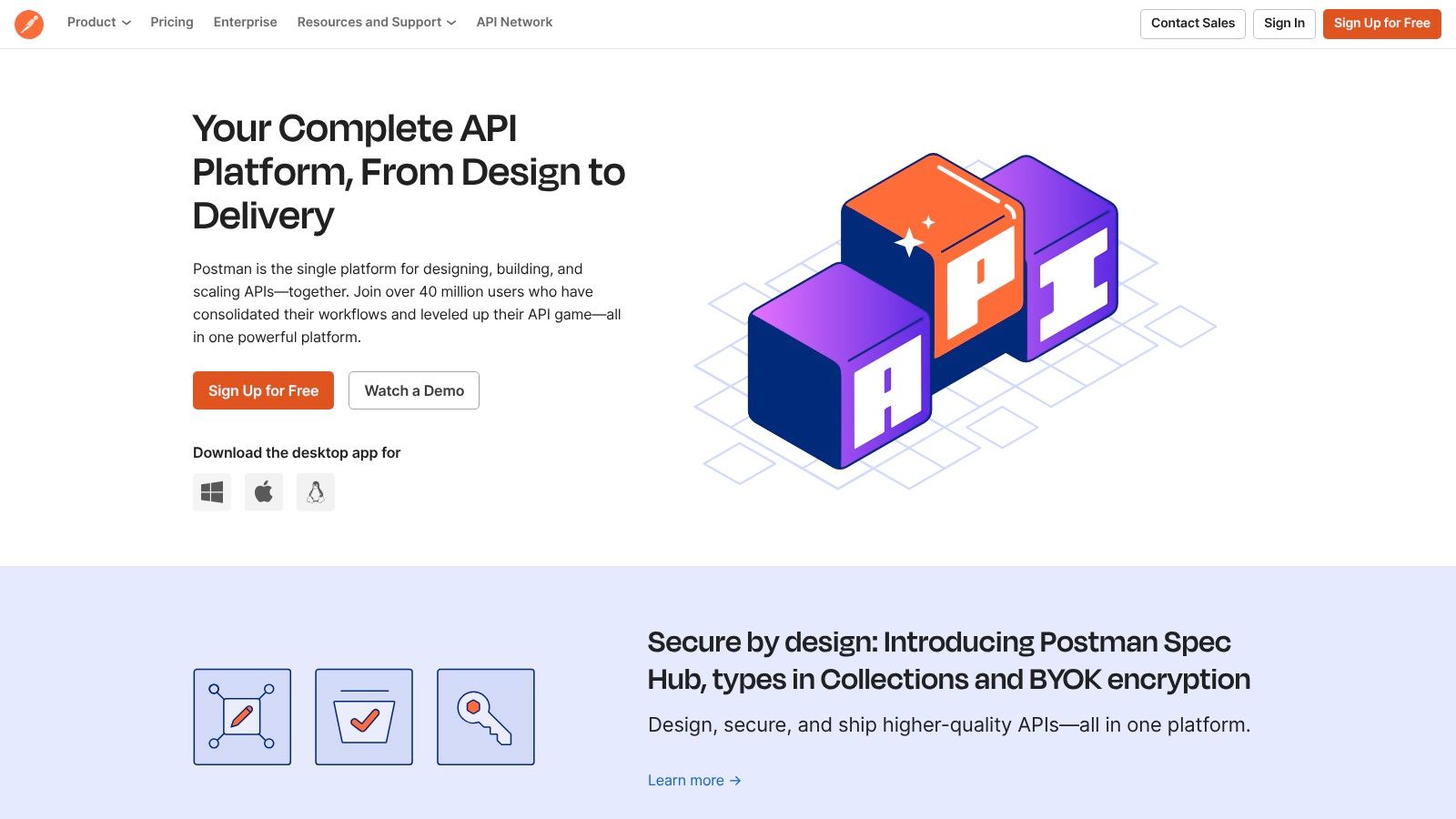
One of Postman’s core strengths lies in its intuitive visual API request builder. This allows users to construct complex requests with ease, experimenting with different parameters and headers without needing to write code. The automated testing capabilities, featuring a collection runner and CI/CD integration, enable robust testing workflows. This empowers teams to integrate API testing directly into their development pipelines, ensuring continuous quality and rapid feedback. Furthermore, Postman’s real-time collaboration and team workspaces promote efficient teamwork, allowing for shared collections, environment variables, and test results.
Postman goes beyond testing, providing tools for API documentation generation and mock server creation. This fosters better communication between developers and consumers of the API. The platform also offers performance testing and API monitoring capabilities, allowing teams to assess the responsiveness and reliability of their APIs under various conditions. For those seeking to automate their API tests and learn best practices, you can learn more about Postman and other effective strategies.
Postman’s accessibility extends to its pricing model, with a free tier offering generous usage limits. This makes it an excellent entry point for individuals and small teams exploring API testing. Paid plans cater to larger teams and enterprises with advanced features like single sign-on (SSO) and dedicated support. Specifically, Postman offers Free, Basic, Professional, and Enterprise plans. While pricing can vary, the Basic plan starts at $12 per user/month (billed annually), the Professional plan at $29 per user/month, and the Enterprise plan requires contacting the sales team for a custom quote.
Setting up Postman is straightforward. Download the desktop application or access the web version, create an account, and you’re ready to start. The intuitive interface makes it easy to get acquainted with the core features. Numerous tutorials and learning resources are readily available online, supplementing the extensive community support.
While Postman offers a comprehensive suite of tools, it has some limitations. For very large collections, performance can sometimes become sluggish. While scripting capabilities exist through JavaScript, they might not be as extensive as those offered by dedicated code-based API testing tools. Furthermore, while the free tier is generous, the cost for larger teams on paid plans can be substantial.
Compared to similar api testing tools like Insomnia or SwaggerHub, Postman stands out with its broader range of features, encompassing the entire API lifecycle. Insomnia excels in its design-first approach and focus on GraphQL, while SwaggerHub is strong in API design and documentation. However, Postman offers a more holistic solution for testing, monitoring, and collaboration, making it a versatile choice for diverse API development needs.
In conclusion, Postman’s place in the top tier of API testing tools is well-deserved. Its user-friendly interface, comprehensive features, and robust collaboration capabilities make it a powerful asset for individuals and teams of all sizes. While some minor drawbacks exist, the benefits far outweigh the limitations, solidifying Postman as a leading choice for anyone working with APIs. Its accessible free tier and extensive learning resources further enhance its appeal, making it a valuable tool for both beginners and experienced professionals in the field of API development and testing.
3. Insomnia
Insomnia is a powerful, cross-platform REST client and API testing tool designed to streamline API development and testing workflows. Its clean, intuitive interface makes it a popular choice for developers seeking a fast, lightweight, and developer-friendly experience. Insomnia excels in providing robust features for efficient API workflow management, making it a valuable asset for individuals and teams working with APIs. Whether you’re building a new API from scratch, testing existing endpoints, or exploring GraphQL schemas, Insomnia offers a rich set of tools to simplify the process. Its focus on developer experience, combined with its extensible architecture, positions it as a strong contender in the landscape of API testing tools. Insomnia deserves its place on this list due to its speed, intuitive design, and excellent support for modern API technologies like GraphQL, offering a compelling alternative to more complex tools.
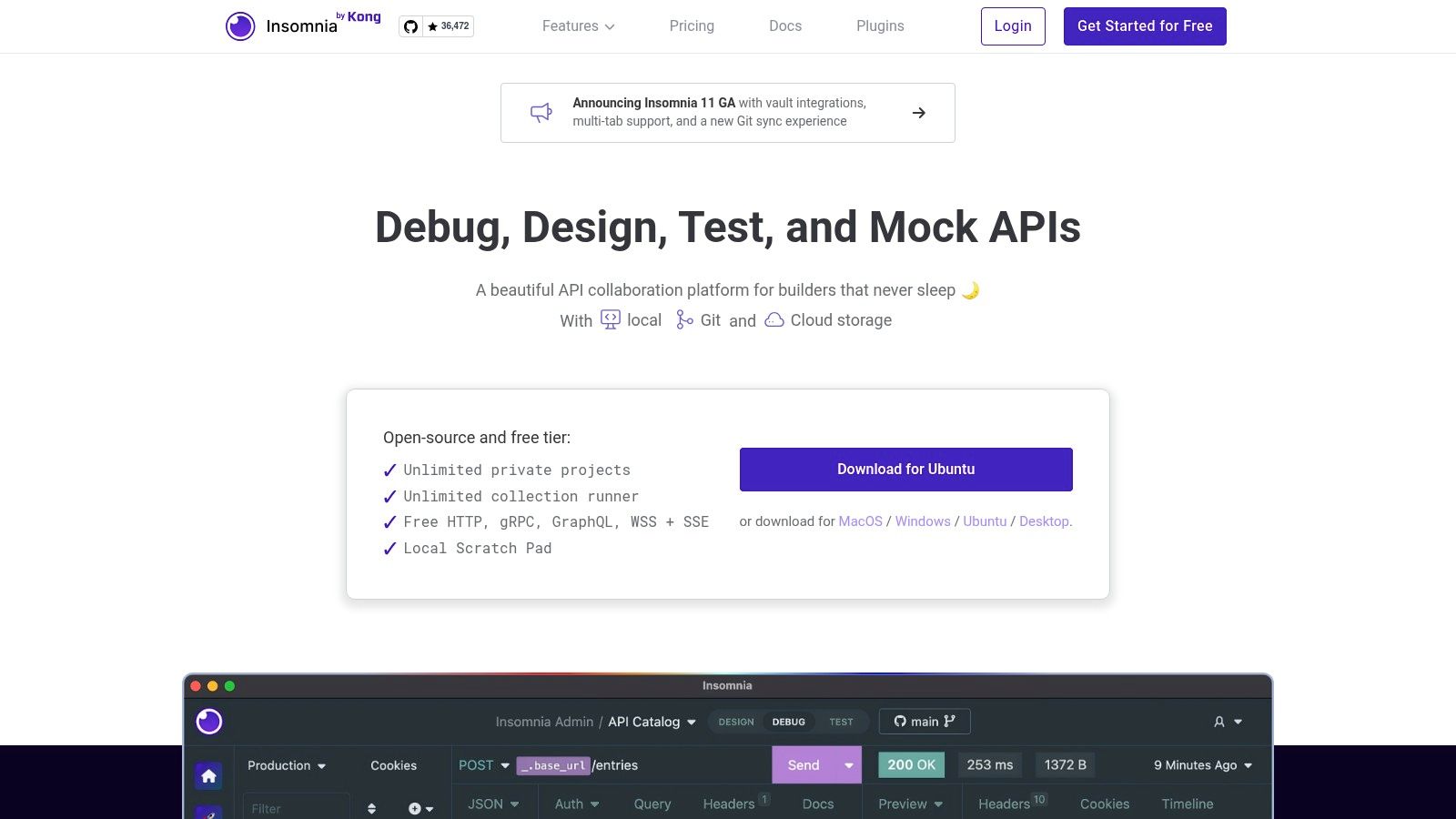
One of Insomnia’s core strengths lies in its clean and minimalist user interface. This design philosophy translates to a clutter-free workspace, allowing developers to focus on the task at hand: interacting with and testing APIs. The interface is intuitively organized, making it easy to navigate between different requests, manage environments, and inspect responses. This focus on usability significantly reduces the learning curve, enabling developers to quickly become proficient with the tool and integrate it seamlessly into their workflows.
Insomnia’s feature set caters to a wide range of API development needs. Its environment variables and template system allow for dynamic configuration and parameterization of API requests, facilitating efficient testing across different environments (e.g., development, staging, production). Support for GraphQL queries, coupled with schema introspection, further enhances its capabilities, allowing developers to easily explore and test GraphQL APIs. The built-in plugin system adds another layer of flexibility, enabling users to extend Insomnia’s functionality with community-developed plugins or create their own custom extensions. This extensibility ensures that Insomnia can adapt to evolving API technologies and specific project requirements. Furthermore, Insomnia offers code generation capabilities for multiple programming languages, simplifying the process of integrating API calls into client applications.
Practical Applications and Use Cases:
- Rapid Prototyping: Insomnia’s intuitive interface and quick setup make it ideal for rapidly prototyping API interactions.
- Testing REST APIs: Easily create and execute various HTTP requests (GET, POST, PUT, DELETE, etc.) with comprehensive request configuration options.
- GraphQL API Development and Testing: Explore GraphQL schemas, execute queries and mutations, and leverage introspection features for efficient development.
- API Documentation: Insomnia can be used to document API endpoints and share them with teams, aiding in collaboration and knowledge sharing.
- Automated API Testing (with plugins): While Insomnia’s core functionality focuses on manual testing, plugins are available to extend its capabilities for automated testing workflows.
Comparison with Similar Tools:
Compared to Postman, a leading API platform, Insomnia offers a more streamlined and lightweight experience, particularly for individual developers or smaller teams. While Postman provides more extensive collaboration features and built-in automated testing capabilities, Insomnia excels in its speed and simplicity. For developers primarily focused on REST and GraphQL API development and testing, Insomnia can be a more efficient and less resource-intensive choice. Tools like Paw offer similar functionality but are limited to the macOS platform, whereas Insomnia provides cross-platform support.
Implementation and Setup Tips:
- Download and install the appropriate version of Insomnia for your operating system from the official website (https://insomnia.rest).
- Familiarize yourself with the interface and basic functionalities by exploring the sample requests and documentation.
- Leverage environment variables to manage different API configurations efficiently.
- Explore the available plugins to extend Insomnia’s capabilities based on your specific needs, such as automated testing or integration with other tools.
Pricing: Insomnia offers a free, open-source version that is sufficient for many users. They also provide paid plans with additional features, such as team collaboration and advanced design tools, catering to larger teams and enterprise needs.
Technical Requirements: Insomnia is available for Windows, macOS, and Linux, ensuring compatibility with various development environments.
Insomnia is a valuable tool for any developer working with APIs. Its clean design, robust features, and focus on developer experience make it an excellent choice for streamlining API development and testing workflows. While it may have a smaller ecosystem compared to some of its competitors, its speed, intuitive interface, and open-source nature make it a compelling option for developers seeking a powerful and efficient API testing tool.
4. SoapUI
SoapUI stands as a stalwart in the world of API testing tools, particularly favored by enterprises for its comprehensive approach to validating both SOAP and RESTful web services. Its robust feature set caters to diverse testing needs, encompassing functional testing, performance testing, security testing, and even service virtualization. While it might present a steeper learning curve compared to some newer tools, its power and extensibility justify its continued popularity among seasoned professionals seeking in-depth API validation. This makes it a valuable asset in any API testing toolkit and earns it a well-deserved spot on this list of top API testing tools.
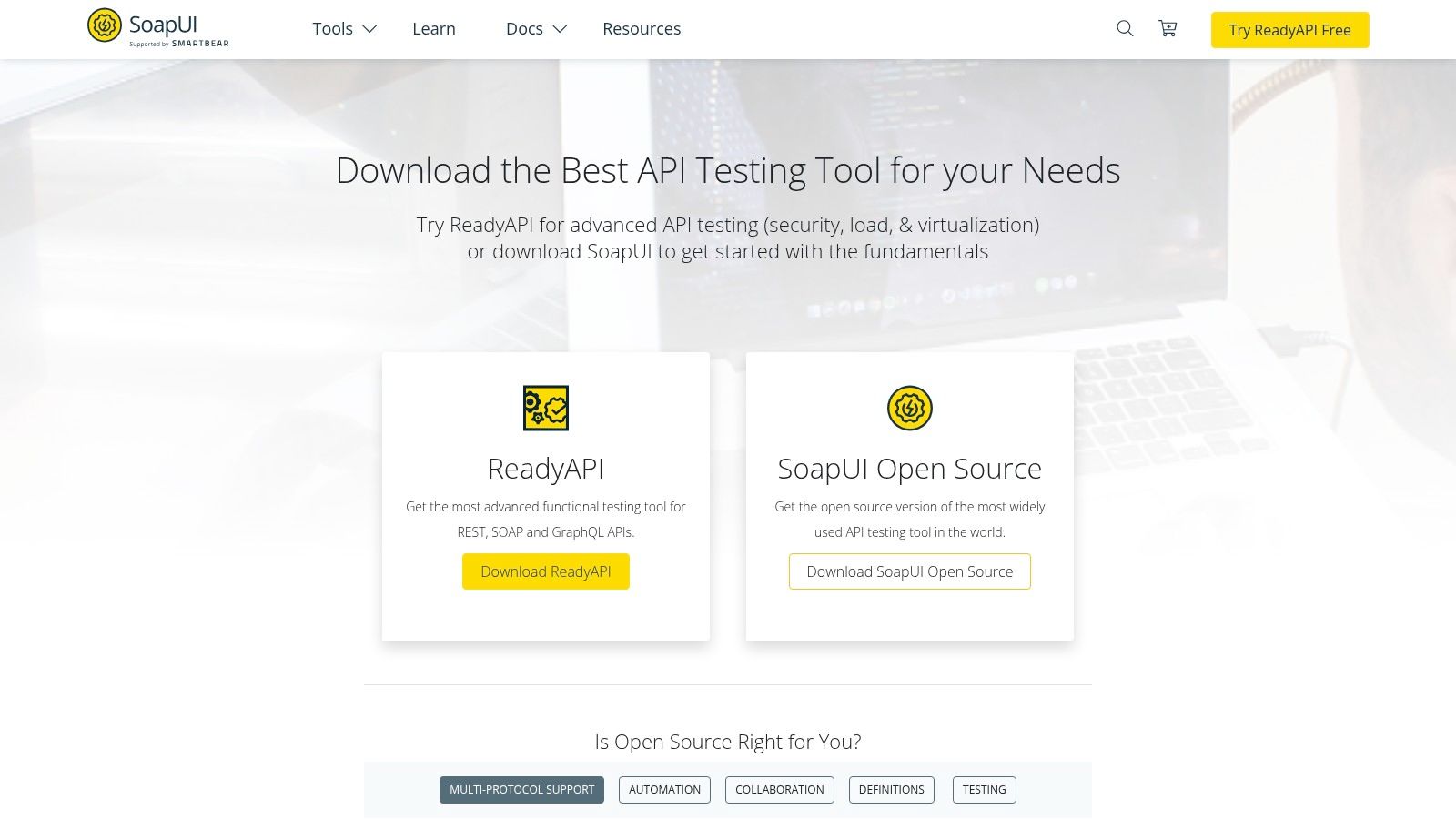
One of SoapUI’s primary strengths lies in its ability to handle both SOAP and REST APIs with equal proficiency. This versatility is crucial in today’s interconnected landscape where organizations often utilize a mix of web service architectures. For organizations heavily reliant on SOAP web services, SoapUI is practically unmatched. It provides unparalleled support for WSDL inspection, schema validation, and complex SOAP message structures. This focus on SOAP makes it a critical tool for enterprise environments that still maintain legacy systems based on this protocol.
Beyond functional validation, SoapUI empowers teams to conduct thorough performance and load testing. Testers can simulate high-volume traffic to identify bottlenecks and assess the scalability of their APIs. This is particularly important for businesses that anticipate significant user loads or need to guarantee service availability under stress. The integrated performance monitoring features provide valuable insights into response times, throughput, and other key performance indicators, enabling teams to proactively optimize their APIs.
Security is another critical aspect of API development, and SoapUI addresses this with a dedicated set of security testing features. The tool can perform vulnerability scans to identify common security flaws such as SQL injection, cross-site scripting (XSS), and insecure authentication mechanisms. This proactive approach helps organizations mitigate potential security risks early in the development lifecycle, contributing to more robust and secure APIs.
SoapUI’s support for data-driven testing further enhances its capabilities. By connecting to external data sources like databases and spreadsheets, testers can execute the same tests against a wide range of inputs, ensuring comprehensive coverage and reducing redundant test cases. This is especially useful for validating APIs with complex business logic or handling large datasets.
The ability to create mock services is yet another powerful feature of SoapUI. By simulating the behavior of real APIs, mock services allow developers and testers to work independently and test integrations even when dependent services are not yet available. This facilitates parallel development and accelerates the testing process, contributing to faster release cycles.
SoapUI is available in both open-source and commercial editions. The open-source version offers a solid foundation for basic API testing. The Pro version, however, unlocks advanced features like data-driven testing, asynchronous testing, and service virtualization, making it a compelling option for enterprise users with more demanding requirements. SmartBear, the company behind SoapUI, offers flexible licensing options for the Pro version, including perpetual licenses and subscriptions. Specific pricing details are available on their website.
While SoapUI’s comprehensive capabilities are a major advantage, there are some drawbacks to consider. The interface, though functional, can feel somewhat dated compared to some more modern API testing tools. Additionally, the sheer number of features can make the learning curve steep for beginners. Investing time in training and familiarizing yourself with the tool is crucial for maximizing its potential. Finally, the free version has limited features, pushing users towards the paid version for more advanced functionalities like security and load testing.
In terms of technical requirements, SoapUI runs on Java and supports multiple operating systems, including Windows, macOS, and Linux. The specific hardware requirements depend on the complexity and scale of the testing activities. For large-scale load tests, for instance, a more powerful machine with ample memory and processing power is recommended.
When compared to similar API testing tools like Postman or Rest-Assured, SoapUI shines in its comprehensive approach. While Postman excels in its user-friendliness and ease of use for REST API testing, SoapUI offers a broader range of functionalities, particularly for SOAP services and enterprise-grade testing needs. Rest-Assured, a Java library, is primarily focused on REST API testing within a development environment, while SoapUI provides a standalone GUI-based solution suitable for a wider range of users, from developers to dedicated QA teams.
For those getting started with SoapUI, there are numerous online resources available, including tutorials, documentation, and community forums. The official SoapUI website (https://www.soapui.org) provides a wealth of information and support. Investing time in understanding the tool’s interface, project structure, and test case creation process is essential for effectively leveraging its capabilities. Starting with simple test cases and gradually exploring more advanced features is a recommended approach for mastering this powerful API testing tool.
5. REST Assured
REST Assured secures its spot on this list of top API testing tools as a powerful, Java-based library specifically designed to simplify the testing of RESTful web services. Its fluent API, built around a Domain Specific Language (DSL), allows developers to write expressive and maintainable tests that closely resemble natural language. This readability contributes significantly to improved team collaboration and reduces the time required for test maintenance. REST Assured shines in its ability to seamlessly integrate into existing Java projects and testing frameworks, making it a natural choice for teams already working within the Java ecosystem. This eliminates the need to learn a completely new tool or language, significantly speeding up the testing process.
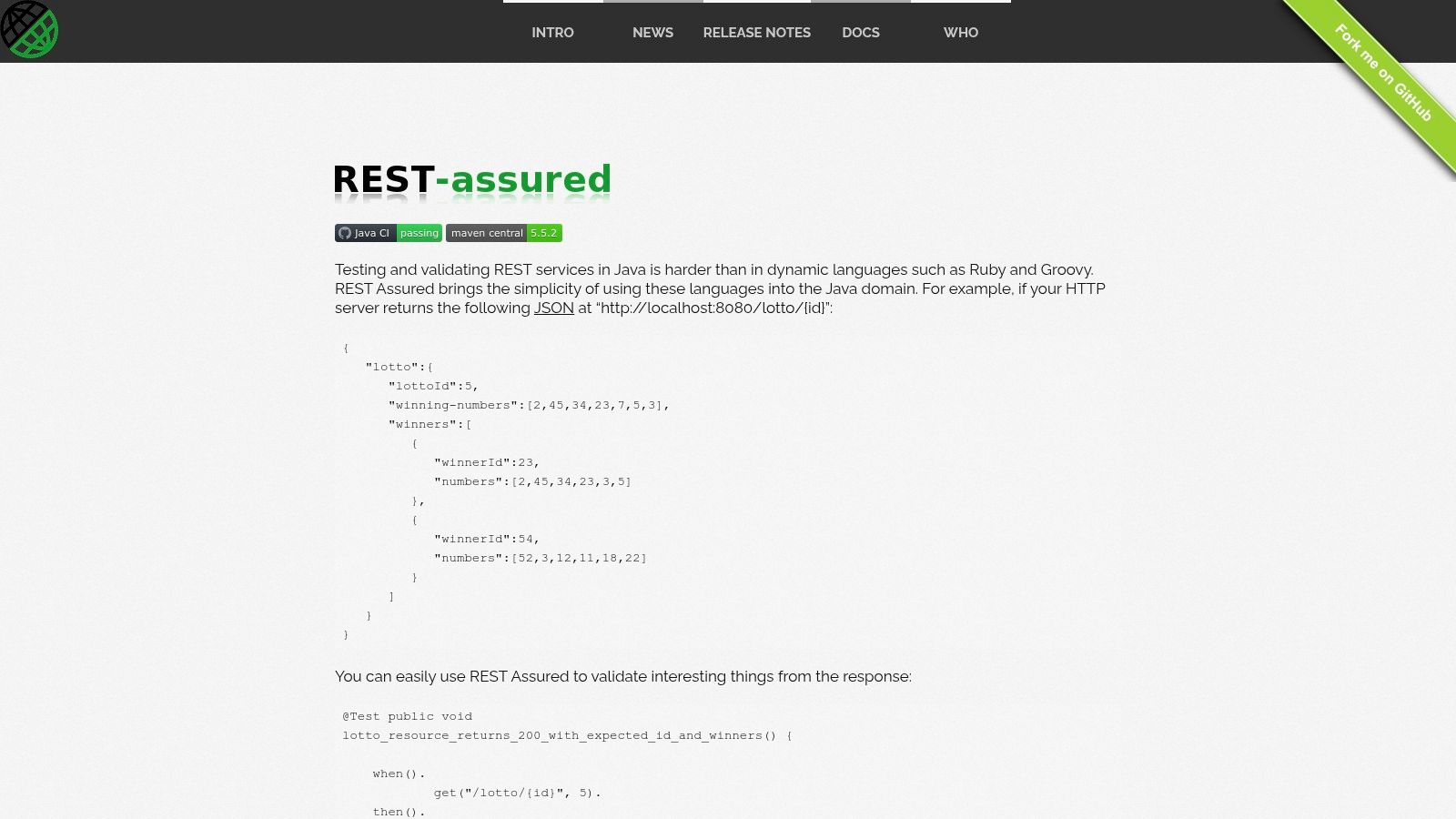
One of the most compelling features of REST Assured is its inherent support for popular testing frameworks like TestNG and JUnit. This tight integration allows developers to leverage the full power of these frameworks, including features like test reporting, test suites, and parallel execution. Moreover, REST Assured provides built-in support for parsing JSON and XML responses, simplifying data extraction and validation within tests. This built-in support removes the need for external libraries, further streamlining the testing process and reducing code complexity. Further enhancing its capabilities, REST Assured offers robust authentication support, including various mechanisms such as OAuth, basic authentication, and custom authentication schemes. This comprehensive support makes it ideal for testing a wide range of secure APIs. The ability to define and reuse request and response specifications promotes consistency and reduces code duplication, particularly valuable in larger projects where multiple tests interact with the same endpoints.
REST Assured truly excels in its integration with the Java ecosystem. For developers already working with Java, the learning curve is relatively gentle, and the tool fits seamlessly into existing workflows. Its powerful and flexible testing capabilities allow for complex scenarios and edge cases to be covered comprehensively. For example, developers can easily chain multiple requests together, simulating real-world user interactions, or perform data-driven testing using external data sources. Moreover, REST Assured boasts strong community support and extensive documentation, providing ample resources for troubleshooting and learning best practices. Finally, being free and open-source makes it an accessible and cost-effective solution for teams of all sizes.
However, it’s important to acknowledge the limitations of REST Assured. Being Java-specific, it’s not suitable for teams primarily working with other programming languages. It also requires programming knowledge, making it less accessible to non-technical users compared to tools with graphical user interfaces. While the DSL aims for readability, there’s still a learning curve for developers unfamiliar with Java or the REST Assured syntax. The lack of a GUI can also be a drawback for some users who prefer a visual approach to test creation and execution. However, for Java-centric development teams focused on API testing, these drawbacks are often outweighed by the benefits.
For teams evaluating API testing tools, comparing REST Assured with similar options like Postman or SoapUI can be insightful. Postman offers a user-friendly GUI and supports multiple languages, making it a more accessible option for non-programmers. SoapUI, while also offering a GUI, specializes in SOAP and REST API testing and includes features for load testing and security testing. While these tools have their strengths, REST Assured’s deep integration with Java, powerful DSL, and robust feature set make it a compelling choice for Java developers.
To get started with REST Assured, add the necessary dependency to your Java project using Maven or Gradle. Several online tutorials and code examples are available to help you quickly grasp the basics. Begin with simple tests to verify API responses and gradually explore more advanced features like authentication, data-driven testing, and specification reuse. Leveraging the extensive documentation and community support will accelerate your learning and enable you to harness the full potential of REST Assured for robust and efficient API testing. The official website, https://rest-assured.io, is an excellent resource for documentation, tutorials, and community forums.
6. Katalon Studio
Katalon Studio is a versatile, all-in-one test automation platform that caters to a wide range of testing needs, including API, web, mobile, and desktop applications. This comprehensive tool offers both codeless and code-based approaches, making it suitable for testers with varying levels of technical expertise. Its robust feature set and flexible licensing options make it a strong contender for teams seeking a unified solution for their quality assurance processes. For teams looking for comprehensive API testing tools, Katalon Studio provides a compelling option due to its integrated environment and ease of use, particularly for those already utilizing it for other testing needs.
One of Katalon Studio’s key strengths lies in its ability to handle multiple testing types within a single platform. This eliminates the need for separate tools and reduces the complexity of managing different licenses and integrations. For API testing specifically, Katalon Studio provides a robust set of features including support for various HTTP methods, request parameterization, assertions, and data-driven testing. Testers can easily create and execute API tests using either the intuitive graphical user interface or by writing scripts in Groovy, a Java-based scripting language. This dual approach makes it accessible to both manual testers looking to transition into automation and experienced developers who prefer scripting flexibility.
Katalon Studio offers built-in keywords and supports custom keyword creation, enabling testers to build reusable test components and streamline their workflows. The platform integrates seamlessly with popular CI/CD tools like Jenkins, Azure DevOps, and CircleCI, facilitating continuous testing and delivery pipelines. The comprehensive reporting and analytics dashboards provide valuable insights into test execution results, helping teams identify and address issues quickly. This makes it especially beneficial for DevOps professionals who require tight integration with their existing toolchains.
For practical application, imagine a scenario where a development team is building a microservices-based application. Katalon Studio can be utilized to test individual API endpoints, as well as complex API workflows involving multiple services. The data-driven testing capabilities allow testers to execute the same tests with varying input data sets, ensuring thorough coverage. The platform’s integration with CI/CD tools allows for automated API testing within the development pipeline, promoting early detection of defects and faster feedback cycles. Compared to a tool solely focused on API testing, Katalon Studio offers the advantage of extending the testing scope to other aspects of the application, such as UI testing or performance testing, without needing to switch tools.
While Katalon Studio presents a comprehensive solution, it does have some potential drawbacks. For organizations with very simple API testing needs, the platform’s extensive features can be overwhelming. The free version, while a good starting point, has limitations on customization and access to advanced features. Large projects with complex test suites may occasionally encounter performance issues. Furthermore, Katalon Studio is a proprietary platform, which can lead to vendor lock-in concerns for some organizations.
Pricing and Technical Requirements:
Katalon Studio offers both free and paid versions. The free version provides access to core features, while the paid versions (Studio Enterprise and Runtime Engine) offer advanced capabilities, priority support, and more. Detailed pricing information is available on the Katalon website. The technical requirements for Katalon Studio are relatively modest, and it runs on Windows, macOS, and Linux. The exact system requirements vary slightly depending on the version being used.
Setup and Implementation Tips:
For successful implementation, teams should start with a well-defined testing strategy and identify their specific API testing requirements. The Katalon Studio documentation provides comprehensive tutorials and guides to get started with API testing. Leveraging the built-in keywords and custom keyword development can significantly enhance test automation efficiency. Integrating Katalon Studio with the existing CI/CD pipeline early on can facilitate continuous testing practices.
Website: https://katalon.com
In conclusion, Katalon Studio stands out as a robust and versatile api testing tools thanks to its comprehensive feature set, multi-platform support, and dual codeless/code-based approach. While it might be more than necessary for very simple API testing needs, its all-in-one nature makes it a compelling choice for organizations seeking a unified platform for various testing activities. The availability of a free version allows teams to explore its capabilities before committing to a paid license.
7. Thunder Client
Thunder Client is a powerful and lightweight REST API testing extension built directly into Visual Studio Code (VS Code). This makes it an extremely convenient tool for developers who want to test their APIs without the overhead of switching between different applications. Its clean and simple interface streamlines the API testing process, allowing developers to focus on building and debugging their applications with minimal interruption to their workflow. This seamless integration with the VS Code environment is a major selling point, making Thunder Client a compelling choice for those already entrenched in the VS Code ecosystem. It’s a valuable addition to any developer’s toolkit, especially for quick testing and debugging during the development process. If you’re looking for a streamlined, efficient way to manage API testing within VS Code, Thunder Client is definitely worth exploring. It deserves its place on this list due to its speed, simplicity, and the way it effortlessly blends into the VS Code workflow, improving developer productivity and reducing context switching.
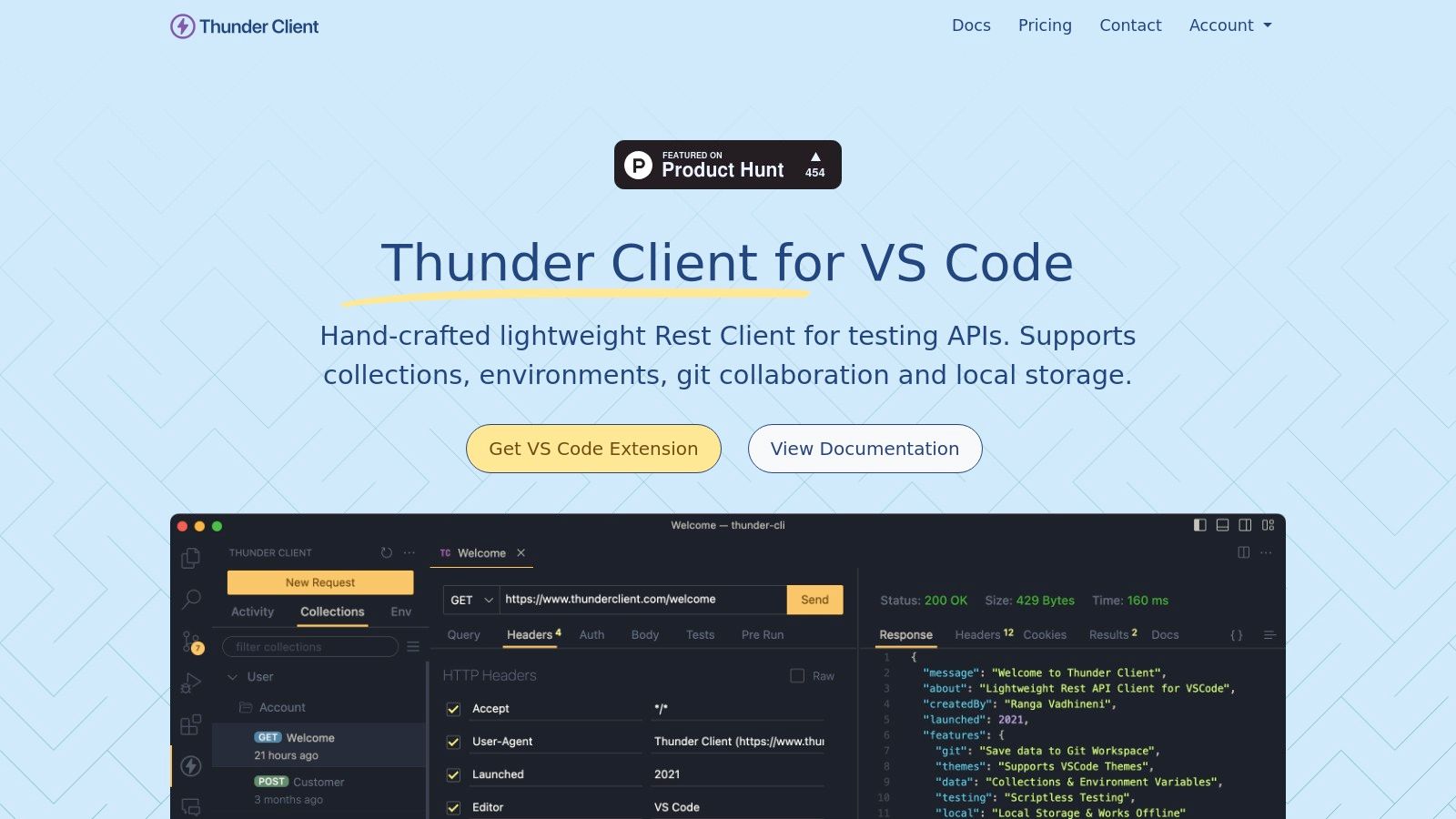
Thunder Client’s strength lies in its simplicity and speed. Its intuitive GUI eliminates the need for complex scripting, enabling developers to quickly create and run tests without a steep learning curve. Features like collections and environment management allow for organized testing, while import/export support for Postman collections provides a convenient migration path for users transitioning from other API testing tools. The ability to store data locally ensures privacy and eliminates the need for cloud dependencies, a particularly attractive feature for those working on sensitive projects or in environments with restricted internet access.
For example, imagine a developer building a microservice using Node.js and Express within VS Code. With Thunder Client, they can quickly create a collection of tests for each endpoint, define environment variables for different staging environments, and run these tests directly within their IDE. This rapid feedback loop facilitates faster development and debugging, enabling developers to catch and fix integration issues early in the development lifecycle. Teams working in a fast-paced agile environment would significantly benefit from this streamlined workflow, enabling quicker iterations and faster deployments.
Compared to fully featured API testing tools like Postman or Insomnia, Thunder Client provides a more streamlined experience specifically tailored for VS Code users. While it may lack some of the advanced features found in these dedicated tools, its simplicity and speed make it a valuable tool for everyday API testing tasks within the VS Code environment. If your needs extend beyond basic testing and require features like performance testing, complex mocking, or collaborative team features, then a more comprehensive tool might be a better fit. However, for individual developers or smaller teams focused on rapid development and testing within VS Code, Thunder Client’s minimalist approach is a significant advantage.
Thunder Client is free to use and doesn’t require an account. It is available as a VS Code extension, making installation a simple process through the VS Code marketplace. The technical requirement is simply having VS Code installed on your system. After installation, the Thunder Client panel can be accessed directly from the VS Code activity bar, allowing for immediate access to your API tests. For those already familiar with Postman, the ability to import Postman collections significantly reduces the setup time and allows for a smooth transition to Thunder Client.
In summary, Thunder Client shines as a lightweight and efficient API testing tool for developers working primarily within the VS Code environment. Its simplicity, speed, and seamless integration with VS Code make it a valuable asset for streamlining API testing workflows and enhancing developer productivity. While not as feature-rich as some dedicated API testing platforms, its strengths lie in its targeted approach, providing a powerful and convenient testing experience within the familiar confines of VS Code. This makes it a perfect choice for developers seeking a lightweight, fast, and privacy-focused solution for their everyday API testing needs. Its addition to the arsenal of API testing tools provides a valuable option for developers looking for a VS Code-centric approach to API testing.
8. Paw
Paw is a robust and feature-rich API testing tool designed specifically for macOS. It offers a streamlined and intuitive interface for building, testing, and describing APIs, making it a powerful choice for developers and QA engineers working within the Apple ecosystem. Its focus on providing a native macOS experience combined with advanced functionality sets it apart from other API testing tools. This comprehensive HTTP client simplifies complex workflows, allowing you to focus on the core aspects of API development and testing. Its inclusion in this list of top API testing tools is warranted due to its polished user experience, powerful features, and focus on macOS integration. Whether you’re debugging a problematic API call or designing a new API from scratch, Paw provides the tools to efficiently manage the entire process.
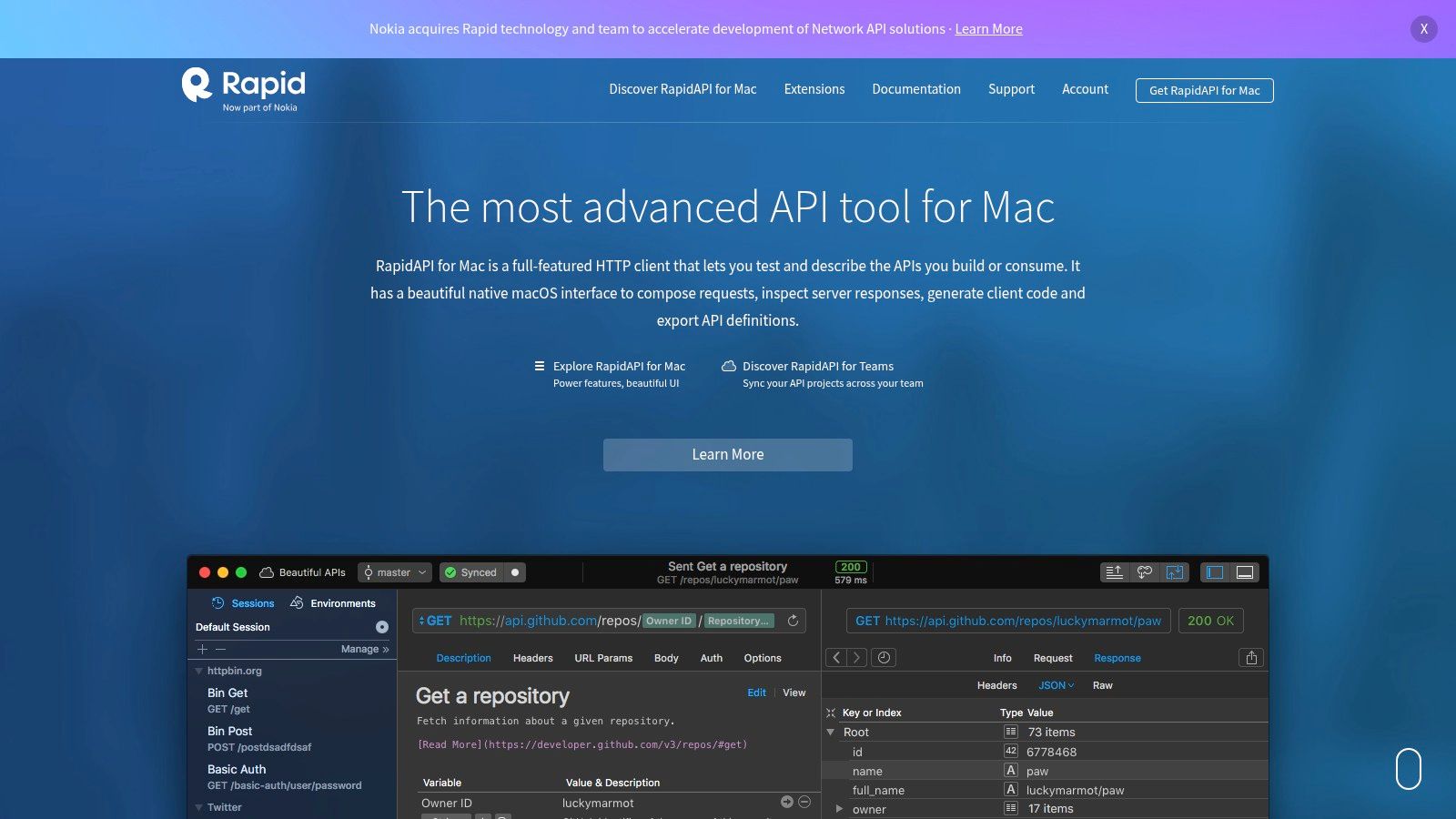
Paw excels in simplifying the process of building and testing HTTP requests. Its dynamic value system allows you to define variables and environment settings, enabling seamless switching between different development and production environments. This is particularly useful for testing APIs under various conditions and configurations, simulating real-world scenarios. Furthermore, Paw supports a wide range of advanced authentication methods, including OAuth 2, JWT, and various other industry standards. This comprehensive authentication support eliminates the need for manual configuration and simplifies the process of testing secure APIs. For teams working collaboratively, Paw offers synchronization and sharing features that facilitate efficient teamwork and streamlined workflows.
One of the standout features of Paw is its ability to generate code in multiple programming languages. This allows developers to quickly integrate their API tests into existing codebases and automate the testing process. Supported languages include Swift, Objective-C, Python, JavaScript, and more. This code generation capability not only saves time but also ensures consistency between testing and development environments. For example, a developer can quickly generate Swift code from a successful API call within Paw and directly integrate it into their iOS application, facilitating rapid prototyping and development.
While Paw provides a powerful and intuitive platform for API testing, it’s important to consider its limitations. Being a macOS exclusive application restricts its use to developers and teams working within the Apple ecosystem. Furthermore, Paw operates under a paid subscription model. Although a limited free trial is available, the subscription cost might be a barrier for some individuals and smaller teams. This is particularly relevant when comparing Paw to open-source or freemium cross-platform alternatives like Postman, which boasts a larger community and readily available support resources. The smaller community surrounding Paw can also mean fewer readily available tutorials and solutions compared to more widely adopted tools.
Setting up Paw is straightforward. Simply download the application from the official website (https://paw.cloud) and install it. The intuitive interface makes it easy to get started with building and testing API requests quickly. Creating a new request involves specifying the HTTP method, URL, headers, and body. Dynamic values can be incorporated using environment variables and custom scripts, adding flexibility and customization to the testing process. Paw’s documentation provides comprehensive guides and tutorials covering various aspects of the application, making it easy to leverage its full potential.
In comparison to other API testing tools like Postman or Insomnia, Paw distinguishes itself with its native macOS integration and sleek user interface. While Postman offers broader platform support and a vast community, Paw’s focused approach to macOS provides a more integrated and streamlined experience for developers within the Apple ecosystem. This makes Paw a particularly attractive choice for developers working primarily on macOS applications, where the seamless integration with the operating system enhances productivity and streamlines workflows.
In conclusion, Paw earns its place among the leading API testing tools thanks to its elegant design, powerful features, and dedicated focus on the macOS platform. Despite its platform limitations and subscription model, Paw offers a compelling solution for macOS users seeking a powerful and intuitive API testing tool. Its robust features, coupled with a user-friendly interface, contribute to a seamless and efficient API development and testing workflow.
9. Bruno
Bruno offers a unique approach to API testing by prioritizing privacy and version control. Unlike cloud-based API testing tools, Bruno is an open-source, offline-first client that leverages your local filesystem for storing API collections. This design eliminates reliance on third-party servers, granting you complete control over your sensitive API data. It utilizes a plain text markup language for defining API requests, making it inherently compatible with Git and other version control systems. This feature simplifies collaboration and tracking changes within API testing workflows, a crucial aspect for teams working on complex projects. Bruno is a compelling choice for developers and organizations who value data security, offline accessibility, and seamless integration with existing development workflows. Its design caters specifically to those seeking a robust, privacy-focused alternative to traditional cloud-based API testing tools.
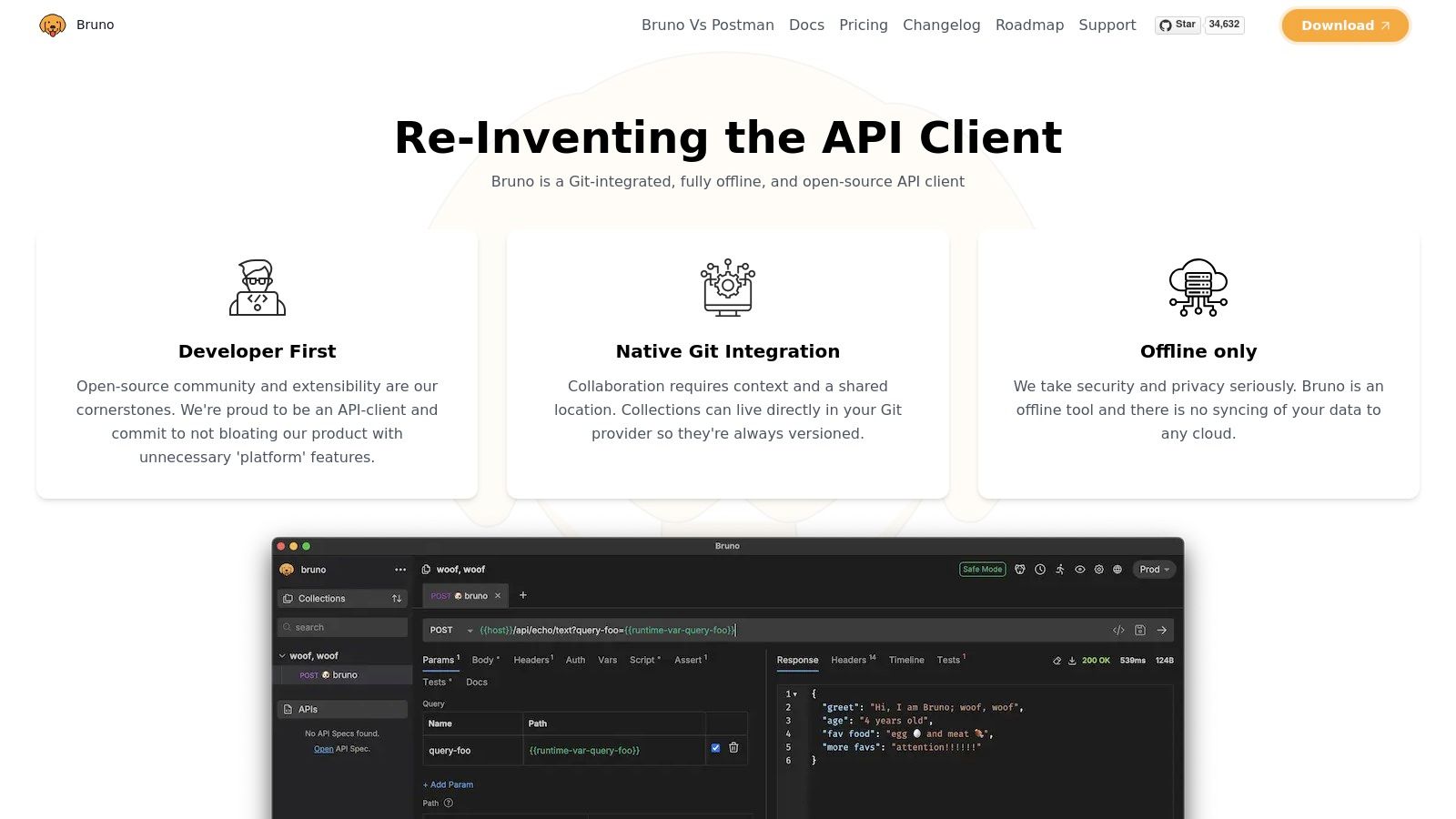
For developers seeking a privacy-first solution among API testing tools, Bruno stands out. Its offline-first nature means you can work on API requests and collections anytime, anywhere, regardless of internet connectivity. This is especially valuable for developers working in restricted environments or those who simply prefer the speed and reliability of local storage. The filesystem-based approach also inherently lends itself to organization; collections are stored as folders, making it easy to manage and navigate even complex API projects.
Bruno’s Git integration elevates its value proposition considerably. By storing API collections in a plain text format, Bruno makes it incredibly straightforward to track changes, collaborate with team members, and revert to previous versions. This seamless integration with Git workflows streamlines the development process, reducing friction and improving overall efficiency. Sharing collections becomes as easy as pushing changes to a Git repository, eliminating the need for complex import/export procedures common in other API testing tools.
Environment and variable management are crucial aspects of robust API testing, and Bruno addresses these needs effectively. Users can define different environments (e.g., development, staging, production) and assign specific variables to each. This allows for easy switching between environments and ensures that API requests are directed to the correct endpoints with the appropriate credentials. The inclusion of JavaScript scripting support further extends Bruno’s capabilities. Developers can write scripts to automate complex testing scenarios, generate dynamic data, and perform custom assertions. This level of flexibility empowers users to tailor Bruno to their specific needs and build sophisticated testing workflows.
Comparing Bruno to other API testing tools like Postman or Insomnia reveals its strengths and weaknesses. While Postman and Insomnia offer polished interfaces and extensive integrations with various services, they often rely on cloud synchronization and accounts, introducing potential privacy concerns. Bruno, with its focus on local storage and open-source nature, addresses these concerns directly. However, it’s important to acknowledge that, being a newer tool, Bruno has a smaller community and fewer integrations compared to more established alternatives.
Implementation and setup are straightforward. Download the latest release for your operating system from the official website, extract the files, and you’re ready to go. No complex installation procedures or account creation are required. The intuitive interface makes it easy to create new collections, define API requests, and manage environments.
Pricing: Bruno is completely free and open-source.
Technical Requirements: Bruno is available for Windows, macOS, and Linux.
Pros:
- Complete privacy and data control: Your API data remains on your local machine.
- Excellent for version control integration: The plain text format ensures seamless compatibility with Git.
- Free and open-source: No licensing fees or vendor lock-in.
- No cloud dependency: Work offline without limitations.
Cons:
- Newer tool with a smaller community: Limited community support and resources compared to more established tools.
- Limited collaboration features beyond Git: While Git integration provides version control, more advanced collaboration features are lacking.
- Fewer integrations compared to established tools: Integration with other development tools is still developing.
- Less polished interface than commercial alternatives: The UI/UX might feel less refined compared to commercial offerings.
Despite being a relatively new entrant in the field of API testing tools, Bruno offers a compelling value proposition for developers who prioritize privacy, version control, and offline accessibility. While it may lack the polish and extensive features of established commercial tools, its focus on core functionalities and open-source nature makes it a valuable addition to any developer’s toolkit. For those seeking a secure and reliable offline-first API testing solution, Bruno deserves serious consideration. You can explore more about Bruno at https://www.usebruno.com.
10. JMeter
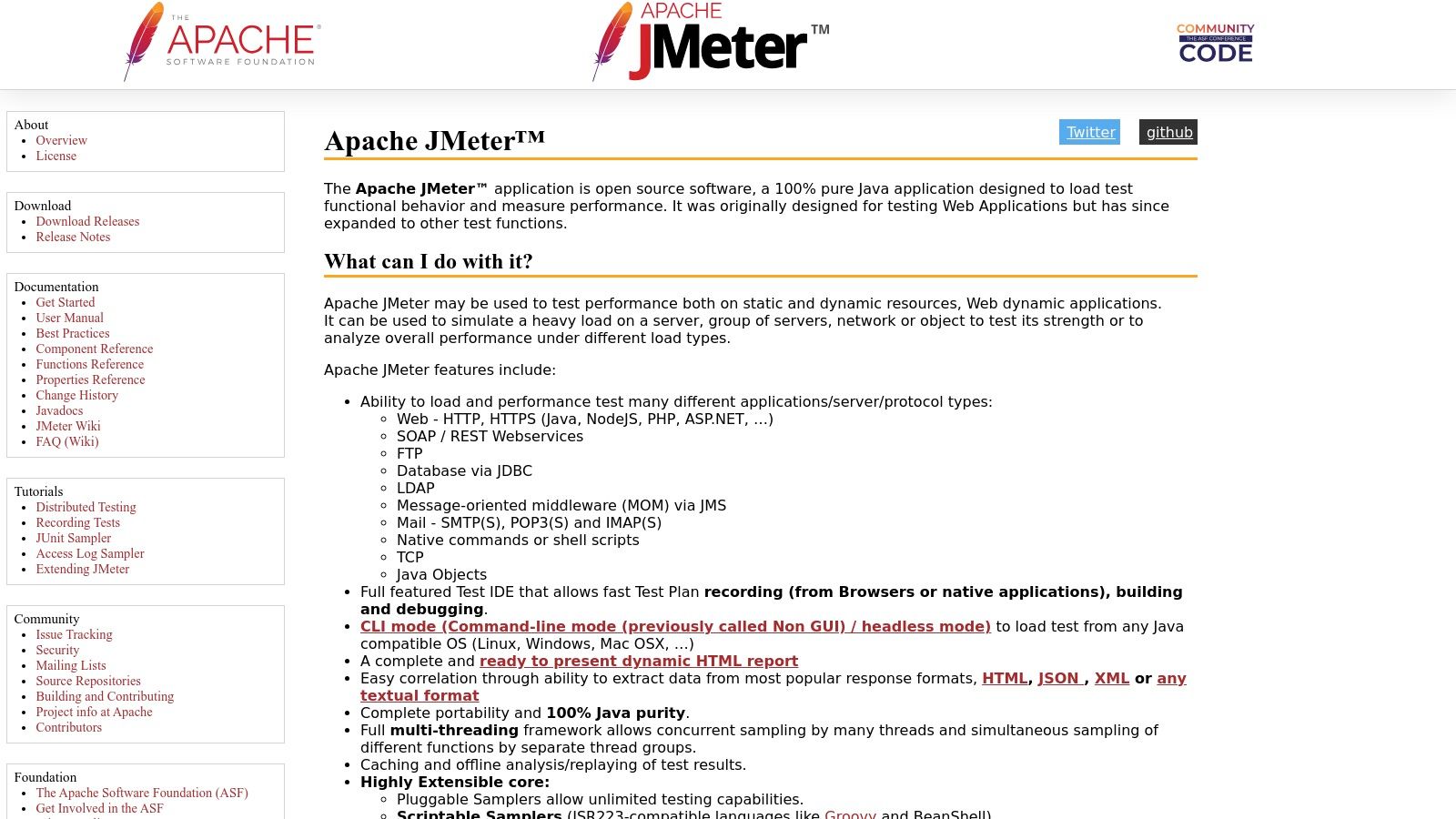
Apache JMeter is a powerful open-source tool primarily known for performance and load testing. However, its versatility extends to comprehensive API testing, supporting various protocols like HTTP, HTTPS, SOAP, and REST. This makes JMeter a valuable asset for developers, QA engineers, and DevOps professionals looking for a robust solution to assess the performance and functionality of their APIs. While its core strength lies in simulating heavy loads and identifying bottlenecks, its comprehensive features make it a compelling choice for broader API testing needs. It also boasts extensive reporting capabilities, providing detailed insights into API performance under stress. This flexibility and power earn JMeter a deserved place in the top API testing tools.
JMeter’s strength lies in its ability to simulate realistic user scenarios. For instance, imagine an e-commerce platform preparing for a flash sale. Using JMeter, the development team can simulate thousands of concurrent users accessing the API endpoints responsible for product listings, adding items to carts, and processing payments. This allows them to identify potential performance bottlenecks, optimize database queries, and ensure the system remains stable under pressure. Furthermore, JMeter can be used to test the API’s resilience against various network conditions, such as high latency and packet loss, ensuring a consistent user experience regardless of network fluctuations.
Beyond performance testing, JMeter enables functional API testing. You can create test plans that send various requests to your API endpoints, validating responses against expected results. This includes verifying response codes, data integrity, and the proper functioning of business logic exposed through the API. JMeter’s support for assertions allows for granular control over validation criteria, ensuring thorough testing coverage. For a more comprehensive understanding of utilizing JMeter for REST API load testing, learn more about JMeter.
JMeter offers both a GUI and a command-line interface, catering to different user preferences and testing scenarios. The GUI provides a user-friendly environment for creating test plans, configuring samplers, and analyzing results. The command-line interface is particularly useful for automated testing and integration with continuous integration/continuous deployment (CI/CD) pipelines. This flexibility makes JMeter adaptable to diverse workflows and testing environments.
Being open-source, JMeter is free to use without any licensing costs. This makes it an attractive option for organizations of all sizes, particularly startups and small businesses with limited budgets. A large and active community supports JMeter, providing extensive documentation, tutorials, and plugins. This thriving ecosystem ensures that users can find solutions to common problems and extend JMeter’s functionality to meet specific testing needs.
While JMeter offers substantial benefits, it’s important to be aware of its limitations. The learning curve can be steep for beginners, especially those unfamiliar with performance testing concepts. The interface, while feature-rich, can feel complex for simpler API testing tasks. Compared to dedicated functional testing tools, JMeter may require more configuration and scripting to achieve the same level of test coverage for functional scenarios. Also, JMeter is a resource-intensive application, requiring significant memory and processing power, particularly when simulating large loads. Finally, while capable of functional testing, JMeter’s primary focus remains performance testing. Dedicated functional testing tools might be more suitable for in-depth functional validation.
Key Features:
- Multi-protocol support (HTTP, HTTPS, SOAP, REST)
- Comprehensive load and performance testing
- GUI and command-line interface options
- Extensive reporting and result analysis
- Plugin ecosystem for extended functionality
Pros:
- Free and open-source
- Excellent for performance and load testing
- Large community and extensive documentation
- Highly configurable and extensible
Cons:
- Steep learning curve for beginners
- Interface can be complex for simple API testing
- Resource-intensive application
- Primarily focused on performance rather than functional testing
Website: https://jmeter.apache.org
JMeter’s combination of power, flexibility, and open-source nature makes it a valuable tool for any team serious about API quality. While not the simplest tool to master, its comprehensive features and extensibility make it a worthwhile investment for ensuring robust and performant APIs.
API Testing Tools Feature Comparison
| Tool | Core Features / Capabilities | User Experience / Quality ★ | Value Proposition 💰 | Target Audience 👥 | Unique Selling Points ✨ |
|---|---|---|---|---|---|
| GoReplay 🏆 | HTTP traffic capture & replay, load testing, real-time monitoring | ★★★★☆ Command-line, powerful analytics | Free OSS + Pro version for enterprises | Developers, QA, Enterprise teams | Session-aware replay, TLS optimization, advanced storage & data masking |
| Postman | API design, testing, collaboration, monitoring | ★★★★☆ Intuitive GUI & team workspaces | Free tier, paid plans for large teams | Devs, testers, teams | Visual builder, CI/CD integration, extensive collaboration |
| Insomnia | REST & GraphQL client, plugin support, code generation | ★★★★☆ Lightweight & clean interface | Free, open-source | Developers, API testers | GraphQL support, extensible via plugins |
| SoapUI | REST & SOAP testing, load/security testing, mocking | ★★★☆☆ Enterprise-grade, but complex | Free OSS + commercial editions | Enterprise testers, QA teams | Comprehensive functional & security testing |
| REST Assured | Java DSL for REST API testing, framework integration | ★★★★☆ Java-based, no GUI | Free, open-source | Java developers, automation engineers | Deep Java integration, reusable specs |
| Katalon Studio | Multi-platform automation, codeless & scripted tests | ★★★☆☆ All-in-one but can overwhelm | Free tier + paid plans | Testers, automation engineers | Codeless testing, wide platform support |
| Thunder Client | VS Code extension API testing, scriptless testing | ★★★☆☆ Fast, minimal UI | Free | VS Code users, developers | Native VS Code integration, local storage |
| Paw | macOS native HTTP client, dynamic values, auth | ★★★★☆ Polished Mac UI | Paid subscription | macOS developers, testers | Native macOS app, advanced auth |
| Bruno | Offline-first, filesystem storage, git-friendly | ★★★☆☆ Privacy-focused, basic UI | Free, open-source | Privacy-conscious devs, Git users | Offline use, plain text collections |
| JMeter | Load testing, multi-protocol support, reporting | ★★★☆☆ Powerful but complex UI | Free, open-source | Performance testers, enterprise teams | Multi-protocol, extensive plugins |
Choosing the Right API Testing Tool
Selecting the perfect API testing tool from the many options available, like Postman, Insomnia, SoapUI, REST Assured, Katalon Studio, Thunder Client, Paw, Bruno, JMeter, and others, can feel overwhelming. This article has explored ten powerful API testing tools, each with its own strengths and weaknesses. Key takeaways include the importance of considering factors such as ease of use, integration capabilities, community support, and advanced features like those offered by some tools for performance testing or security analysis. Remember that the ideal API testing tool should seamlessly integrate into your existing workflow, empowering your team to efficiently validate API functionality, performance, and security.
When choosing amongst these API testing tools, consider your project’s specific requirements. Do you need a tool primarily for RESTful APIs, or do you work with SOAP or other protocols? Is your team comfortable with code-driven testing using tools like REST Assured, or would a GUI-based solution like Postman or Insomnia be more suitable? Evaluating your budget and the scalability needs of your project are also crucial for selecting the right tool for long-term success. Implementing the right API testing tool will not only improve the quality of your APIs but also contribute to a more robust and reliable software ecosystem.
Effective API testing is paramount in today’s interconnected world. By carefully evaluating your needs and exploring the available options, you can choose the best API testing tools to enhance your development process and deliver high-quality software. For a powerful and unique approach to API testing, consider leveraging real-world traffic for testing with GoReplay. Learn more about how GoReplay can enhance your API testing strategy by capturing and replaying real API traffic at GoReplay.