
Traffic Simulation Software List: 10 Tools Compared

Your release is ready. The test suite passes, staging looks healthy, and the deployment window is approaching. Then someone asks whether the new build can handle what customers send, including unusual payloads, uneven bursts, and request sequences nobody thought to script.
That’s where the choice of traffic simulation tool matters. Replaying captured production requests answers a different question from generating scripted load. A replay can expose overlooked request patterns. A scripted test can explore a workload that hasn’t happened yet. Neither automatically proves that your application produced the right result.
This traffic simulation software list compares application and network testing tools, not road-network simulators. The useful distinction isn’t which product has the longest feature list. It’s how each tool creates traffic, which observations you can trust, and what setup you’ll need before the results mean anything.
Start with your immediate question:
- Production compatibility: Replay captured requests against an isolated build.
- Capacity and resilience: Generate controlled load with explicit arrival patterns and assertions.
- Network behavior: Generate packets rather than application user journeys.
For every category, reserve time for test data, credentials, dependency behavior, and result validation. Those determine whether you’ve tested a meaningful workload or merely sent requests successfully.
1. GoReplay
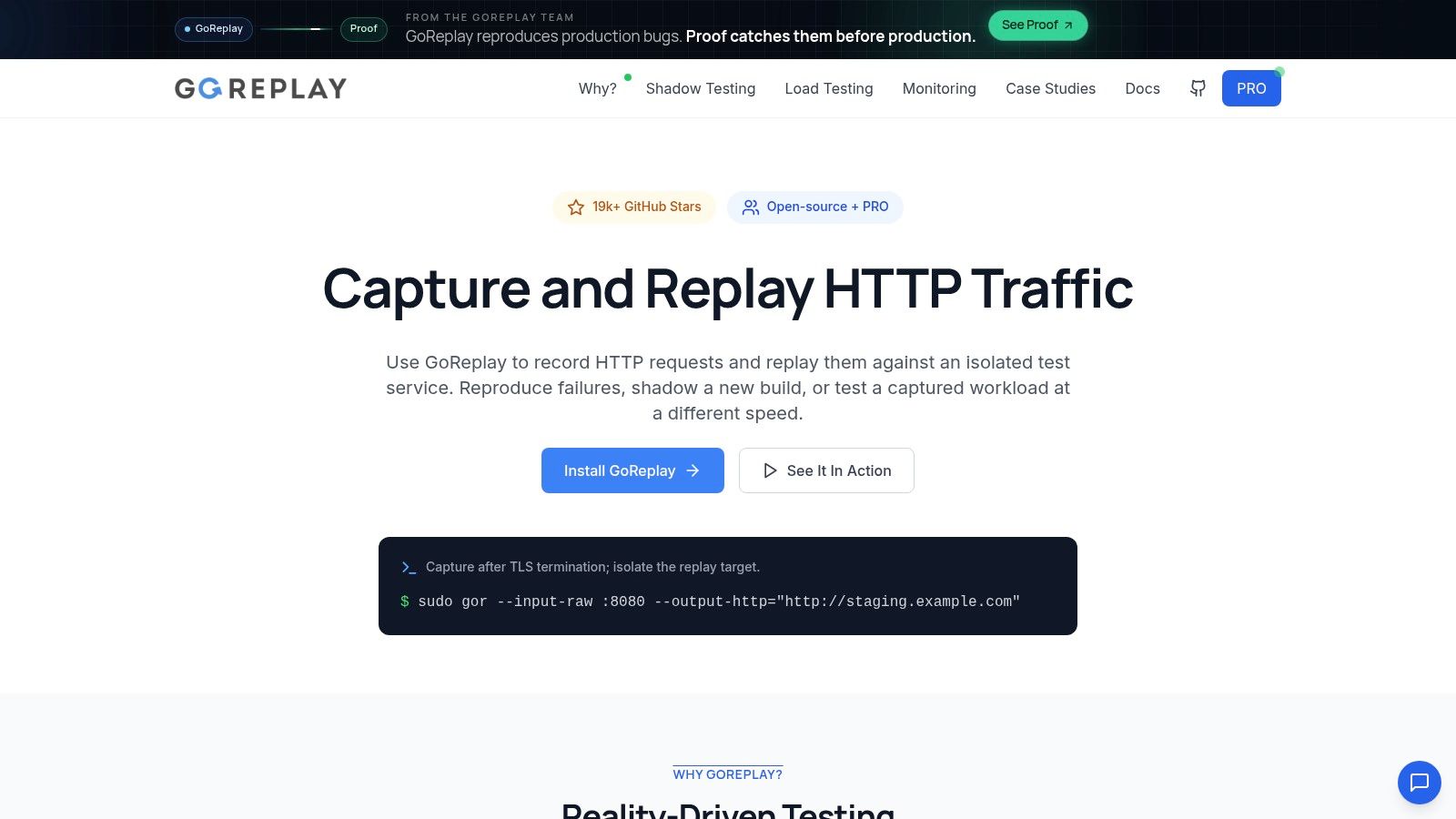
Best for turning actual HTTP requests into a repeatable test workload. Capture production traffic, filter or rewrite requests, and replay them against an isolated service. This preserves request patterns that a manually written scenario might leave out.
The Open Source edition includes HTTP capture and replay, request filtering, rewriting, middleware, a command-line interface, and community support. It’s free, making it a practical starting point for bug reproduction, shadow testing, and build comparisons. Our guide to traffic simulation explains where captured workloads differ from generated scenarios.
What You Need to Set Up
Capture traffic after TLS termination, where HTTP requests are available for inspection. Prepare the target environment, replace production credentials, and prevent replayed requests from sending real emails, taking payments, or modifying live customer records.
Use a filtered sample first. Inspect request bodies and headers, confirm that rewriting works, and verify that the target has the application state those requests expect.
- Workload control: Replay a captured HTTP workload at a chosen speed, then measure latency, errors, and resource limits.
- Debugging: Inspect a captured request, replay the relevant sample, and compare the response with expected behavior.
- Commercial options: PRO adds S3 capture storage and replay, keep-alive TCP session recognition, dedicated support, and a commercial license.
The limitation is interpretation. Successful delivery doesn’t establish correctness. Compare responses and application state alongside performance, and account for generated identifiers, timestamps, and other legitimate differences.
ResDiary used the tool to validate infrastructure requirements during its RackSpace-to-Azure migration, including its UK and Australia regions. That’s a useful fit for replay: testing a proposed environment with existing request patterns, rather than assuming a synthetic workload represents customers.
2. Speedscale
Your service calls a payment provider, an inventory API, and an authentication service. Replaying inbound requests solves only half the setup. The dependencies still have to answer in a way your test can trust.
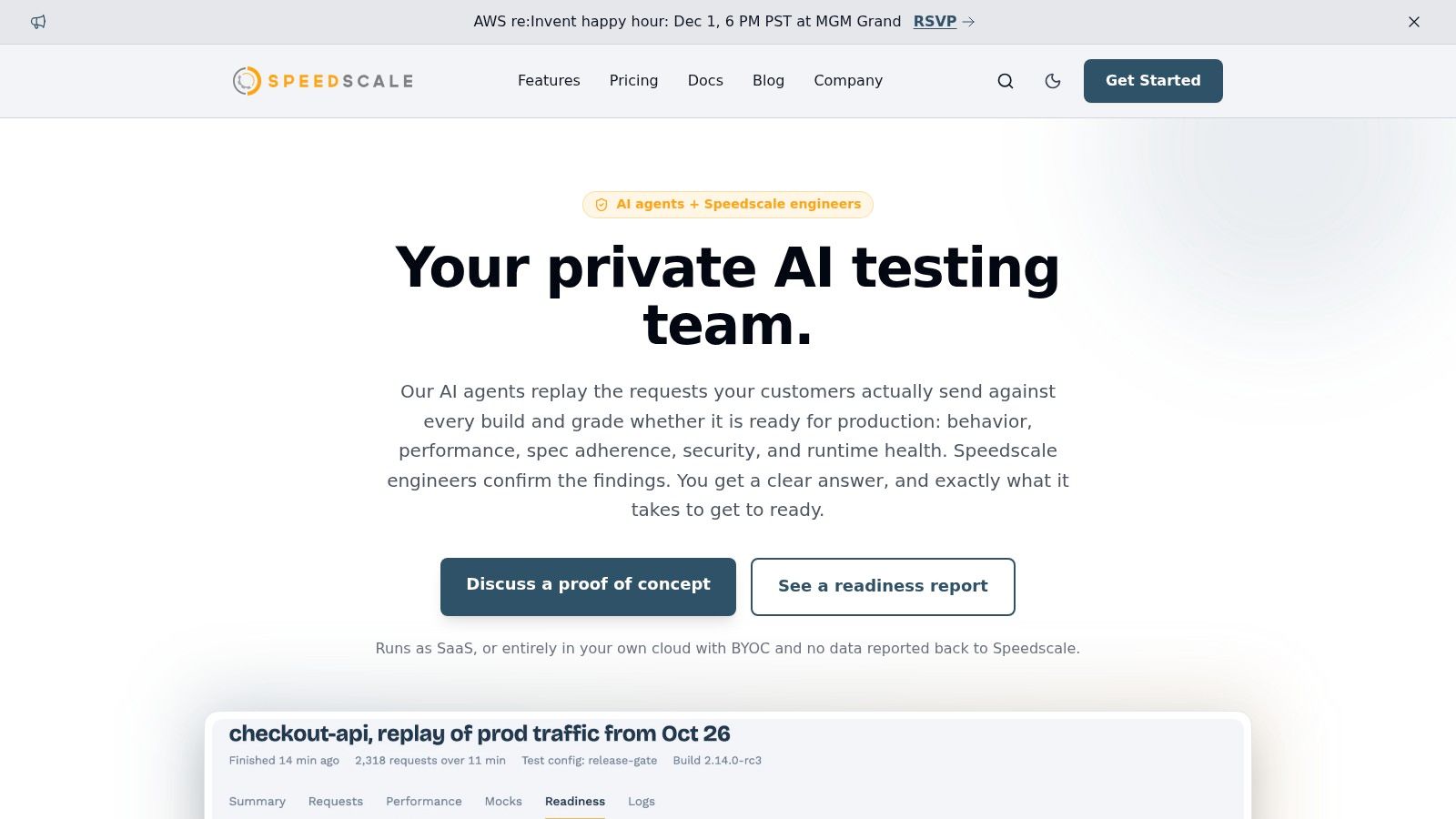
Speedscale combines application traffic capture and replay with downstream response mocking. Its capture options include sidecars, proxies, PCAP, eBPF, and logs. That matters in service-oriented and Kubernetes systems, where wiring fake dependencies can take longer than running the test.
Where Dependency Mocking Helps
A recorded dependency can keep a test repeatable when the actual service is unavailable, expensive, or unsafe to call. The trade-off is fidelity: mocked responses show how your service handles the reply you gave it, not how the provider behaves under load.
The setup still requires engineering work. Choose capture boundaries, sanitize sensitive fields, and decide which dependencies should be mocked rather than exercised directly. The HTTPS capture comparison is useful when evaluating capture placement and operational trade-offs.
Practical rule: A mocked dependency can make a test repeatable, but it can’t demonstrate how the real dependency behaves under pressure.
Run a narrow pilot before committing: one service, a short capture window, fixed retention, and the CI checks you expect to use. Judge cost and effort from that scope instead of assuming every captured request is worth keeping.
Choose it when real request scenarios plus controlled dependencies matter most. A successful mocked run still leaves the live service chain unproven.
3. Grafana k6
Grafana k6 fits teams that want performance tests reviewed alongside application code. Its JavaScript scenarios describe the behavior you intend to generate, while thresholds turn performance expectations into automated checks.
That makes it useful for repeatable API tests in CI. You can define load, stress, spike, and soak scenarios, run locally, or use Grafana Cloud k6 for managed execution and shared results.
- Strong fit: Versioned scenarios with explicit metrics and pass/fail thresholds.
- Browser coverage: The browser API supports browser performance testing when protocol-level requests aren’t enough.
- Main trade-off: Engineers must write and maintain the workload instead of automatically reproducing production requests.
Model the Workload Deliberately
A script that repeatedly calls a fast endpoint can produce an impressive throughput result while missing your expensive operations. Include realistic payload variation, authentication, pauses, and the endpoint distribution relevant to the release.
Keep browser and protocol tests distinct when interpreting results. Browser execution requires more resources, and a browser-heavy generator can become the bottleneck before the application does.
What it can prove depends on your assertions. Thresholds can enforce latency and error expectations, but they don’t establish business correctness unless you also check meaningful responses and outcomes.
Choose k6 when developers will own the scenarios over time. It’s less suitable if your primary requirement is discovering request combinations your team hasn’t thought to encode.
4. Gatling
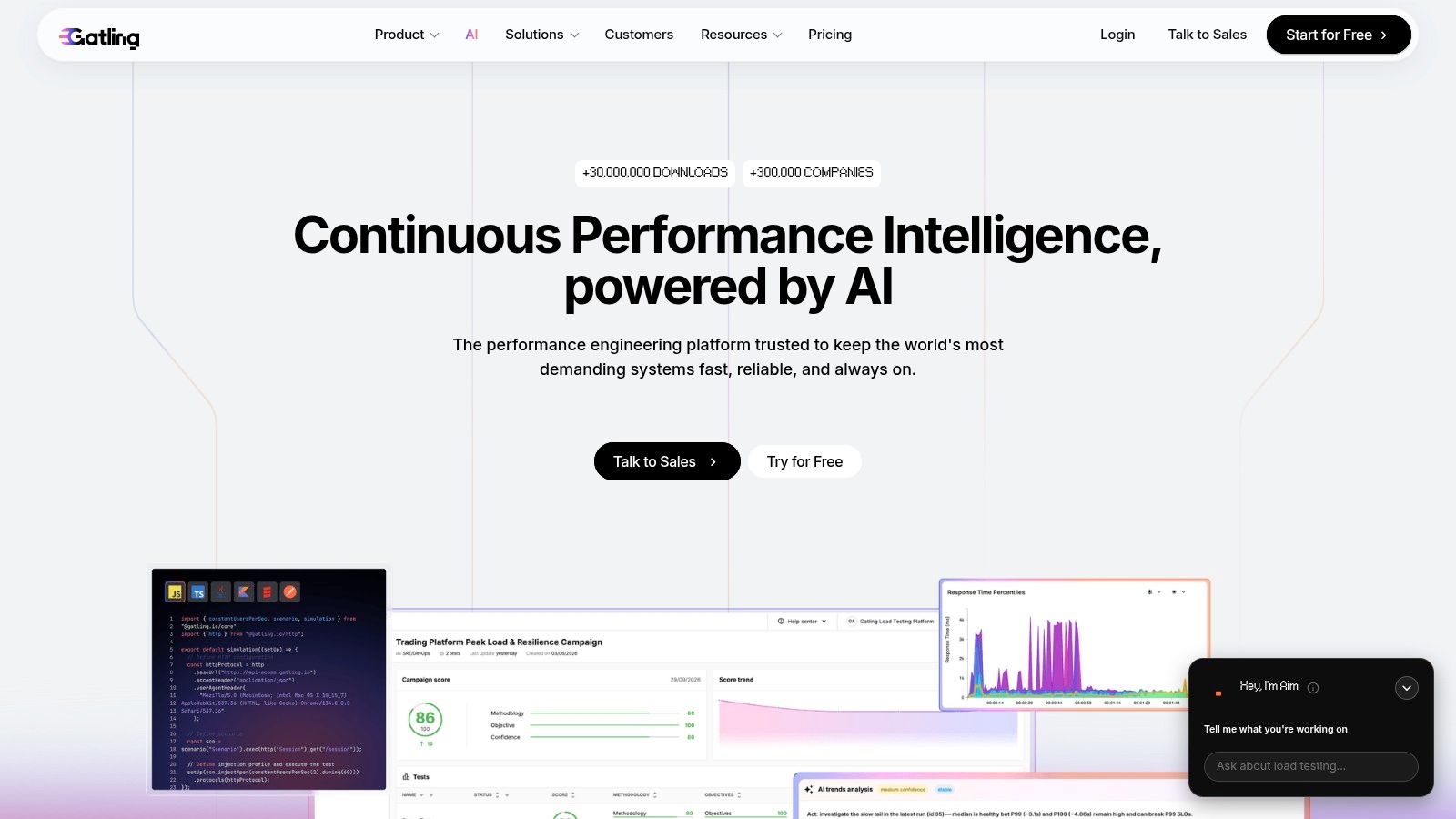
Repeatable workload design is Gatling’s main attraction. Rather than treating a load test as a recording someone occasionally reruns, you maintain simulation code, review changes, and execute it through your delivery workflow.
Gatling provides an open-source Community Edition and commercial enterprise services. Supported test languages include Java, JavaScript, TypeScript, Kotlin, and Scala, giving development teams options for keeping performance tests close to their existing skills.
From Local Tests to Managed Execution
The Community Edition is free and can be used commercially. Enterprise offerings add managed or private load-generation infrastructure, dashboards, and performance-result comparisons.
That progression is useful when you want to begin with code and adopt managed execution later. It doesn’t remove the need to validate the scenario before increasing load.
- Setup work: Implement authentication, data feeders, response checks, and relationships between requests.
- Operational choice: Decide whether your team will run generators or use commercial infrastructure.
- Evidence boundary: Generated traffic represents the model you wrote, not an automatically captured production request mix.
Say your checkout workflow needs an identifier returned by an earlier request. Hard-coding that identifier may create a test that looks busy but mostly exercises rejection paths. Extract and reuse the value so the scenario reaches the intended application logic.
Choose Gatling when test-as-code and controlled execution match your team’s workflow. Expect ongoing development effort, particularly when application contracts and authentication flows change.
5. Apache JMeter
Not every performance problem starts at an HTTP endpoint. You may need to exercise a database connection, a messaging system, or another protocol within the same testing program.
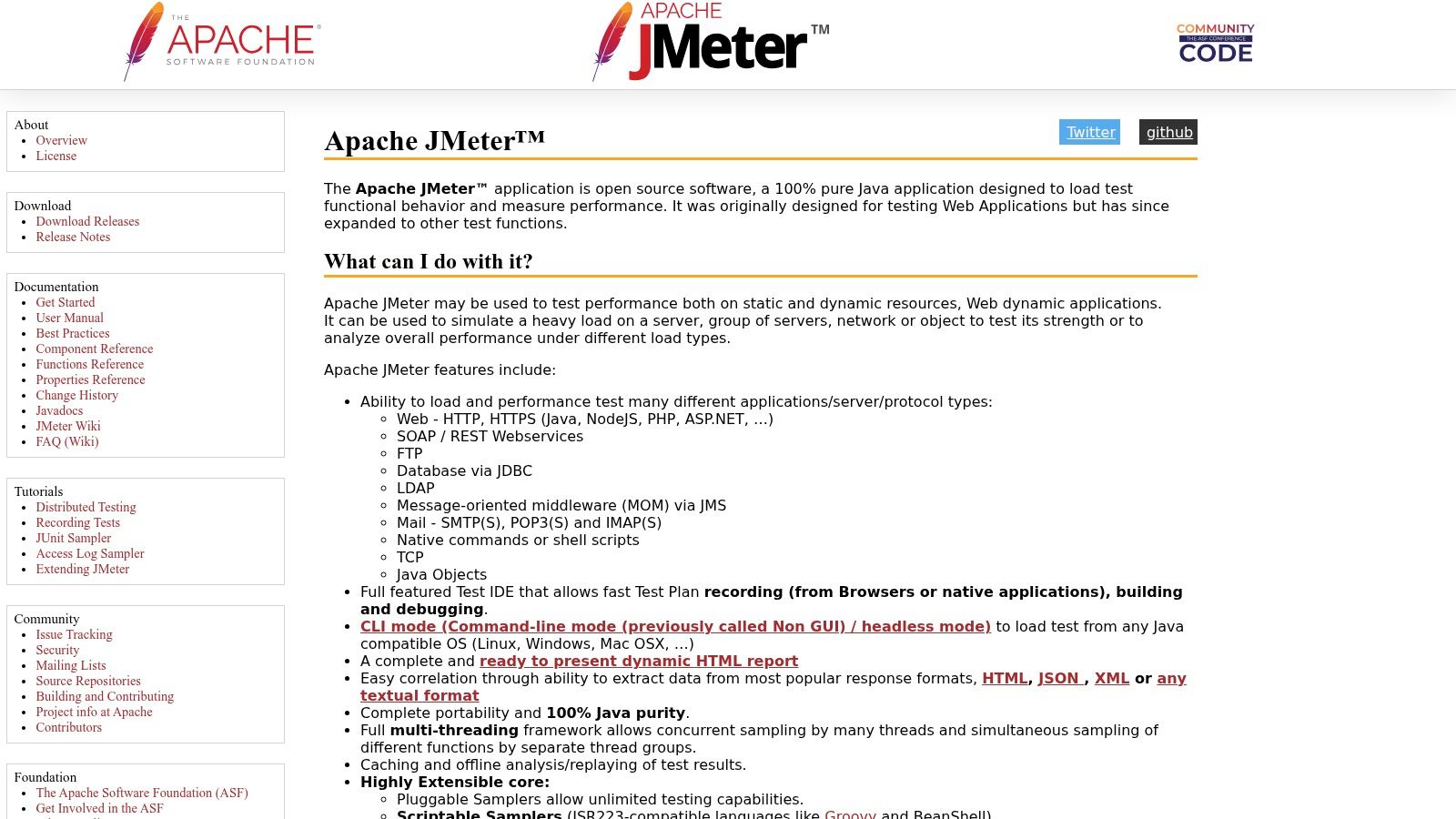
Apache JMeter is a free, open-source Java application with broad protocol coverage. It supports HTTP, REST/SOAP, JDBC, FTP, LDAP, JMS, mail, and TCP, along with plugins and scriptable samplers.
Its test-plan interface can help teams assemble scenarios without making every element a standalone program. Recording also provides a starting point, but recorded requests still need correlation, parameterization, and cleanup.
Keep the Generator Out of the Results
Use the graphical interface for authoring and debugging. Run substantial tests from the command line, and monitor the generator’s CPU, memory, and network use alongside the target application.
Distributed testing is available, but your team manages the infrastructure unless you add a hosted service. Plugin compatibility, test data distribution, and result collection become part of that responsibility.
JMeter operates at the protocol level. Downloading a page isn’t the same as rendering it or executing its JavaScript.
Its weakness is maintainability as test plans expand. Use clear naming, reusable components, and version control. Avoid accumulating listeners and scripts that nobody can explain.
Choose JMeter for protocol breadth and a mature testing ecosystem without a software license fee. Choose a browser-capable tool when client-side execution is the behavior you need to measure.
6. Locust
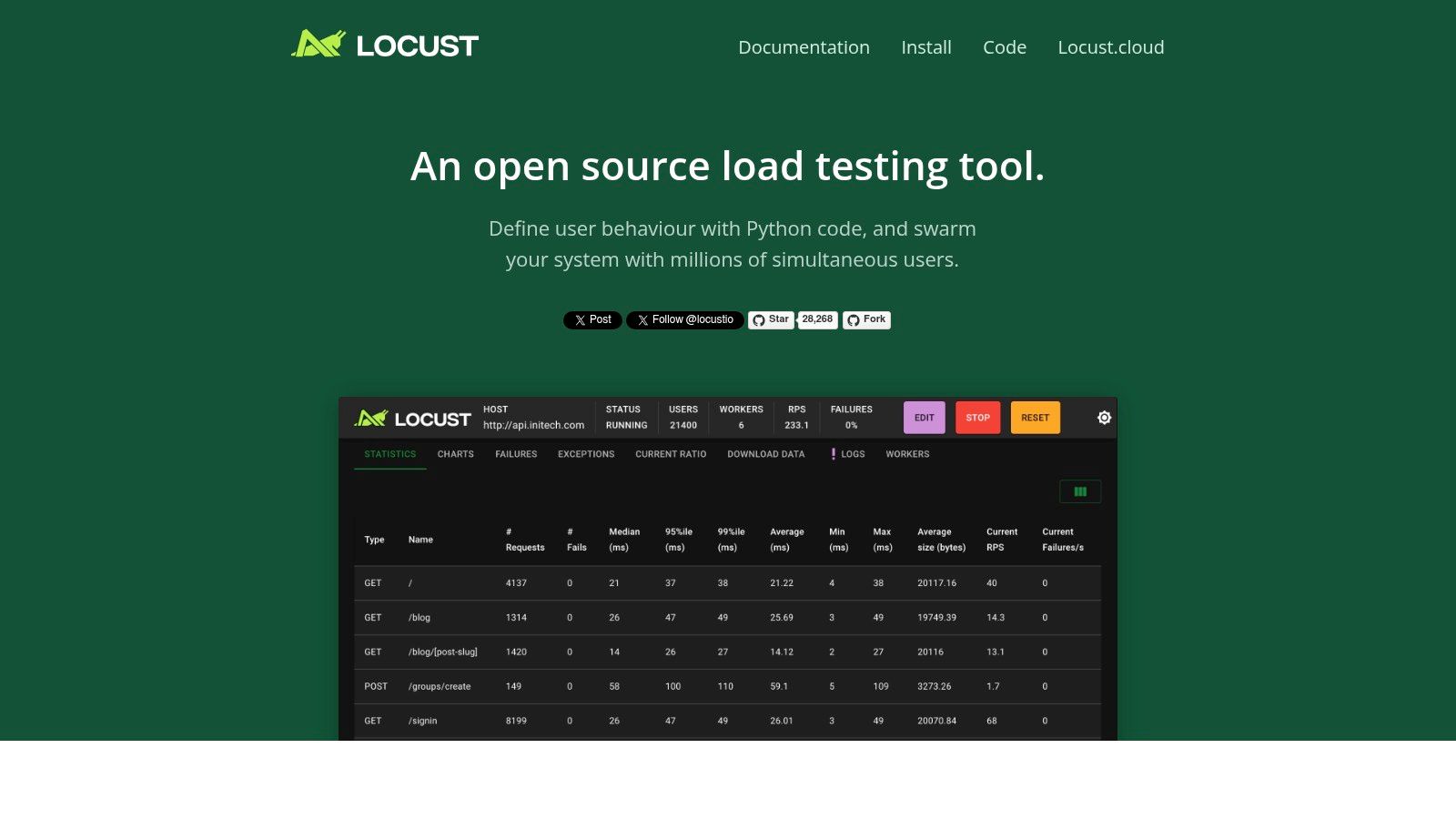
For a Python-oriented team, Locust offers a direct way to express user behavior without adopting another scenario language. Define tasks in Python, control execution through its web interface or command line, and distribute generation across workers when needed.
The advantage is flexible scenario logic. You can use familiar programming constructs and Python libraries to prepare data, select actions, or implement custom clients. That flexibility is valuable when the workflow doesn’t fit a simple request sequence.
- Best fit: Developers comfortable maintaining Python-based test scenarios.
- Execution options: Interactive control through the web UI or automated command-line runs.
- Ownership cost: Your team operates distributed workers and builds the result-handling workflow it needs.
Flexibility Needs Guardrails
Keep load-generation code separate from expensive preparation work. If each simulated action performs unnecessary local processing, you may measure your test implementation rather than the application.
Review task selection and wait behavior carefully. A plausible user workflow isn’t automatically a plausible production workload, especially when customers use different features at different rates.
Locust generates modeled scenarios rather than automatically replaying production traffic. It can test expected journeys and deliberate edge cases, but it won’t discover missing request shapes on its own.
Choose it when Python is already part of your engineering workflow and self-hosting is acceptable. Don’t underestimate the operational work around worker health, reproducible environments, and retaining enough evidence to explain a failed run.
7. Artillery
A real-time application may combine HTTP APIs, persistent connections, and browser interactions. Testing only the initial page request leaves much of that behavior untouched.
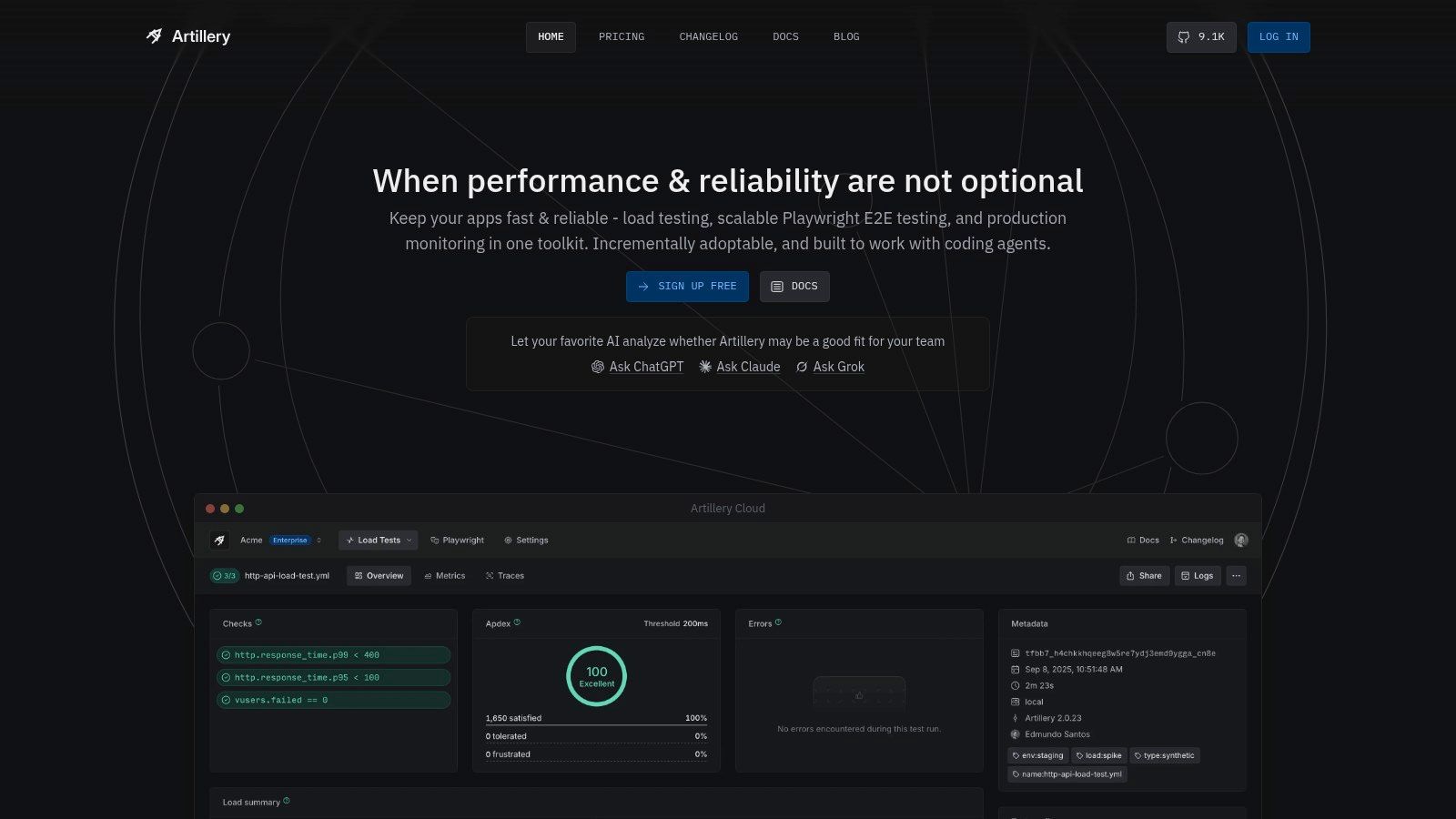
Artillery supports API, WebSocket, Socket.IO, and browser load testing. Tests use YAML with JavaScript or TypeScript customization, and browser scenarios use Playwright. Distributed cloud execution is available through AWS and Azure.
Separate Protocol Load From Browser Behavior
Use protocol-level scenarios to exercise service capacity without paying the resource cost of a browser for every interaction. Use Playwright scenarios where rendering, navigation, or client-side logic affects the question you’re asking.
That separation also makes failures easier to interpret. A slow browser journey and a slow API response may have different causes, even when they occur during the same test.
- Useful combination: Declarative scenarios with code for custom behavior.
- Evaluation option: A free cloud tier supports small-scale evaluation.
- Planning constraint: Cloud plans include report, duration, and worker limits.
The main setup work remains scenario design. Configure authentication, representative payloads, connection lifetimes, and response checks rather than relying on defaults that don’t match your application.
Artillery doesn’t automatically reproduce live production requests. Its results tell you how the application handles your scripted workload. Choose it when your team wants API and browser scenarios in the same ecosystem, particularly if JavaScript or TypeScript is already familiar.
8. Tricentis NeoLoad
Tricentis NeoLoad is worth considering when the hard problem is coordinating performance testing across teams, not merely starting a load generator. It’s a commercial platform for application and API testing with centralized design and execution workflows.
Cloud and private load-generation options let organizations choose where test traffic originates. Licensing options include shared capacity and virtual-user-hour usage for cloud tests, which makes scheduling and ownership part of the buying decision.
Evaluate the Operating Model
A centrally managed program needs consistent test environments, shared reporting, and someone responsible for capacity allocation. NeoLoad’s enterprise workflows and commercial support are relevant when those responsibilities already exist or are being formalized.
Compare that with a development team that only needs a versioned API test in CI. A commercial platform may introduce more licensing and administration than that team needs.
- Strong fit: Enterprise testing programs that need shared resources and commercial support.
- Deployment choice: Cloud generation or private generators, depending on connectivity and governance.
- Trade-off: More involved pricing and licensing than free, self-hosted tools.
Shared capacity still needs scheduling discipline. If teams run unrelated tests against the same environment, they can interfere with each other and make comparisons unreliable.
Evaluate the full workflow during a pilot: scenario maintenance, execution permissions, result review, and handoff to developers. A centralized dashboard is useful only if engineers can trace a failed test back to the workload and application behavior that caused it.
9. Ostinato
Ostinato belongs to a different testing layer. If you’re validating a network device, packet-processing path, or protocol implementation, an application load tester may hide the details you need to control.
Ostinato builds custom packet streams and imports packet captures for replay. It supports device and protocol emulation, with a Python automation API available on higher commercial tiers.
Packet-level control makes it relevant to throughput and network behavior testing. It doesn’t make it a substitute for application sessions, authentication flows, or browser interactions.
Layer boundary: Replaying packets doesn’t establish that a customer can complete a purchase, even if the network delivers every packet.
Validate the Test Host First
Achievable generation performance depends on the host and network interface. Monitor the sender and receiver so a constrained generator doesn’t look like a constrained device under test.
Check packet construction, addressing, routing, and capture placement before increasing load. When importing a capture, confirm that the replayed traffic makes sense in the target topology.
Higher flow counts, automation, and throughput options depend on tiers or add-ons. Compare those requirements against the published product options rather than assuming every capability is included.
Choose Ostinato when packet behavior is the subject of the test. Choose an HTTP replay or application load tool when you need meaningful request handling, business-level assertions, or user-journey results.
10. AREX
A refactor may preserve response times while changing what the API returns. For that question, captured regression cases and response comparison are more useful than a larger load graph.
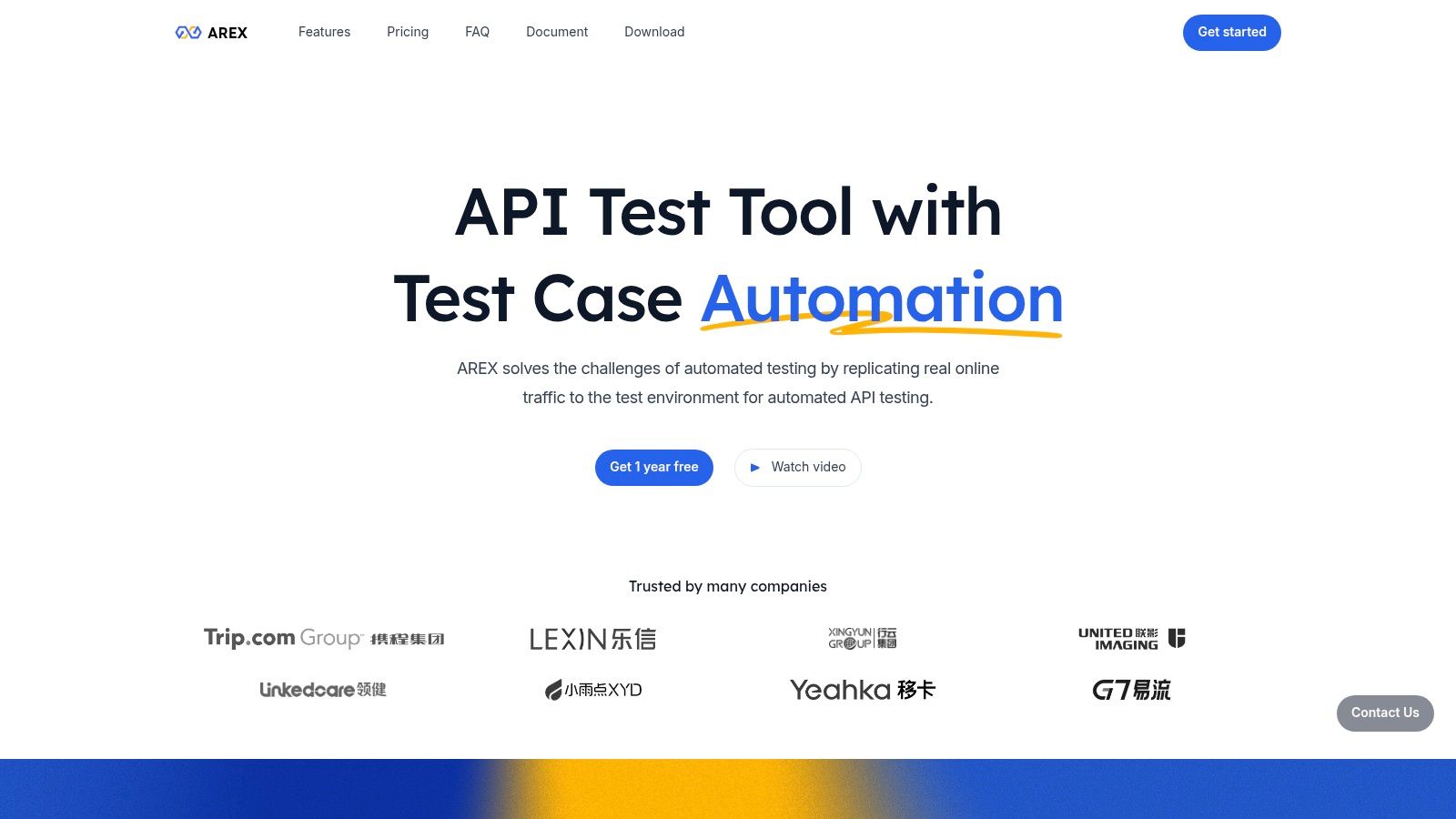
AREX captures application traffic through an agent, replays recorded requests against a test application, and compares replay results with recorded results. Its documented focus makes it a candidate for traffic-driven API regression testing rather than primarily a high-volume capacity tool.
Make Differences Actionable
Response comparison needs rules. Generated identifiers, timestamps, and environment-specific values can differ legitimately, while a small change in a business field may represent a serious regression.
Define exclusions narrowly and preserve meaningful comparisons. If you suppress every unstable field without understanding it, you can hide the behavior you intended to test.
- Useful capability: Captured scenarios reduce the need to manually author every regression case.
- Setup requirement: Agent deployment and supporting services add operational work.
- Compatibility check: Assess language and framework support before planning adoption.
Open-source components and public repositories are available for teams prepared to operate them. Include service maintenance, captured-data handling, and troubleshooting in the pilot, not just successful request playback.
Response equality isn’t complete correctness. A replayed write can return the expected body while leaving incorrect stored state. Check downstream effects where they matter.
Choose AREX when detecting behavioral changes from recorded API scenarios is the immediate need. Evaluate capacity testing separately rather than assuming a regression replay workflow answers both questions.
How the 10 traffic simulation tools differ by traffic source, free options, and best use
Read the traffic-source column first. It separates tools that replay requests users already sent from tools that execute scenarios an author defined, which decides what evidence a run can produce.
| Item | Traffic source | Free option | Best for |
|---|---|---|---|
| GoReplay | Captured production HTTP traffic | Free Open Source edition: capture, replay, filtering, rewriting | Realistic traffic replay, bug reproduction, and load testing |
| Speedscale | Captured application traffic; mocked dependencies | Free local tooling | Kubernetes traffic replay and dependency simulation |
| Grafana k6 | Scripted JavaScript scenarios | Open-source CLI | Scriptable performance tests in CI/CD |
| Gatling | Code-defined test scenarios | Free Community Edition | Version-controlled load tests with a path to managed scale |
| Apache JMeter | Recorded or designed protocol-level test plans | Free and open source | Broad protocol testing without license costs |
| Locust | Python-defined user scenarios | Free and open source | Flexible load tests for Python-oriented teams |
| Artillery | Scripted YAML, JavaScript, or TypeScript scenarios | Free cloud tier for small-scale evaluation | API, real-time, and browser load testing |
| Tricentis NeoLoad | Designed application and API test scenarios | Commercial licence; pricing varies by usage model | Centrally managed enterprise performance testing |
| Ostinato | Generated or replayed network packets | Tiered; higher flow counts and automation need paid tiers or add-ons | Packet-level network and device testing |
| AREX | Captured application traffic | Open-source components | API regression testing and response comparison |
A capture-first tool still cannot prove capacity for traffic it never saw, and a script-first tool cannot prove it survived a request mix nobody wrote.
Matching the Tool to the Question You Need Answered
Pick the tool by the uncertainty you need to remove. If the concern is how today’s requests behave on a new build, start with captured replay. If the concern is an expected launch surge or a deliberate failure scenario, start with a scripted workload whose assumptions you can explain.
Production-derived traffic and synthetic traffic complement each other. Captured requests expose payloads and combinations that engineers may overlook. Scripts let you target operations, vary arrival patterns, and explore conditions that the capture never contained.
Neither category automatically provides a production-realistic test. A capture may exclude a scheduled job or an important customer segment. A script may overrepresent an easy endpoint, reuse cached data, or stop reaching business logic after authentication expires.
Define Evidence Before Running Load
Write down what would count as a failure before you choose generator settings. For a regression test, that might be a changed response field or incorrect stored state. For a capacity test, define acceptable latency, error behavior, and resource headroom for the workload you’re evaluating.
Keep these observations separate:
- Delivery: Did the generator send the intended requests at the intended pace?
- Application behavior: Did the service return acceptable responses and make the correct state changes?
- Capacity: Did latency, errors, queues, or resource use deteriorate under the workload?
- Representativeness: Does the traffic cover the users, operations, and payloads relevant to the decision?
A clean error graph doesn’t answer all of those questions. Neither does a response-comparison report.
Run a Pilot You Can Explain
Begin in an isolated environment with sanitized data. Capture or script a manageable workload, verify credentials and dependency behavior, and run it without increasing pressure until you understand the results.
Then repeat the same workload against a baseline and the candidate build. Keep environment configuration, test data preparation, and validation rules consistent. Record generator health so you can distinguish application limits from load-generation limits.
For versioned CI scenarios, k6, Gatling, and Locust are practical candidates. For captured application behavior, consider replay-oriented tools; for packet-level questions, use Ostinato rather than stretching a web tester beyond its purpose.
The best choice in a traffic simulation software list is the tool that produces defensible evidence for your release decision. Prefer a small test you can reproduce and interpret over an impressive run whose workload or outcomes nobody can explain.
GoReplay captures live HTTP requests and replays them against isolated test services, with filtering, rewriting, and replay-speed control. Visit GoReplay to start with a sanitized workload, compare your current and candidate builds, and validate responses, application state, and performance before deployment.