
Unlocking User Behavior Insights
Want to understand how users interact with your website? Session replay software provides valuable insights by recording user sessions, revealing every click, scroll, and mouse movement. This list of top 8 session replay software tools will help you choose the best solution to identify pain points, optimize user experience, and boost conversions. Discover how tools like GoReplay, Hotjar, FullStory, LogRocket, Smartlook, Mouseflow, Crazy Egg, and Clarity by Microsoft can uncover hidden friction areas and improve your website’s performance.
1. GoReplay
GoReplay stands out as a powerful open-source session replay software solution, transforming your live HTTP traffic into a valuable testing resource. By capturing and replaying real user interactions within your staging or test environments, GoReplay allows you to identify and address bugs and performance bottlenecks before they impact your end-users. This makes it an indispensable tool for software developers, QA engineers, DevOps professionals, and IT teams striving for optimal application performance and reliability. Its ability to mirror real production traffic with session-aware replay makes GoReplay a compelling choice for realistic and accurate testing, particularly beneficial for complex applications with intricate user flows.
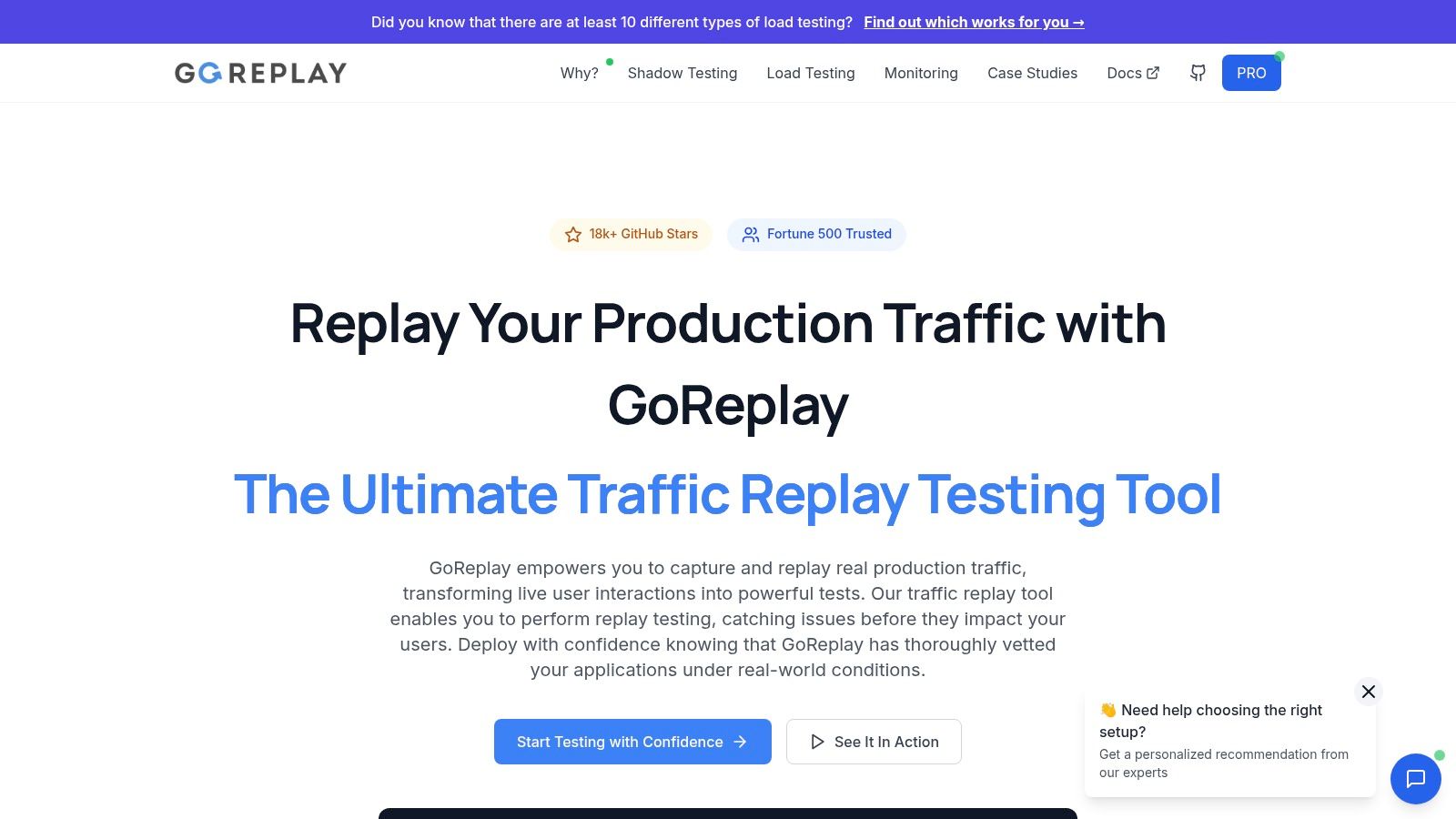
GoReplay’s strength lies in its ability to replicate real-world scenarios. Imagine preparing for a major product launch or migrating to a new infrastructure. GoReplay lets you capture live traffic from your production environment and replay it against your staging setup. This empowers you to thoroughly test your systems under realistic load conditions and identify potential breaking points before they affect real users. Furthermore, it provides invaluable insights into how your application performs under stress, allowing for proactive optimization and resource planning. Learn more about GoReplay and its impact on improving load testing accuracy. This makes GoReplay more than just a session replay tool; it’s a comprehensive solution for performance testing and capacity planning.
Beyond its core replay functionality, GoReplay boasts advanced monitoring and analytics features, providing real-time insights and pattern detection. This enables proactive identification and resolution of performance issues. Its smart connection pooling and optimized TLS handling further enhance the accuracy of load testing by closely mimicking real-world traffic patterns. This level of detail is crucial for identifying subtle performance bottlenecks that might be missed with traditional load testing methods.
While GoReplay offers a robust free and open-source version, ideal for individual developers and smaller teams, it also provides a Pro enterprise edition. This paid version unlocks a suite of powerful features, including advanced traffic storage, crucial data masking capabilities for sensitive information, websocket support for real-time applications, priority expert backing for mission-critical deployments, and a comprehensive analytics dashboard for detailed performance monitoring. This two-tiered approach caters to a broad range of users, from individual developers to large organizations needing advanced features and enterprise-grade support.
Getting started with GoReplay involves downloading the appropriate version for your operating system and installing it. The open-source version is readily available through package managers and direct downloads. While the core functionality revolves around command-line operations, its clear documentation and numerous examples ease the learning process. The Pro edition offers a more streamlined setup process and dedicated support.
Pros:
- Mirrors real production traffic: Session-aware replay delivers accurate, realistic testing.
- Advanced tools: Robust load testing and monitoring capabilities enable proactive issue detection.
- Flexible options: Free open-source version and feature-rich Pro plan cater to various needs.
- Trusted and proven: Backed by a strong community, enterprise adoption, and continuous development.
- Enterprise-grade features: Data masking, priority support, websocket support, and an advanced analytics dashboard.
Cons:
- Learning curve: Beginners may find the command-line interface and traffic replay concepts challenging initially.
- Pro features require payment: Some advanced features and premium support are exclusive to the paid Pro version.
Website: https://goreplay.org
GoReplay earns its place on this list due to its powerful capabilities, flexible licensing options, and proven track record. Whether you’re a developer seeking to test new features, a QA engineer ensuring application stability, or a DevOps professional optimizing infrastructure, GoReplay equips you with the tools to confidently navigate the complexities of modern software development. Its ability to leverage real user traffic for testing offers an unparalleled level of realism, making it an invaluable asset for any team striving for high-performance and reliable applications. The combination of its open-source roots and a commercially supported enterprise edition makes it a versatile solution adaptable to a variety of needs and budgets.
2. Hotjar
Hotjar is a powerful and versatile user behavior analytics platform that goes beyond basic session replay software. It offers a suite of integrated tools designed to provide a holistic understanding of how users interact with your website or web application. This makes it an excellent choice for businesses looking to optimize user experience, improve conversion rates, and identify pain points in the user journey. Hotjar empowers teams to move beyond guesswork and make data-driven decisions based on actual user behavior. Whether you’re a software developer debugging a complex interaction, a QA engineer verifying user flows, or a product manager seeking to understand user engagement, Hotjar provides the insights you need.
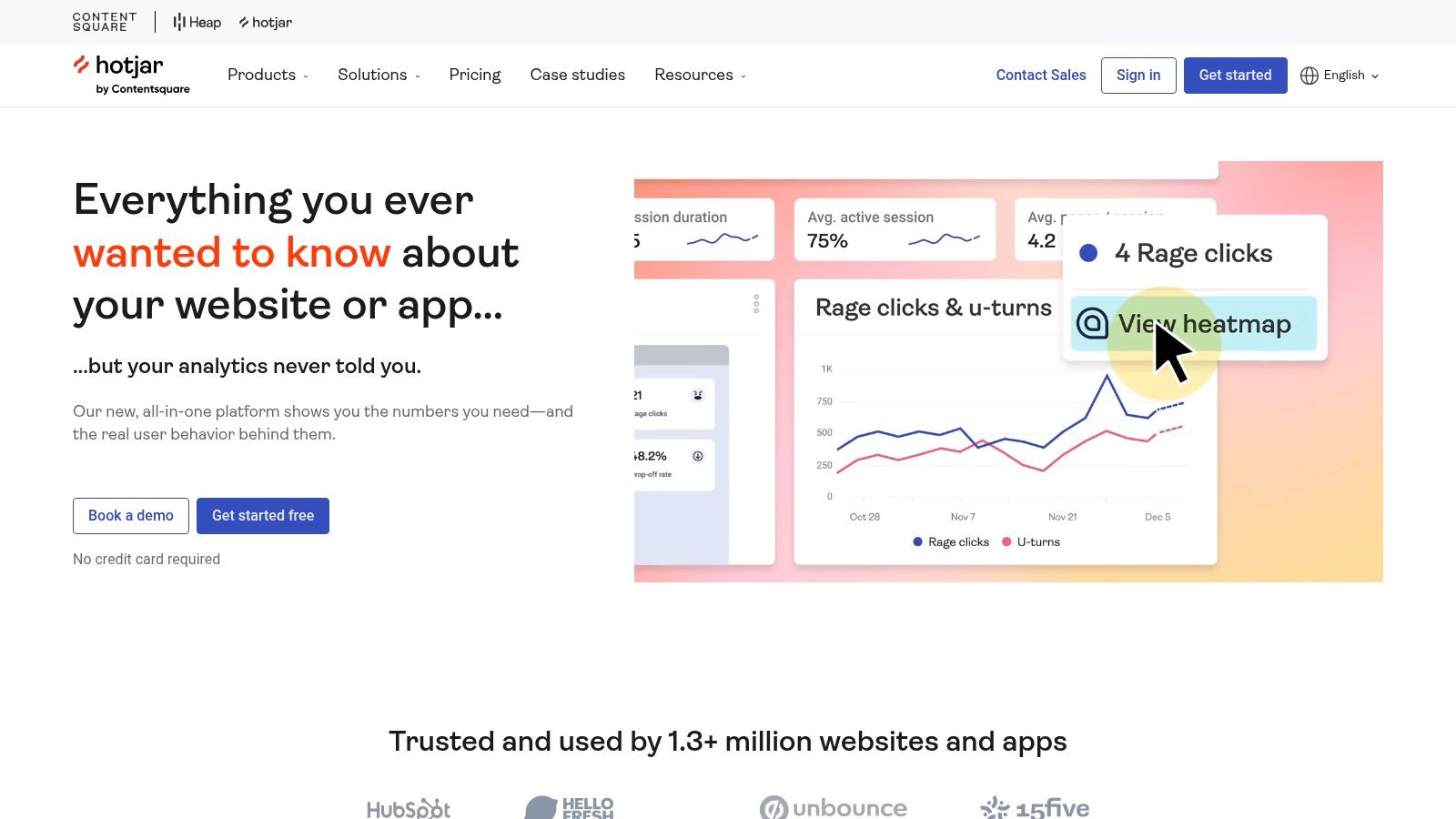
One of Hotjar’s core strengths lies in its session replay capabilities. This feature allows you to watch recordings of real user sessions, providing a visual representation of their interactions, including mouse movements, clicks, scrolls, and form fills. This is invaluable for understanding how users navigate your site, identify areas of friction, and uncover unexpected user behavior. For example, a software development team might use session replays to diagnose the root cause of a bug reported by a user, while a QA engineer can utilize it to validate that user flows function as designed. Tech-savvy business leaders can leverage session replays to gain a firsthand understanding of customer behavior, identify opportunities for improvement, and ultimately enhance business outcomes.
Beyond session replay, Hotjar offers heatmaps, which visually represent aggregated user behavior across multiple sessions. Clickmaps, move maps, and scroll maps highlight areas of high and low engagement, providing insights into which elements attract attention and which are overlooked. This is particularly useful for optimizing website design and improving call-to-action placement. Imagine you’re a DevOps professional tasked with improving website performance; heatmaps can pinpoint areas of high interaction that require optimization for speed and responsiveness.
Hotjar also provides robust feedback tools, including user polls and surveys, enabling direct user input and providing qualitative data to complement the quantitative data from session replays and heatmaps. This combination of qualitative and quantitative data offers a comprehensive perspective on user experience. This is highly beneficial for product managers who can use this information to gather user feedback on new features or identify areas for improvement in existing ones.
From a technical perspective, Hotjar is easy to implement, requiring minimal setup. It integrates seamlessly with popular analytics platforms and content management systems, reducing the burden on development teams. The platform is designed for ease of use, with a user-friendly interface that caters to both technical and non-technical users.
Hotjar offers a comprehensive free plan suitable for smaller websites with limited traffic. Paid plans cater to businesses with higher traffic volumes and offer additional features like advanced filtering and segmentation. While the cost can be a factor for high-traffic websites, the insights gained often outweigh the investment, particularly for businesses focused on optimizing conversion rates and improving user experience. The pricing structure is tiered based on pageviews, making it scalable for businesses of all sizes.
While Hotjar is a powerful tool, it does have some limitations. Advanced filtering options are limited in the basic plans, and session replay quality can sometimes be affected by complex web applications. However, the platform’s strengths in ease of use, comprehensive features, and strong privacy compliance make it a highly valuable tool for a wide range of users, from individual developers to enterprise IT teams.
In comparison to other session replay tools, Hotjar stands out due to its comprehensive suite of features, including heatmaps, feedback tools, and conversion funnels, making it a one-stop shop for user behavior analytics. While other tools may specialize in specific aspects of user behavior analysis, Hotjar offers a more holistic approach.
Implementing Hotjar is straightforward. Simply add a tracking code snippet to your website, and you’re ready to start collecting data. Hotjar offers comprehensive documentation and excellent customer support, ensuring a smooth onboarding process for users of all technical levels.
For software developers, QA engineers, enterprise IT teams, DevOps professionals, and tech-savvy business leaders looking for a comprehensive and user-friendly session replay software with powerful analytics and feedback tools, Hotjar deserves a place in your toolkit. It’s more than just a session replay tool; it’s a platform for understanding and optimizing the entire user experience. Visit their website at https://www.hotjar.com to learn more.
3. FullStory
FullStory is a robust, enterprise-grade digital experience intelligence (DXI) platform that goes beyond basic session replay software. It captures every user interaction on your website and mobile apps, providing pixel-perfect recreations of user sessions. This level of detail allows businesses to understand the “why” behind user behavior, going beyond simple analytics to uncover the root causes of conversion bottlenecks, identify friction points, and ultimately, optimize the user experience. This makes it an invaluable tool for software developers, QA engineers, and product managers looking to improve their digital products. FullStory’s strength lies in its comprehensive approach to understanding the customer journey, making it a particularly powerful tool for e-commerce and SaaS businesses looking to enhance customer satisfaction and drive growth. If you need a deep dive into user behavior, FullStory offers a wealth of information to explore.
One of the key differentiators of FullStory is its advanced search and segmentation capabilities. While many session replay software solutions offer basic search functionality, FullStory allows you to filter sessions based on a wide array of criteria, including user demographics, device type, specific events (e.g., rage clicks, form submissions), and even custom defined events. This powerful search functionality enables you to quickly pinpoint specific user behaviors and identify trends without having to manually sift through countless recordings. For example, a QA engineer could easily identify all sessions where users encountered a specific error message, allowing them to quickly diagnose and resolve the underlying issue. Similarly, a product manager can analyze how users interact with new features, identifying areas for improvement and ensuring seamless user adoption.
FullStory’s robust API and extensive integration options further enhance its value. It seamlessly integrates with popular analytics platforms like Google Analytics and customer support tools like Intercom and Zendesk. This allows businesses to enrich their existing data with detailed session replay data, providing a more holistic view of the customer experience. For instance, by integrating FullStory with your customer support platform, support agents can instantly access session recordings of users who have reported issues, enabling them to quickly understand the context of the problem and provide more effective support.
While FullStory offers significant advantages, it’s important to consider its potential drawbacks. The platform’s comprehensive features and enterprise-grade capabilities come with a premium price tag, making it less suitable for smaller businesses or those with limited budgets. Additionally, the sheer volume of data captured by FullStory can sometimes impact website performance, although the company has made significant strides in minimizing this impact. Finally, mastering FullStory’s advanced features and analytics can require a learning curve, so be prepared to invest time in training your team to fully utilize its capabilities.
Implementing FullStory is relatively straightforward, involving adding a JavaScript snippet to your website or integrating the FullStory SDK into your mobile app. However, to maximize the platform’s potential, you need to plan your implementation strategically. Define clear objectives and identify key metrics you want to track. This will help you leverage FullStory’s advanced search and segmentation capabilities effectively. Furthermore, ensure you have the necessary resources and infrastructure to handle the data volume generated by FullStory.
FullStory’s pricing is tailored to enterprise needs and isn’t publicly available. You’ll need to contact their sales team for a custom quote based on your specific requirements. This pricing model reflects its focus on providing enterprise-level features, security, and support.
Compared to other session replay tools like Hotjar or Smartlook, FullStory positions itself at the higher end of the market, offering more comprehensive features and a deeper level of analysis. While Hotjar and Smartlook are excellent choices for smaller businesses or those looking for basic session replay functionality, FullStory’s advanced capabilities, powerful search, and extensive integrations make it a compelling choice for enterprise-level organizations seeking to gain a deep understanding of their digital experience. For developers, QA teams, and business leaders who need granular insights into user behavior, FullStory deserves its place as a powerful tool for optimizing the digital customer journey. You can explore FullStory further on their website: https://www.fullstory.com
4. LogRocket
LogRocket is a robust session replay software solution designed specifically for web applications, enabling developers and product teams to gain deep insights into user behavior and identify technical issues in real-time. It goes beyond basic session replay by incorporating performance monitoring, error tracking, and user analytics into a single platform. This comprehensive approach makes LogRocket a powerful tool for understanding the complete user experience and optimizing web application performance. This tool stands out in the crowded session replay software market due to its developer-centric features and its ability to pinpoint the root cause of bugs and performance bottlenecks quickly. For teams prioritizing a deep understanding of their application’s technical performance and user interaction, LogRocket offers a compelling solution.
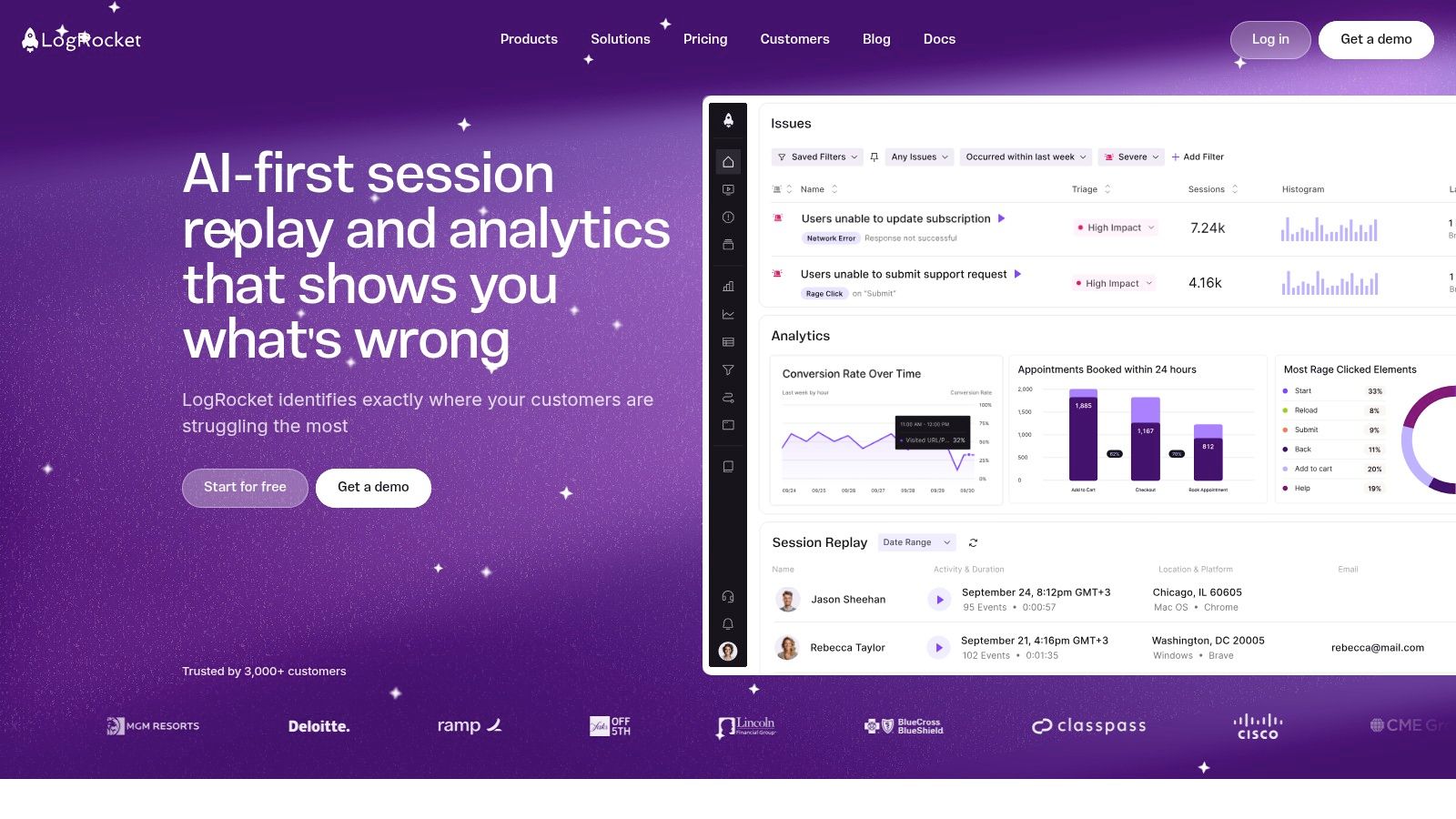
One of LogRocket’s core strengths is its high-fidelity session replay capability. It meticulously captures every user interaction, including mouse movements, clicks, scrolls, and form inputs. What sets LogRocket apart is its ability to record the Document Object Model (DOM) changes alongside network activity. This provides developers with a complete picture of how the application’s structure evolves over time, allowing them to pinpoint precisely when and why UI elements behave unexpectedly. This granular level of detail significantly reduces debugging time and empowers teams to resolve issues quickly. Furthermore, its integration with popular state management libraries like Redux provides invaluable insights into the application’s internal state during each user session. This feature proves invaluable when troubleshooting complex interactions or data flow issues. You can even track custom events and identify individual users, providing the necessary context for analyzing specific scenarios or cohorts.
LogRocket’s capabilities extend beyond web applications. It also offers session replay for mobile apps built with React Native and other popular frameworks, providing a consistent debugging experience across platforms. This is a critical feature for organizations developing cross-platform applications and seeking a unified monitoring solution. This comprehensive mobile support solidifies LogRocket’s position as a valuable tool for developers tackling the challenges of modern application development.
While primarily aimed at developers, LogRocket’s intuitive interface also allows product managers and QA teams to understand user behavior patterns. By observing real user sessions, these teams can gain valuable insights into user pain points, identify areas for improvement in the user interface, and validate new features. For example, watching sessions where users abandon their cart can highlight usability issues in the checkout process. This data-driven approach to product development ensures that improvements are based on real user behavior rather than assumptions.
For teams already heavily invested in API development and testing, understanding the interplay between frontend actions and backend responses is crucial. You might find the related article, Learn more about LogRocket, useful to explore how API testing fits into your broader development strategy. This comprehensive guide provides valuable context and tools to effectively test and monitor API performance, ensuring seamless integration with your frontend applications.
LogRocket’s pricing is tiered based on the number of sessions captured per month, with higher tiers offering additional features and integrations. While it can be more expensive than some basic session replay tools, the comprehensive functionality justifies the investment for teams prioritizing performance optimization and efficient debugging. The pricing model requires careful consideration based on the expected user traffic and the specific needs of the development team.
Implementing LogRocket is straightforward, typically involving adding a JavaScript snippet to your web application. The platform offers detailed documentation and support to guide developers through the setup process. Once integrated, LogRocket begins capturing sessions automatically, providing real-time visibility into user behavior. This ease of implementation minimizes disruption to the development workflow and allows teams to start gathering valuable insights quickly.
Despite its strengths, LogRocket has some drawbacks. Its technical depth can be overwhelming for non-developers, potentially limiting its usability for some team members. Also, while it excels at technical debugging, it lacks some of the traditional analytics features like heatmaps, which might be found in more marketing-focused tools. Choosing the right session replay software requires a careful evaluation of your team’s specific needs and technical expertise. While LogRocket stands out as a powerful tool for session replay software for technical debugging and performance monitoring, it’s essential to consider its limitations in relation to other available tools.
5. Smartlook
Smartlook is a powerful and user-friendly session replay software that caters to businesses of all sizes, providing valuable insights into user behavior on websites and mobile applications. It offers a robust suite of features, including session recordings, heatmaps, and event tracking, all within a competitively priced package. This makes it a compelling option for organizations looking to understand user interactions, identify pain points, and optimize their digital products for improved conversions and user satisfaction. Smartlook earns its place on this list due to its balanced feature set, ease of use, and affordability, making it particularly appealing to small and medium-sized businesses.
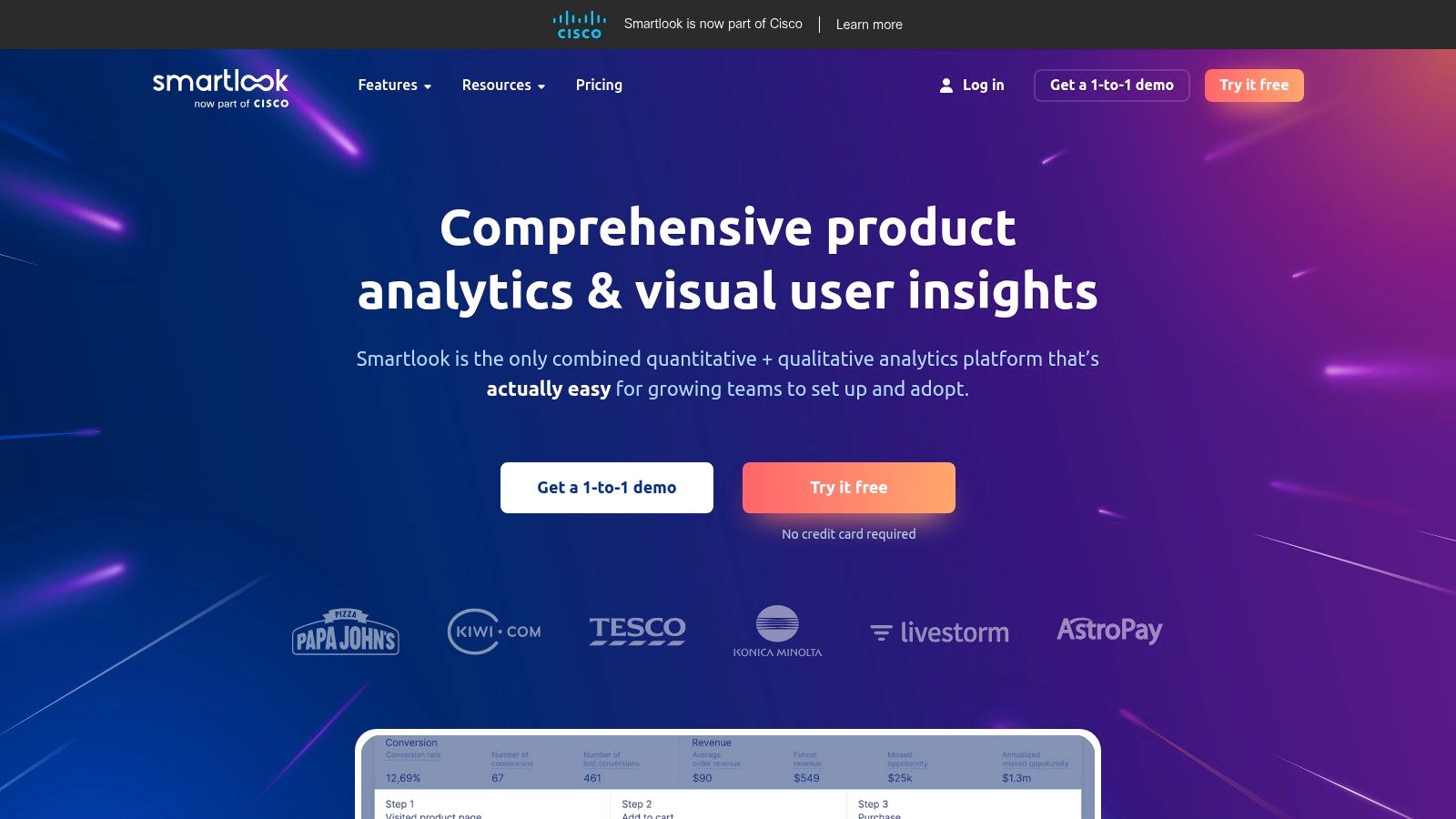
One of Smartlook’s core strengths lies in its session recording capabilities. For web developers and QA engineers, this provides a visual record of how users navigate through the site, interact with elements, and experience any bugs or friction points. This is invaluable for debugging, identifying usability issues, and understanding the user journey. For mobile app developers, session replay offers a similar advantage, allowing them to see how users interact with their app in real-world scenarios. This helps pinpoint areas for improvement in the user interface and overall user experience. DevOps professionals can also leverage session replays to quickly identify and resolve production issues that impact users, minimizing downtime and improving customer satisfaction.
Beyond session recordings, Smartlook’s heatmaps provide a visual representation of user activity, showing where users click, scroll, and move their mouse. This data is incredibly useful for understanding which elements on a page or screen are attracting the most attention and which are being ignored. Combined with funnel analysis, heatmaps can reveal drop-off points in the conversion process, allowing businesses to optimize their designs and improve conversion rates. For tech-savvy business leaders, this data translates into actionable insights for improving user engagement and ultimately driving business growth.
Smartlook also offers event tracking and conversion analytics, allowing businesses to track specific user actions and measure the effectiveness of their marketing campaigns. Automatic event detection further simplifies this process by automatically identifying key user interactions without requiring manual setup. This feature allows teams to quickly gain insights into user behavior without requiring extensive technical configuration. Furthermore, user segmentation capabilities allow for targeted analysis, enabling teams to understand how different user groups interact with their digital product and tailor their strategies accordingly.
From a technical perspective, Smartlook is relatively easy to implement. Website integration is straightforward, requiring only a small snippet of code to be added to the site’s header. Mobile app integration is slightly more involved, requiring the integration of the Smartlook SDK. However, the documentation and support provided by Smartlook simplify this process.
While Smartlook excels in its ease of use and affordability, it’s essential to acknowledge its limitations. Compared to more enterprise-focused session replay solutions like FullStory or LogRocket, Smartlook offers fewer advanced features and customization options. For example, while it offers robust filtering and segmentation capabilities, it might not provide the granular control over data analysis that larger enterprises with complex tracking needs might require.
Smartlook offers a generous free tier that allows users to experience the core features with certain limitations. Paid plans offer increased recording limits, longer data retention periods, and additional features like heatmaps and funnel analysis. The pricing is competitive, especially for small and medium-sized businesses, making it a cost-effective solution for gaining valuable user behavior insights.
In summary, Smartlook provides a compelling balance of features, affordability, and ease of use, making it a strong contender in the session replay software market. Its particular strengths lie in its intuitive interface, robust session recording capabilities, and competitive pricing. While it may not offer the extensive feature set of enterprise-grade solutions, it provides excellent value for businesses looking to gain a deeper understanding of user behavior and optimize their digital products for improved user experience and business outcomes. You can explore their offerings further on their website: https://www.smartlook.com
6. Mouseflow
Mouseflow is a robust session replay software solution offering a suite of tools for understanding user behavior on your website. It goes beyond simple session recordings to provide heatmaps, form analytics, funnel analysis, and feedback campaigns, making it a valuable asset for optimizing conversion rates and improving user experience. This makes Mouseflow a powerful ally for software developers, QA engineers, and business leaders alike, allowing them to identify pain points in the user journey and make data-driven decisions. Its particular strength lies in its ability to diagnose and resolve issues affecting form completion and checkout processes, critical areas for any business operating online.
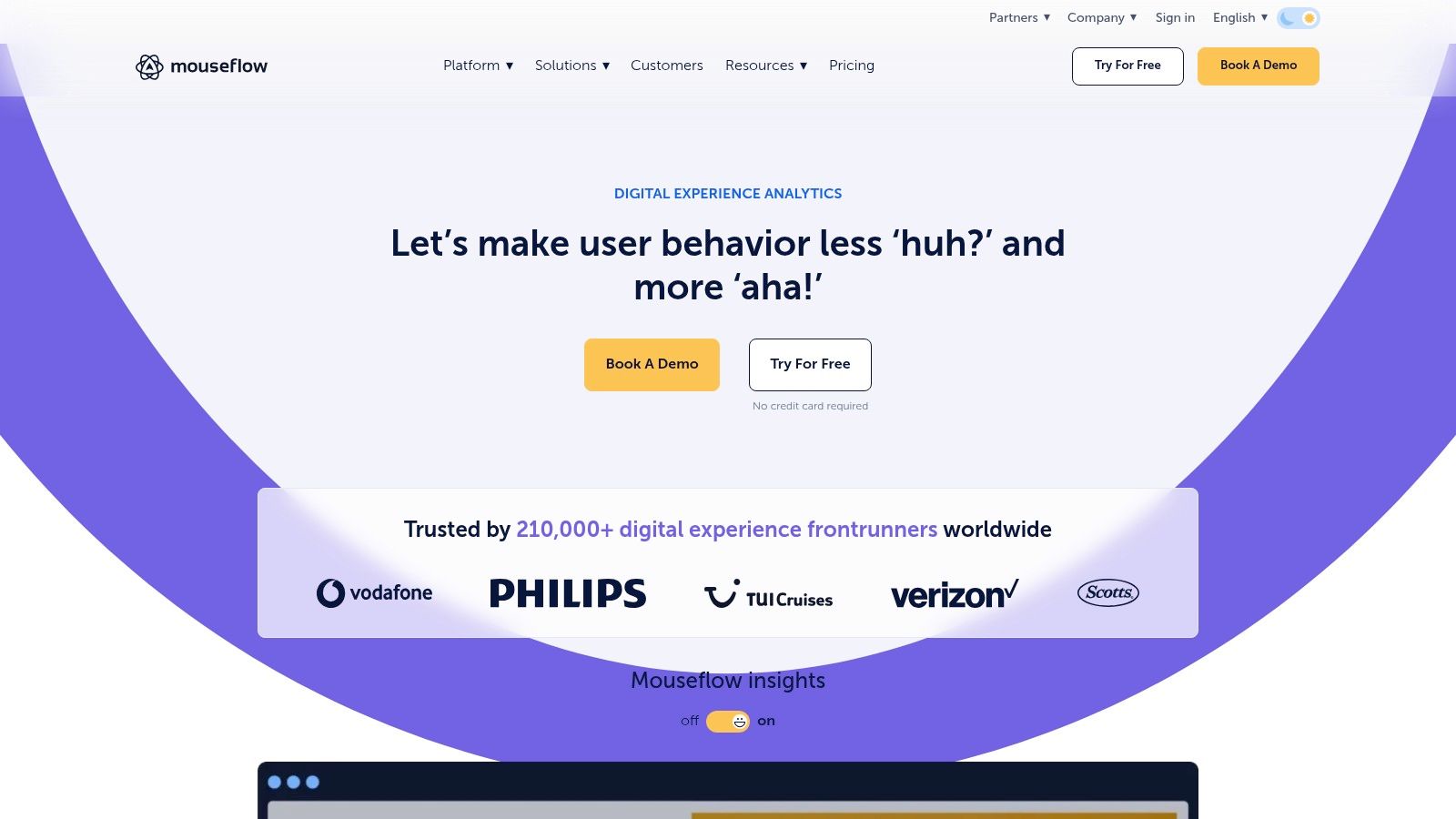
For software developers, Mouseflow’s session replay capabilities are invaluable for debugging and identifying the root cause of user-reported issues. Imagine a scenario where users are experiencing difficulty completing a specific form. Instead of relying solely on user descriptions, developers can watch recordings of actual user sessions, pinpoint the exact steps leading to the problem, and gain a clear understanding of the technical glitches or usability issues that need addressing. This visual insight allows for faster and more effective debugging, leading to quicker resolutions and improved user satisfaction.
Quality Assurance engineers can leverage Mouseflow’s comprehensive features to test website usability and identify areas for improvement. Heatmaps provide a visual representation of user engagement, showing where users click, move their mouse, and scroll. This data can inform design changes and optimize page layouts for better user flow. Furthermore, funnel analysis allows QA teams to track user progress through conversion funnels, identifying drop-off points and optimizing the path to purchase. By pinpointing these friction points, QA engineers can streamline the user journey and contribute to higher conversion rates.
For enterprise IT teams and DevOps professionals, integrating Mouseflow into the development workflow can be beneficial for monitoring website performance and user experience in real-time. The tool’s session replay software capabilities can be used to identify and troubleshoot technical issues, such as slow loading times or broken functionalities, impacting the user experience. This proactive approach to problem-solving minimizes downtime and ensures a seamless user journey. Furthermore, Mouseflow’s integration with popular CMS and e-commerce platforms simplifies the setup process for larger, more complex websites.
Tech-savvy business leaders will appreciate Mouseflow’s focus on data-driven insights. The platform’s form analytics provides detailed information on field completion and abandonment, helping businesses optimize forms for better conversion rates. By understanding how users interact with forms, businesses can identify confusing or unnecessary fields, streamline the form completion process, and ultimately increase conversions. Moreover, Mouseflow’s feedback campaigns and user surveys provide a direct line of communication with website visitors, gathering valuable feedback for continuous improvement.
Mouseflow offers a range of pricing plans to accommodate businesses of all sizes, making it particularly appealing to small and medium businesses. Specific pricing details are readily available on their website. The tool is designed for easy integration with popular CMS and e-commerce platforms, simplifying the implementation process. While Mouseflow does require a small snippet of JavaScript to be added to your website, the process is generally straightforward and well-documented.
While Mouseflow offers a comprehensive suite of tools, it does have some drawbacks. The user interface can feel somewhat dated compared to more modern competitors. Additionally, the platform offers limited advanced filtering and segmentation options, which may be a limitation for larger businesses with complex data analysis needs. Finally, mobile app session replay is currently not available.
Compared to other session replay software tools like Hotjar or FullStory, Mouseflow offers a more affordable option with a strong emphasis on form analytics. While it may lack some of the advanced features of its competitors, Mouseflow provides a solid foundation for businesses looking to gain actionable insights into user behavior. The platform’s focus on form optimization and conversion tracking makes it particularly suitable for businesses that rely heavily on online forms for lead generation or sales.
Overall, Mouseflow offers a compelling suite of tools for session replay, heatmaps, and user behavior tracking. Its affordability, comprehensive form analytics capabilities, and easy integration make it a strong contender in the session replay software market, earning it a well-deserved spot on this list. For businesses seeking to understand and optimize their user experience, Mouseflow provides the necessary insights to improve conversion rates and drive business growth. You can explore Mouseflow’s features and pricing in more detail on their website: https://mouseflow.com
7. Crazy Egg
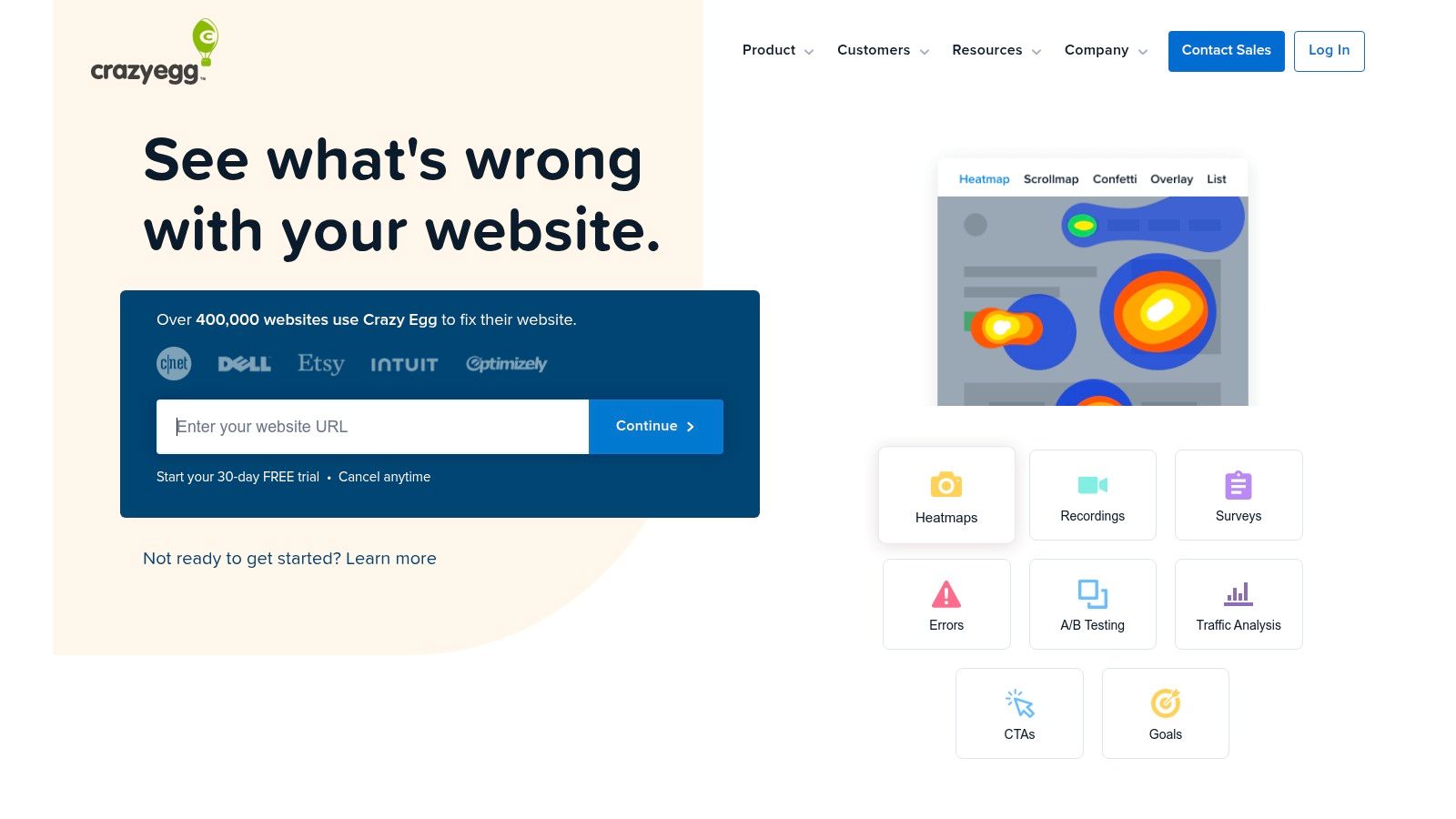
Crazy Egg is a well-established website optimization platform that goes beyond basic analytics to provide a deeper understanding of user behavior. While renowned for its heatmap capabilities, Crazy Egg also offers robust session replay software, making it a valuable tool for anyone looking to enhance their website’s performance. This dual functionality allows you to not only see where users are clicking and scrolling but also how they are interacting with your site, offering a comprehensive view of the user experience. This makes it a compelling choice for software developers, QA engineers, and product managers seeking to pinpoint usability issues, optimize conversion funnels, and ultimately improve the user journey.
For software development teams, Crazy Egg’s session replay feature offers invaluable insights into real-world user interactions. By watching recordings of user sessions, developers can identify bugs, glitches, and unexpected user behavior that might not be caught through traditional testing methods. This is especially useful for understanding how users navigate complex workflows, identify pain points in the user interface, and prioritize development efforts based on actual user experience. QA engineers can leverage session replays to replicate and investigate user-reported issues, providing concrete evidence for bug reports and facilitating faster resolution times. Product managers can also use the recordings to validate design decisions, understand user needs, and identify opportunities for product improvement.
Beyond session replays, Crazy Egg’s heatmaps offer an additional layer of understanding. Click heatmaps visually represent where users are clicking on a page, highlighting areas of high engagement and identifying elements that are being overlooked. Scroll heatmaps show how far down the page users are scrolling, indicating whether important content is being seen or if users are dropping off before reaching key calls to action. These visual representations can be incredibly powerful for optimizing website layouts, improving content placement, and ultimately driving conversions. The “Confetti Reports” feature further segments clicks by referral source, campaign, search term, and more, providing granular insights into user behavior based on their origin.
Crazy Egg stands out from other session replay software options due to its combined focus on heatmaps and user behavior analysis. While some tools specialize solely in session replay, Crazy Egg’s integrated approach provides a more holistic view of the user experience. This combination of qualitative data from session recordings and quantitative data from heatmaps allows for a more comprehensive understanding of user interactions, leading to more impactful website optimizations.
Crazy Egg offers flexible pricing plans to cater to different needs and budgets. Plans typically include a range of features, including session recordings, heatmaps, A/B testing tools, and user feedback surveys. While specific technical requirements are minimal, a small JavaScript snippet needs to be added to your website to enable tracking and recording. Implementation is straightforward and well-documented, making it easy for even non-technical users to set up and start gathering data.
However, while Crazy Egg offers a robust set of features, it does have some limitations. Its session replay capabilities, while valuable, are not as advanced as some dedicated session replay tools, which may offer features like user segmentation, event tracking, and advanced filtering options. Mobile app support is also limited. Additionally, while Crazy Egg provides valuable conversion optimization features, it might not offer the depth of analytical features found in some competing analytics platforms.
Despite these limitations, Crazy Egg remains a strong contender in the session replay software market. Its ease of use, combined with its comprehensive approach to user behavior analysis and affordable pricing plans, makes it a worthwhile investment for businesses looking to improve their website performance and understand their users better. The combination of visual heatmaps and session recordings allows for a powerful and insightful analysis of user behavior. By visiting their website, https://www.crazyegg.com, you can explore their various plans and features to determine the best fit for your specific needs.
8. Clarity by Microsoft
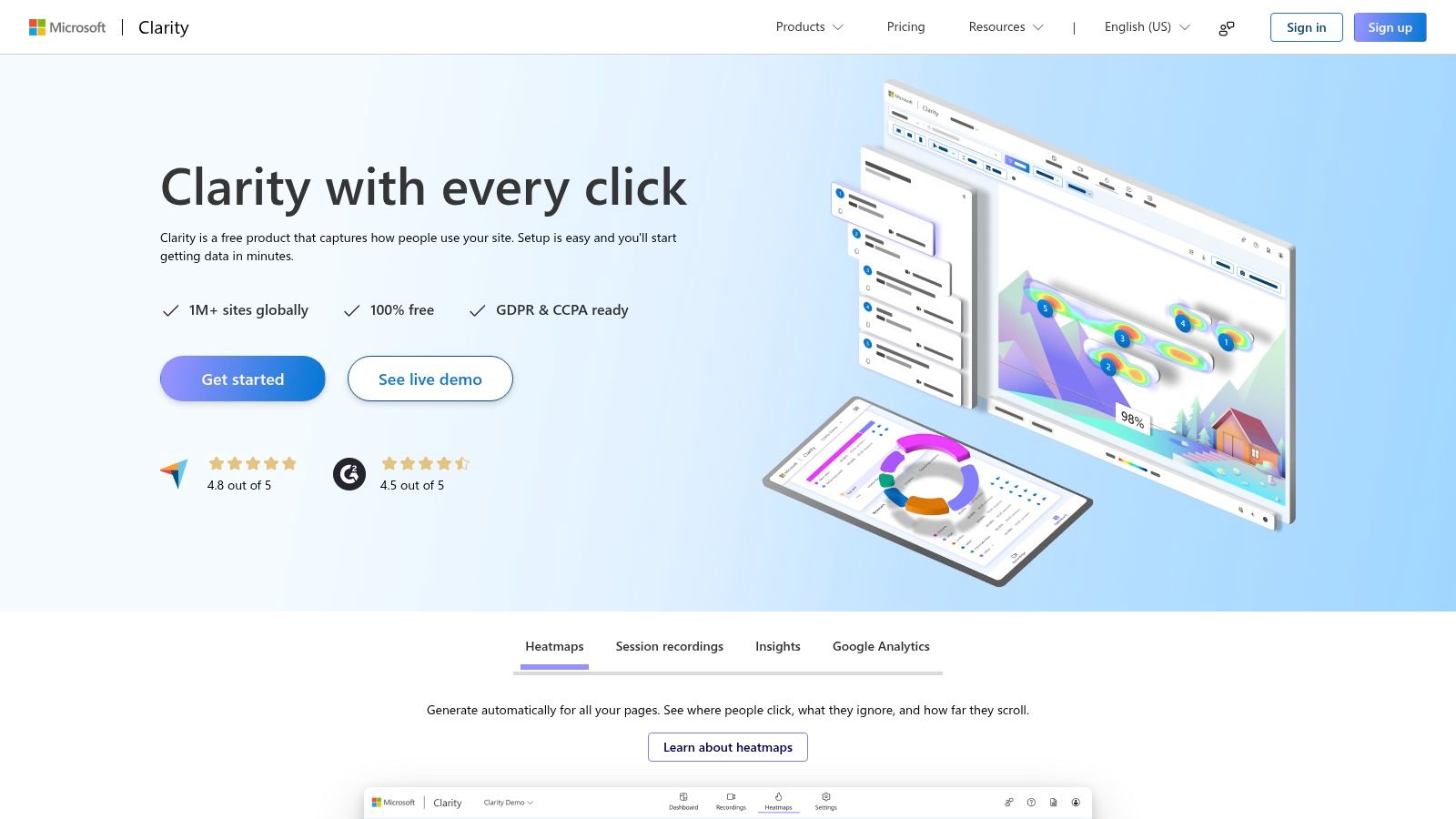
Microsoft Clarity is a powerful, completely free session replay software that offers robust features for understanding user behavior on your website. Developed by Microsoft, it brings enterprise-grade capabilities to businesses of all sizes without any associated costs. This makes Clarity an incredibly attractive option for startups, small businesses, and even large enterprises looking for a cost-effective way to enhance their website optimization efforts. Clarity’s core focus is on providing clear insights into how users interact with your website, allowing you to pinpoint areas for improvement and ultimately, drive conversions. Whether you’re a software developer seeking to understand user interaction with a new feature, a quality assurance engineer troubleshooting bugs, or a business leader analyzing customer journeys, Clarity offers a valuable toolkit.
One of Clarity’s key strengths lies in its session recording capabilities. Unlike some free session replay tools that limit the number of recordings, Clarity offers unlimited session recordings, giving you a comprehensive view of user interactions. These recordings allow you to visually replay how users navigate your site, click on elements, scroll through pages, and interact with forms. This granular level of detail can be invaluable for identifying usability issues, uncovering hidden bugs, and understanding user drop-off points. Imagine a scenario where users consistently abandon their cart during checkout. By reviewing session recordings, you might discover that a confusing form field or a slow loading page is the culprit, allowing you to address the issue and improve conversion rates.
Complementing session recordings, Clarity also provides heatmaps, offering a visual representation of user interaction patterns. Heatmaps highlight areas of high engagement and low activity, indicating which elements are attracting attention and which are being ignored. For example, a heatmap might reveal that a call-to-action button is not prominent enough, leading to low click-through rates. This data can inform design decisions and optimize the placement of key elements to maximize user engagement. Furthermore, Clarity’s frustration detection features, including dead clicks (clicks on non-interactive elements) and rage clicks (repeated rapid clicks on the same area), offer insights into user frustration points. This information is particularly useful for quality assurance engineers and developers seeking to identify and resolve usability issues.
For organizations concerned about data privacy, Clarity offers masking and privacy controls to protect sensitive user information. This is crucial for maintaining GDPR compliance and building user trust. You can configure Clarity to mask specific elements on the page, such as form fields containing personal data, ensuring that sensitive information is not recorded. Additionally, Clarity integrates seamlessly with other analytics platforms like Google Analytics, allowing you to combine session replay data with other metrics for a holistic view of website performance.
Setting up Clarity is remarkably simple. It involves adding a small JavaScript snippet to your website, a process that can be completed in minutes. This ease of implementation makes it accessible to users with limited technical expertise. While Clarity may not offer the extensive customization and filtering options found in some paid session replay software, its core functionalities are robust and sufficient for most website optimization needs. It’s worth noting that Clarity currently lacks mobile app session replay capabilities, a limitation to consider if you’re looking to analyze user behavior on mobile applications. Similarly, while Microsoft provides documentation and online resources, the level of customer support may not be as comprehensive as that offered by paid alternatives.
In terms of pricing, Clarity stands out with its completely free model. There are no usage limits, hidden costs, or subscription fees, making it an unparalleled value proposition in the session replay software landscape. This free tier makes it an excellent entry point for organizations exploring session replay for the first time, as well as a viable long-term solution for businesses seeking a cost-effective way to gain valuable user behavior insights. For those looking for a free, reliable, and easy-to-use session replay software, Clarity by Microsoft is a highly recommended choice. Its comprehensive features, combined with its free pricing model, make it a compelling option for businesses of all sizes.
Session Replay Tools Feature Comparison
| Tool | Core Features & Capabilities | User Experience & Quality ★★★★☆ | Value Proposition 💰 | Target Audience 👥 | Unique Selling Points ✨ | Price Points 💰 |
|---|---|---|---|---|---|---|
| 🏆 GoReplay | HTTP traffic capture & session-aware replay | Accurate load testing, advanced analytics | Free OSS + Pro for enterprise scale | Developers, QA, DevOps, Enterprises | Real traffic simulation, TLS optimized, Pro features | Free / Pro (commercial) |
| Hotjar | Session replay, heatmaps, feedback tools | User-friendly, easy setup | Free tier, can be costly at scale | Marketers, UX designers, Product managers | Heatmaps + feedback, GDPR-compliant | Freemium / Paid |
| FullStory | Pixel-perfect session replay, advanced analytics | Very detailed, powerful search | Enterprise-grade, expensive | E-commerce, SaaS, Enterprises | Frustration signals, deep integrations | Enterprise pricing |
| LogRocket | Session replay + performance & error monitoring | Developer-focused, minimal perf impact | Strong dev tools, costly at scale | Developers, product teams | JS error tracking, mobile support | Paid |
| Smartlook | Session recordings, heatmaps, funnels | Easy use, good for SMBs | Competitive pricing, free tier | SMBs, mobile & web apps | Affordable, automatic event detection | Freemium / Paid |
| Mouseflow | Session replay, heatmaps, form analytics | Affordable, good reporting | Good SMB pricing | SMBs, marketers | Form analytics, CMS/e-commerce integrations | Paid |
| Crazy Egg | Heatmaps, session recordings, A/B testing | Simple and intuitive for non-tech users | Good value, conversion-focused | Marketers, website owners | A/B testing, confetti reports | Paid |
| Clarity by Microsoft | Unlimited free session replay, heatmaps | Reliable, basic features | Completely free | All business sizes | Enterprise reliability, privacy masking | Free |
Choosing the Right Session Replay Tool
Selecting the ideal session replay software from the wealth of options available can feel overwhelming. We’ve explored eight powerful tools, from free solutions like Microsoft Clarity to enterprise-grade platforms like FullStory and LogRocket, each offering a unique approach to capturing and analyzing user behavior. Key takeaways include understanding the varying levels of detail in session recordings, the importance of privacy features, and the potential for integrating session replay data with other analytics tools. Choosing the best fit ultimately depends on your specific requirements. Consider the scale of your web traffic – a high-traffic site might necessitate a robust solution like Hotjar or Mouseflow. Deep dive analysis and advanced filtering capabilities, offered by tools like LogRocket and Smartlook, might be crucial for debugging complex issues. For those seeking a balance between functionality and affordability, Crazy Egg provides a compelling option.
When implementing session replay software, prioritize user privacy. Ensure compliance with data privacy regulations and clearly communicate data collection practices with your users. Integrations with your existing analytics stack, such as your CRM or A/B testing platform, can further amplify the value of your session replay data, providing a holistic view of the customer journey. By carefully weighing these factors and considering the capabilities of each tool discussed – GoReplay, Hotjar, FullStory, LogRocket, Smartlook, Mouseflow, Crazy Egg, and Clarity – you can gain invaluable insights into user behavior and create a truly exceptional digital experience.
Ready to take your session replay capabilities to the next level? Explore GoReplay, an open-source network monitoring tool that can also be utilized to capture and replay real user traffic for testing and debugging purposes, similar to session replay. Visit GoReplay to learn more and empower your team with comprehensive user interaction analysis.