
Demystifying HTTP Traffic Replay: What the Experts Know
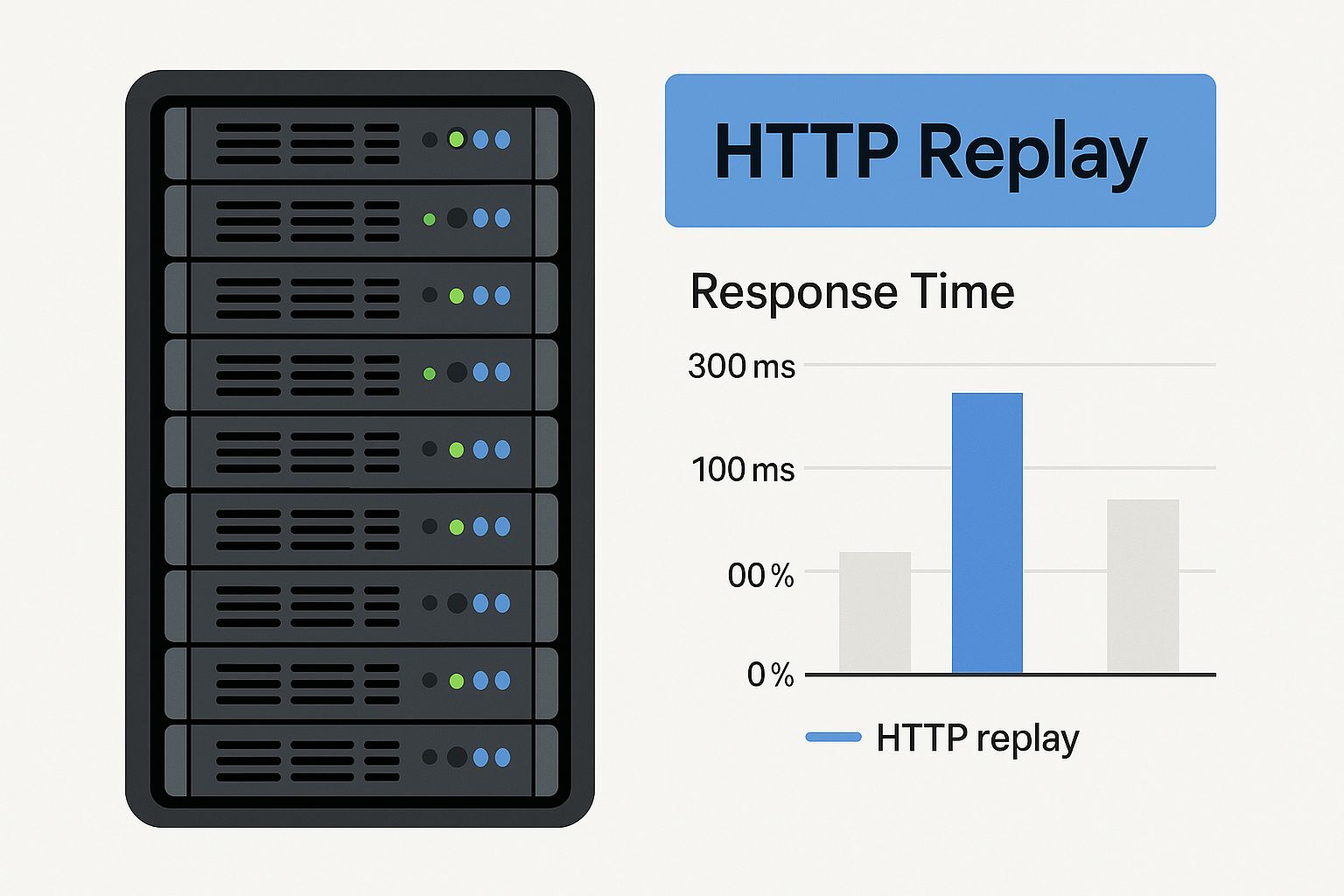
The infographic above illustrates how HTTP traffic replay integrates within a data center’s server infrastructure. It highlights the vital role replay plays in maintaining system stability and performance. This visual emphasizes the growing need to make HTTP traffic replay a central part of modern network management.
HTTP traffic replay offers a distinct approach to testing and optimization, moving beyond traditional passive monitoring. Monitoring provides a snapshot of current system behavior. However, replay empowers teams to recreate specific scenarios, analyze past incidents, and proactively identify vulnerabilities. This shift from reactive observation to proactive testing is driving the adoption of this technique.
For instance, replaying traffic helps developers investigate the root cause of past incidents in a safe, controlled environment, minimizing disruptions to live systems. This ability to recreate and analyze specific events is what makes HTTP traffic replay so valuable for troubleshooting complex issues. Learn more about HTTP traffic replay at Speedscale.
How Does HTTP Traffic Capture Work?
Understanding the mechanics of HTTP traffic capture is key to grasping its potential. At the application layer, this process involves capturing the entire request: URLs, headers, and payload bodies. This comprehensive data collection creates the foundation for accurate and insightful replay scenarios. The captured information is stored and then used to rebuild real-world traffic patterns.
Imagine recording a live musical performance. The recording captures every note and nuance for later playback. Similarly, HTTP traffic capture preserves the complete digital interaction.
Multi-Tiered Replay Approaches
Effective teams employ a multi-tiered approach to HTTP traffic replay. Basic traffic recording provides a fundamental level of replay capability, capturing raw data for simple reproduction. However, advanced replay techniques go much further.
These sophisticated methods allow for contextual modifications. This enables teams to simulate real-world conditions with exceptional accuracy, including adjusting request parameters, modifying headers, and even introducing simulated network latency.
Benefits of HTTP Traffic Replay
HTTP traffic replay offers a significant edge in real-world accuracy compared to other testing methods. It allows organizations to capture and replicate authentic traffic patterns, ensuring tests accurately reflect real user behavior.
This results in more precise performance evaluations, accurate identification of bottlenecks, and effective debugging under realistic conditions. Replay also offers greater control over the testing environment.
This fine-grained control allows engineers to isolate specific variables, replicate exact sequences of events, and manipulate traffic parameters to test diverse scenarios with precision. This control, combined with the ability to easily rerun tests, facilitates faster debugging and more targeted optimization.
The following table compares HTTP traffic replay to other common network testing methods, highlighting the advantages of replay:
To better understand the differences between various network testing methods and the strengths of HTTP traffic replay, let’s look at a comparison table.
| Testing Method | Real-World Accuracy | Control Level | Complexity | Use Cases |
|---|---|---|---|---|
| HTTP Traffic Replay | High | High | Moderate | Performance testing, debugging, capacity planning |
| Synthetic Testing | Low | High | Low | Load testing, stress testing |
| Passive Monitoring | Medium | Low | Low | Performance monitoring, troubleshooting |
| Simulated Testing | Low | Medium | Medium | Functional testing, integration testing |
As shown in the table, HTTP traffic replay stands out by offering a high degree of both real-world accuracy and control. While other methods like synthetic testing allow for controlled environments, they often lack the realism of actual user behavior. Passive monitoring offers insights into real-world behavior but lacks the control needed for in-depth testing and analysis.
In summary, HTTP traffic replay offers a powerful approach to network testing. Its ability to replicate real-world traffic with a high degree of control makes it an invaluable tool for optimizing performance and ensuring system stability.
Essential Tools That Transform HTTP Traffic Replay
Replaying HTTP traffic is crucial for effective testing and debugging. Picking the right tool makes all the difference. Let’s explore some essential tools that bring efficiency and precision to this process.
Open-Source Solutions: Power and Flexibility
Open-source tools are a great starting point for teams exploring HTTP traffic replay. They balance functionality and affordability. A prominent example is GoReplay, designed for capturing and replaying live HTTP traffic. GoReplay excels at turning real production traffic into valuable test data, helping identify and resolve issues before they affect users.
GoReplay offers several key features:
- Session-aware replay: Maintains session context for accurate user behavior representation.
- Connection pooling: Manages connections efficiently for optimal replay performance.
- TLS optimization: Securely handles encrypted traffic for realistic tests.
Other open-source options exist, each with unique strengths and weaknesses. The best tool depends on your project’s specific needs and the type of traffic you are analyzing.
Enterprise-Grade Tools: Enhanced Capabilities
While open-source tools offer a solid foundation, enterprise solutions provide enhanced capabilities. These tools are suited for organizations with demanding requirements, such as large deployments, complex traffic, and strict security needs. They often include advanced features for traffic management, analysis, and reporting.
Some of these advanced capabilities include:
- Advanced analytics dashboards: Offer in-depth insights into replayed traffic.
- Integrated data masking: Protects sensitive information during replay.
- Priority support: Provides expert help for troubleshooting.
Choosing the Right Tool For Your Needs
Choosing between open-source and enterprise tools depends on several factors. The following table summarizes the key differences:
To help you choose the right tool, here’s a comparison table:
Top HTTP Traffic Replay Tools Comparison: Detailed comparison of leading tools for capturing and replaying HTTP traffic
| Tool Name | Platform Support | Key Features | Pricing Model | Best For |
|---|---|---|---|---|
| GoReplay | Linux, macOS, Windows | Session-aware replay, connection pooling, TLS optimization | Open-source (free) | Teams seeking a flexible and cost-effective solution |
| BlazeMeter | Cloud-based | Advanced analytics dashboards, integrated data masking, priority support | Paid (subscription-based) | Organizations with demanding performance testing needs |
| LoadView | Cloud-based | Real browser testing, global testing locations, point-and-click scripting | Paid (pay-as-you-go) | Businesses requiring realistic load testing from various geographical locations |
Key takeaways from the comparison: Open-source tools offer core features at no cost, while enterprise tools provide advanced features and dedicated support for a fee. Choosing the right type depends on your budget and specific testing requirements.
Besides the factors in the table, consider these points:
- Platform compatibility: Ensure the tool supports your systems.
- Ease of use: Look for user-friendly interfaces and good documentation.
- Community support: A strong community is helpful for troubleshooting.
Choosing the right tool can significantly improve your HTTP traffic replay process. Whether you choose open-source or enterprise solutions, align your tool selection with your testing goals and constraints. This allows you to fully leverage HTTP traffic replay to optimize performance and improve application stability. By carefully evaluating your requirements and exploring available tools, you can create a robust testing environment that accurately mimics real-world traffic.
Building Your First HTTP Traffic Replay Environment

Creating a functional HTTP traffic replay environment can feel like a big undertaking. However, it’s a much more manageable process than you might initially think. This section offers some practical advice, based on the real-world experiences of engineers who have built these systems.
Strategically Selecting Capture Points
The first critical step is determining where to capture your HTTP traffic. Choosing the right capture points offers maximum insight into your system’s performance, without overwhelming your storage. For instance, capturing traffic at your application’s entry point gives you a complete overview of all incoming requests.
However, if you need more focused testing, you could capture traffic at specific service endpoints. This lets you zero in on particular application areas and analyze how they perform under pressure. This targeted method saves resources while still delivering valuable data.
Managing Your Traffic Data
Once you begin capturing traffic, efficient data management is essential. Storage needs can grow rapidly, particularly with high traffic volumes. Think about using data compression techniques to minimize storage use without compromising data integrity.
It’s also important to establish a data retention policy. Determine how long you need to store captured traffic data. Balancing storage costs against the usefulness of historical data is crucial for a sustainable replay environment. This keeps necessary data available while avoiding unnecessary expenses.
Configuring Your Replay System
With the data collected, the next step is setting up your replay system. Tools like GoReplay provide flexible configuration options. This lets you customize the replay process for your specific testing needs, ensuring consistent results. GoReplay makes capturing and replaying traffic directly from your system straightforward.
For instance, you can configure GoReplay to replay traffic at various speeds. This helps simulate different load conditions, from typical usage to peak traffic spikes. This helps you pinpoint bottlenecks and breaking points in your system.
Overcoming Common Technical Challenges
Several common technical hurdles often appear when building a replay environment. Working with encrypted HTTPS traffic requires careful setup for secure capture and replay. Look into TLS optimization within tools like GoReplay.
Managing authentication tokens across environments is another key factor. Replaying traffic with expired or incorrect tokens can skew your test results. A solid token management strategy is essential. Possible solutions include token refresh mechanisms or setting up dedicated test accounts.
Another challenge lies in maintaining cookie state during replay operations. Cookies are essential for user sessions and application behavior. Make sure your replay system handles cookies correctly to maintain session context and create realistic test scenarios.
Creating Isolated Test Environments
Creating isolated test environments is crucial to avoid impacting your live production environment. Containerization technologies like Docker offer an effective method to create isolated sandboxes for replay operations. This enables realistic testing conditions without jeopardizing your live systems.
These isolated environments are especially beneficial for enterprise teams. They provide scalability and reproducibility, allowing for consistent and controlled testing across different development stages. They also simplify sharing testing configurations across teams, ensuring a unified approach to replaying HTTP traffic. Addressing these common challenges and following best practices allows you to build a highly effective HTTP traffic replay environment, which in turn speeds up your testing processes and improves application quality.
HTTP Traffic Manipulation Techniques That Actually Work
Basic HTTP traffic replay is a valuable tool. However, real expertise comes from manipulating that traffic. This helps uncover hidden vulnerabilities and performance bottlenecks. Modifying and scaling replayed traffic simulates various real-world scenarios, providing deeper insights into system behavior.
Request Rewriting: Simulating Edge Cases
Leading organizations use request rewriting to simulate edge cases and potential vulnerabilities. It’s like a surgeon making precise incisions. By modifying headers, payloads, and parameters, you can observe how your system reacts to unexpected or malicious input. This precision is key to identifying and addressing weaknesses. For example, changing the User-Agent header can mimic different browsers or bots interacting with your application.
Traffic Scaling: From Everyday Loads to Black Friday Surges
Traffic scaling simulates everything from normal daily traffic to massive spikes, like those seen on Black Friday. This helps determine your system’s breaking points before they affect real users. Incrementally increasing the replayed traffic volume reveals performance limits and potential bottlenecks. Scaling also allows you to test the effectiveness of your auto-scaling infrastructure.
This testing is especially important for businesses in rapidly expanding markets like network traffic analytics. This market, valued at USD 1.5 billion in 2019, is projected to grow at a 17% CAGR from 2020 to 2026. This highlights the increasing importance of network traffic data for optimizing operations and maximizing profits. Learn more about the network traffic analytics market here. You might also find this interesting: How Traffic Replay Improves Load Testing Accuracy.
Controlled Fault Injection: Unveiling Resilience Weaknesses
Replaying traffic under normal conditions is valuable. However, controlled fault injection elevates testing. Intentionally introducing errors – like simulating network latency or dropped packets – during replay assesses system resilience. This helps pinpoint weaknesses that might be missed by passive monitoring. This proactive approach strengthens your system against real-world disruptions.
Advanced Scenarios: Sequencing, Latency, and Session Management
Manipulating HTTP traffic also allows for advanced testing. Some examples include:
- Precise traffic sequencing: Simulating complex user journeys by replaying requests in a specific order.
- Network latency simulation: Testing application performance under varied network conditions by introducing delays.
- Session management: Maintaining context across distributed systems by preserving and manipulating session data during replay.
These techniques transform HTTP traffic replay from basic recording to a robust tool. It becomes ideal for sophisticated simulation and vulnerability assessments. This ensures your system is not just functional, but also resilient and secure.
Performance Testing With HTTP Traffic Replay That Delivers

Performance testing is no longer a guessing game. Instead of hypothetical scenarios, leading organizations are using real traffic data to understand how their systems perform under realistic conditions. This approach mirrors actual user behavior, providing invaluable insights.
Identifying Breaking Points Before Your Users Do
Teams use carefully designed case studies and gradually scale traffic volume during replay. This helps pinpoint breaking points and performance thresholds. Identifying these limits proactively prevents disruptions and maintains a positive user experience.
For example, imagine an e-commerce site preparing for Black Friday. By replaying previous Black Friday traffic, they can ensure their infrastructure can handle the surge in requests.
This process is similar to stress-testing a bridge. Engineers incrementally increase the load to find the bridge’s limits without causing a collapse. Likewise, traffic replay identifies system limitations without impacting real users. This allows for proactive optimization and prevents costly downtime. For further reading, check out this article: Replay Production Traffic for Realistic Load Testing.
Connecting Technical Metrics to Business Outcomes
Performance testing with replay HTTP traffic goes beyond mere technical metrics. It connects technical performance with its business impact. This means translating response times and error rates into revenue impact and customer satisfaction—metrics that executives understand and prioritize.
A slow website can lead to abandoned shopping carts and lost revenue. By quantifying this impact, performance testing becomes a business-critical activity. This data-driven approach justifies investments in performance optimization. The global network traffic analysis market, which includes HTTP traffic replay, is valued at approximately USD 4.52 billion in 2024. It’s projected to grow at a 5.0% CAGR through 2030. This growth reflects the increasing importance of precise network analysis for user experience and security. You can find more detailed statistics here.
Integrating HTTP Traffic Replay Into Your CI/CD Pipeline
Automating performance testing through CI/CD integration ensures consistent performance. Catching performance regressions before deployment becomes automatic, preventing the release of underperforming code. It’s like an automated quality control check for performance standards.
This automation is beneficial for teams at all maturity levels. Whether you’re new to replay HTTP traffic or have an established practice, CI/CD integration simplifies the process and ensures consistent testing. This ultimately leads to faster development cycles and more reliable software releases.
Supercharging Security Testing Through HTTP Traffic Replay
Security testing takes a giant leap forward with HTTP traffic replay. Instead of depending solely on automated vulnerability scanners, teams can use captured traffic to uncover hidden weaknesses. This replay recreates real-world attack scenarios, providing a more accurate and comprehensive security assessment.
Unveiling Hidden Vulnerabilities with Modified Traffic Patterns
Replaying modified traffic is a powerful technique. By tweaking captured requests, security professionals can probe for vulnerabilities related to authentication, injection attacks, and session management. For example, modifying parameters in a replayed request can expose SQL injection vulnerabilities.
Altering authentication tokens can reveal weaknesses in session management. This control and precision aren’t possible with standard vulnerability scanners. Testers target specific areas and simulate a wide array of attack vectors, effectively identifying weaknesses before attackers exploit them.
Integrating Replay into DevSecOps for Early Issue Detection
Integrating HTTP traffic replay into DevSecOps workflows shifts security testing left. Catching these issues early in development reduces the cost and time to fix them. This proactive approach aligns with the DevSecOps philosophy of integrating security throughout the development process.
Tools like GoReplay simplify this integration, allowing seamless incorporation into existing CI/CD pipelines. This early detection simplifies remediation and allows developers to address flaws while the code is still fresh in their minds.
Maintaining Privacy and Compliance During Security Testing
While HTTP traffic replay offers powerful capabilities, addressing privacy concerns is crucial. Sensitive data, like personally identifiable information (PII), requires careful handling. Robust data anonymization and masking techniques are essential.
GoReplay supports filtering and rewriting requests to remove or replace sensitive information. Anonymizing captured data before replay ensures compliance with privacy regulations and maintains user confidentiality while still conducting effective tests. This secure and compliant approach reinforces the value of this technique for modern security testing.
Real-World Success Stories: HTTP Traffic Replay In Action
Real-world examples showcase the practical advantages of integrating HTTP traffic replay into your testing procedures. These case studies illustrate how different organizations have used this method to significantly enhance performance, bolster security, and improve overall system stability.
E-Commerce Platform: Managing Peak Season Traffic
Imagine an e-commerce business preparing for its busiest sales season. In the past, these high-traffic periods resulted in unforeseen downtime, leading to lost revenue and unhappy customers. By implementing HTTP traffic replay, the platform captured and replicated traffic patterns from the previous year’s peak season in a staging environment.
This simulated the anticipated load, enabling engineers to proactively pinpoint bottlenecks and optimize their infrastructure. The result? An impressive 87% reduction in downtime during their most crucial sales period. This translated directly into higher sales figures and greater customer satisfaction.
Financial Services Firm: Enhancing Security Through Replay-Based Testing
A financial services firm needed to guarantee the security of its confidential data. Standard security scans were insufficient for identifying all potential vulnerabilities. However, through replay-based security testing with modified traffic, the firm discovered hidden weaknesses in their authentication system and session management.
Replaying modified HTTP traffic allowed them to simulate various attack scenarios, revealing vulnerabilities overlooked by typical security scans. Addressing these security flaws proactively significantly minimized their risk exposure and protected sensitive customer data.
SaaS Provider: Streamlining Performance Testing in CI/CD
A SaaS provider wanted to enhance the efficiency and precision of their performance testing process. Manual testing proved both time-consuming and costly. By integrating automated HTTP traffic replay into their CI/CD pipeline, they achieved a 63% reduction in performance testing expenses.
Moreover, utilizing real traffic data dramatically increased the accuracy of their tests. This allowed them to identify and resolve performance regressions before deployment, maintaining a consistently high-quality user experience. The automation also freed up valuable engineering time for other essential tasks.
Practical Lessons and ROI Frameworks
These success stories provide valuable lessons for organizations considering HTTP traffic replay. Key takeaways include:
-
Start small and target specific objectives: Begin with a clearly defined goal, such as enhancing performance for a particular service or improving security for a critical application.
-
Prioritize data management and security: Implement strong data anonymization techniques and establish clear data retention policies to protect sensitive information.
-
Integrate replay into current workflows: Incorporate HTTP traffic replay into your CI/CD pipeline for automated performance and security testing.
By adhering to these best practices, you can maximize the advantages of HTTP traffic replay and achieve a significant return on investment. Ready to enhance your testing strategy? Get started with GoReplay today!