
Level Up Your Network Game
A reliable network is absolutely essential for business success. Since the early days of computer networks, monitoring has grown from a specialized technical task into a core business function. Software developers, QA teams, IT departments, and business leaders now consider network monitoring a basic requirement. Modern network management focuses on preventing problems before they occur, rather than just reacting to failures.
The key to successful network monitoring lies in three core elements: tracking the right metrics, setting up smart alerts, and turning network data into useful actions. These needs have become more important as networks get more complex, systems become distributed, and businesses depend more on instant data access.
Here are the 10 best practices this article will cover to help you build a more powerful and reliable network. We’ll show you practical ways to:
- Track network performance effectively
- Set up monitoring that catches issues early
- Keep your network secure
- Optimize network efficiency
- Move from reactive fixes to proactive management
Stay tuned to learn proven techniques that will strengthen your network infrastructure and give you more confidence in your systems. Let’s dive in and explore how to make your network work better for your business.
1. Baseline Performance Monitoring
Understanding your network’s normal behavior is essential for effective management. Baseline performance monitoring helps you establish what “healthy” looks like by tracking key metrics and building historical data. This forms a critical reference point that lets you quickly identify issues and plan for future needs.
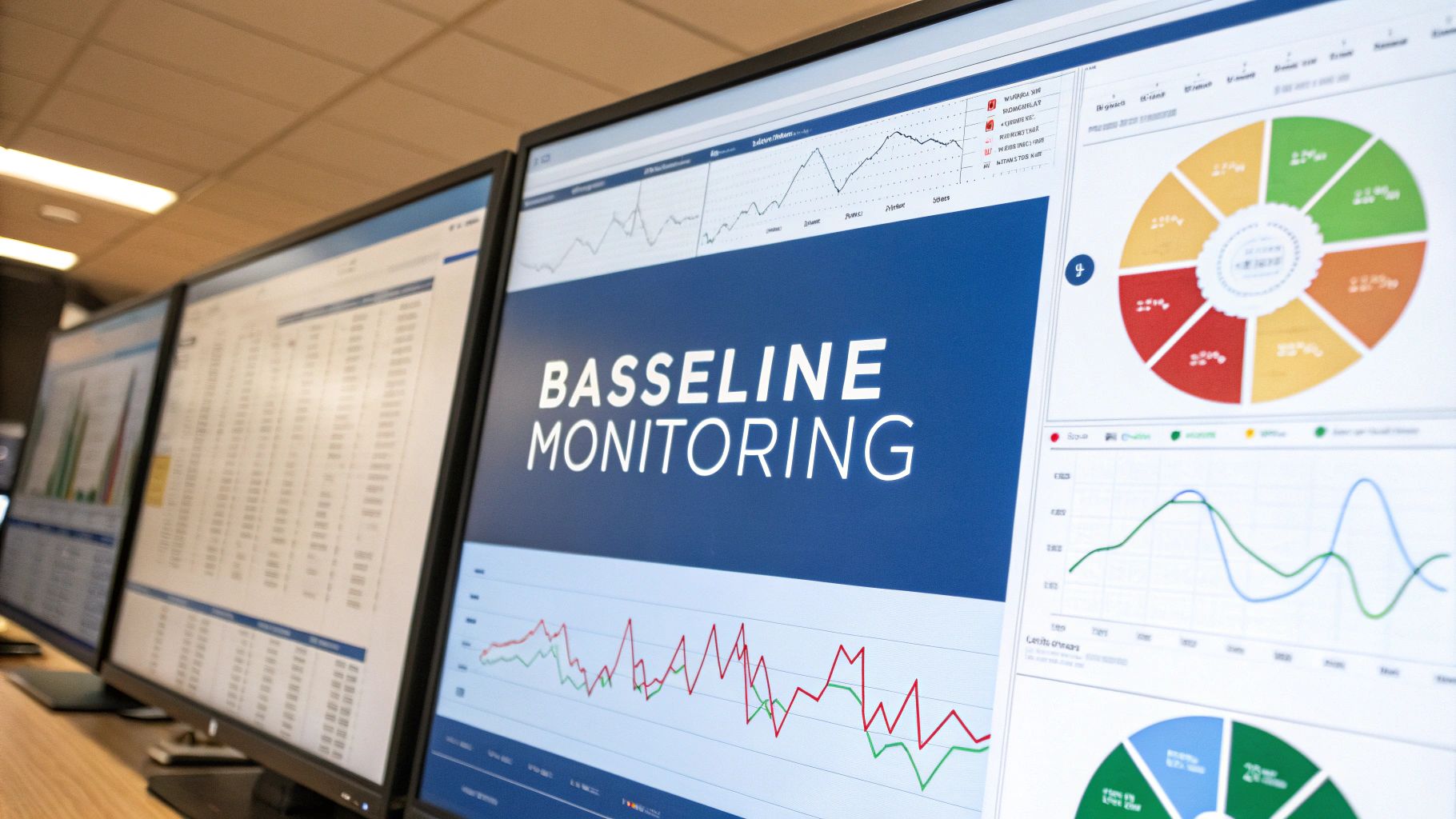
Modern networks are more complex than ever. While simpler architectures made troubleshooting straightforward in the past, the rise of cloud computing and distributed systems requires careful data analysis to understand performance issues. A solid baseline helps distinguish normal variations from actual problems.
Key Features and Benefits:
- Performance Metrics Tracking: Monitor critical metrics like latency, bandwidth use, packet loss, and error rates
- Historical Data Collection: Store performance data to analyze trends and patterns over time
- Anomaly Detection: Compare current performance to baselines to spot potential issues
- Trend Analysis: Study performance patterns to predict capacity needs and prevent bottlenecks
Consider an e-commerce site experiencing slowdowns during peak shopping times. Without baseline data, it’s hard to tell if this is new or expected behavior. Baseline monitoring would show if bandwidth consistently spikes during these periods, indicating a need for more capacity.
Pros:
- Catch Issues Early: Spot anomalies before they become major problems
- Better Capacity Planning: Use trends to prepare for future network demands
- Historical Context: Past data helps diagnose recurring issues
- Proactive Maintenance: Identify declining performance before it impacts users
Cons:
- Initial Setup Time: Creating a thorough baseline requires careful planning
- Regular Updates Needed: Baselines must evolve as networks change
- Possible False Alarms: Normal fluctuations may trigger unnecessary alerts
Implementation Tips:
- Monitor peak and quiet periods: Capture the full range of network activity
- Update quarterly: Keep baselines current with your environment
- Include all key segments: Don’t miss any important parts of your infrastructure
- Use automation: Tools like Goreplay make it easier to capture and analyze network data
Baseline monitoring provides essential context for understanding network behavior and maintaining reliable performance. Read more about [Network Monitoring Tools]. For developers and DevOps teams, tools like Goreplay are valuable for creating test environments and debugging complex issues.
2. Real-Time Alerting System
Network monitoring needs eyes on it 24/7. That’s where real-time alerting systems come in - they watch your network constantly and let you know the moment something goes wrong. Instead of finding out about issues from angry customers, you’ll catch problems early when they’re still small and fixable.
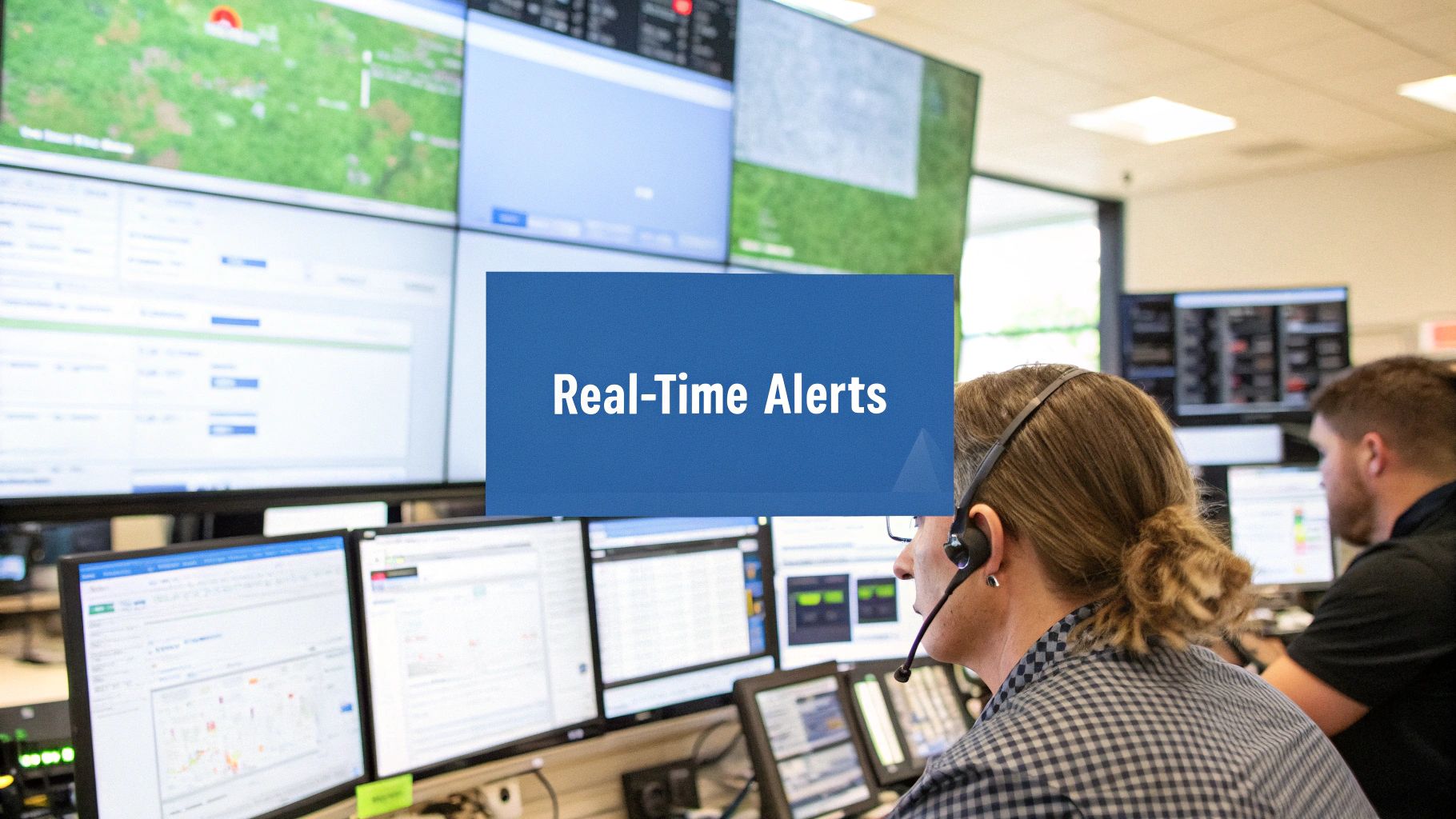
These systems work by tracking key metrics like CPU usage, network speed, and disk space. When any metric goes outside normal ranges, the system sends alerts to your team right away through multiple channels. This lets you tackle issues before they become bigger problems.
Key Features for Effective Alerts:
- Smart Thresholds: Set alert levels based on what’s normal for your network. Don’t just use default settings - look at your actual usage patterns.
- Multiple Alert Types: Get notifications via email, text, mobile alerts or tools like Slack so messages reach the right people quickly.
- Priority Levels: Mark alerts as high, medium or low priority. A minor traffic spike needs less urgency than a server crash.
- Alert Routing: Automatically send unresolved issues up the chain if the first responder can’t fix them.
Benefits of Real-Time Alerts:
Quick alerts help prevent costly downtime by providing:
- Fast Problem Detection: Spot issues right when they start
- Less Disruption: Fix problems before users notice them
- Automated Fixes: Set up scripts to handle common issues automatically
- Constant Coverage: Keep watch over your network at all hours
The Good and Bad:
Real-time alerts are powerful but come with some challenges:
- Pros: Quick issue detection, minimal downtime, automation options, round-the-clock monitoring
- Cons: Too many alerts can overwhelm staff, complex setup needed, possible false alarms from incorrect settings
Tips for Success:
- Set Smart Limits: Review past data to set thresholds that catch real problems without constant false alarms
- Group Related Alerts: Connect alerts that point to the same root cause
- Clear Escalation Steps: Map out exactly who handles what when issues arise
- Regular Reviews: Check and update alert rules as your network changes
Made Popular By: Tools like PagerDuty, OpsGenie, and VictorOps have made real-time alerts a standard practice in network monitoring.
A well-tuned alert system helps teams catch and fix problems fast, keeping networks healthy and users happy. This proactive approach means better service and fewer fire drills.
3. Network Documentation and Mapping
Network documentation and mapping is essential for managing networks effectively. It involves creating and keeping up-to-date records of your network infrastructure, including physical components, logical elements, configs, and how everything connects. Having this “source of truth” helps teams troubleshoot faster, manage changes better, and maintain security. Without good documentation, even minor changes can create unexpected problems and extended downtime.
Network documentation started with manual methods like spreadsheets and diagrams. As networks became more complex, this approach proved inadequate. The growth of software-defined networking and cloud computing created demand for real-time documentation tools that could automatically map networks, track changes, and show network topology as it changes.
Modern network documentation platforms include features like automatic device discovery, live topology updates, configuration tracking, and asset management. These capabilities help IT teams keep their network maps current, even in fast-changing environments.
Key benefits of good network documentation:
- Better Problem-Solving: Find root causes quickly by seeing traffic flows and dependencies. When a server goes down, a detailed map helps isolate the issue fast.
- Smarter Changes: Plan and roll out network updates confidently by understanding dependencies. This reduces the risk of disruptions.
- Stronger Security: Get a clear view of potential vulnerabilities by mapping your entire network. This helps focus security efforts where needed most.
- Simpler Compliance: Meet regulations more easily with clear documentation of infrastructure and security controls. This simplifies audits.
Examples from Major Platforms:
- Cisco Networks: Cisco provides thorough documentation resources for designing and managing Cisco-based networks.
- Azure Networks: Microsoft Azure offers detailed docs for virtual networks, VPN gateways, and load balancers.
Main Advantages and Challenges:
Advantages: Faster troubleshooting, safer changes, better security visibility, easier compliance
Challenges: Takes time to maintain, needs regular updates, can get outdated
Tips for Success:
- Use automated tools: Pick network mapping software that automatically finds devices and tracks changes
- Review regularly: Check documentation periodically to keep it accurate
- Map everything: Document both physical and logical network layouts
- Track all updates: Keep detailed records of network changes
While maintaining good network documentation takes work, it’s crucial for any organization that depends on reliable networks. It helps teams make better decisions, solve problems faster, and keep services running smoothly. That’s why it remains a core best practice for network monitoring.
4. Bandwidth Utilization Monitoring
Bandwidth utilization monitoring is all about tracking and analyzing how much bandwidth your network is using at any given time. This practice is essential for maintaining network health and performance, with direct effects on how users experience your applications and services. 
With more cloud apps, connected devices, and data-heavy services, basic network checks are no longer enough. Modern networks need detailed insights into bandwidth patterns to prevent slowdowns and outages that can hurt business operations.
Key Features and Benefits:
- Traffic Analysis: See exactly what’s using your bandwidth - identify the top consumers, protocols, and traffic patterns to optimize network usage
- Application Monitoring: Track which apps need the most bandwidth and ensure critical services get the resources they need
- QoS Monitoring: Check that your quality of service settings are working to prioritize important traffic
- Capacity Tracking: Review historical data to predict future bandwidth needs and plan upgrades before issues arise
Real-World Example: Consider an online store during a big sale. Without proper monitoring, a traffic spike could slow everything down, leading to failed purchases and lost sales. With monitoring in place, the company can prepare for increased demand and keep their site running smoothly. Similarly, a software company using cloud services needs to watch bandwidth between their office and cloud providers to keep development flowing.
Pros:
- Stops Bottlenecks: Find and fix bandwidth problems early
- Smart Resource Use: Give bandwidth to apps that need it most
- Better Experience: Keep things fast and responsive for users
- Smart Planning: Make upgrade decisions based on real data
Cons:
- Storage Needs: Keeping detailed usage records takes significant space
- Analysis Skills: Understanding the data requires expertise
- Small Overhead: Monitoring itself uses some bandwidth
Practical Tips:
- Watch Key Apps: Monitor your most important applications separately
- Set Alerts: Get notifications when bandwidth hits certain levels
- Regular Reviews: Check usage trends monthly to spot potential issues
- Track Peak Times: Know when your network is busiest to plan resources accordingly
By tracking bandwidth use, you gain clear visibility into your network’s performance and can make smart decisions about resources and upgrades. While it takes some effort to set up and maintain, the benefits of preventing issues and optimizing performance make it worth the investment.
5. Security Monitoring Integration
Network monitoring has expanded beyond tracking performance and uptime to include security as a core component. Security monitoring integration is essential to protect against today’s complex cyber threats by enabling real-time detection and response to potential incidents before they cause major damage.
When adding security monitoring to your network strategy, you’ll need tools that can spot malicious activity in network traffic. Key capabilities include:
- Intrusion Detection: These systems watch network traffic for attack signatures and unusual behavior patterns that could indicate a breach
- Log Analysis: Reviewing logs from network devices provides visibility into user actions, system events, and potential security issues. Combining log data with traffic analysis creates a complete picture
- Vulnerability Scanning: Regular scans identify weak points in infrastructure and applications before attackers can exploit them
- Security Event Correlation: Linking events across security tools reveals complex attack patterns and connections, enabling faster incident response
This integration delivers several key advantages:
- Stronger Security: Proactively finding and fixing vulnerabilities improves your defensive position
- Quick Detection: Real-time monitoring helps catch incidents early to minimize impact
- Compliance: Meeting regulatory requirements like PCI DSS and HIPAA that mandate security monitoring
- Better Response: A unified view of network and security events speeds up incident handling
Common challenges to consider:
- Resource Usage: Running comprehensive security monitoring requires substantial computing power and storage
- Skills Required: Making sense of security data and responding to incidents needs specialized expertise
- Performance Impact: Security inspection techniques can add latency if not configured properly
Implementation Best Practices:
- Use SIEM Tools: Platforms like Splunk, IBM QRadar, and AlienVault centralize security event analysis
- Regular Audits: Periodically review your monitoring strategy to identify gaps
- Threat Intel: Subscribe to threat feeds to stay current on emerging attack methods
- Response Plans: Create clear procedures for handling security incidents
With cyberattacks growing more advanced and compliance needs expanding, security monitoring has become an essential part of network management. By addressing security monitoring within your broader network strategy, you can better protect your organization. For additional insights, check out: API Monitoring: The Essential Guide.
Taking a proactive approach helps reduce risks while maintaining strong defenses against current and emerging threats.
End-User Experience Monitoring
End-user experience monitoring (EUEM) focuses on measuring and optimizing how users actually interact with applications and services, rather than just looking at infrastructure metrics. This matters because even when servers and networks appear healthy, users can still face frustrating performance issues that hurt productivity. By watching the real user experience, IT teams can fix problems before they impact the whole organization.
The key to EUEM is simulating real user activities and measuring what matters to them - like how fast pages load or how often they see errors. It’s about seeing your systems through your users’ eyes. This approach catches issues that standard monitoring might miss. For instance, if a DNS server is slow but network metrics look normal, EUEM will spot the delays users face.
The rise of cloud services and complex distributed systems has made EUEM essential. When applications rely on many interconnected parts, it becomes harder to track down the source of performance problems. EUEM provides a complete view of the user journey across all these components.
Key EUEM Features:
- Synthetic transaction monitoring: Automatically tests common user workflows like logging in or making purchases to catch issues early
- Response time tracking: Measures application speed from the user perspective to find bottlenecks
- User satisfaction metrics: Tracks Application Performance Index (Apdex), error rates, and other indicators of user happiness
- Service level monitoring: Confirms applications meet performance targets specified in SLAs
Real Examples:
- An online store uses EUEM to keep checkout fast during sales events, preventing lost revenue from abandoned carts
- A SaaS company monitors their app globally to ensure consistent performance worldwide
- A bank tracks critical transactions to maintain reliable, secure customer access
Benefits:
- Improved satisfaction: Quickly fixing issues leads to happier users
- Early problem detection: Catching issues before they affect many users prevents major disruptions
- SLA tracking: Ensures services meet agreed performance levels
- Business impact clarity: Links performance data to business metrics like conversion rates
Drawbacks:
- More monitoring overhead: Requires managing additional tools and systems
- Setup complexity: Implementation needs careful planning and expertise
- Cost considerations: Solutions can be expensive, especially for large environments
Popular EUEM Tools:
Implementation Tips:
- Focus on key workflows: Monitor the most important user paths first
- Get user input: Combine monitoring data with direct user feedback
- Test regularly: Run frequent performance checks to catch issues early
- Track business impact: Connect performance metrics to business goals to prioritize improvements
7. Automated Network Discovery
Network discovery tools help IT teams automatically map out and document all devices and connections in their network infrastructure. This capability eliminates tedious manual tracking and provides real-time visibility into network changes.
Just a few years ago, IT teams had to physically check connections and manually record device information. As networks grew more complex, this approach became impractical. Modern automated tools now handle these tasks efficiently and accurately.
Key Features and Benefits:
- Device Detection: Automatically finds and catalogs all network-connected equipment including routers, switches, servers and endpoints
- Configuration Management: Records device settings and enables easy comparison of changes over time
- Change Monitoring: Alerts teams about configuration modifications and new devices joining the network
- Asset Tracking: Maintains a central database of hardware specs, software versions, and device locations
Real-World Example:
Picture a busy online store running hundreds of servers. Without automation, keeping track of all those devices would be nearly impossible. An automated system continually scans the network to document new equipment, flag configuration changes, and notify admins about potential issues. This helps teams quickly identify and fix problems before they impact the business.
Key Advantages:
- Saves Time: Eliminates manual device surveys and documentation
- Better Accuracy: Provides current network visibility
- Compliance: Helps meet documentation requirements
- Faster Resolution: Quick access to device details speeds up troubleshooting
Common Challenges:
- Setup Complexity: Initial tool configuration requires planning
- Network Impact: Regular scans create additional traffic
- Security: Discovery methods need proper security controls
Best Practices for Implementation:
- Schedule Regular Scans: Run discovery at appropriate intervals based on network change frequency
- Set Clear Boundaries: Define scan scope to focus on relevant network segments
- Verify Results: Periodically check discovered data against reality
- Document Exclusions: Track any devices intentionally left out of scanning
By following these guidelines, organizations can use automated discovery to improve network visibility, reduce manual work, and catch potential problems early. This systematic approach helps IT teams maintain reliable network operations while controlling costs.
8. Performance Metrics Collection
Network monitoring is essential for keeping systems running smoothly and efficiently. By tracking key performance data, teams can spot issues early and make smart decisions about network management.
Having solid performance data helps organizations avoid costly outages. Regular monitoring lets teams find and fix potential problems before users are impacted, keeping productivity high and disruption low.
Key Features and Benefits:
- CPU Usage: Tracking processor utilization helps identify overloaded devices that may need upgrades or workload rebalancing.
- Memory Monitoring: Keeping tabs on memory usage helps prevent system slowdowns and crashes from insufficient resources.
- Interface Data: Looking at metrics like bandwidth usage and packet loss reveals traffic patterns and connectivity problems. High bandwidth on specific interfaces may signal upgrade needs.
- Error Tracking: Monitoring error rates helps find faulty hardware or cabling causing reliability issues.
Real-World Examples:
- Online Store: When an e-commerce site loads slowly during peak times, performance data can reveal if it’s due to maxed-out database servers or network bottlenecks. This guides decisions about adding resources or optimizing queries.
- Corporate Network: By monitoring interface statistics, companies can spot unusual traffic spikes that may indicate security issues, like large outbound data transfers.
Pros:
- Better Performance: Finding and fixing bottlenecks improves network speed and user experience
- Smart Planning: Historical data helps forecast future capacity needs
- Issue Prevention: Catching problems early prevents major outages
- Pattern Analysis: Long-term data reveals trends for optimizing configurations
Cons:
- Storage Needs: Detailed metrics require significant data storage
- Complex Analysis: Making sense of the data requires specialized knowledge
- System Impact: Collection and analysis uses network and monitoring system resources
Implementation Tips:
- Choose Key Metrics: Focus on measurements most relevant to your network
- Set Collection Timing: Balance data detail with system overhead
- Plan Data Storage: Decide how long to keep historical information
- Regular Reviews: Check metrics routinely to spot trends and optimization opportunities
Performance metrics are vital for any organization relying on network infrastructure. Following these guidelines helps ensure reliable networks, prevent downtime, and support business growth through data-driven decisions.
9. Cloud Resource Monitoring

Monitoring cloud resources has become a basic necessity for businesses using cloud services. Without proper tracking of network resources and services, organizations risk performance issues, security gaps, and out-of-control costs.
As more companies moved to cloud platforms like Amazon Web Services, Microsoft Azure, and Google Cloud, traditional monitoring tools designed for on-site infrastructure couldn’t keep up. This led to new cloud-focused tools that provide detailed data on resource usage, service health, and key metrics.
Key Features:
- Multi-Cloud Views: Monitor resources across AWS, Azure, Google Cloud and others through a single dashboard
- Cost Management: Track spending patterns and get alerts before bills get too high
- Performance Tracking: Monitor CPU, memory, network usage and other metrics to spot problems early
- Uptime Monitoring: Keep tabs on service availability and get notified about outages
Benefits:
- Complete Visibility: See your entire infrastructure - both cloud and on-premises
- Better Cost Control: Find and eliminate waste while planning future spending
- Easy Scaling: Monitor resources that grow and shrink based on demand
- Current Technology: Use the latest cloud monitoring capabilities
Challenges:
- Integration Work: Connecting multiple monitoring systems takes time and expertise
- Platform Differences: Each cloud provider has unique tools that don’t always work together smoothly
- Additional Costs: Cloud monitoring tools add to your monthly expenses
Implementation Tips:
- Use the monitoring tools from your cloud provider for best results
- Set up budget alerts and review costs regularly
- Tag resources properly to track spending by team or project
- Check your monitoring setup quarterly to find improvements
Real Example: An online store using AWS monitors their web servers with CloudWatch. During a big sale, they notice slow response times in their dashboard. The monitoring alerts let them quickly add more servers before customers are impacted. Later, they analyze the data to better plan resources for future sales events.
By monitoring cloud resources effectively, companies gain key insights to improve performance, control costs, and keep services running smoothly. Any organization using cloud services should make monitoring a priority.
10. Automated Response and Remediation
Network issues can have major impacts - every minute of downtime means lost money and productivity. That’s why automated response and remediation has become a crucial practice. This involves using tools that can automatically detect and fix common network problems, reducing manual work and minimizing disruption.
Here’s a real example: When a critical server becomes unresponsive, traditional monitoring just sends an alert to IT. But with automation, the system can spot the issue (like high CPU usage), diagnose it, and take action by restarting the server or adding resources - all automatically.
This practice has grown essential as networks become more complex and businesses move to the cloud. Organizations following DevOps practices especially benefit from automation’s speed and consistency.
Key Features:
- Smart Troubleshooting: Automatic diagnostic tests and data gathering to speed up issue resolution
- Self-Healing: Pre-set scripts that fix common problems like restarting services or adjusting resources
- Automated Incidents: End-to-end automation from detecting issues through resolution
- Connected Workflows: Integration with other IT tools for complex tasks like updates
Benefits:
- Quick Fixes: Problems get resolved much faster, reducing downtime
- Fewer Mistakes: Taking human error out of repetitive tasks
- Always-On Response: Issues get fixed 24/7, even outside work hours
- Standard Approach: Same reliable fix process every time
Challenges:
- Setup Work: Needs careful planning and testing upfront
- Automation Risks: Bad automation can make problems worse
- Testing Required: Must thoroughly validate all automated responses
Example Tools:
- Cisco DNA Center: Network automation and troubleshooting
- ServiceNow: IT service and operations management with automation
- Ansible: Open source IT automation platform
Tips for Success:
- Start with basic, well-defined tasks before complex ones
- Test everything thoroughly in a safe environment first
- Keep clear records of all automated processes
- Review and update automation regularly
By using automated response and remediation, organizations can make their networks more stable, reduce problems, and free up IT teams to focus on bigger projects. This core practice helps businesses run more smoothly and adapt quickly to changes.
Network Monitoring Best Practices: 10-Strategy Comparison
| Strategy | Implementation Complexity 🔄 | Resource Requirements ⚡ | Expected Outcomes 📊 | Ideal Use Cases ⭐ | Key Advantages 💡 |
|---|---|---|---|---|---|
| Baseline Performance Monitoring | Moderate; requires significant initial setup & regular updates | High due to continuous data collection & storage | Early issue detection, capacity planning, trend analysis | Proactive maintenance & baseline analysis | Historical context & proactive alerting |
| Real-Time Alerting System | High; configurable thresholds and escalation workflows | Needs automation systems and 24/7 monitoring | Immediate notifications and reduced downtime | Environments needing fast incident response | Automated alerts via multiple channels |
| Network Documentation and Mapping | Medium; maintenance intensive with frequent documentation updates | Requires dedicated tools for auto-discovery | Enhanced troubleshooting and improved change management | Dynamic network topologies and compliance tracking | Centralized documentation with visual topology insights |
| Bandwidth Utilization Monitoring | Medium; straightforward setup with complex data analysis | High data storage for traffic and application monitoring | Optimized resource allocation and bottleneck prevention | Networks with heavy data usage and capacity planning needs | Traffic trend analysis to enhance user experience |
| Security Monitoring Integration | High; resource-intensive and demands security expertise | Involves SIEM integration and significant data processing | Enhanced security posture and rapid threat detection | Organizations requiring comprehensive threat monitoring | Event correlation and support for compliance |
| End-User Experience Monitoring | High; involves synthetic transactions and continuous performance testing | Additional overhead for collecting user metrics & feedback | Improved SLA compliance and proactive issue resolution | Businesses focused on quality service and user satisfaction | Real-user transaction tracking with business metric insights |
| Automated Network Discovery | Medium; initial setup complexity with periodic scans | Low to moderate resource usage | Accurate asset inventory and configuration tracking | Networks needing regular device discovery & change detection | Reduces manual effort and speeds troubleshooting |
| Performance Metrics Collection | Medium; technical setup for detailed metric tracking | High storage and processing demands for comprehensive metrics | Optimized performance with strong trend analysis | Organizations targeting detailed operational analytics | Extensive data insights supporting capacity planning |
| Cloud Resource Monitoring | High; complex integration across multi-cloud environments | Requires cloud-native tools and cost tracking mechanisms | Unified visibility and cost optimization | Companies leveraging multi-cloud infrastructures | Scalable monitoring across cloud and traditional resources |
| Automated Response and Remediation | High; involves complex automation workflows and thorough testing | Needs robust automation platforms and careful configuration | Faster resolution and consistent incident remediation | Environments aiming for 24/7 automated incident response | Reduces human error and accelerates troubleshooting |
Ready to Take Charge of Your Network?
Good network monitoring is essential for maintaining reliable IT infrastructure. By implementing key practices like baseline monitoring, real-time alerts, security integrations, and end-user tracking, you can stay ahead of issues before they impact your systems. Proper monitoring gives you clear visibility into network behavior, performance bottlenecks, and optimization opportunities.
Starting small is the best approach. Begin by focusing on your most critical monitoring needs, then gradually add more advanced capabilities as your expertise grows. Make sure you have solid baseline performance metrics, reliable alerting, and thorough network documentation as your foundation. From there, you can expand into areas like automated fixes and cloud resource monitoring.
Network monitoring continues to advance with new developments in AI analytics, intent-based networking, and cloud-native tools. Keeping up with these changes helps ensure your network can reliably support your organization’s growth.
Key Takeaways:
- Watch Proactively: Monitor continuously to catch and prevent issues early
- Build Gradually: Start with basics and add advanced features over time
- Keep Learning: Follow industry changes and update your approach
- Gather Complete Data: Track diverse metrics for full network visibility
Want to move from reactive to proactive monitoring and optimize your systems? GoReplay lets you capture and replay real HTTP traffic to thoroughly test applications under actual usage conditions. By replicating genuine user interactions in your test environment, you can find and fix performance problems and security gaps before they affect production systems. Test with confidence knowing GoReplay helps validate your changes. Check out GoReplay today to see how proper testing improves network reliability.