
Why Monitoring Performance Drives Business Success
Monitoring your website’s performance is essential for online success. In today’s competitive market, user experience is paramount. A slow website can deter potential customers and negatively affect your profits. Prioritizing website performance monitoring is directly tied to business success. Think of your website as your digital storefront – its performance dictates the customer experience.
The Impact of Speed on User Behavior
The relationship between performance and profit is well-documented. Studies reveal a direct link between load times and user actions. A mere one-second delay can result in a 7% drop in conversions, significantly impacting revenue over time. This emphasizes the need for continuous performance monitoring and optimization. By 2025, the average website load time was around 1.9 seconds on mobile and 1.7 seconds on desktop. This focus on speed is critical, as faster websites generally have lower bounce rates and higher conversion rates. For a deeper dive into these statistics, check out this resource: Learn more about website speed statistics.
Turning Performance into a Competitive Advantage
Smart businesses leverage performance as a competitive differentiator. They recognize that a fast, dependable website builds trust and boosts engagement. This translates into tangible benefits:
-
Increased Conversion Rates: A smooth, quick-loading website encourages users to complete purchases and sign-ups.
-
Reduced Bounce Rates: Fast websites keep users engaged, minimizing the chance they’ll leave prematurely.
-
Stronger Search Rankings: Search engines like Google prioritize websites offering excellent user experiences, with speed playing a crucial role.
Real-World Examples of Performance-Driven Success
Many companies have improved their results by focusing on website speed. For example, optimizing image sizes and streamlining code has dramatically improved load times for some, leading to significant gains in conversions and revenue. Enhanced mobile responsiveness can also attract new customers and improve accessibility. These are just a few ways that prioritizing performance monitoring can yield real business results. Integrating performance monitoring isn’t merely a technical task—it’s a strategic investment in your future.
Performance Metrics That Actually Matter
Stop drowning in a sea of data. This section highlights the website performance metrics that truly influence user experience and your bottom line. We’ll demystify technical measurements like Time to First Byte (TTFB) and server response times, as well as user-centric metrics such as First Contentful Paint (FCP) and Cumulative Layout Shift (CLS). Understanding these metrics is key to effectively monitoring website performance.
Understanding Core Web Vitals
A crucial set of metrics to consider are the Core Web Vitals. Championed by Google, these factors focus on the user experience and directly impact your search engine ranking. They provide a standardized way to assess and improve key performance aspects.
-
Largest Contentful Paint (LCP): This metric measures the loading time of the largest page element. A fast LCP ensures users quickly see meaningful content, keeping them engaged.
-
First Input Delay (FID): FID quantifies how responsive a page is to user interaction. A low FID indicates a snappy and interactive experience.
-
Cumulative Layout Shift (CLS): CLS tracks the visual stability of a page. A low CLS prevents unexpected element shifts, reducing user frustration.
The following data chart visualizes average website performance across these Core Web Vitals, showing how sites measure up against benchmarks for LCP, FID, and CLS.
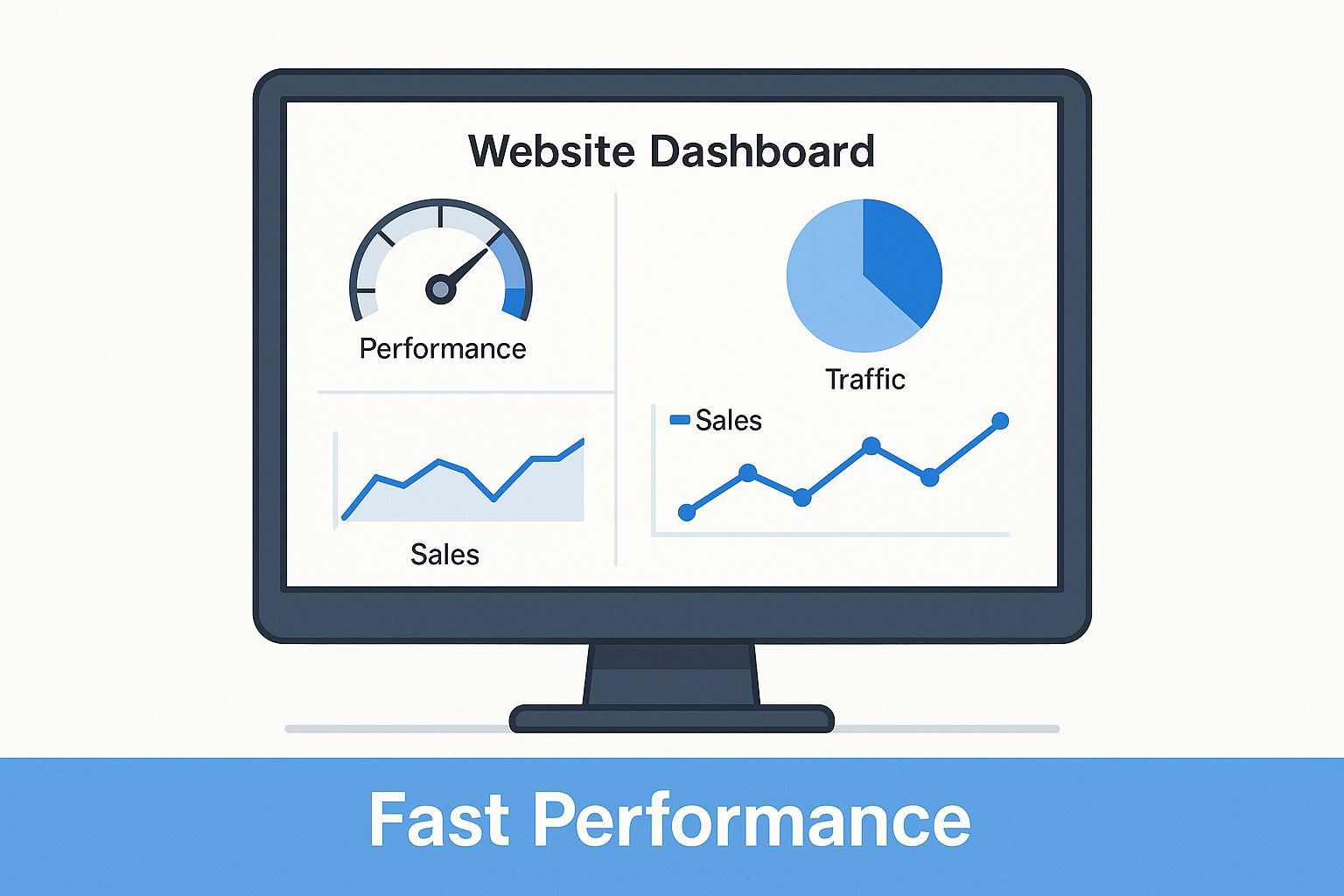
The data chart reveals that LCP performance is generally strong, but FID and CLS need significant improvement across many websites. For example, while 75% of websites achieve a good LCP score (under 2.5 seconds), only 50% meet the recommended FID threshold. This highlights a widespread interactivity issue that needs addressing. You might be interested in: How to master your performance testing strategy.
To understand the recommended targets for each metric, let’s look at the following table:
Core Web Vitals Benchmarks This table shows the recommended thresholds for each Core Web Vital metric, helping readers understand what constitutes good, needs improvement, and poor performance.
| Metric | Good | Needs Improvement | Poor |
|---|---|---|---|
| LCP | < 2.5s | 2.5s - 4s | > 4s |
| FID | < 100ms | 100ms - 300ms | > 300ms |
| CLS | < 0.1 | 0.1 - 0.25 | > 0.25 |
These benchmarks provide clear targets for optimizing your website’s performance and improving user experience. Aiming for the “Good” thresholds across all Core Web Vitals ensures a positive user experience and contributes to better search engine rankings.
Beyond Core Web Vitals: Other Essential Metrics
While Core Web Vitals provide a solid foundation, other metrics contribute to a more holistic view of website performance. For instance, TTFB indicates server responsiveness. A slow TTFB can suggest server-side issues needing investigation. Monitoring metrics like error rate helps identify broken links or server errors impacting the user experience.
Furthermore, understanding the relationships between different metrics is crucial. A slow LCP might be due to large image files, revealed by analyzing individual resource load times in a waterfall chart. The interplay of these metrics provides a complete picture of website performance. Its importance extends beyond user experience, impacting search engine rankings and overall business strategy. Performance benchmarks typically include metrics like FCP, LCP, and CLS, which are part of the Core Web Vitals. By meeting these benchmarks, websites can improve their search engine rankings, as Google considers these metrics when evaluating page experience. Explore this topic further. Understanding these nuances allows efficient problem diagnosis and effective solution implementation.
Choosing Performance Tools That Deliver Results
Monitoring your website performance goes beyond simple speed tests. To get truly useful information, you need the right performance monitoring tools. Instead of just looking at numbers, you need to understand the reasons behind slowdowns. Let’s explore some essential tools and how they can help you improve your website’s performance.
Free Tools: A Solid Starting Point
Several free tools offer strong features for checking website performance. Google PageSpeed Insights, for example, analyzes your website and gives suggestions for improvement, both on mobile and desktop. Google PageSpeed Insights is a great place to start.
Lighthouse, another Google tool, checks performance, accessibility, SEO, and best practices, offering a complete overview. These tools are excellent for finding initial areas for improvement.
You can also use your browser’s developer tools to analyze network requests, find rendering problems, and locate JavaScript bottlenecks. These tools provide a deeper analysis of performance metrics such as Time to First Byte (TTFB), First Contentful Paint (FCP), and Largest Contentful Paint (LCP). This detailed approach helps you understand the high-level data from other tools. Focusing on these individual factors helps diagnose performance problems more effectively.
Premium Tools: Advanced Analysis and Monitoring
For ongoing monitoring and deeper analysis, premium tools offer advanced features. GTmetrix, for instance, gives detailed waterfall charts showing how your website loads, identifying bottlenecks at the resource level. Pingdom lets you monitor uptime and performance from different locations worldwide, simulating user experience from various regions. These tools often give you historical data, allowing you to see progress and identify regressions.
New Relic provides real-time information about your server’s performance. This helps you discover issues like slow database queries and memory leaks that affect website speed. By combining these premium tools with free options, you get a complete view of your website’s performance. Choosing the right performance monitoring tool is essential to get the most out of your investment. There are several analytics tools for various platforms, such as TikTok Analytics Tools.
Building a Comprehensive Monitoring System

Effective performance monitoring requires using multiple tools to build a complete system. This lets you find performance problems early and fix them proactively. Different tools have different strengths. Some tools may excel at specific tasks like testing mobile performance while others are better at tracking server response times.
The following table compares popular website performance monitoring tools:
Website Performance Monitoring Tools Comparison This table compares the features, pricing, and ideal use cases for popular performance monitoring tools to help readers select the right option for their needs.
| Tool | Key Features | Price Range | Best For | Limitations |
|---|---|---|---|---|
| Google PageSpeed Insights | Website analysis and recommendations, mobile and desktop | Free | Initial assessment and ongoing monitoring | Limited historical data |
| Lighthouse | Audits performance, accessibility, SEO, and best practices | Free | Comprehensive website overview | Not ideal for continuous monitoring |
| GTmetrix | Detailed waterfall charts, resource-level analysis | Freemium | Deep dive performance analysis | Free version has limited features |
| Pingdom | Uptime and performance monitoring from multiple locations | Paid | Monitoring website availability and speed from user perspective | Can be expensive for smaller sites |
| New Relic | Real-time server-side performance insights | Paid | Identifying backend performance bottlenecks | Requires some technical expertise |
This table highlights the strengths and weaknesses of various performance monitoring tools. Consider your specific needs and budget when choosing the right tools for your website.
For instance, you could use PageSpeed Insights for initial evaluation and ongoing checks, while using GTmetrix for detailed analysis of specific performance problems. This layered approach provides both a general overview and the ability to investigate details. This approach helps find performance problems before they impact users, leading to a quicker, more reliable website. By knowing each tool’s strengths, you can create a monitoring system suited to your requirements. This leads to happier users and better business results.
Real User Monitoring: Beyond Synthetic Testing
Synthetic testing is valuable for setting baselines and catching obvious errors. However, it only offers a limited, lab-based view of website performance. Relying solely on synthetic testing can create blind spots in your monitoring strategy. This highlights the importance of Real User Monitoring (RUM). RUM captures the real experiences of your site visitors, providing essential context that synthetic tests miss.
Understanding the Power of RUM
Imagine a chef testing a new recipe. Perfect execution in their own kitchen doesn’t guarantee every customer will have the same experience. Some might add extra salt, others might overcook it. Likewise, synthetic tests run in a controlled environment. RUM, however, reveals how real users, with their varied devices, internet connections, and behaviors, actually interact with your website.
RUM tools gather performance data directly from user browsers. They capture metrics like load times, page views, and user interactions under real-world conditions. This data is then aggregated and analyzed to identify performance bottlenecks that synthetic tests might miss. For example, a specific geographic area might experience slower load times due to network latency, an issue a synthetic test from a different region wouldn’t detect. This data unveils the different performance experiences across your user base, leading to more targeted optimization strategies.
Implementing RUM: From Tools to Insights
Implementing RUM involves choosing the right tools, integrating them into your website, and interpreting the generated data. Several popular RUM tools offer different levels of detail and analysis. The best choice depends on your website’s needs and the depth of insights you require.
-
Selecting RUM tools: Consider features like data granularity, reporting capabilities, and integration with your existing analytics platform.
-
Data interpretation: RUM data can be complex. Focus on identifying trends and patterns, pinpointing specific pages or user segments with performance issues, and linking those problems to particular user actions.
-
Privacy considerations: Respecting user privacy is crucial when implementing RUM. Your data collection must comply with relevant regulations. Clearly communicate to users what data is collected and how it’s used.
Real User Monitoring is essential for website performance monitoring. By 2025, RUM is projected to become standard practice for businesses aiming to provide seamless user experiences. Find more detailed statistics here. Unlike the controlled snapshots of synthetic testing, RUM gives real-time insights into actual user interactions. This allows for immediate issue identification and resolution. The shift towards RUM shows a growing understanding that lab-based performance metrics don’t always reflect the real-world user experience. However, using RUM effectively means addressing challenges such as data privacy, large data volumes, and the need for insightful data interpretation. Successfully tackling these challenges transforms raw RUM data into actionable improvements, optimizing your site for the most important people – your users. Consider moving beyond synthetic tests and implementing Real User Monitoring (RUM) techniques to improve user experience.
Building Your Performance Monitoring Playbook
Transforming scattered performance checks into a strategic system is critical for continuous improvement. This involves creating a performance monitoring playbook designed for your specific needs and available resources. This section provides a framework for building this playbook, emphasizing establishing baselines, defining targets, and developing response protocols.
Establishing Meaningful Baselines and Performance Targets
Just like a navigator needs a map, your website needs a clear starting point. Creating baselines for key metrics like Largest Contentful Paint (LCP), First Input Delay (FID), and Cumulative Layout Shift (CLS) provides a benchmark to measure progress. These baselines should represent your current performance on various devices and for different user segments. Your mobile baseline, for instance, might be quite different from your desktop baseline.
After establishing baselines, set realistic performance targets. These targets should be challenging yet achievable, guided by user experience goals and business objectives. Striving for “good” Core Web Vitals scores is a sensible starting point. However, your specific targets depend on your industry and audience. An e-commerce site, for example, may prioritize faster loading times more than a blog.
Creating Response Protocols and Performance Budgets
A well-defined response protocol is crucial for handling performance regressions. This protocol should define:
- Who is responsible for investigating and resolving issues
- The process for diagnosing and fixing problems
- Communication strategies to keep stakeholders informed
Consider it a fire drill for your website: everyone knows their role when a problem occurs.
Another important element of your playbook is a performance budget. This budget establishes limits for key metrics, preventing performance from declining over time. Much like a financial budget, exceeding your performance budget should trigger a review and optimization process. This approach ensures performance remains a consistent priority during development.
Prioritization and Communication: Key to Success
Effective monitoring depends on prioritization. Concentrate on the metrics that have the greatest impact on user experience and align with your business goals. Use a prioritization framework to categorize issues by severity and potential impact, enabling you to address the most critical problems first. This prevents getting sidetracked by minor issues while more significant problems persist.
Finally, clear communication is vital. Translate technical performance data into understandable business insights for stakeholders. Explain performance improvements in terms of their effect on conversions, bounce rates, and user satisfaction. Consider moving beyond synthetic testing and incorporating techniques like Real User Monitoring (RUM). This user-centric approach promotes informed decision-making and ensures that everyone understands the value of performance optimization. Establishing a sustainable monitoring rhythm generates actionable insights without overwhelming your team, ultimately driving continuous improvement.
Solving Performance Problems Like a Pro
When your website metrics show problems, knowing the fix is critical. This guide walks you through diagnosing and solving common website performance issues. We’ll cover everything from server issues and inefficient code to optimizing images and managing those pesky third-party scripts. You’ll learn troubleshooting methods used by experts, helping you boost website performance and create a better user experience.
Diagnosing Common Performance Bottlenecks
Finding the root cause of performance problems takes a systematic approach. Different types of issues require specific diagnostic steps. Let’s explore some common areas:
-
Server Bottlenecks: Check your server response times (TTFB) and resource utilization. Slow responses and high resource usage could point to server-side limitations.
-
Code Inefficiencies: Analyze your website’s code for lengthy JavaScript tasks, render-blocking resources, and inefficient database queries. Tools like your browser’s developer tools and profiling software can help pinpoint these issues.
-
Image Optimization: Large image files significantly slow down load times. Make sure your images are compressed and appropriately sized. Using modern formats like WebP can also help.
-
Third-Party Scripts: External scripts can impact your site’s performance. Audit all third-party scripts and see if they’re truly necessary. Consider removing or deferring the loading of non-essential scripts.
Implementing Practical Solutions
Once you’ve identified the problems, the next step is to implement targeted solutions:
-
Server Upgrades: If server limitations are the issue, consider upgrading your server hardware or optimizing your server-side code.
-
Code Refactoring: Improve code efficiency by optimizing JavaScript execution, minimizing render-blocking resources, and cleaning up database queries.
-
Image Compression: Compress images using tools like TinyPNG or Kraken.io to reduce file sizes without sacrificing too much quality.
-
Script Management: Defer loading non-essential third-party scripts so that important content loads first. Using a tag manager can give you better control over when scripts run. You might be interested in: How to master boosting application performance with load testing.
Prioritizing for Maximum Impact
Not every performance issue has the same effect on user experience. Prioritize fixes based on how much they can improve key metrics like LCP, FID, and CLS. A prioritization matrix can help you categorize issues and focus your efforts where they’ll have the greatest impact. For example, fixing render-blocking resources is likely to improve LCP more immediately than optimizing images on a page that already loads quickly.
Real-World Case Studies and Results
Looking at real-world case studies shows how effective these optimizations can be. Optimizing images and streamlining code has significantly improved load times for many websites, leading to big jumps in conversion rates and overall revenue. This highlights the importance of investing in performance optimization.
By understanding these common performance problems and their solutions, everyone on your team, even non-technical members, can contribute to a faster, more efficient website. This collaborative approach puts more emphasis on website performance.
For a more robust and reliable testing environment, consider GoReplay. It lets you capture and replay live HTTP traffic, turning real production traffic into a powerful testing tool. This helps you identify and fix performance problems before they affect your users, ensuring a consistently smooth and dependable experience. Check out GoReplay to learn more.