
Master Database Performance Tuning for Faster Apps
Fine-tuning a database is all about making it faster and more efficient. It’s the process of hunting down and fixing the bottlenecks—whether they’re caused by clunky queries, bad indexing, or even the hardware itself—to make sure your applications fly.
Why Proactive Database Tuning Is a Game-Changer
Let’s be blunt: a slow database isn’t just a tech headache; it’s a direct hit to your business. We live in a world where users have zero patience. Every millisecond of delay from a sluggish database can lead to frustrated users, skyrocketing abandonment rates, and lost cash.
The old “wait until it breaks” model is a recipe for disaster. If you’re waiting for a performance crisis to erupt, you’re already losing customers and chipping away at your brand’s reputation. This is where proactive database performance tuning completely flips the script. It turns a reactive chore into a powerful strategic advantage.
From Firefighting to Future-Proofing
When you start squashing performance drains before they ever reach your users, you build a foundation of stability and reliability. This isn’t just about preventing outages. It’s about delivering a consistently great user experience that builds real loyalty and trust. This is exactly where a tool like GoReplay becomes your secret weapon.
GoReplay lets you capture live traffic from your production environment and replay it against a staging or test setup. This simulation gives you an incredibly clear, evidence-based picture of how your database actually behaves under real-world pressure. It lets you:
- Pinpoint slow or inefficient SQL queries that only buckle under authentic load.
- Stress-test changes and optimizations without ever putting your production environment at risk.
- Validate the real impact of new indexes or configuration tweaks with hard data.
- Catch performance regressions before they get deployed.
With a simulation-driven approach, you’re no longer just guessing. You stop hoping a fix will work and start proving it with real data. Every change you deploy is one that you know will improve performance and make the business more agile.
The Bar for Performance Keeps Rising
Today’s standards for database performance are worlds away from what they were just a few years ago. Data volumes have exploded, and queries have become far more complex. The potential gains from modern tuning are staggering.
Take the Japanese retailer Yodobashi. When they switched to an in-memory database, they cut the processing time for calculating customer incentives from three days down to a mere two seconds. That’s a performance boost of over 100,000 times. It’s a powerful reminder of what’s possible with dedicated optimization. You can read more about how SAP HANA makes this kind of speed a reality.
By adopting this proactive, simulation-first mindset, you can anticipate your needs, scale with confidence, and stay ahead of the curve.
How to Capture Production Traffic with GoReplay

Alright, enough theory. Let’s get our hands dirty. The first real step in database performance tuning with this method is getting a hold of your actual production traffic. This is where GoReplay comes in, letting you safely listen to and record live database queries without ever touching your production environment.
Think of GoReplay as a lightweight listener. It taps into your network traffic like a detective eavesdropping on a conversation—it hears everything but doesn’t participate. This passive approach is the secret sauce; it adds virtually zero performance overhead, so your production services can keep humming along, completely unaffected.
Setting Up the Listener
The heart of GoReplay’s capture ability is the --input-raw command. This is what tells GoReplay to start listening to network traffic on a specific port—whichever one your database uses. PostgreSQL, for instance, typically uses port 5432, while MySQL is usually on 3306.
You just point it at the network interface and the port, and GoReplay starts grabbing all the packets heading that way. It then intelligently reconstructs the original SQL queries from that raw traffic and saves them to an output file for later.
For a standard PostgreSQL setup, the command is refreshingly simple:
gor —input-raw :5432 —output-file requests.gor
This one-liner tells GoReplay to listen for any traffic on port 5432 and write whatever it finds into a file named requests.gor. It’s incredibly powerful for how simple it is.
Filtering for Relevance
Capturing all traffic is a solid start, but sometimes it’s overkill. You might only want to test read operations (SELECT statements) or maybe you want to cut out the noise from constant health checks. GoReplay has you covered with robust filtering options so you only capture what you truly need.
You can use flags to filter traffic based on things like HTTP headers or even the content of the payload itself. This is perfect for zeroing in on specific query types.
--http-allow-method SELECT: Only grabSELECTqueries (if they’re sent via HTTP).--http-allow-url /api/v1/users: Isolate requests hitting a specific API endpoint.--raw-filter-regex '.*SELECT.*': Use a regex filter to directly capture any TCP payload containingSELECT.
Here’s a personal tip from my own experience: start by capturing everything first. This gives you a complete picture of your traffic profile. Once you know what you’re dealing with, you can run more targeted captures using filters. This approach helps ensure you don’t accidentally miss some weird, unexpected query pattern that’s actually the root of your performance headache.
For any serious analysis, you’ll need to run this capture process for a decent amount of time. You’ll want to run GoReplay as a persistent background service. Using a tool like systemd on Linux or even a simple screen session will keep the capture going even after you log off. This ensures you collect a rich dataset for a truly meaningful analysis.
For a more in-depth guide on this, check out this excellent post on how to replay production traffic for realistic load testing. Once you have your .gor file packed with authentic user queries, you’re all set for the next stage.
Simulating Realistic Load on a Staging Environment
Okay, you’ve successfully captured a slice of your production traffic and have it saved in a file. This is where the real fun begins. Now we get to take that raw material and use it to perform some serious database performance tuning. We’re moving from passive observation to active, controlled experimentation in a safe sandbox where we can push our database to its limits without fear of breaking anything for real users.
The key to a successful test is realism. Your staging environment needs to be a near-perfect clone of production. If you try to run these tests on a server with different hardware, a smaller dataset, or older software versions, your results will be skewed. You won’t be able to confidently say whether your optimizations are actually working, which defeats the whole purpose.
Directing Traffic to Your Staging Server
GoReplay makes it incredibly easy to point your captured traffic at a new target. Instead of the --input-raw flag we used for capturing, we’ll now use --input-file to read from our requests.gor file. The magic happens with the --output-tcp flag, which tells GoReplay where to send all those replayed queries.
Let’s say your staging PostgreSQL database lives at a specific address and listens on the default port. Your command would look something like this:
gor --input-file requests.gor --output-tcp staging-db-address:5432
This simple command reads every single request from your capture file and forwards it directly to your staging database. It effectively recreates the exact traffic patterns your live users generated, giving you a perfect baseline for analysis.
GoReplay Input vs Output Options
To put this into perspective, let’s break down the two primary flags we’ve discussed. Capturing traffic with --input-raw and replaying it with --output-tcp are the foundational commands for this entire workflow.
| Module | Primary Flag | Function | Example Use Case |
|---|---|---|---|
| Capture | --input-raw | Listens on a network port for incoming traffic. | Capturing live database queries from port 5432. |
| Replay | --output-tcp | Forwards traffic to a specified TCP endpoint. | Sending captured queries to a staging database. |
Understanding these two modules is crucial. One listens and records, the other reads a recording and plays it back. It’s a simple but powerful concept.
Amplifying Load for Stress Testing
Just replaying traffic at its original speed is great for spotting existing issues. But what about preparing for the future? How will your database hold up during that big Black Friday sale or after a massive marketing push? This is where GoReplay’s ability to amplify traffic becomes a game-changer.
You can crank up the pressure by adding a multiplier, letting you simulate future growth and conduct powerful stress tests.
- To replay traffic at double the original speed (2x), you’d use:
--output-tcp "staging-db-address:5432|200%" - To really push things and simulate 10 times the load (10x), you’d use:
--output-tcp "staging-db-address:5432|1000%"
By ramping up the requests per second, you can find the true breaking point of your database. You’ll see exactly which queries start to buckle under pressure and how the system behaves when it’s pushed far beyond its normal comfort zone.
This whole process is about finding and fixing the SQL queries that act as bottlenecks.
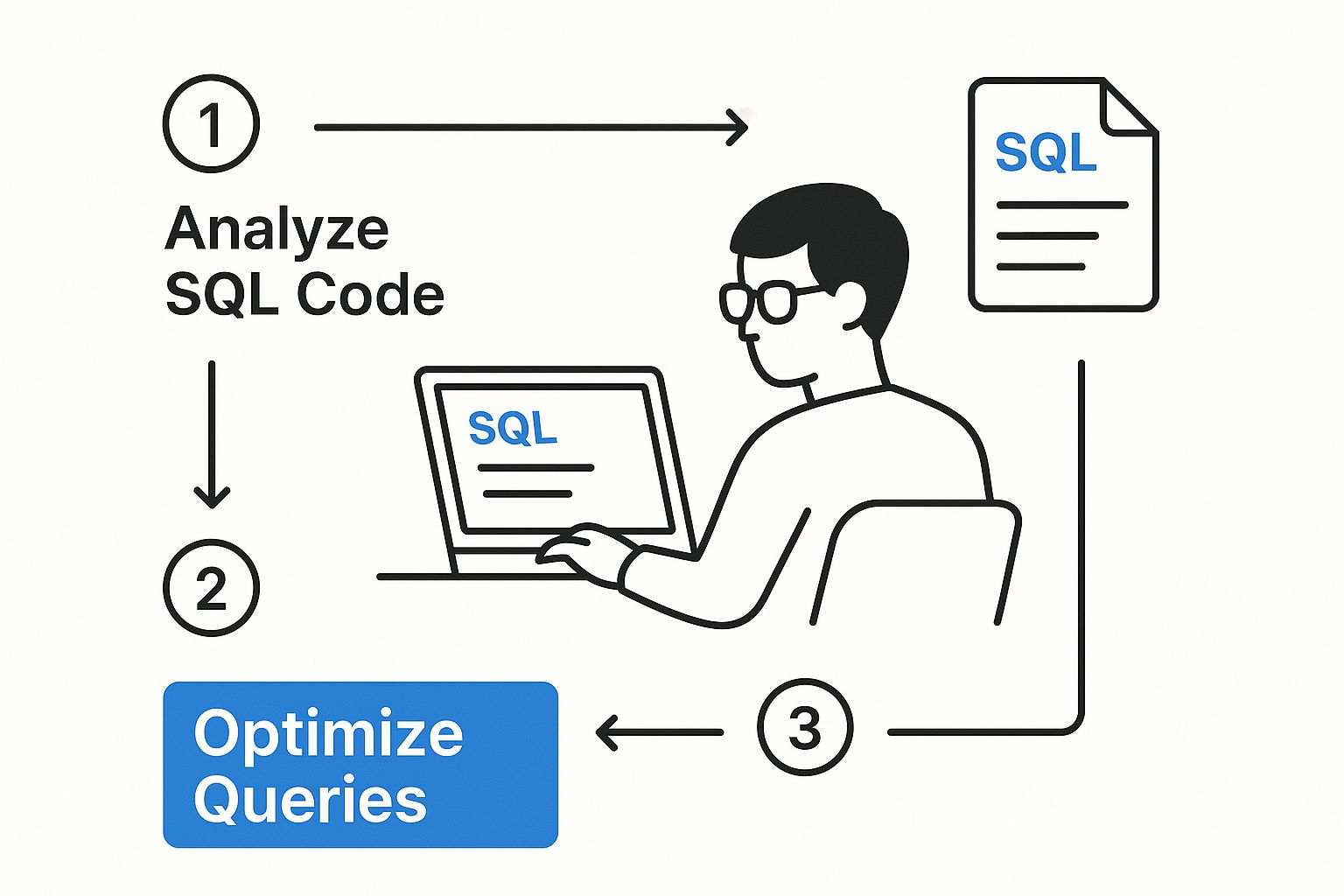
Ultimately, the goal of this simulation is to isolate and improve the specific queries that degrade performance under heavy load.
A quick pro-tip: as you run these simulations, don’t just stare at the GoReplay output. You need to have another window open monitoring your staging database’s vitals. Keep a close eye on CPU utilization, memory consumption, disk I/O, and the number of active connections. This holistic view is what connects the simulated load to its real-world impact on your infrastructure.
Pinpointing and Analyzing Performance Bottlenecks

This is where the real detective work of database performance tuning begins. Replaying traffic is one thing, but interpreting the results is how you find the gold. With your simulation running, your staging server is now under a controlled, realistic load. The key is to connect the dots between the GoReplay simulation and what’s happening inside your database.
You’re hunting for the culprits—the specific query patterns that cause the most strain. This means keeping a close eye on a few critical system-level metrics on the database server itself. Watch your CPU utilization, memory pressure, and especially disk I/O. A sudden spike in I/O wait times during the test is a classic tell-tale sign of inefficient queries forcing the database to read way too much from disk.
Diving into Database Vitals
While general system health is a good start, you have to go deeper by using your database’s own diagnostic tools. These native utilities are your best friends during this analysis phase, giving you a ground-level view of exactly what’s happening, query by query.
If you’re on PostgreSQL, the pg_stat_activity view is invaluable. It shows you all currently active connections and the exact query each one is running. During a load test, you can hit this view to spot long-running queries or queries that are just stuck waiting for locks.
For MySQL users, the Performance Schema is the tool of choice. It’s an incredibly powerful feature that provides detailed instrumentation, letting you see which queries are responsible for the most I/O, which ones are performing full table scans, and exactly where your time is being spent.
A common mistake is focusing only on one metric, like CPU. I’ve seen teams miss major issues because the CPU looked fine, but disk I/O was through the roof. You must analyze these metrics together to get the full story of what’s really slowing you down.
By cross-referencing the GoReplay output with these native tools, you can draw a direct line from a high-load simulation to the problematic SQL. You’ll start to see which queries consistently bubble up to the top of your “most expensive” list when the system is really under pressure.
Identifying Problematic Query Patterns
Once you’ve isolated a few slow queries, the next step is to figure out why they’re so slow. It’s almost never a single, isolated problem. It’s usually part of a broader, inefficient pattern.
- Full Table Scans: Is the database having to read an entire table just to find a few rows? This is a huge red flag and often points directly to a missing index.
- Inefficient Joins: Are you joining multiple large tables in a way that creates a massive intermediate result set? Sometimes, just reordering the joins or using a different join type can make a world of difference.
- Repetitive “N+1” Queries: This pattern is a classic issue with ORMs. It involves fetching a list of items and then firing off a separate query for each item to get related data. Under load, this explodes into thousands of small, horribly inefficient queries.
Modern database performance tuning isn’t just about one thing; it’s a holistic approach that combines query optimization, smart indexing, and system tuning. Query optimization is often your first line of attack because it targets inefficient SQL—the most frequent cause of bottlenecks. For instance, rewriting queries to avoid SELECT * or to use more appropriate join types can drastically improve execution plans. You can learn more about how these comprehensive tuning strategies boost responsiveness. This multi-faceted view is the key to sustainable performance improvements.
Finding a performance bottleneck is a huge win, but that’s really only half the battle. Now you have to actually fix it and—most importantly—prove your fix worked. With your GoReplay simulation ready to go, you have the perfect, repeatable experiment to scientifically measure the impact of every single change you make.
This isn’t about guesswork. It’s a methodical loop: apply a fix in your staging environment, then rerun the exact same traffic simulation. This is the secret to making risk-free, impactful improvements. The goal is to get beyond thinking a change will help and get to a place where you know it will, backed by solid data.
Implementing Common Tuning Fixes
Once you’ve analyzed the bottlenecks, the fixes usually fall into a few common buckets. Each one is designed to tackle a different kind of performance issue you might have spotted during your load test.
- Adding Strategic Indexes: This is often the lowest-hanging fruit. If you found queries hammering your database with full table scans, adding an index on the columns in your
WHEREclauses can lead to some seriously dramatic speed-ups. A word of caution, though: don’t just sprinkle indexes everywhere. They can slow down yourINSERTandUPDATEoperations. - Rewriting Inefficient Queries: Sometimes, the problem is right there in the code. You might need to rewrite a query to use a more efficient
JOIN, or maybe break a massive, complex query into several simpler ones. Another classic is sniffing out and eliminating “N+1” patterns by fetching data in a single, batched operation instead of hundreds of separate ones. - Adjusting Configuration Parameters: Your database has literally hundreds of settings you can tweak. Based on your tests, you might find that giving your shared buffers more memory or adjusting the number of worker processes is just what your specific workload needs. Just be sure to make these changes one at a time and validate them carefully.
The golden rule here is to change one thing at a time. If you apply three fixes at once and performance gets better, you’ll never know which one was the real hero. This disciplined approach is what makes your database tuning efforts clear and measurable.
The Validation Loop: A Scientific Approach
After you apply a potential fix—let’s say you’ve added that new index to a troublesome table—the real test begins. You’ll run the exact same gor command you used for your initial baseline test, but this time, you’ll point it at your newly modified staging database.
gor --input-file requests.gor --output-tcp staging-db-address:5432
This replays the identical production traffic against your optimized setup. Now, you go back and collect the same metrics: CPU usage, I/O wait, memory pressure, and average query response times.
The magic is in the before-and-after comparison. Did the average response time for that problem query plummet from 500ms to 50ms? Did your overall CPU utilization drop by 20%? This is your proof.
This validation loop isn’t just about celebrating a win; it’s also your safety net. It makes sure your “fix” didn’t accidentally create a new, unexpected bottleneck somewhere else in the system.
Once you’ve validated a change and you’re confident in its positive impact, you can schedule its deployment to production with peace of mind. For a deeper look at using simulations in this way, check out our guide on boosting application performance with load testing. This cycle of testing, tuning, and validating is what transforms database maintenance from a risky chore into a predictable engineering discipline.
Got Questions About Database Tuning with GoReplay?
It’s natural to have questions when you’re thinking about pointing a new tool at your production database. Let’s tackle some of the most common ones I hear from engineers so you can get started with confidence and sidestep any potential gotchas.
Will Capturing Traffic Slow My Production Database?
This is probably the #1 question, and for good reason. The short answer is no, it shouldn’t.
GoReplay was designed from the ground up to be incredibly lightweight. When you set it up to passively listen to network traffic, it just reads the data packets as they fly by. It doesn’t block or interfere with your database’s day-to-day operations, so the overhead is almost zero.
Of course, it’s always smart to keep an eye on your system monitoring tools during the first run, just to confirm everything looks normal.
How Do I Handle Sensitive Data in Captured Traffic?
An absolutely critical point. You can’t just copy production data with user credentials or PII into a staging environment.
GoReplay has this covered with its powerful middleware. You can write simple scripts that intercept the traffic as it’s being captured and rewrite it on the fly. Using regular expressions, you can find and replace sensitive info before it ever gets written to a file.
This means you get realistic traffic patterns for your tests, but without the risk of exposing confidential information.
What If My Environments Don’t Match Exactly?
This happens. Getting a perfect 1:1 match between production and staging can be a real challenge.
If your environments are different, you can still find and fix inefficient queries, which is a huge win. However, metrics tied directly to the hardware—like CPU usage or I/O wait times—won’t be a perfect reflection. The goal is to get as close as you possibly can.
The closer your staging environment mirrors production—in hardware, software versions, and data volume—the more you can trust the results. Big differences will naturally lead to different performance characteristics.
The more you minimize those differences, the more reliable and predictable your tuning efforts will be.
Ready to stop guessing and start proving your optimizations? GoReplay gives you what you need to capture real user traffic and safely simulate load, helping you build faster, more reliable applications. Get started with our open-source version or check out the pro features over at GoReplay.org.