
Understanding the New World of Application Monitoring
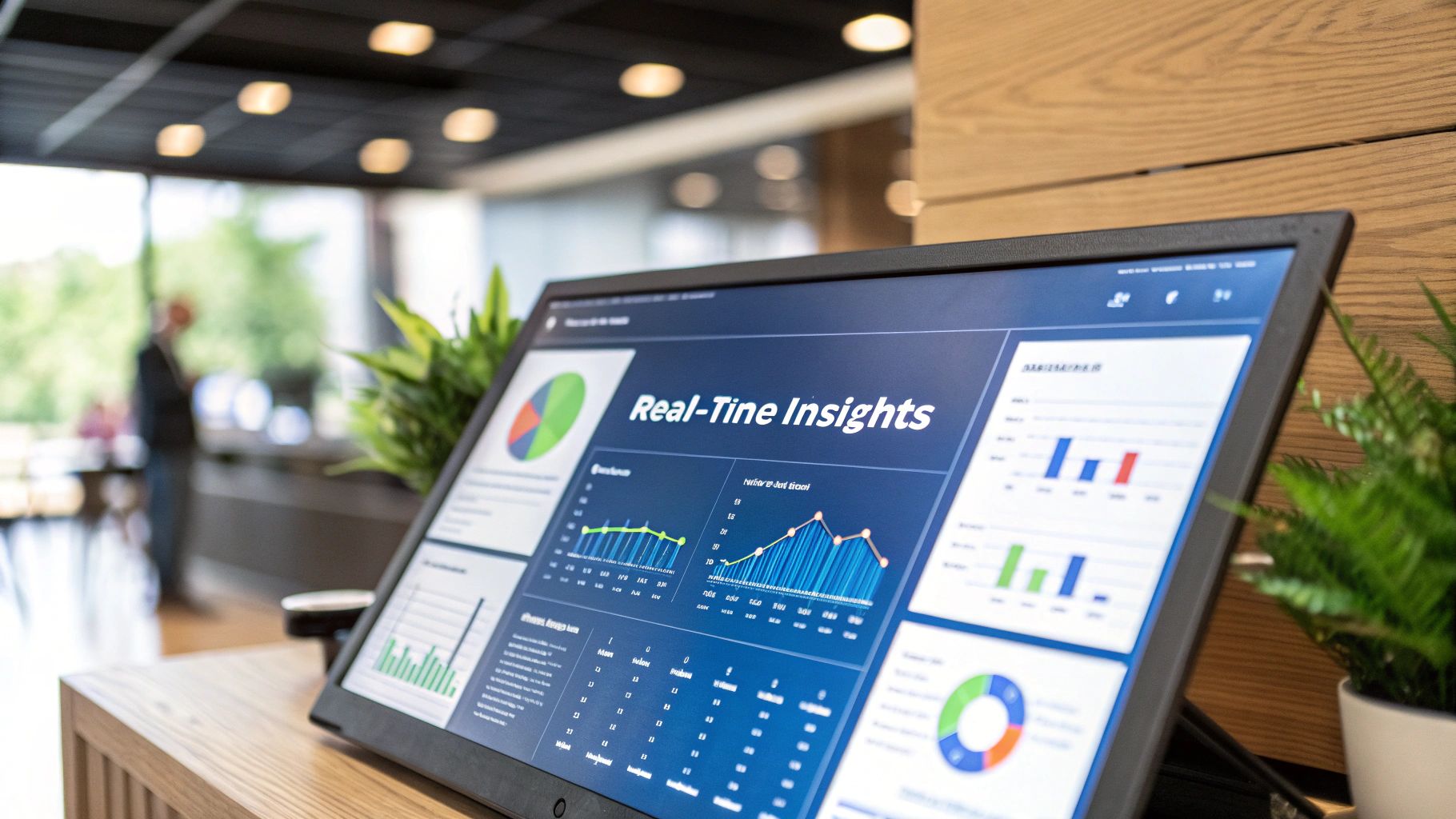
The fundamentals of application monitoring have changed dramatically in recent years. Gone are the days when simply checking server uptime was enough. Modern applications require a deeper approach to monitoring that looks at user experience, system bottlenecks, and overall health. This shift comes from users expecting nothing less than perfect performance and reliability.
Effective monitoring now spans the entire application stack - from what users see and do in their browsers to how servers handle requests behind the scenes. Teams need to track key metrics like response times, error rates, and resource usage to spot potential problems early. Just as important is understanding how real users interact with applications and what their experience looks like from start to finish.
The growing importance of comprehensive monitoring shows in the numbers. The global market for application performance monitoring reached USD 7.52 billion in 2023, with experts projecting 15.1% yearly growth through 2030. This reflects how critical reliable application performance has become for businesses serving customers worldwide. Find more detailed statistics here
Key Trends Shaping Application Monitoring
Several major shifts are changing how teams approach monitoring:
- Prevention over reaction: Teams now use predictive tools and AI to catch issues before users notice them, rather than just responding to problems after they happen
- User experience first: The focus has moved to tracking metrics that directly impact users - like how fast pages load, whether transactions succeed, and how engaged users stay
- Smart automation: Automated alerts and fixes help teams manage complex systems without constant manual work, letting them focus on bigger improvements
- Distributed systems: As applications split into smaller services, monitoring tools must track performance across many connected parts
Want to learn more about monitoring APIs specifically? Check out this guide on How to master API monitoring. These changes highlight why teams need monitoring that can prevent problems, put users first, work automatically, and handle complex systems. The key is building practices that help catch issues early while keeping applications running smoothly for users.
Choosing Metrics That Actually Matter
Just as doctors select specific tests to diagnose patients, successful application monitoring requires carefully picking the right metrics to understand your application’s behavior. But which metrics truly matter? Let’s break down how to select and use metrics that give you real insights into your application’s health.
Identifying Key Performance Indicators (KPIs)
Start by connecting your metrics directly to your business goals. If better user experience is your target, focus on metrics like average response time, error rate, and session duration. Different teams often need different data points - developers might care most about CPU usage and memory consumption, while business teams track conversion rates and customer churn.
Implementing Metrics Without Drowning in Data
Too many metrics create noise that makes spotting real problems harder. Instead of tracking everything possible, zero in on the metrics that directly impact your goals. For a user-focused application, response time and error rates tell you more than CPU usage alone. This focused approach helps you find and fix issues faster while keeping monitoring costs in check. Learn more about application monitoring best practices.
Start small with just your most important metrics. As you better understand your application’s behavior, gradually add more metrics that provide clear value. This step-by-step method helps you build an effective monitoring system without getting overwhelmed. For more insights, check out How to master essential performance testing metrics.
Establishing Actionable Benchmarks
After picking your key metrics, set realistic targets based on your historical data or industry standards. For example, you might aim to cut your average response time by 10% over the next three months. Having clear, measurable goals helps teams stay focused and track real progress.
Maintaining Metric Hygiene
Think of metric maintenance like regular house cleaning - you need to periodically review what’s still useful and what’s just creating clutter. As your application grows and changes, some metrics become less relevant while new ones become critical. This ongoing metric hygiene keeps your monitoring focused on what matters most.
Remember that collecting metrics is just the start - they should drive real improvements. Use your data to spot problems, fix bottlenecks, and make your application better. Good metrics don’t just show you what’s happening - they help you decide what to do next.
Harnessing AI and ML for Smarter Monitoring
AI and machine learning are fundamentally changing application monitoring practices. These technologies help teams spot and fix issues before users notice them, rather than just reacting to problems after the fact. While there’s a lot of buzz around AI and ML in monitoring, it’s important to focus on practical benefits that actually improve system reliability.
AI brings powerful analytics capabilities that can process vast amounts of monitoring data from different sources to identify emerging issues. ML complements this by continually improving its ability to spot unusual patterns and connect different metrics and logs. This helps teams pinpoint root causes faster and address potential problems early. In 2024, we expect to see more companies successfully applying these capabilities. Explore this topic further.
AI-Driven Approaches Delivering Value
AI is already proving its worth in several key monitoring areas. Anomaly detection is particularly valuable - AI can spot subtle warning signs that traditional monitoring would miss. For example, it might notice that response times are slowly creeping up, signaling a developing bottleneck before it becomes a serious problem.
Predictive analytics is another area where AI shines. By analyzing historical data and current trends, AI can forecast when you’re likely to hit resource limits or face performance issues. This lets ops teams take action early - like adding capacity before a predicted traffic spike overwhelms your systems.
Implementation Challenges and Strategies
Getting AI monitoring right comes with some real challenges. Data quality is a major concern - if you feed AI systems incomplete or inaccurate data, you’ll get unreliable results and false alarms. Teams also often struggle with model complexity - building and maintaining effective AI models requires specific skills and ongoing attention.
The key to success is starting small and focused. Pick specific monitoring problems where AI can clearly help, and make sure you have clean, reliable data to work with. Consider using existing AI monitoring services rather than building everything from scratch. This lets you benefit from AI capabilities without needing to become AI experts yourselves.
Building AI-Enhanced Monitoring Systems That Scale
Creating monitoring systems that grow with your needs takes careful planning. Integration with existing tools is essential - your AI monitoring should work smoothly with your current dashboards and workflows so teams can easily access insights. Automation is equally important - automating routine tasks like data processing and alert generation helps teams focus on solving real problems.
Regular testing and adjustment of your AI monitoring is crucial. Monitor how well your models perform and fine-tune them as your applications change. This ongoing improvement helps ensure your monitoring keeps providing accurate, actionable insights as your systems evolve.
Building Alert Systems That Cut Through the Noise
A solid alert system is essential for effective monitoring, but too many alerts can overwhelm teams and hide critical issues. When teams face constant notifications, they develop alert fatigue - a dangerous state where important warnings get lost in the noise. Let’s explore practical ways to build alert systems that matter.
Establishing Meaningful Thresholds
Good alerts start with smart thresholds tied directly to your key performance indicators (KPIs). For example, if your target response time is 200ms, set alerts for consistent breaches of this target rather than minor spikes. This focuses attention on meaningful issues.
Think about what matters most to your business and users. A small uptick in error rates often deserves more urgent attention than temporary high CPU usage. Base your alert priorities on real business impact rather than technical metrics alone.
Creating Effective Escalation Paths
When alerts fire, they need to reach the right people quickly. Set up clear escalation paths that specify who handles which types of alerts and when to involve others. You might route database issues to your DBA team while sending security alerts to your SecOps group.
Make sure critical issues don’t get stuck. Automated escalation ensures that if the first responder can’t resolve an issue within a set time, it gets elevated to the next tier of support automatically.
Ensuring Every Alert Drives Action
If an alert doesn’t require action, it shouldn’t exist. Each alert should include specific next steps, whether that’s running diagnostic commands, checking specific logs, or following an incident response plan. Include links to relevant documentation right in the alert message.
Keep alerts focused on what matters. Only notify teams about issues they can and should act on. This means linking alerts to business-critical metrics and ensuring clear resolution paths. Learn more about effective alert strategies.
Managing Alerts Across Distributed Teams
With teams spread across time zones, alert management becomes more complex. Use central tools that gather alerts from all your systems into one view. This helps teams collaborate effectively regardless of location.
Set up routing rules based on team schedules and expertise. When an alert fires at 3 AM in New York, it should reach the on-call engineer in Singapore who’s ready to help.
Evolving Your Alert Strategy
Your alert system needs regular tune-ups as your application grows and changes. Review alert patterns monthly to spot gaps and remove unnecessary notifications. Ask your team which alerts help them most and which create extra noise.
Track how often each alert fires and how many lead to real action. If an alert rarely needs intervention, consider adjusting its threshold or removing it entirely. This ongoing refinement helps your team stay focused on real issues instead of chasing false alarms.
Mastering End-to-End Monitoring Coverage
Most modern apps are built on complex systems with many moving parts. Getting a clear view of how everything works together - from what users see on screen to what happens in the backend - can be tricky. Let’s look at practical ways to monitor your entire application effectively while keeping things manageable.
Defining the Scope of End-to-End Monitoring
Good monitoring starts with watching the complete user experience. This means tracking the frontend - how fast pages load and how people use your site. You’ll also need to watch backend services like API and database performance. Don’t forget about infrastructure components (servers, networks, load balancers) and any third-party tools you rely on. When external services cause problems, you want to know right away.
Strategies for Comprehensive Coverage
Think of your application as one connected system rather than separate pieces. A slow database query doesn’t just affect the backend - it impacts what users experience too. Using tools that can trace requests as they move through different parts of your system helps spot these connections.
Map out the key things users do in your app regularly. Focus your monitoring on these critical user journeys first. This helps you catch the problems that matter most to your users.
Maintaining Visibility in Complex Architectures
Microservices and hybrid setups (mixing cloud and on-premise systems) create special monitoring challenges. When you have lots of small services talking to each other, finding the source of problems gets harder. You’ll need good tools that can track requests across these distributed systems.
For hybrid setups, you often need different monitoring tools working together to see everything clearly. The key is getting these tools to share information so you have one clear view of how everything’s performing.
Keeping Monitoring Manageable
While thorough monitoring is important, too much monitoring can become its own problem. Too many alerts or too much data makes it hard to spot real issues when they come up.
Pick metrics that directly connect to your business goals and user experience. Set clear alert thresholds to avoid notification overload. Regularly check and update your monitoring setup to keep it useful. Tools like GoReplay can help by letting you test with real traffic patterns before they hit production. This focused approach gives you the insights you need without creating extra work.
Balancing Coverage and Cost in Monitoring

Smart monitoring is essential for application health, but costs can add up quickly. Let’s explore practical ways to get the insights you need while keeping expenses in check. After all, effective monitoring shouldn’t break the bank.
Optimizing Data Retention and Sampling
Most teams don’t need to keep every data point forever. A tiered data retention strategy can dramatically reduce storage costs - keep recent data readily available for daily analysis, while moving older data to cheaper storage. For example, you might keep 30 days of data hot, 90 days warm, and archive anything older.
Data sampling offers another smart approach to cost control. Rather than logging everything, collect representative samples that still give you meaningful insights. If you’re monitoring API response times, sampling even 10% of requests often provides statistically valid data while using far less storage.
Resource Allocation Strategies
Focus your monitoring budget where it matters most. Start by identifying your critical user paths and core business functions - these deserve the most detailed monitoring. Less critical areas can get by with basic health checks.
Check your monitoring setup every quarter. As your application changes, you’ll likely find opportunities to reduce monitoring in some areas while increasing it in others. Regular reviews help you stay efficient.
Frameworks for Scaling Monitoring Infrastructure
When your application grows, your monitoring needs to grow smoothly with it. Cloud-based monitoring services make this easier since you can scale up or down as needed without buying new hardware.
Building your monitoring system in small, independent pieces - what engineers call a modular approach - also helps manage growth. You can add new monitoring capabilities piece by piece instead of rebuilding everything at once.
Techniques for Optimizing Monitoring Costs
Smart teams often combine paid and free tools to get the best value. Open-source monitoring tools like GoReplay provide excellent capabilities without licensing fees. Many teams use open-source tools for basic monitoring and pay for specialized tools only where needed.
Take time to fine-tune your alerts. Too many alerts lead to alert fatigue and wasted time. Set meaningful thresholds and combine related alerts to help your team focus on real issues.
Building Sustainable Monitoring Systems
Think about monitoring from the start of your project, not as an add-on later. Design your monitoring to grow with your application. What works for 100 users should scale smoothly to 10,000 or more.
Create clear rules for what you monitor and why. Write down your monitoring goals and how they connect to business needs. This helps teams make consistent decisions about what to monitor and how much to spend.
Looking to improve your application monitoring without breaking the bank? GoReplay offers powerful, open-source tools for capturing and replaying real traffic. It’s a cost-effective way to test and monitor your applications under real-world conditions.