
12 Best Alternative to Postman Options for 2025

Postman has long been a go-to for API development, but the ecosystem is now richer than ever. Whether you’re seeking a lightweight client, a Git-native workflow, an open-source solution, or a powerful tool for load testing with real production traffic, a robust alternative to Postman is waiting for you. This guide explores 12 leading contenders, breaking down their strengths, weaknesses, and ideal use cases to help you find the perfect fit for your development lifecycle, from simple request debugging to complex, session-aware production load testing.
Making the right choice in API tooling can significantly streamline your workflow, improve collaboration, and enhance testing accuracy. However, navigating the crowded market of API clients and testing platforms can be overwhelming. Each tool offers a unique philosophy, from the minimalist, command-line efficiency of HTTPie to the comprehensive, enterprise-grade features of ReadyAPI. Others, like Bruno, prioritize offline, Git-friendly collaboration, while open-source options such as Hoppscotch provide powerful, community-driven functionality without the enterprise price tag.
This comprehensive resource is designed to cut through the noise. We provide a detailed analysis of each alternative to Postman, complete with screenshots, direct links, and a clear breakdown of who it’s best for. You will find specific guidance on tools suited for different needs, including a dedicated look at how GoReplay uniquely handles capturing and replaying production traffic for realistic load testing. Our goal is to equip you, whether you’re a developer, QA engineer, or DevOps professional, with the information needed to select the most effective API tool for your specific project requirements, saving you time and improving your development outcomes.
1. Insomnia
Insomnia has solidified its position as a leading alternative to Postman, offering a polished, open-source API client that appeals to developers who prioritize a clean user interface and powerful workflow automation. Its core strength lies in its extensive protocol support, handling not just REST and GraphQL, but also gRPC, WebSockets, and Server-Sent Events (SSE) with ease. This versatility makes it a comprehensive tool for modern development stacks.
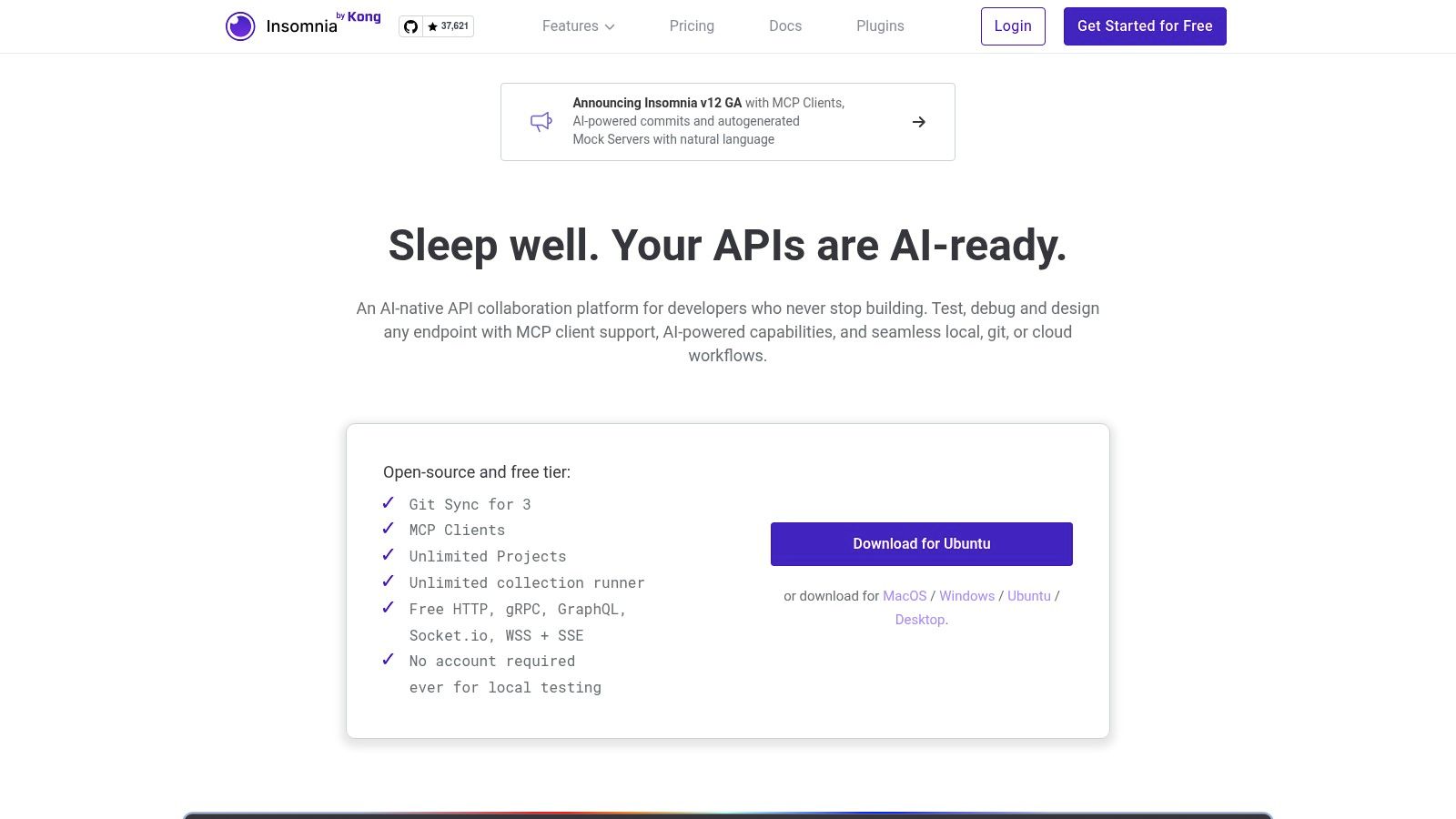
One of Insomnia’s most compelling features is its native Git Sync, which allows teams to manage API collections, design specifications, and test suites directly within a Git repository. This approach is a game-changer for teams practicing API-as-code, ensuring version control, peer reviews, and a single source of truth for API definitions. The platform’s extensibility through a rich plugin ecosystem allows users to add custom functionality, from custom authentication helpers to unique UI themes.
Key Features & Use Case
Insomnia is ideal for individual developers and teams who want a fast, multi-protocol client with first-class Git integration. Its command-line interface, Inso CLI, is perfect for integrating API tests and design linting directly into CI/CD pipelines. For a deeper dive into structuring your API test suites, which you can then automate with tools like Inso, you can explore best practices for REST API testing.
-
Pros:
- Sleek, intuitive user interface.
- Excellent native Git sync for API-as-code workflows.
- Robust plugin architecture for high customizability.
- Generous free tier with unlimited local projects.
-
Cons:
- Advanced collaboration features (like role-based access control) are behind a paywall.
- Can be resource-intensive when handling very large API collections.
Website: https://insomnia.rest
2. HTTPie
HTTPie has carved out a unique space as a developer-friendly alternative to Postman, originating as a wildly popular command-line tool before expanding into polished Web and Desktop applications. Its core philosophy revolves around making API interaction as intuitive and human-readable as possible. The platform excels at simplifying the process of sending requests and interpreting responses, with automatic JSON formatting, syntax highlighting, and a clean presentation that removes unnecessary noise.
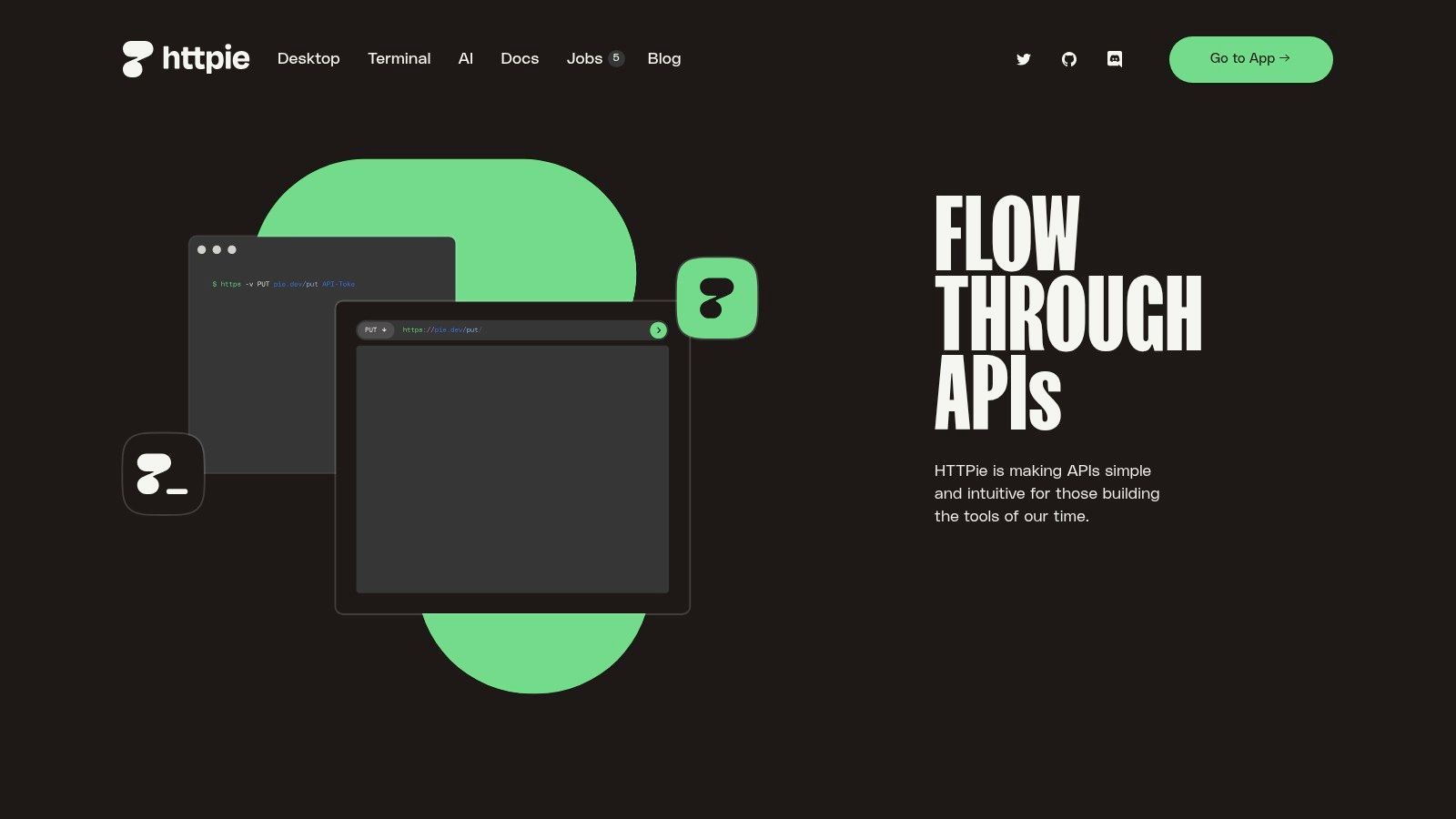
What makes HTTPie stand out is its seamless transition from a quick terminal command to a full-featured GUI experience. Developers can start with the powerful http CLI for quick, scripted interactions and then move to the Web or Desktop app for more complex workflows, such as managing collections and environments, without a steep learning curve. This flexibility, combined with its vibrant open-source community, makes it a powerful tool for both quick debugging and structured API testing.
Key Features & Use Case
HTTPie is the perfect choice for developers and testers who prioritize speed, simplicity, and readability in their daily API interactions. Its CLI is exceptional for ad-hoc requests, scripting, and integration into shell-based workflows. The GUI apps provide a more organized environment for managing persistent API collections and collaborating within a team, all while maintaining the core focus on a clean, uncluttered user experience.
-
Pros:
- Extremely low learning curve and user-friendly syntax.
- Powerful CLI that is a favorite among terminal users.
- Beautiful, automatic formatting of requests and responses.
- Strong open-source foundation with a very active community.
-
Cons:
- Advanced team collaboration features are less mature than dedicated API suites.
- Lacks some of the extensive automation and testing features found in more complex tools.
Website: https://httpie.io
3. Hoppscotch
Hoppscotch emerges as a compelling open-source alternative to Postman, celebrated for its speed and lightweight, web-first approach. Initially built as a Progressive Web App (PWA), it offers a seamless experience directly in the browser without requiring any installation, which is a major draw for developers seeking immediate access. It has since expanded to include desktop and CLI versions, providing flexibility for different workflows while maintaining its performance-oriented core.
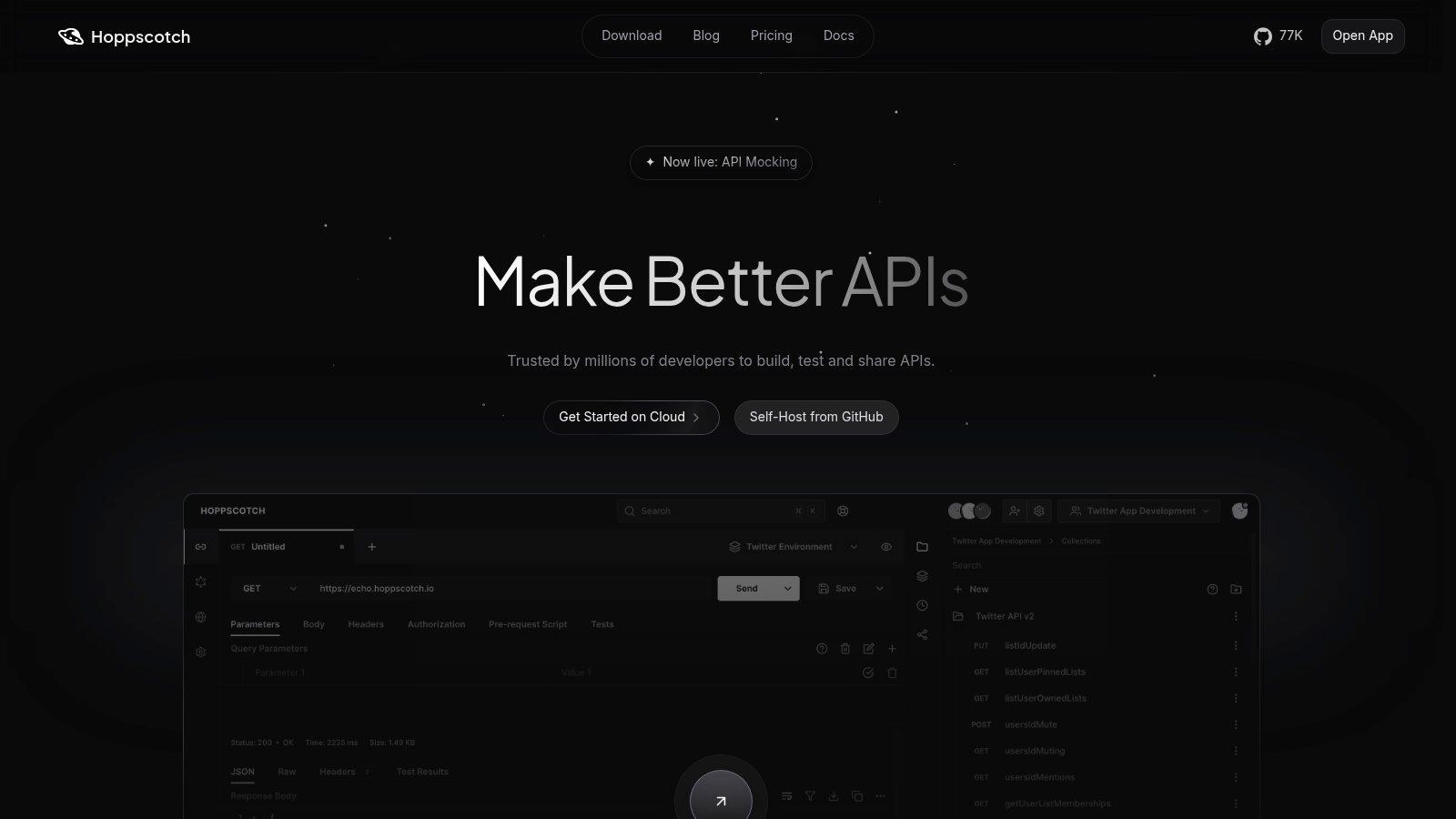
A key differentiator for Hoppscotch is its generous free tier and commitment to open-source principles, making it highly accessible for individuals and startups. It supports a wide array of protocols, including HTTP, GraphQL, WebSockets, Socket.IO, and MQTT, catering to diverse development needs. For organizations prioritizing data sovereignty and control, Hoppscotch offers a straightforward on-premise or self-hosting option, allowing teams to run the entire platform within their own infrastructure.
Key Features & Use Case
Hoppscotch is an excellent choice for teams that value speed, open-source software, and cost-effectiveness. Its real-time collaboration features, available even on the free plan, allow multiple users to work on the same API collections simultaneously. The platform is ideal for agile teams looking for a fast, browser-based client for daily API development and testing, with the option to self-host for enhanced security and customization.
-
Pros:
- Extremely generous free tier with unlimited requests and workspaces.
- Web-first design provides instant access with no installation needed.
- Open-source with a strong community and self-hosting capabilities.
- Clean, modern, and highly responsive user interface.
-
Cons:
- The plugin and integration ecosystem is less mature than older competitors.
- Advanced features like SSO and detailed audit logs are reserved for paid plans.
Website: https://hoppscotch.com
4. Bruno
Bruno is carving out a niche as a compelling alternative to Postman for developers who champion an offline-first, Git-native workflow. This open-source API client is built on the principle that API collections should be treated like code, storing them as plain-text files with a .bru extension directly within your filesystem. This approach eliminates cloud lock-in and puts developers in full control, allowing collections to be versioned, reviewed, and collaborated on using standard Git practices.
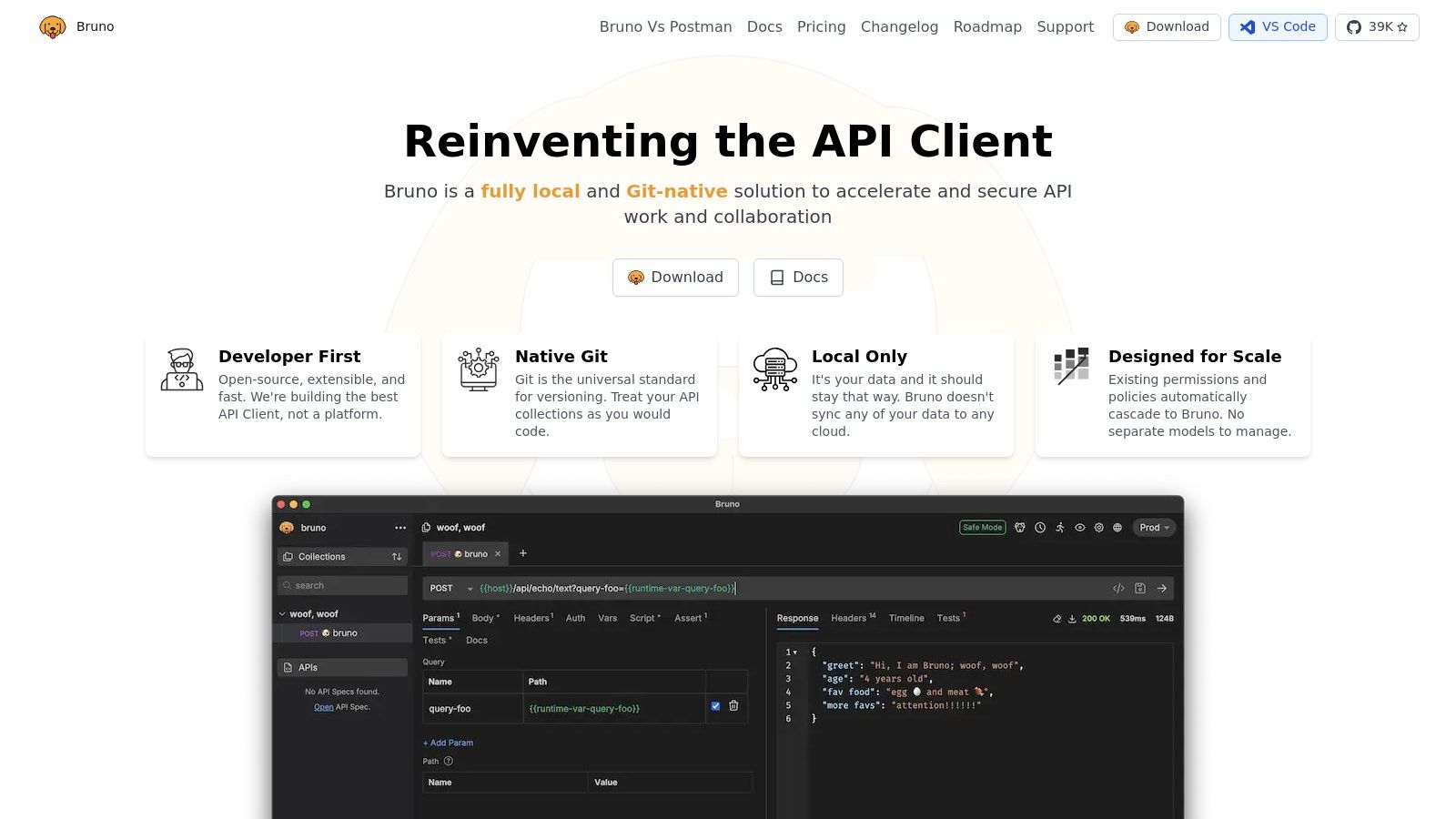
The core appeal of Bruno is its simplicity and developer-centric design. It operates entirely offline without requiring any user accounts or cloud synchronization, ensuring privacy and speed. Its support for REST, GraphQL, and other protocols, combined with a lightweight interface, makes it a fast and efficient tool for daily API interactions. The command-line interface further extends its utility, enabling seamless integration of API tests and requests into CI/CD pipelines.
Key Features & Use Case
Bruno is the perfect choice for teams and individual developers who prioritize version control and want to manage their API collections alongside their codebase in Git. Its text-based format makes pull requests and code reviews straightforward, as changes to requests are easy to diff and understand. It’s an excellent tool for those who dislike the overhead of cloud-based platforms and prefer a fast, local-first experience.
-
Pros:
- Truly offline-first and privacy-focused; no account needed.
- Git-native workflow with collections stored as plain-text files.
- Lightweight, fast, and supports multiple protocols.
- Free and open-source for core features.
-
Cons:
- Intentionally lacks cloud sync, which may not suit all team workflows.
- Some advanced features, like enterprise-level support, are reserved for paid editions.
Website: https://www.usebruno.com
5. ReadyAPI (SmartBear)
ReadyAPI by SmartBear is an enterprise-grade platform that goes far beyond the capabilities of a simple API client, positioning itself as a comprehensive testing suite. Evolved from the widely-used SoapUI Pro, it’s designed for QA teams and organizations in regulated industries that require robust, end-to-end testing functionalities. Its strength lies in consolidating functional, load, and security testing into a single, integrated toolchain, supporting a wide array of protocols including REST, SOAP, GraphQL, and even JMS/JDBC.
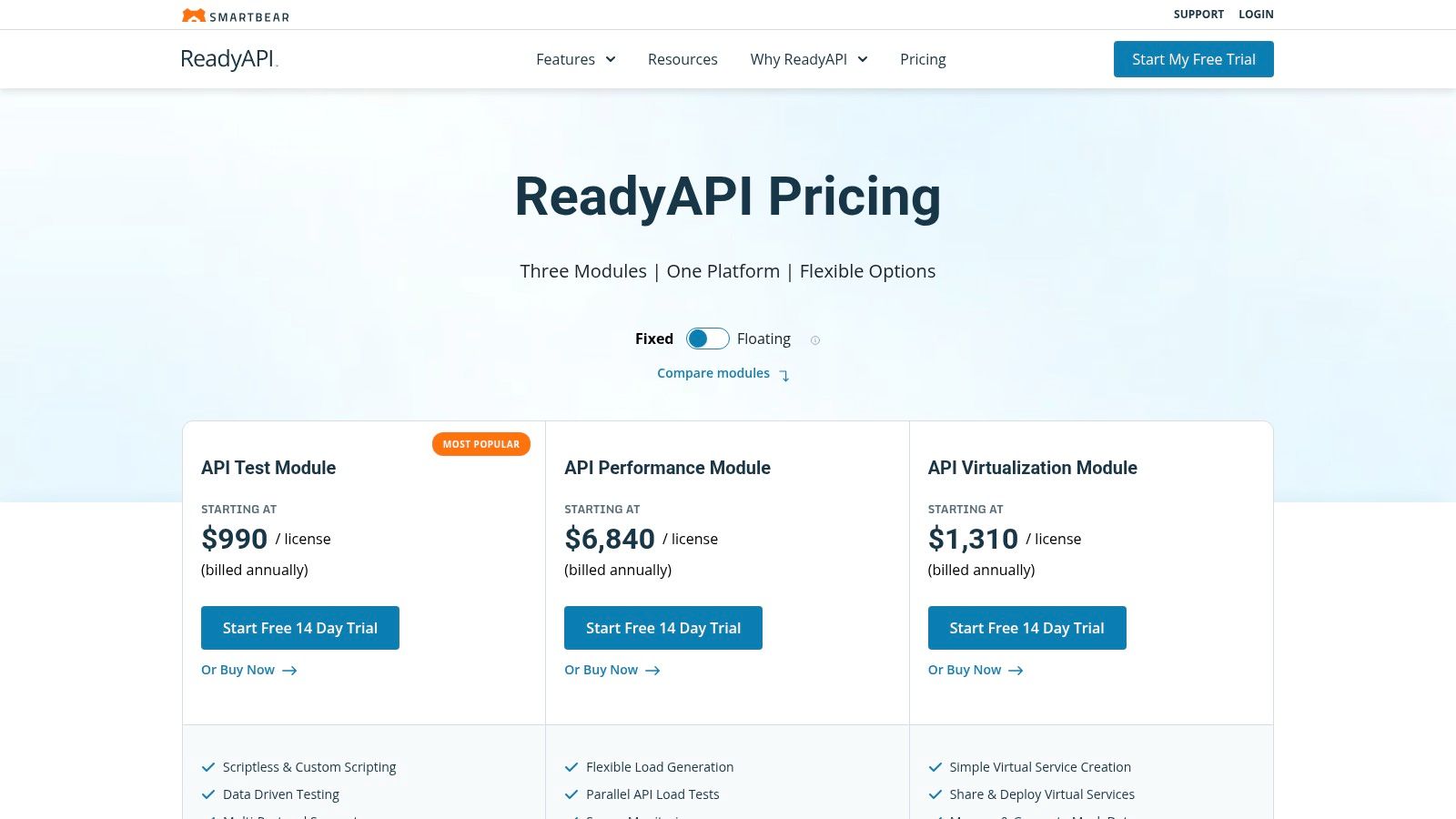
The platform is modular, allowing teams to license only the components they need: API Test, API Performance, and API Virtualization. This approach makes it a powerful alternative to Postman for teams that have outgrown basic request-response validation and need sophisticated test automation. ReadyAPI excels at creating data-driven tests, complex multi-step workflows, and detailed performance test scenarios that can simulate high-volume, real-world traffic conditions. Its powerful API virtualization feature enables teams to build and test against mock services, decoupling dependencies and accelerating development cycles.
Key Features & Use Case
ReadyAPI is best suited for dedicated QA teams and enterprises that need a holistic testing solution with extensive reporting, CI/CD integration, and support for complex legacy systems. Its combination of no-code test creation and powerful scripting options caters to both technical and non-technical testers. For a broader overview of how it fits into the ecosystem, you can explore this guide to API testing tools.
-
Pros:
- Comprehensive testing suite covering functional, performance, and security.
- Excellent for data-driven testing and complex test scenarios.
- Powerful API virtualization and mocking capabilities.
- Strong support for SOAP and other enterprise protocols.
-
Cons:
- Significantly higher cost compared to lightweight API clients.
- Can be complex with a steeper learning curve for new users.
- More resource-intensive than simpler Postman alternatives.
Website: https://www.soapui.org/tools/readyapi/pricing/
6. RapidAPI Studio
RapidAPI Studio extends the concept of an API client into a fully integrated, browser-based ecosystem for the entire API lifecycle. It’s a compelling alternative to Postman for developers who not only consume APIs but also build, manage, and monetize them. Its core component, an HTTP client named “Requests,” provides a familiar interface for making and inspecting API calls directly in the browser, eliminating the need for a separate desktop application for basic testing.
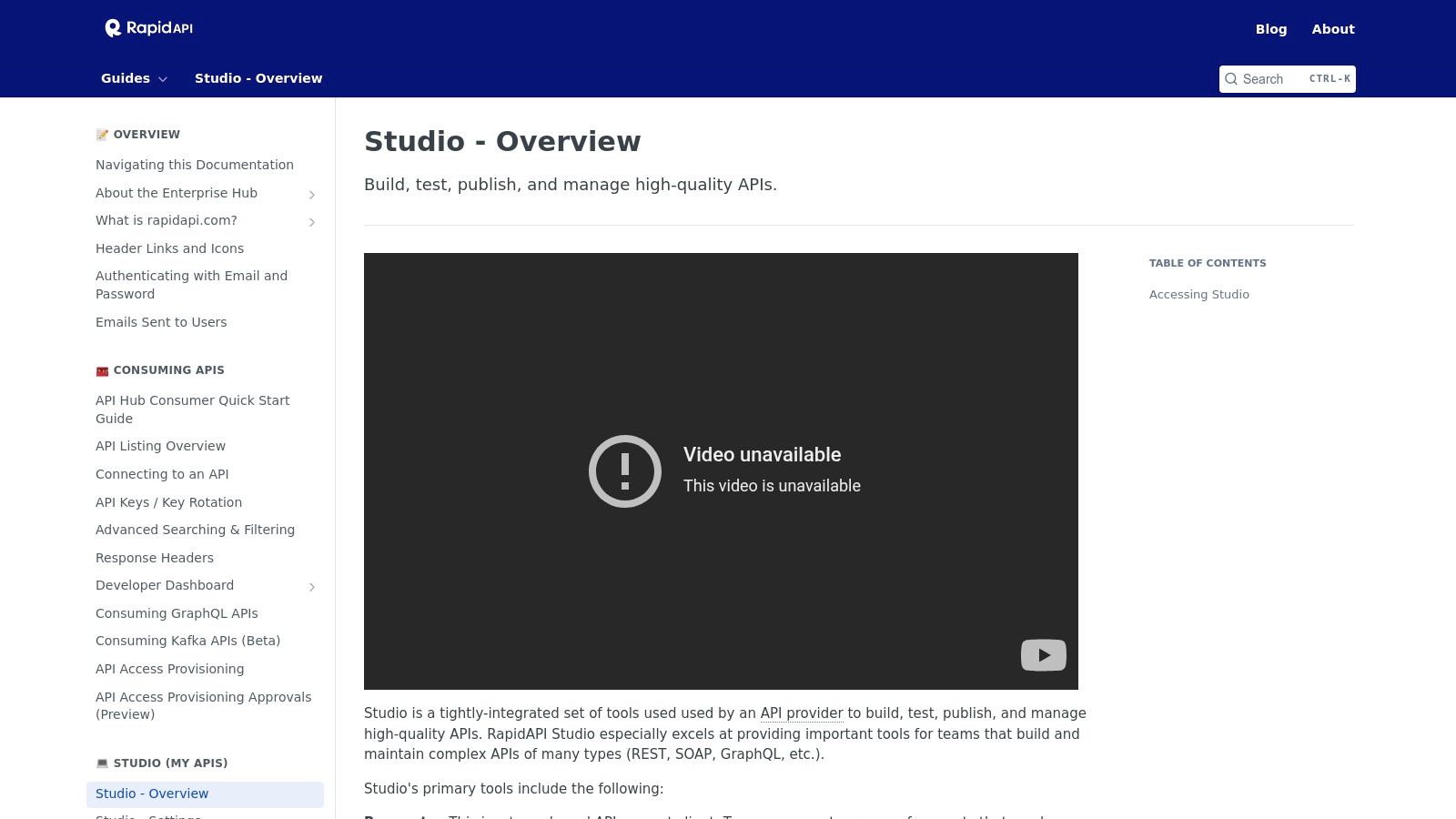
The platform’s true power is revealed in its seamless integration with the wider RapidAPI Hub, the world’s largest API marketplace. Developers can test an API and then immediately publish it, set up monetization tiers, and monitor its performance with built-in analytics. The accompanying VS Code extension allows for bidirectional synchronization, enabling teams to work from their preferred IDE while keeping their API definitions and tests aligned with the cloud-based Studio, blending local development with a powerful cloud backend.
Key Features & Use Case
RapidAPI Studio is best suited for API providers and teams deeply invested in the RapidAPI ecosystem. It offers a streamlined path from initial API design and testing to public distribution and management. The built-in testing and monitoring tools allow you to schedule tests from multiple geographic locations, set up performance alerts, and ensure your API meets its service-level agreements, all from a single, unified dashboard.
-
Pros:
- Fully browser-based, requiring zero installation for core client functionality.
- Provides a smooth workflow from testing to publishing and monetizing on the RapidAPI Hub.
- VS Code extension enables a powerful sync between local IDE and cloud platform.
- Integrated API testing, monitoring, and analytics for providers.
-
Cons:
- Its value is maximized when using the RapidAPI Hub; less compelling as a standalone client.
- Marketplace APIs can have varied quality and documentation, requiring careful evaluation.
Website: https://docs.rapidapi.com/docs/studio-overview
7. Paw
Paw distinguishes itself as a premier alternative to Postman specifically for developers embedded in the Apple ecosystem. As a full-featured, native macOS application, it offers a beautifully designed and highly intuitive user interface that feels right at home on a Mac. Paw goes beyond simple requests, providing a powerful environment for composing, inspecting, and documenting APIs with features like dynamic values, environment variables, and comprehensive authentication support. Its native performance and deep integration with macOS are its core selling points.
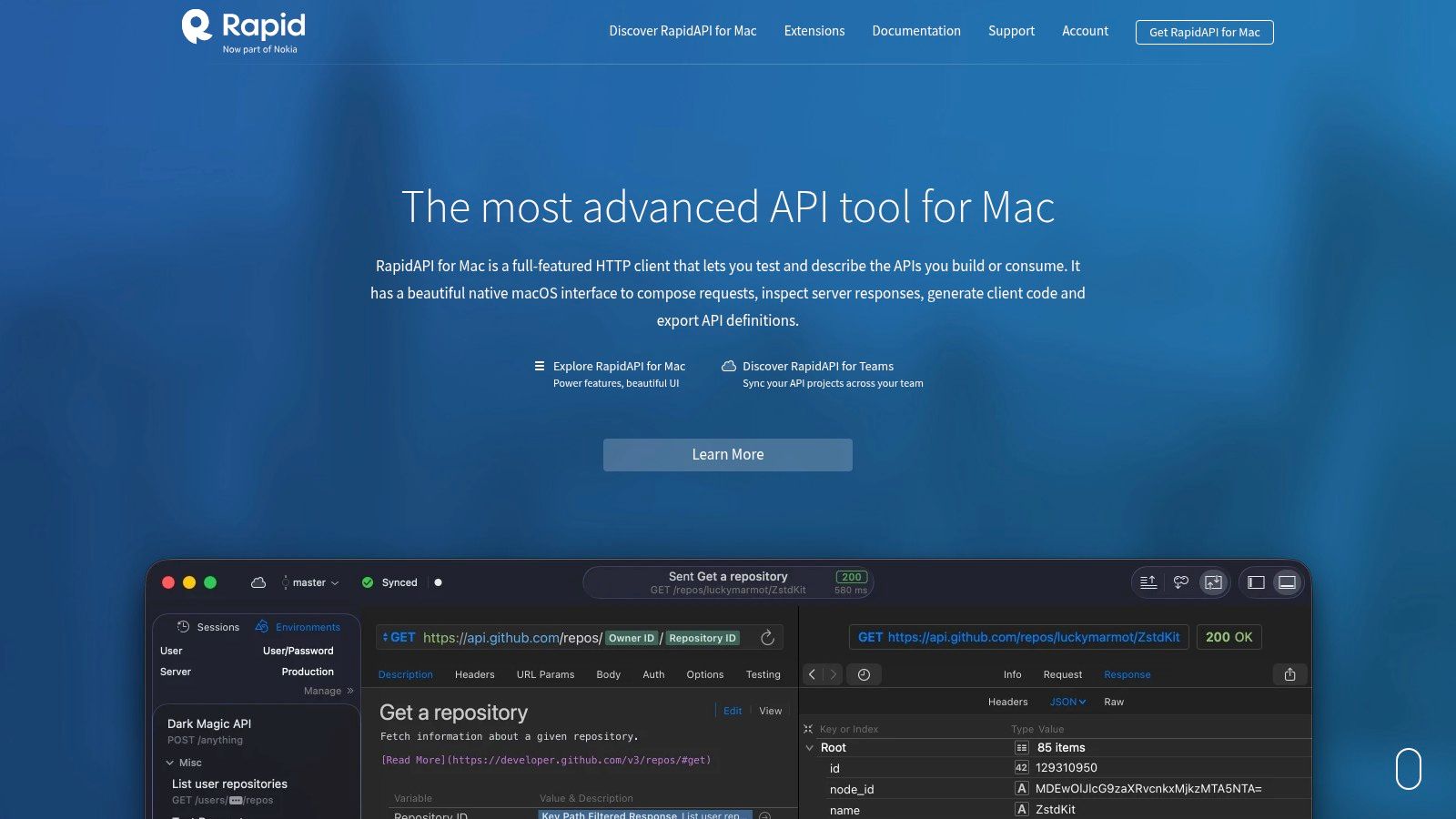
Acquired by RapidAPI, Paw now integrates seamlessly with RapidAPI Studio, transforming it from a solo developer tool into a collaborative platform. This allows teams to sync API collections, share environments, and work together in a shared workspace, bridging the gap between local development and cloud-based collaboration. The platform also boasts impressive code generation capabilities, allowing users to instantly create client code for various languages and libraries directly from their API requests, significantly speeding up development workflows.
Key Features & Use Case
Paw is the ideal choice for macOS-based developers and teams who prioritize a polished, native user experience and powerful, visually-driven tools for API interaction. Its ability to import standard formats like OpenAPI and Swagger makes it easy to adopt, while its integration with RapidAPI Studio provides a clear path for teams that need collaborative features. It shines for individuals who value a refined UI and for teams looking to standardize their API client on macOS.
-
Pros:
- Beautiful and polished native macOS interface.
- Powerful request editor with dynamic values and extensions.
- Excellent code generation for multiple languages.
- Team collaboration and syncing via RapidAPI Studio.
-
Cons:
- Exclusively available on macOS, locking out Windows and Linux users.
- Advanced team collaboration and syncing features require a RapidAPI subscription.
Website: https://paw.cloud
8. Thunder Client
For developers who live inside their code editor, Thunder Client offers a compelling alternative to Postman by integrating a lightweight yet powerful API client directly into Visual Studio Code. This extension eliminates the need to switch applications, providing a seamless workflow for designing, testing, and debugging APIs alongside your code. Its strength lies in its simplicity and speed, offering a familiar, GUI-based experience without leaving the VS Code environment.
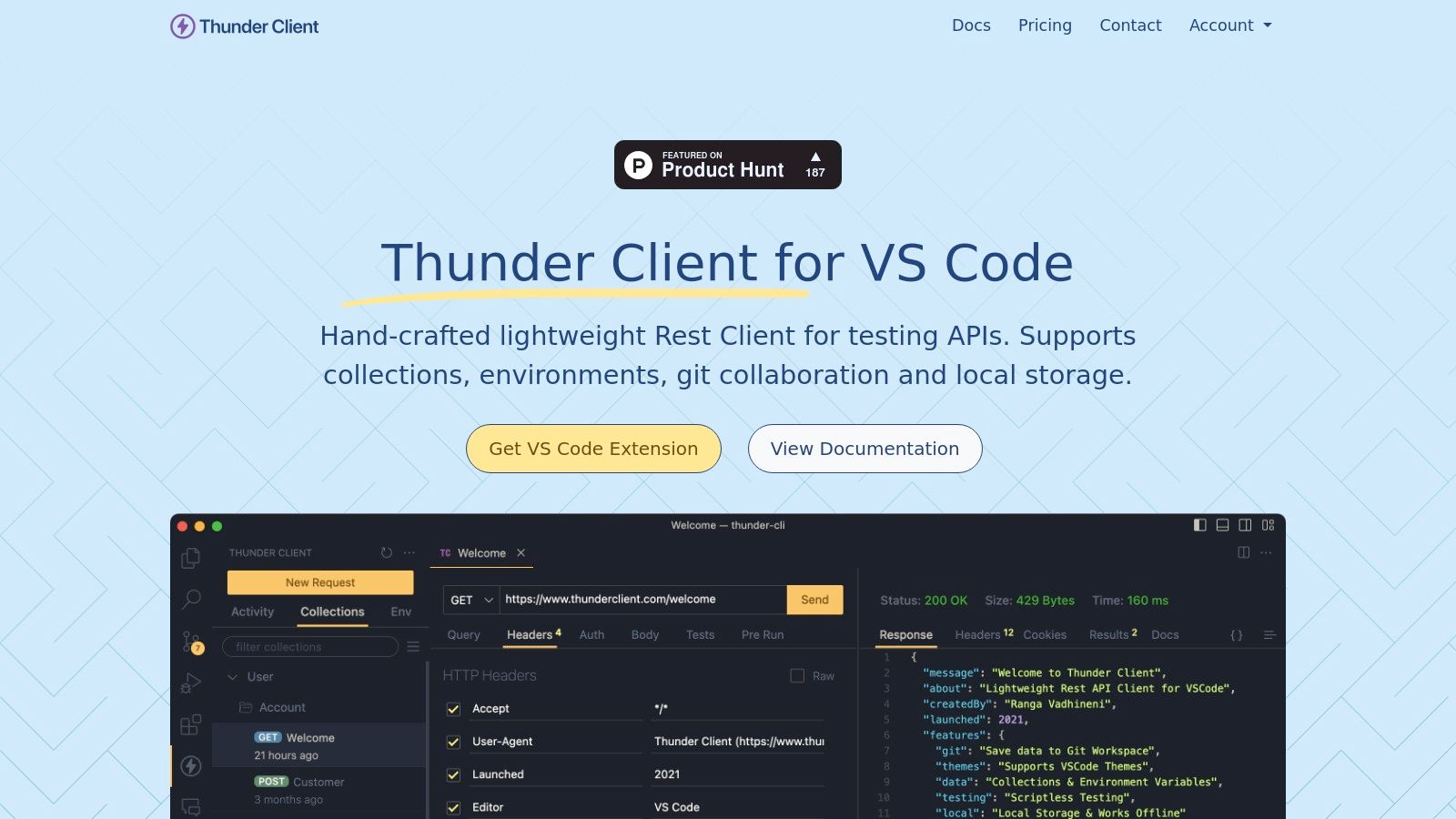
Thunder Client supports essential API development features, including environments, collection runners, and automated testing, making it surprisingly robust for an extension. It handles not just standard REST requests but also supports modern protocols like GraphQL, WebSockets, and Server-Sent Events (SSE). The built-in scripting support allows for complex test assertions, while its Git integration helps keep API collections version-controlled with the rest of your project codebase.
Key Features & Use Case
Thunder Client is the perfect choice for developers seeking an integrated, fast, and convenient API testing tool within VS Code for day-to-day tasks. Its CLI support enables the integration of collection runs directly into CI/CD pipelines, making it a viable option for teams that prioritize development environment consistency. The user interface is clean and intuitive, requiring virtually no learning curve for anyone familiar with Postman or similar tools.
-
Pros:
- Fully integrated into the VS Code ecosystem for a unified workflow.
- Extremely lightweight and fast, with a simple, easy-to-use interface.
- Supports environments, collection runners, and basic test scripting.
- Free for local use, making it highly accessible.
-
Cons:
- The free plan is restricted to non-commercial use and has feature limitations.
- Advanced collaboration and cloud sync features require a paid subscription.
- Less powerful than standalone desktop clients for managing enterprise-scale API collections.
Website: https://www.thunderclient.com
9. Advanced REST Client (ARC)
Advanced REST Client (ARC) has earned its spot as a reliable alternative to Postman by offering a focused, free, and open-source desktop API client. Originally a popular Chrome extension, it has since evolved into a standalone application for Windows, macOS, and Linux. Its strength lies in its simplicity and accessibility, providing all the essential tools for API testing without the complexity or cost associated with larger platforms.
ARC provides a straightforward yet capable experience, supporting request history, environments, scripting with variables, and a built-in documentation viewer for RAML and OpenAPI (OAS). A unique feature is its integration with Google Drive, allowing users to save and share project data across devices. This makes it a practical choice for developers who need a simple way to sync their work without committing to a specific proprietary cloud service or complex version control system.
Key Features & Use Case
ARC is best suited for individual developers, students, or small teams who need a no-frills, cost-effective tool for routine API interaction and testing. Its clean interface makes it easy to quickly author and send requests, manage variables across different environments (like development and production), and inspect responses. The Google Drive sync is a pragmatic solution for consultants or freelancers who switch between machines and need a simple backup and sharing mechanism.
-
Pros:
- Completely free and actively maintained.
- Simple, uncluttered user interface that is easy to learn.
- Convenient data sharing and backup via Google Drive.
- Available as a dedicated desktop client for all major operating systems.
-
Cons:
- Lacks the advanced team collaboration and CI/CD integration features of larger platforms.
- Automatic updates are not yet supported for the Linux version.
Website: https://www.advancedrestclient.com
10. Talend API Tester (Free Edition)
Talend API Tester emerges as a highly convenient alternative to Postman for developers deeply integrated into the browser ecosystem. Delivered as a free Chrome extension, it provides a lightweight yet capable solution for making API requests directly from the browser. Its strength lies in its simplicity and accessibility, allowing users to test endpoints, manage environments, and create assertions without leaving their web development workflow. This makes it an excellent tool for quick debugging and validation tasks.
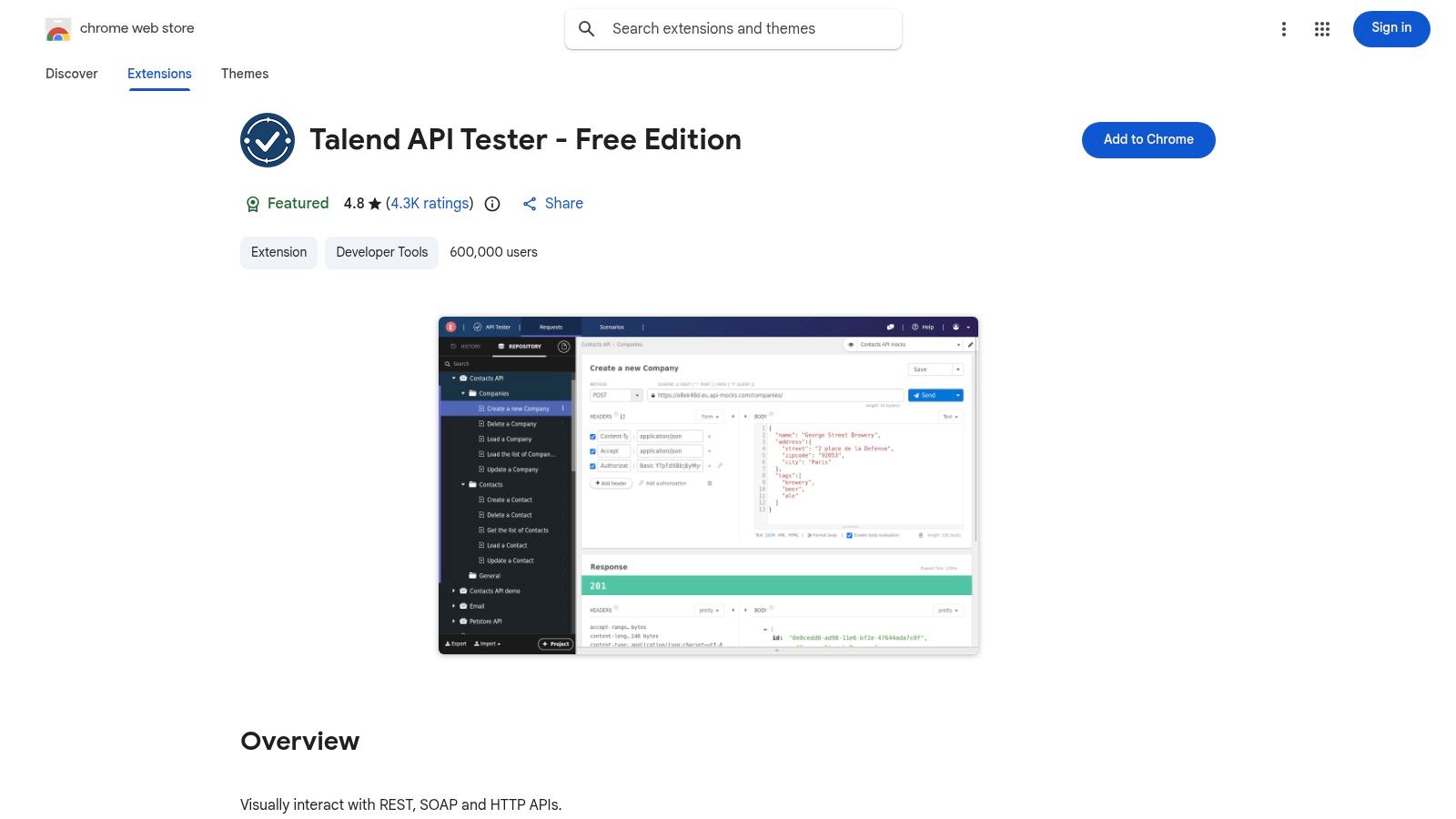
The platform features a visual request builder that maintains a history of requests, making it easy to resend and modify previous calls. Support for environments and variables allows users to switch between different setups, such as development and production, seamlessly. For users of the Talend or Qlik ecosystem, the extension offers a unique “Try in API Tester” integration directly from their documentation, creating a smooth transition from reading API specs to executing real-time tests.
Key Features & Use Case
Talend API Tester is ideal for developers, QA engineers, and technical writers who need a quick, browser-based tool for API interaction and testing. Its tight integration with Talend/Qlik documentation provides a significant workflow advantage for users of those platforms. The ability to install it with a single click from the Chrome Web Store makes it one of the most frictionless options available for immediate API testing needs without requiring a standalone application download.
-
Pros:
- Extremely quick to install and use directly within Google Chrome.
- Seamless doc-to-test workflow for users within the Talend/Qlik ecosystem.
- Simple, intuitive interface for managing requests, environments, and assertions.
-
Cons:
- Entirely dependent on the Chrome browser; no native desktop client is available.
- The Free Edition license restricts usage to one user per browser UI session, limiting team collaboration.
Website: https://chromewebstore.google.com/detail/aejoelaoggembcahagimdiliamlcdmfm
11. Apidog
Apidog positions itself as an integrated, all-in-one API collaboration platform, aiming to unify the entire API lifecycle from design to testing within a single toolchain. It’s a compelling alternative to Postman for teams seeking to consolidate their tooling and reduce costs. Apidog combines API design, documentation, debugging, mocking, and automated testing into one coherent application, available on both desktop and web.
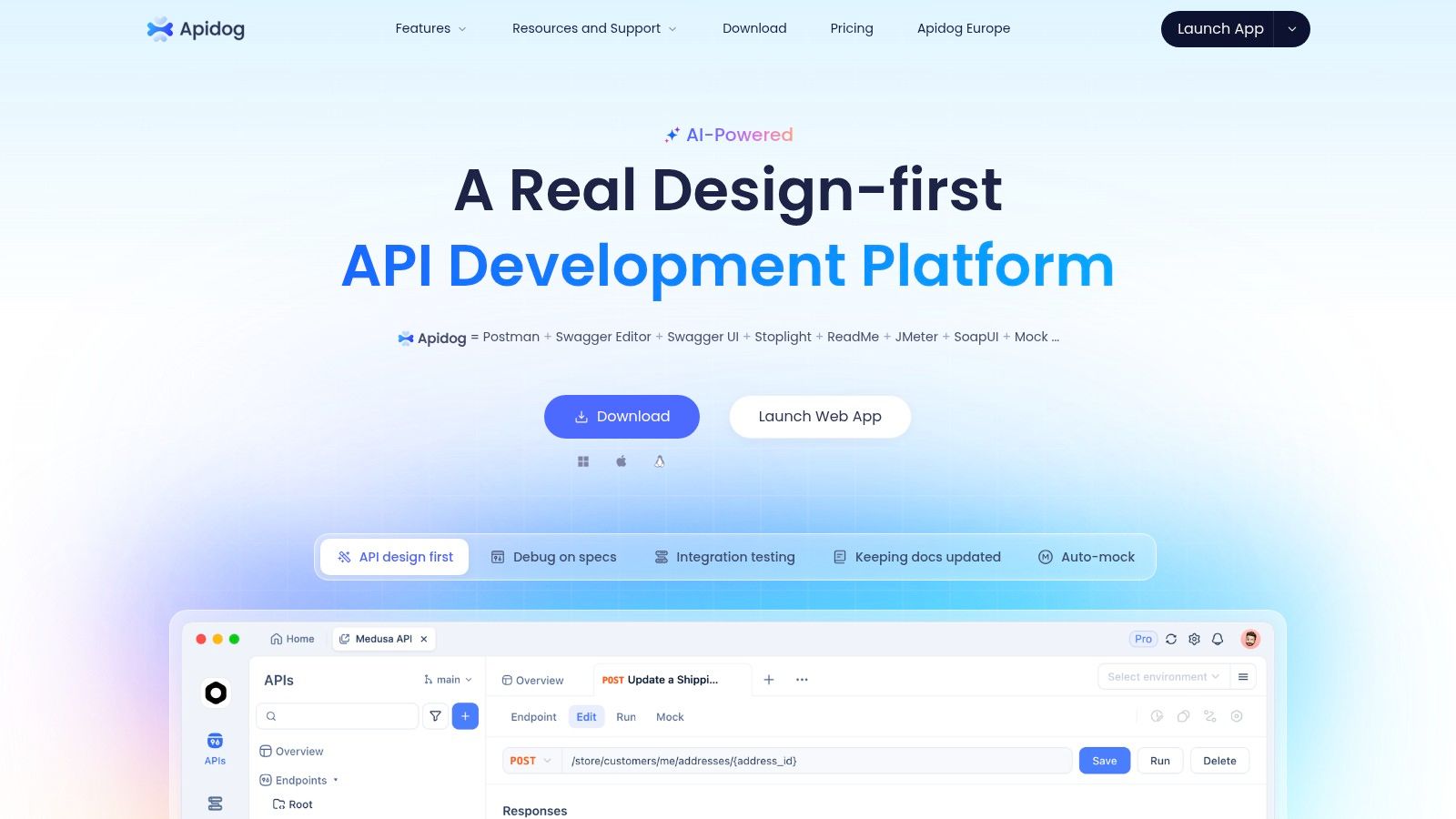
The platform’s main value proposition is its “Design-first” approach, where changes to the API specification automatically propagate to documentation, mock servers, and test cases. This synchronization eliminates the common problem of outdated docs or tests. Its ability to import collections from Postman, Insomnia, and OpenAPI specifications makes migration straightforward for teams looking to switch. The inclusion of a command-line interface also allows for seamless integration of API tests into CI/CD pipelines.
Key Features & Use Case
Apidog is best suited for startups and mid-sized teams that want a cost-effective, unified solution to manage their API workflow without juggling multiple subscriptions. Its generous free tier, which includes unlimited personal projects and collaboration for small teams, makes it highly accessible. The platform is ideal for organizations looking to streamline processes and ensure consistency across API design, development, and testing phases.
-
Pros:
- Broad feature set covering the entire API lifecycle in a single platform.
- Generous free tier suitable for individual developers and small teams.
- Automatic synchronization between API design, docs, mocks, and tests.
- Smooth import process from other popular API tools.
-
Cons:
- As a newer player, its ecosystem and community are less mature than incumbents.
- Organizations with strict data residency or compliance needs should verify its policies.
Website: https://apidog.com
12. Reqable
Reqable carves out a unique niche by combining a full-featured API client with powerful debugging proxy capabilities, similar to tools like Fiddler or Charles. This dual functionality allows developers to not only send requests but also to intercept, inspect, and modify HTTP/HTTPS traffic from any application on their system. It supports a modern range of protocols, including REST, HTTP/2, HTTP/3, and WebSockets, making it a versatile tool for debugging complex client-server interactions.
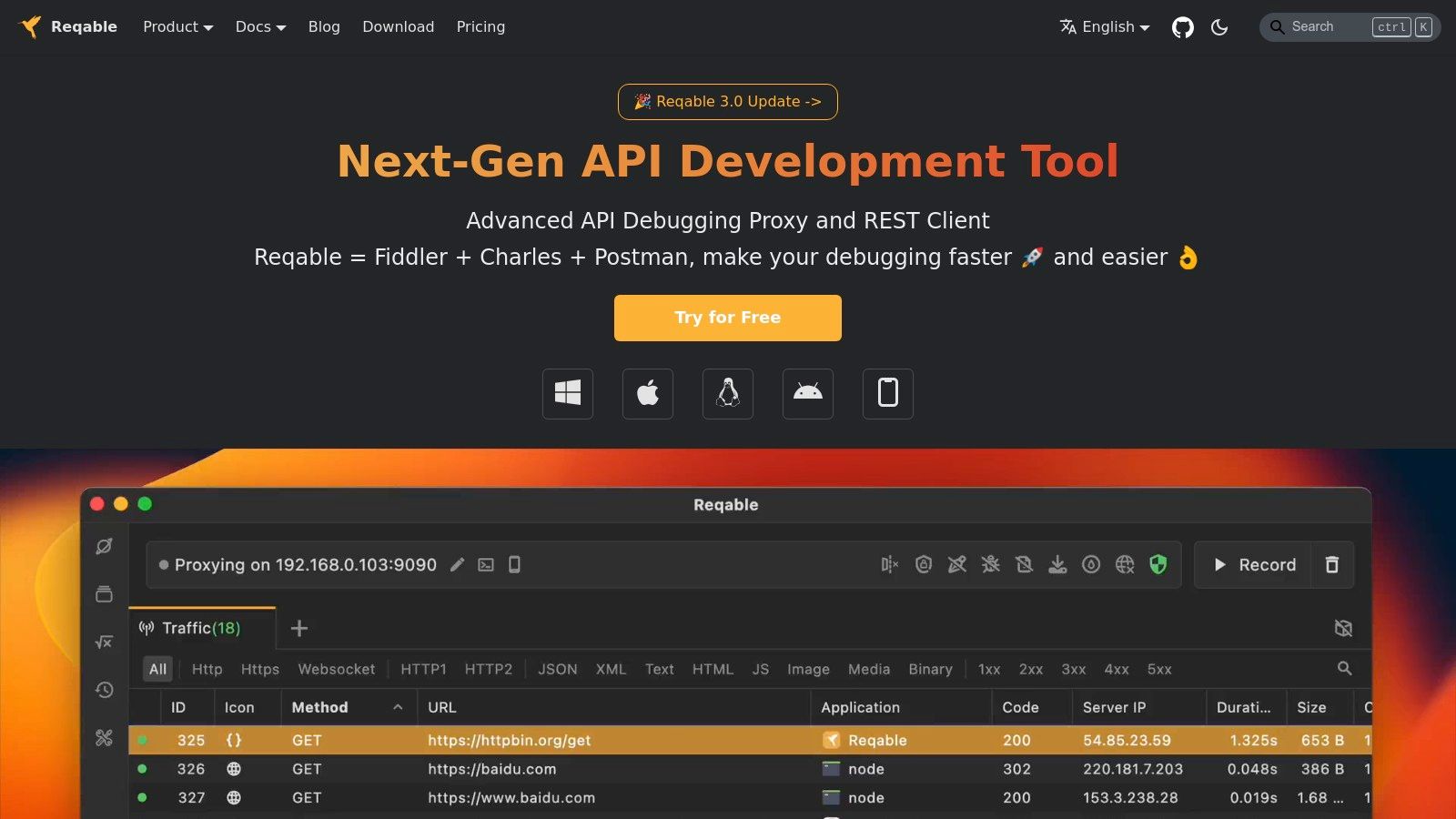
The platform’s standout feature is its deep traffic manipulation toolkit. Developers can set up rewrite rules using scripts, establish breakpoints to pause and modify requests or responses in-flight, and mirror traffic for detailed analysis. This makes Reqable an excellent alternative to Postman for scenarios where the goal is less about API contract testing and more about reverse-engineering or debugging the behavior of existing web or mobile applications. The ability to manage API collections and environments alongside these debugging tools creates a cohesive workflow.
Key Features & Use Case
Reqable is the ideal choice for developers, particularly mobile and front-end engineers, who need to debug API communications from a client they don’t control. Its proxy and traffic rewriting tools are perfect for simulating various server responses, testing edge cases, or analyzing third-party API behavior without needing to alter client-side code. The availability of a lifetime license for its premium features presents a compelling value proposition against subscription-based models.
-
Pros:
- Combines an API client and a debugging proxy in a single application.
- Advanced traffic manipulation with rewrite scripts and breakpoints.
- Lifetime license option offers great long-term value.
- Modern protocol support including HTTP/2 and HTTP/3.
-
Cons:
- Cloud synchronization and advanced team features require a premium plan.
- May be overly complex for users who only need a simple REST client.
Website: https://reqable.com
Top 12 Postman Alternatives — Quick Feature Comparison
| Tool | Core features | UX / Quality (★) | Pricing / Value (💰) | Target audience (👥) | Unique / USP (✨/🏆) |
|---|---|---|---|---|---|
| Insomnia | Multi-protocol client, Inso CLI, mocks & storage | ★★★★☆ polished & extensible | 💰 Freemium (generous free; paid collab) | 👥 Teams & devs wanting Git workflows | ✨ Git-first collaboration & plugin ecosystem |
| HTTPie | CLI + Web/Desktop clients, pretty JSON, history | ★★★★☆ fast, readable CLI-first | 💰 Open-source core; paid tiers for advanced | 👥 CLI-centric devs & quick testers | ✨ Human-friendly CLI & pretty output |
| Hoppscotch | OSS client, mocks, docs, on‑prem/self‑host | ★★★★☆ very fast & lightweight | 💰 Freemium (very generous free plan) | 👥 OSS fans & small/price-sensitive teams | ✨ Unlimited free usage + on‑prem option |
| Bruno | Offline-first, .bru files, Git-native workflows | ★★★★☆ local-first, privacy-focused | 💰 Open-source (paid enterprise options) | 👥 Privacy-first teams & Git-centric workflows | ✨ Plain-text collections + no cloud lock‑in |
| ReadyAPI (SmartBear) | Functional, load, virtualization, security testing | ★★★★★ enterprise-grade | 💰 Paid (higher cost) with trials | 👥 QA, regulated & enterprise teams | 🏆 Deep testing, reporting & virtualization |
| RapidAPI Studio | Browser-based studio, client, testing, Hub publish | ★★★★☆ integrated cloud experience | 💰 Freemium (aligned to Hub monetization) | 👥 API providers & browser-first teams | ✨ Smooth path from testing → publishing/monetization |
| Paw | macOS-native client, envs, codegen, import/export | ★★★★☆ polished Mac UX | 💰 Paid macOS app (subscription/lic) | 👥 Mac-first developers | ✨ Native macOS experience & code generation |
| Thunder Client | VS Code extension, runners, CI support, gRPC/WS | ★★★★☆ very fast in-editor | 💰 Freemium (editor extension; limits on free) | 👥 VS Code users & rapid debugging | ✨ Editor-native lightweight client |
| Advanced REST Client (ARC) | Desktop installers, envs, scripting, OAS viewer | ★★★☆☆ solid & straightforward | 💰 Free | 👥 Users needing a free cross‑platform desktop client | ✨ Free desktop + built‑in API doc viewer |
| Talend API Tester (Free) | Chrome extension, visual builder, assertions | ★★★☆☆ quick browser testing | 💰 Free Edition (single‑user/browser limits) | 👥 Talend/Qlik users & browser workflows | ✨ “Try in API Tester” doc integration |
| Apidog | Web/desktop client, design, docs, mock, CLI | ★★★★☆ broad feature coverage | 💰 Freemium (generous free; affordable per‑user) | 👥 Small teams wanting full API lifecycle | ✨ All‑in‑one lower‑cost platform |
| Reqable | API debugging proxy + client, capture & breakpoints | ★★★★☆ deep debugging & intercept | 💰 Freemium → Premium (lifetime license option) | 👥 Devs needing proxy + client in one app | ✨ Integrated capture/rewrite/breakpoints |
Choosing Your Ideal API Toolkit
The landscape of API development and testing has moved far beyond a one-size-fits-all approach. As we’ve explored, the search for an alternative to Postman isn’t about finding a direct replacement; it’s about identifying a tool, or a combination of tools, that perfectly aligns with your team’s specific development philosophy and workflow requirements. The Postman-centric world has given way to a vibrant ecosystem of specialized, powerful, and often more focused solutions.
The journey through Insomnia, Hoppscotch, Bruno, and others reveals a clear trend: developers and QA engineers now have the power to choose tools that mirror how they work. The era of adapting your workflow to a monolithic tool is over. Instead, you can now build a bespoke API toolkit that enhances your existing processes, rather than forcing you into a new one.
Synthesizing Your Options: Key Takeaways
Your final decision hinges on a few core priorities. If your team is deeply embedded in a “configuration as code” or GitOps methodology, Bruno stands out with its Git-native design, making API collections a natural part of your version-controlled codebase. For those who practically live inside their IDE, extensions like Thunder Client for VS Code offer unparalleled convenience, eliminating context-switching and keeping API requests just a click away from your code.
For open-source advocates and teams seeking a powerful, web-based collaborative environment without vendor lock-in, Hoppscotch presents a compelling, feature-rich platform. Similarly, Insomnia provides a polished, enterprise-ready experience that scales from individual developers to large organizations, offering robust automation and team synchronization features. Meanwhile, command-line aficionados will find the elegance and scriptability of HTTPie to be a refreshing and highly efficient way to interact with APIs directly from the terminal.
How to Make the Right Choice for Your Team
Selecting the best alternative to post-Postman requires a thoughtful evaluation of your team’s unique needs. Don’t just look at feature lists; consider the practical, day-to-day realities of your development lifecycle.
Here are the critical questions to guide your decision:
- Where does your team spend most of its time? If the answer is your IDE, an integrated client like Thunder Client is a logical choice. If it’s the command line, HTTPie is your best bet.
- How critical is collaboration? For teams that need seamless sharing of collections, environments, and tests, platforms like Hoppscotch, Insomnia, and RapidAPI Studio offer superior collaborative features.
- What is your approach to automation and CI/CD? Evaluate how easily a tool’s CLI or testing framework integrates into your existing pipelines. Tools with strong command-line support and straightforward integration are essential for mature DevOps practices.
- What is your budget and philosophy on open source? Your decision will be heavily influenced by whether you prefer a fully managed SaaS product, a commercial on-premise solution like ReadyAPI, or a community-driven open-source tool like Bruno or Hoppscotch.
Ultimately, the best tool is the one that removes friction and empowers your team to build, test, and deploy APIs faster and with greater confidence. The perfect alternative to Postman for you is out there; it’s the one that feels less like a separate application and more like a natural extension of your engineering workflow.
Ready to validate your API’s performance against the ultimate test: real-world production traffic? While the tools above excel at authoring and functional testing, GoReplay specializes in capturing and replaying your actual user traffic, allowing you to perform realistic load testing and shadow testing before a single customer is affected. Discover how to build more resilient systems by visiting GoReplay and integrating production-grade validation into your development cycle.